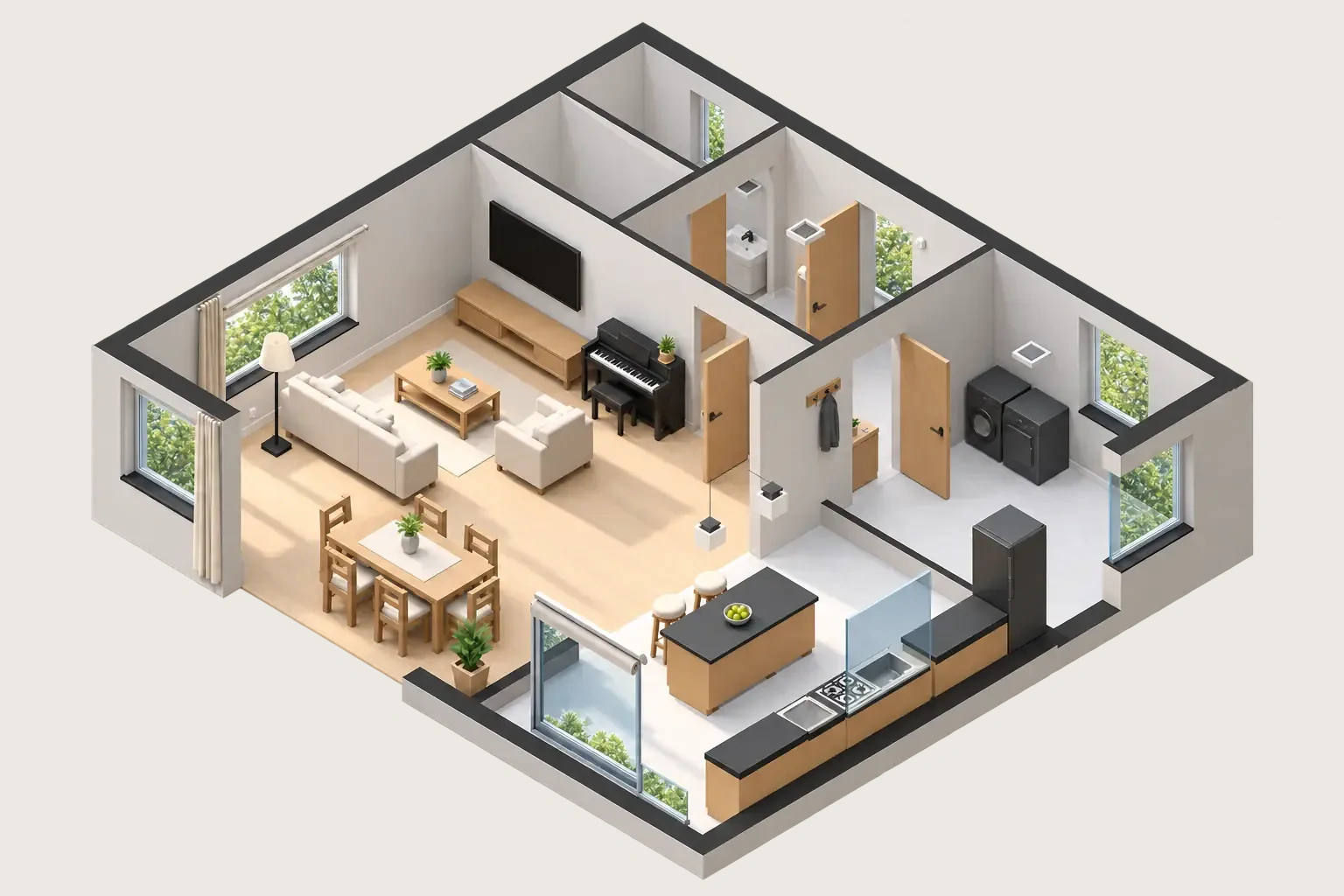
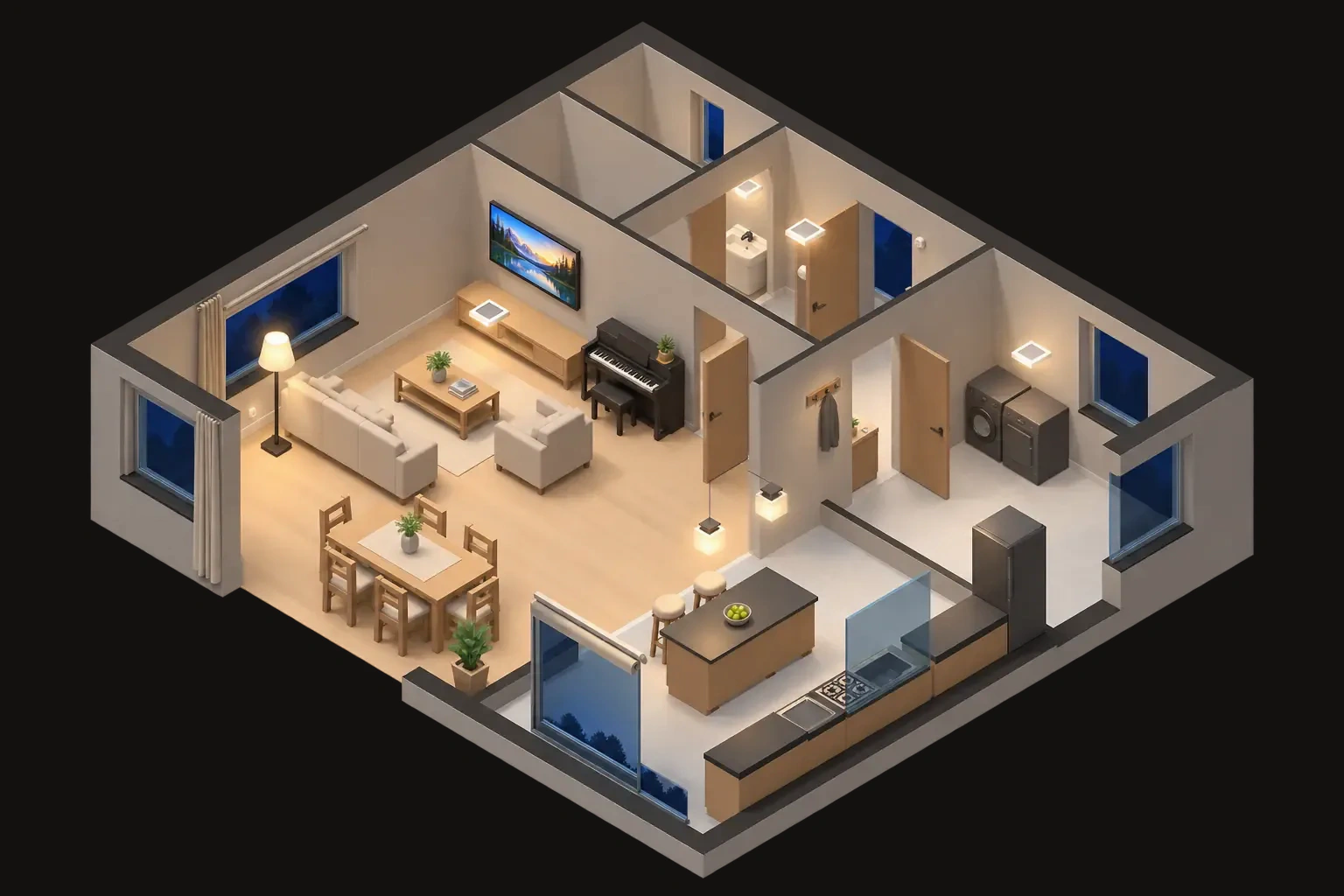
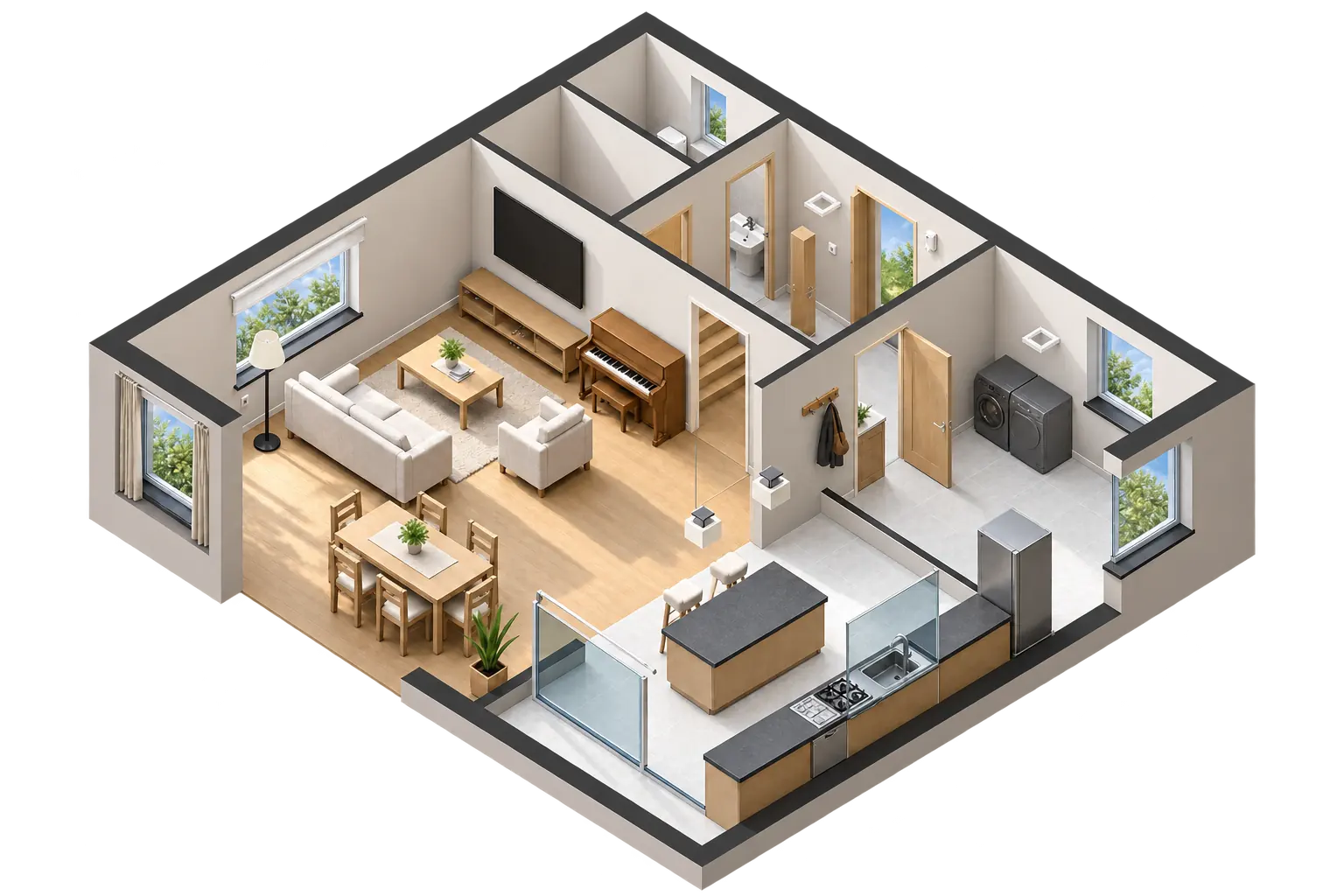
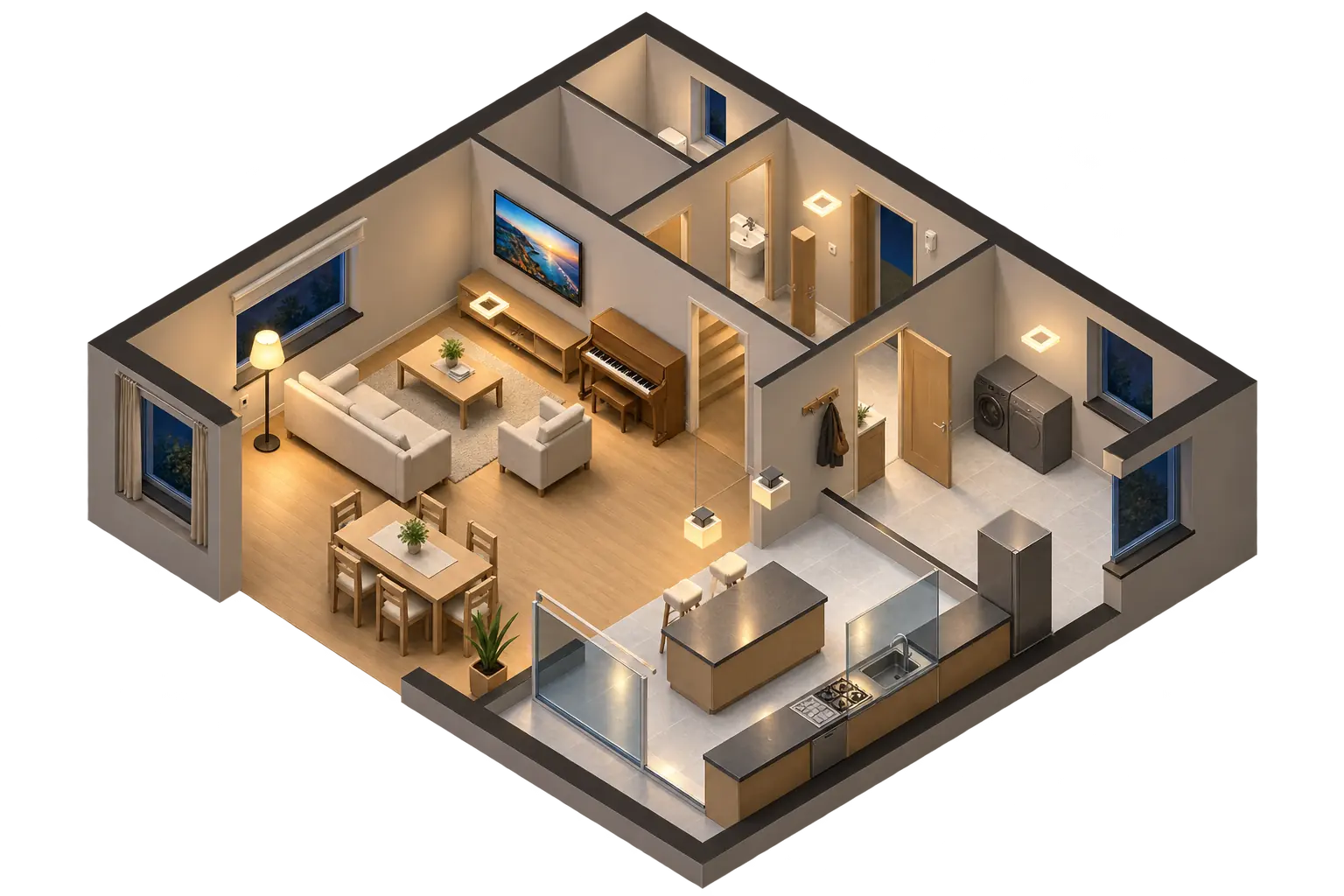
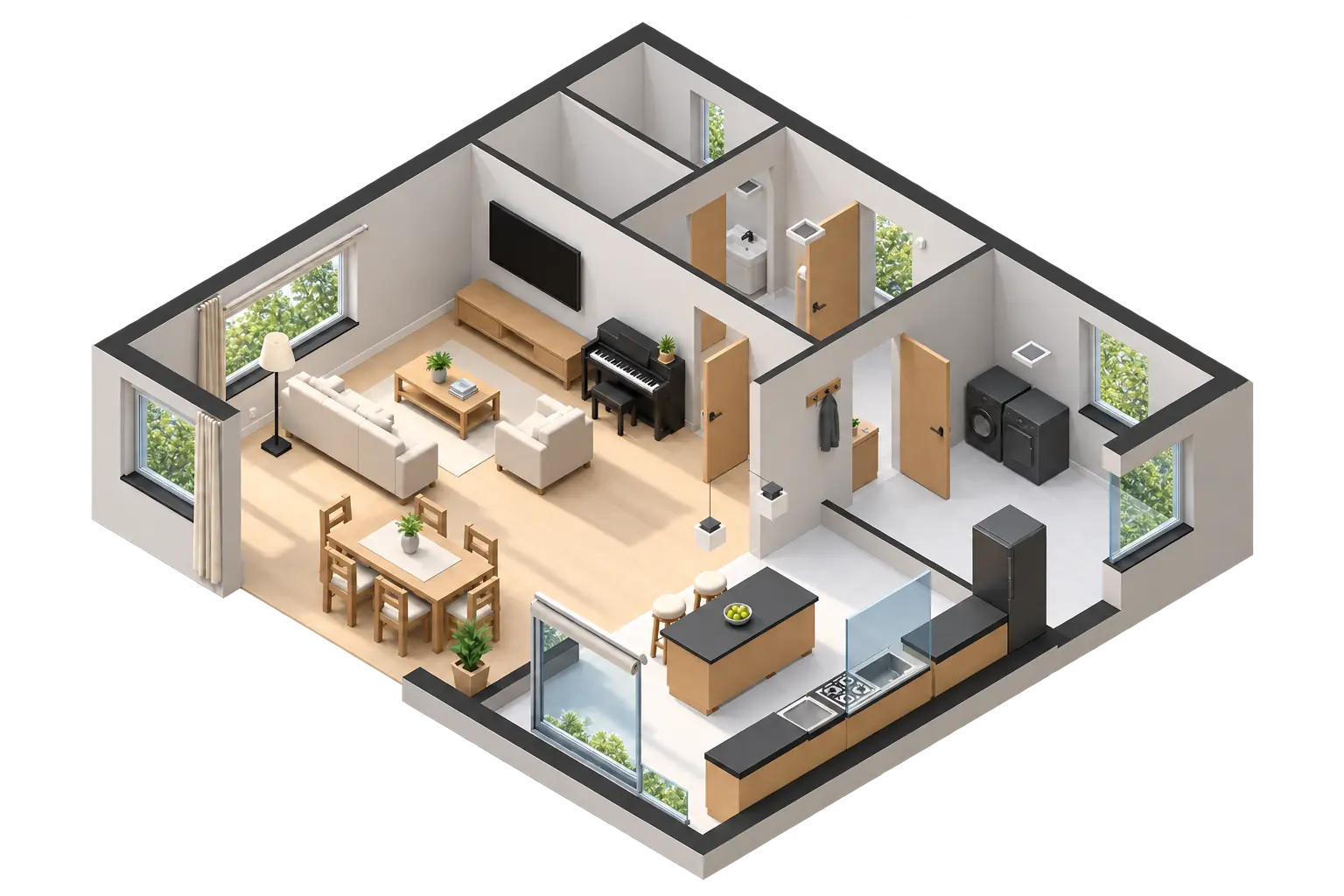
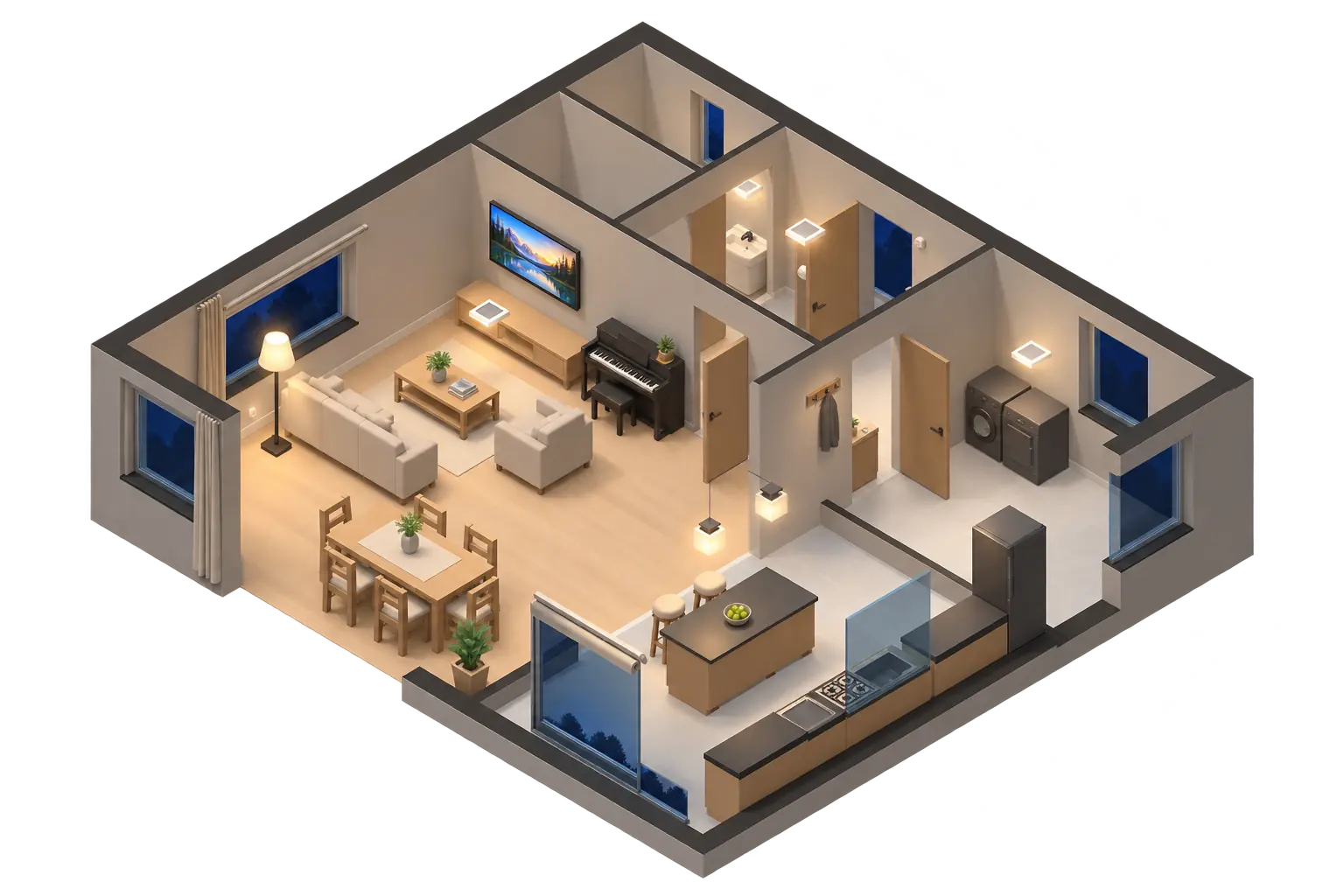
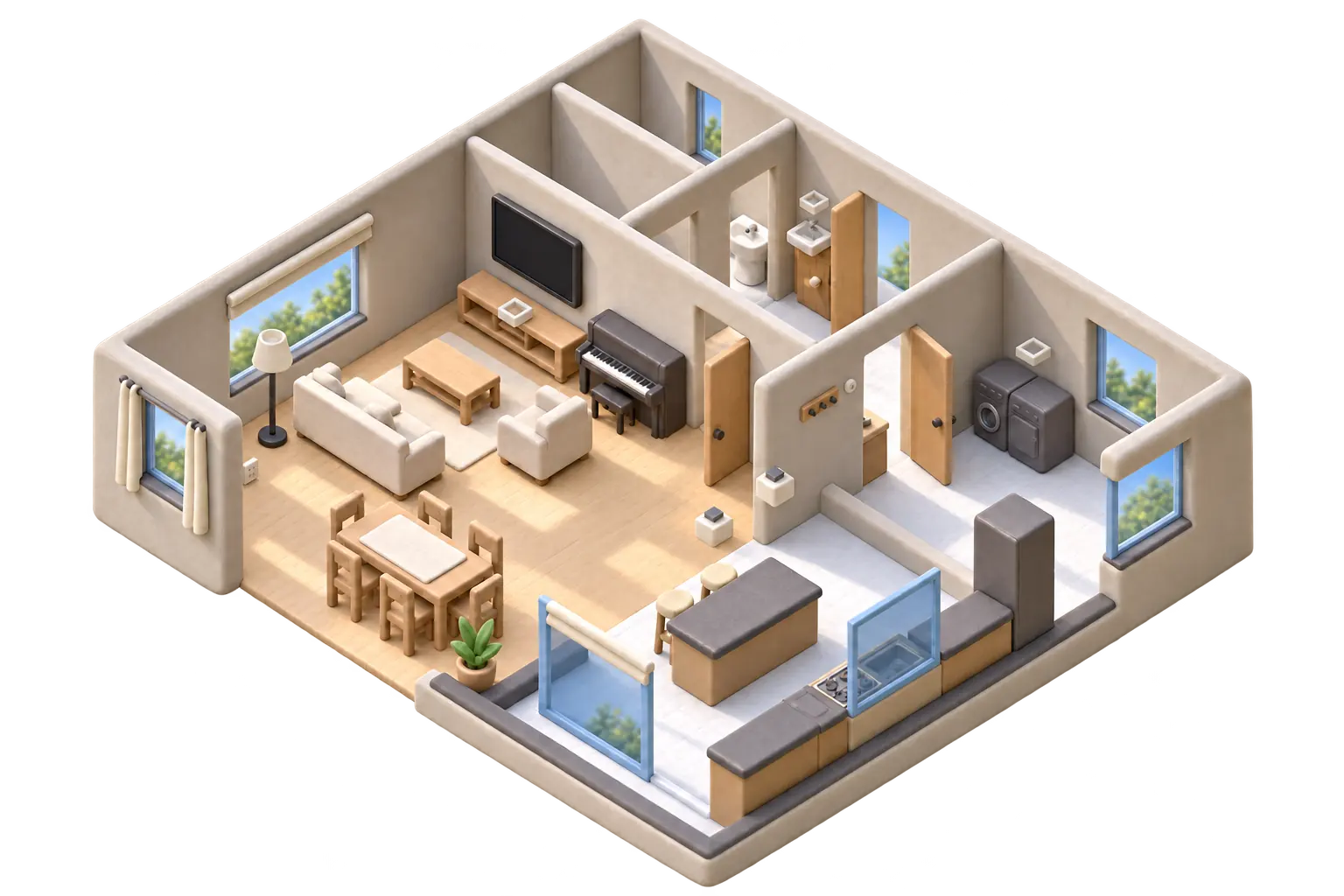
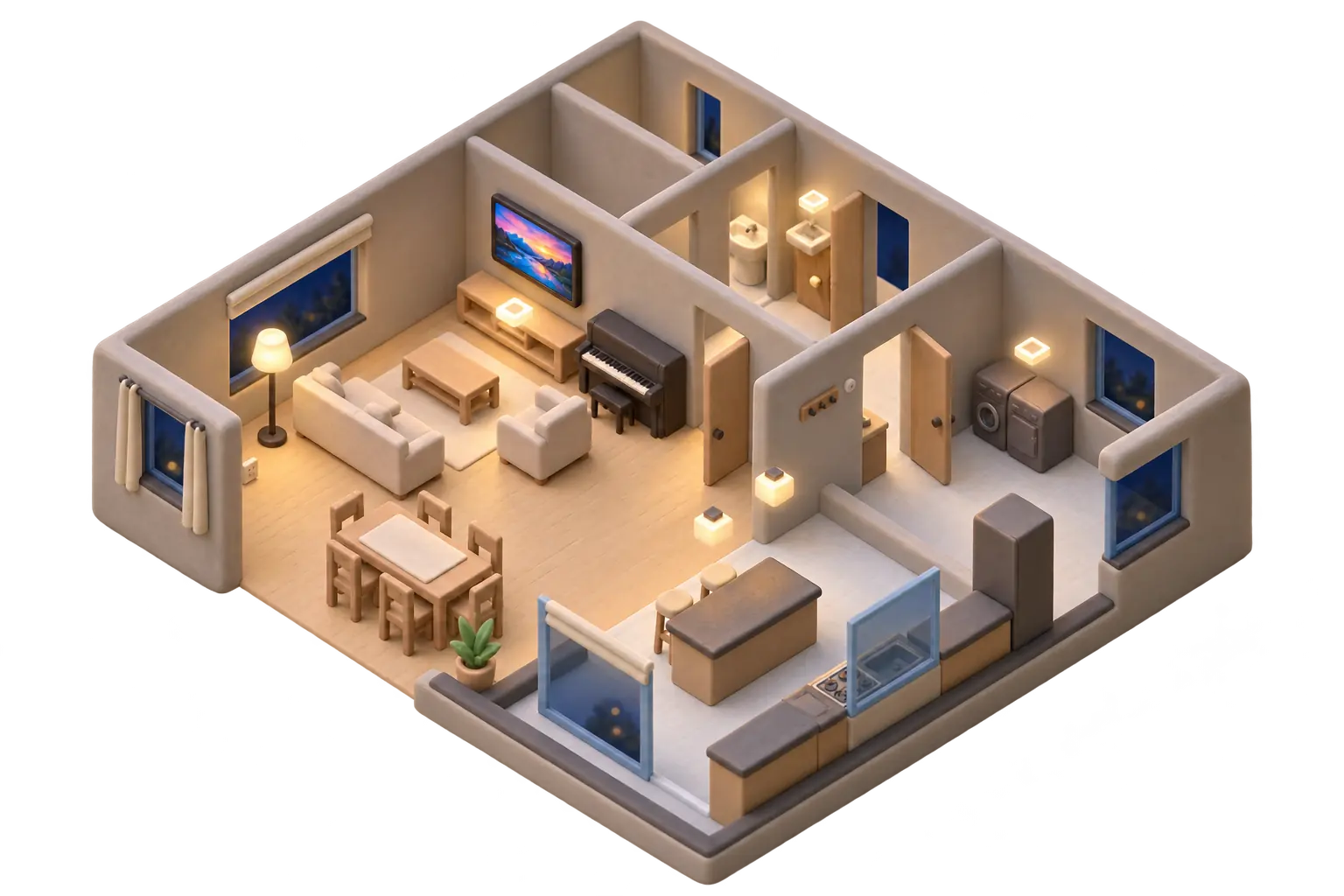
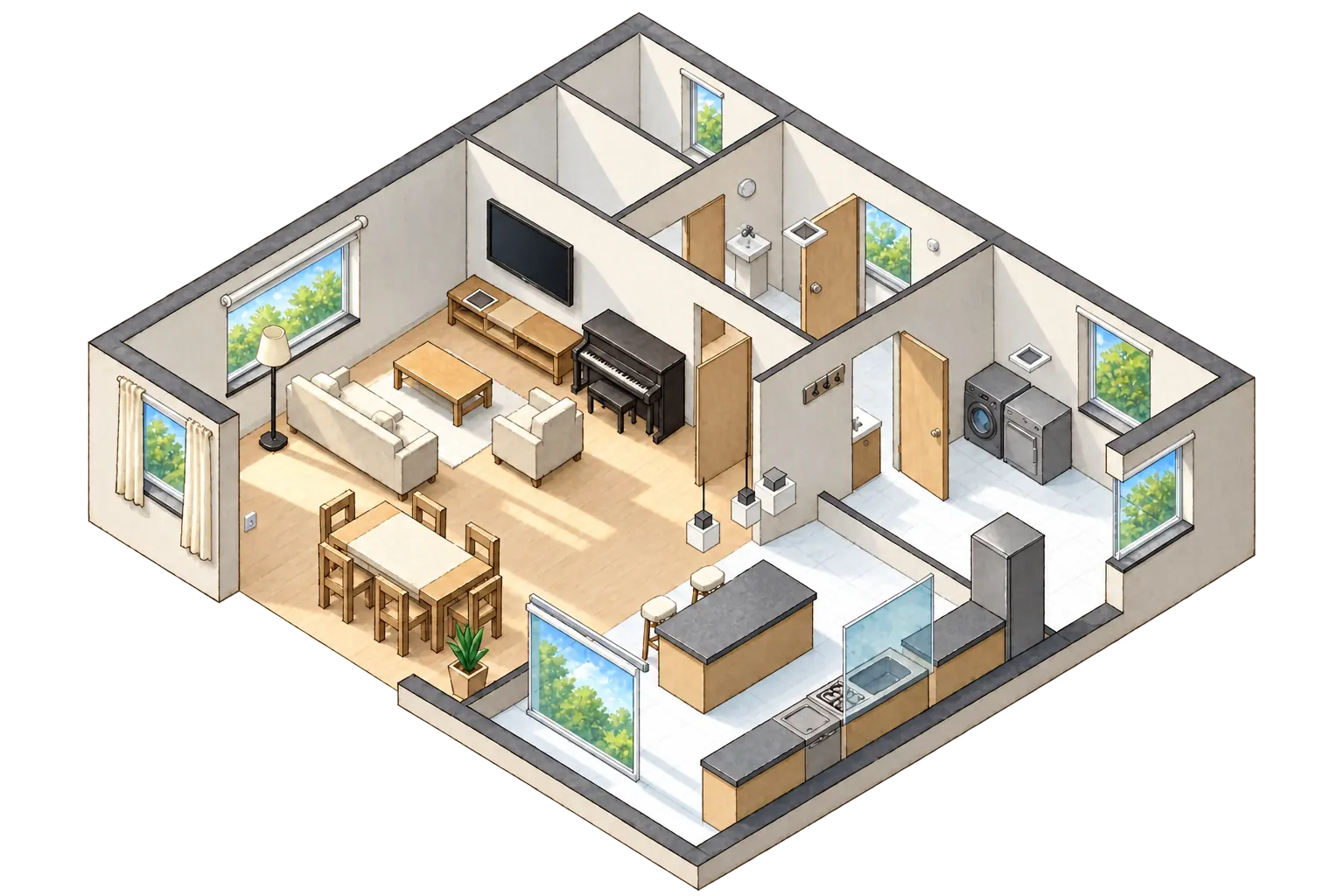
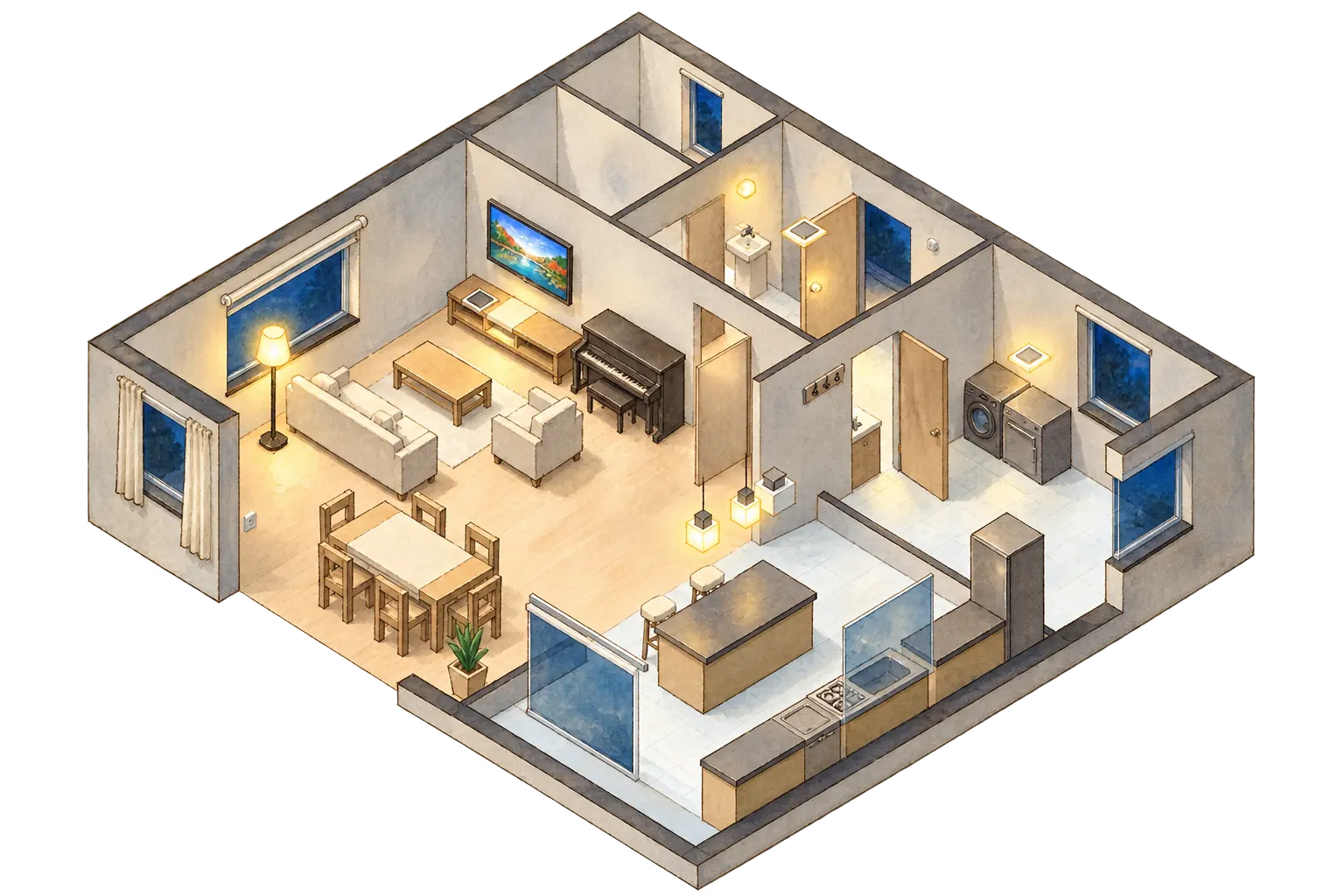
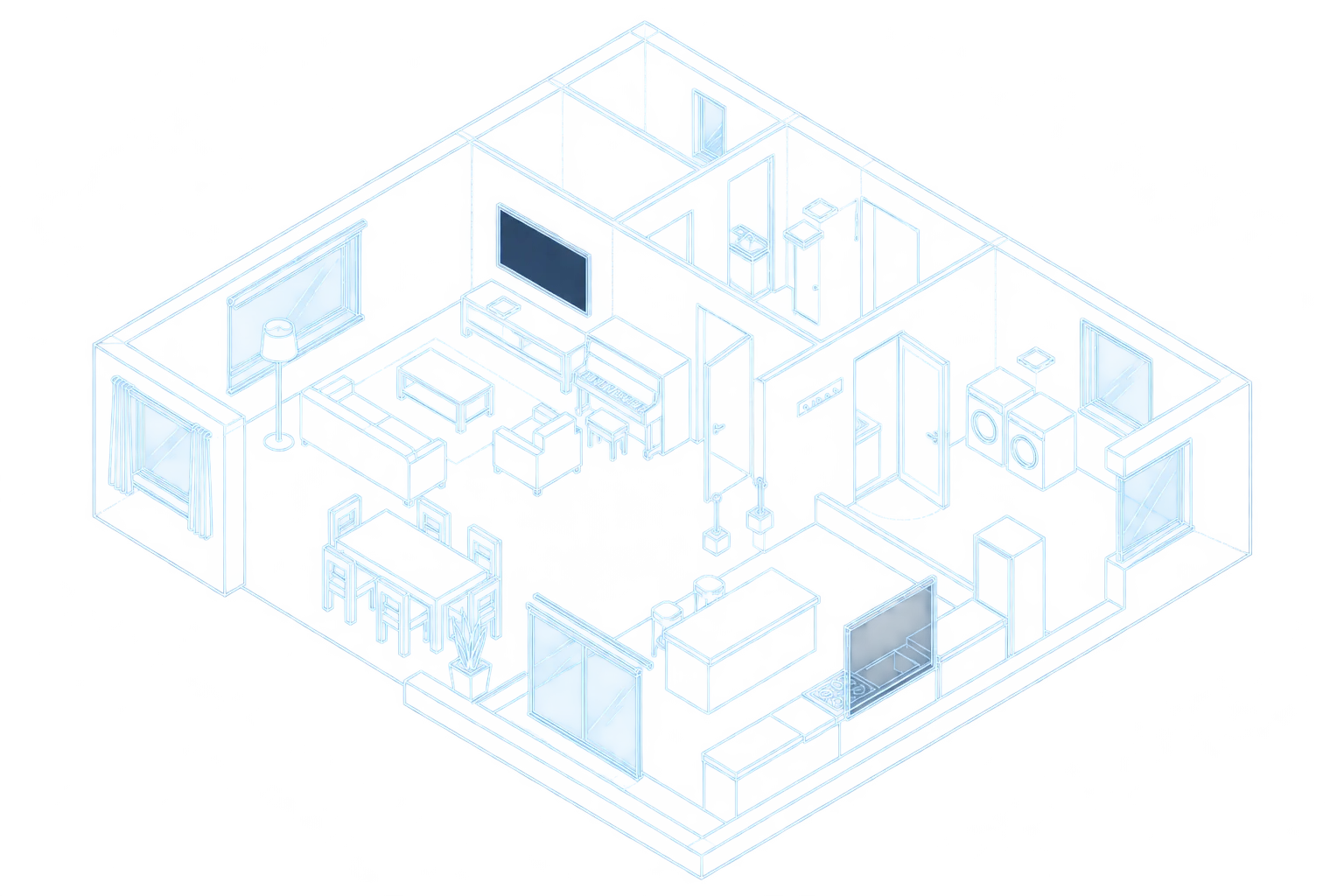
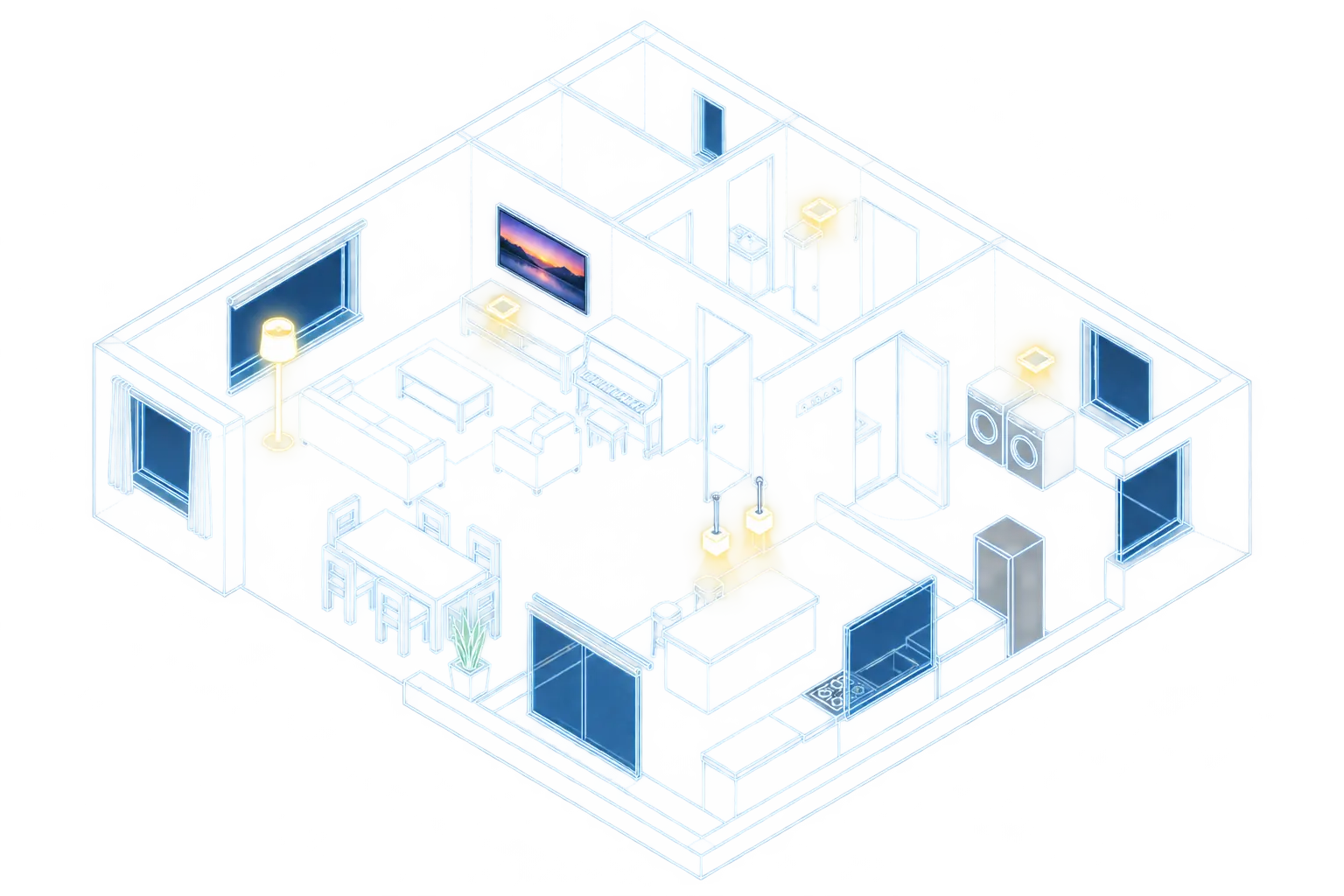
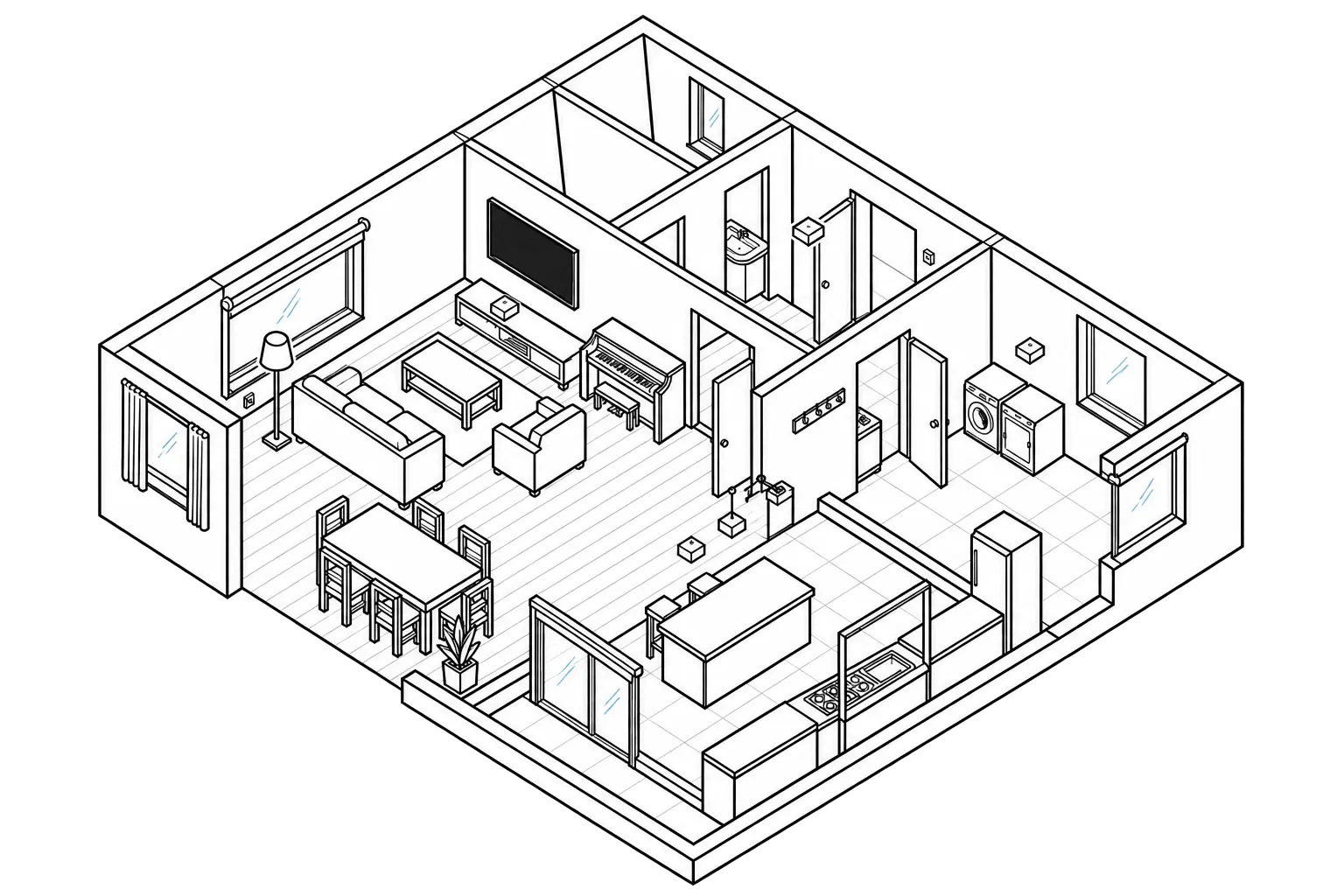
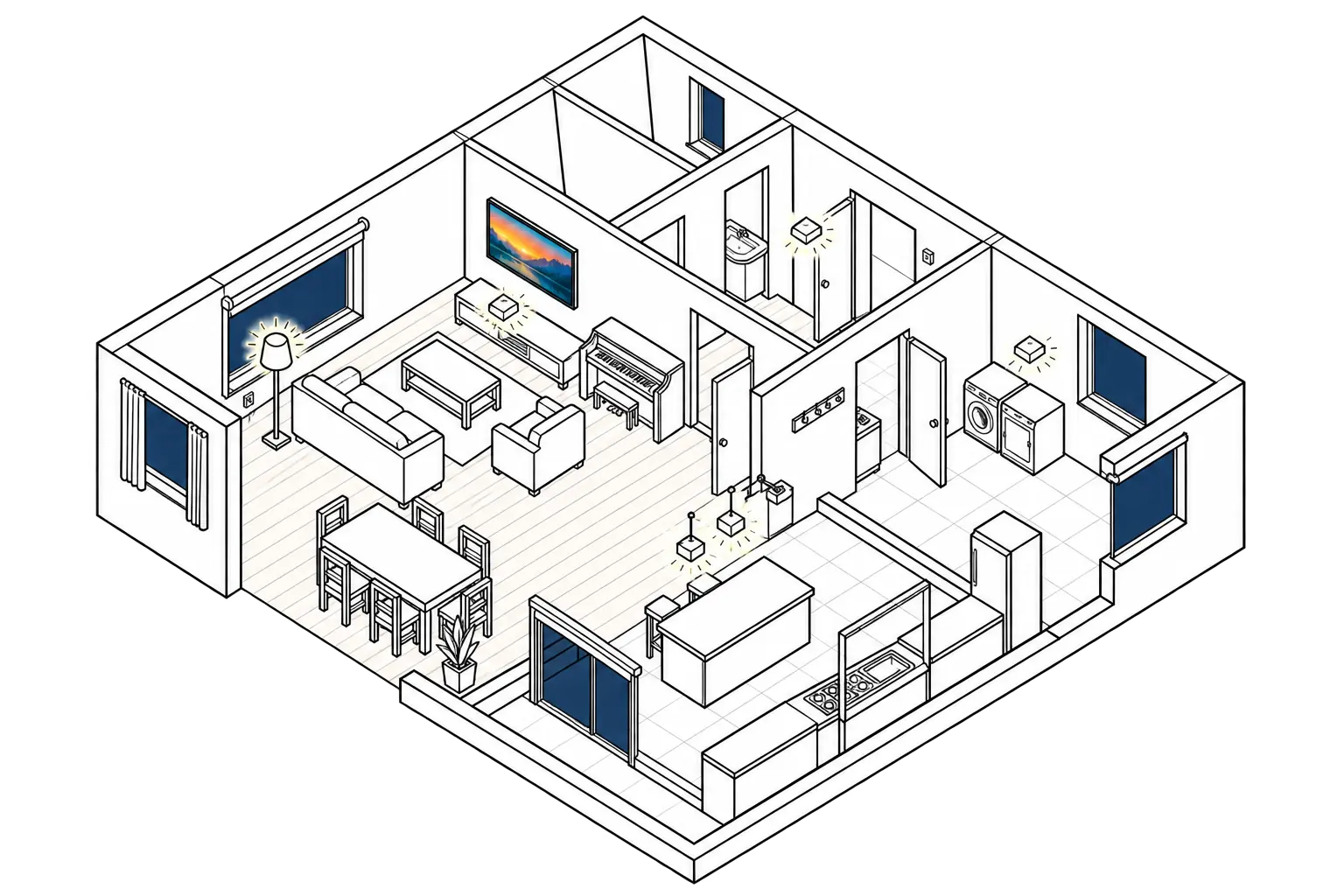
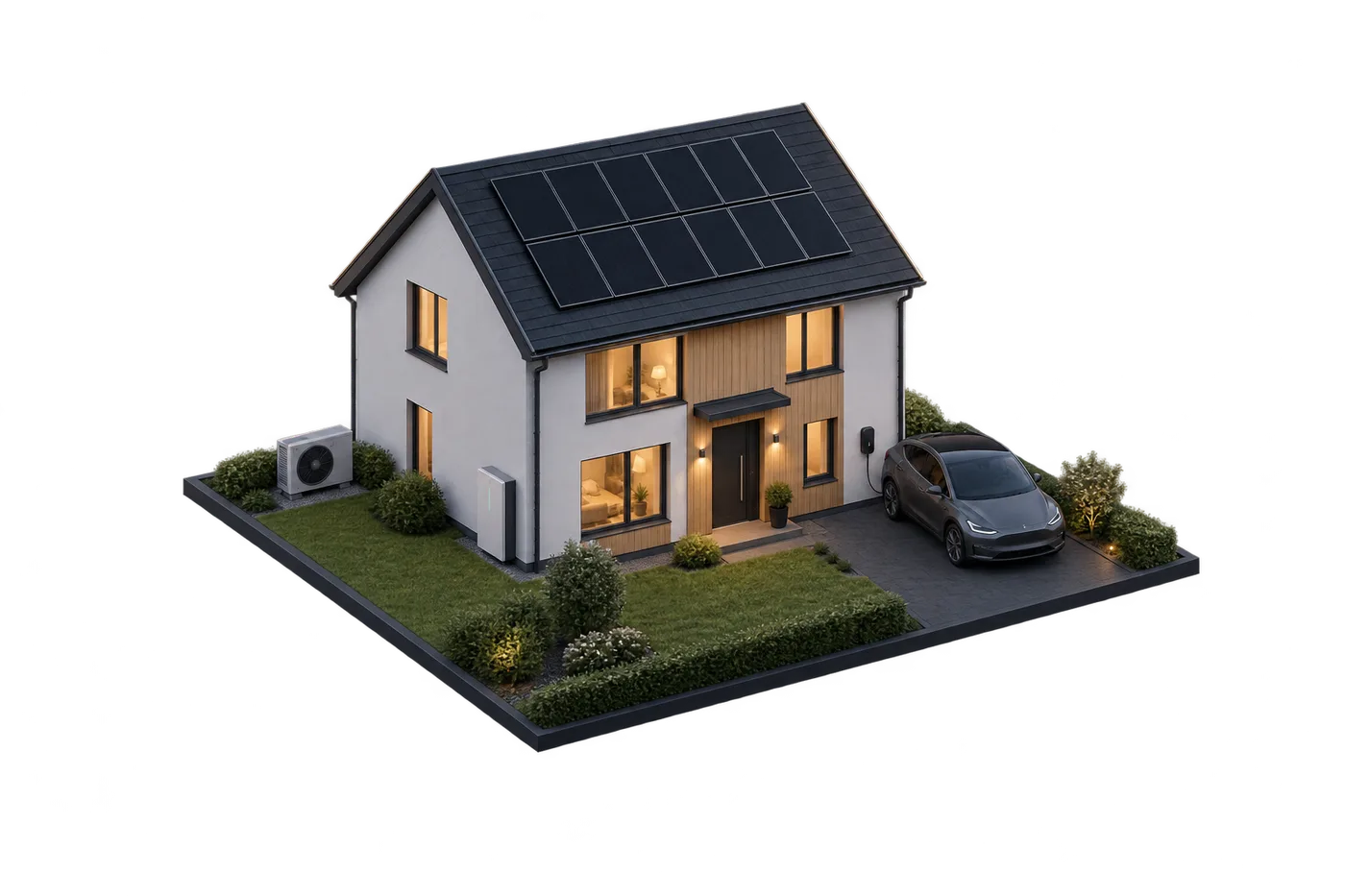
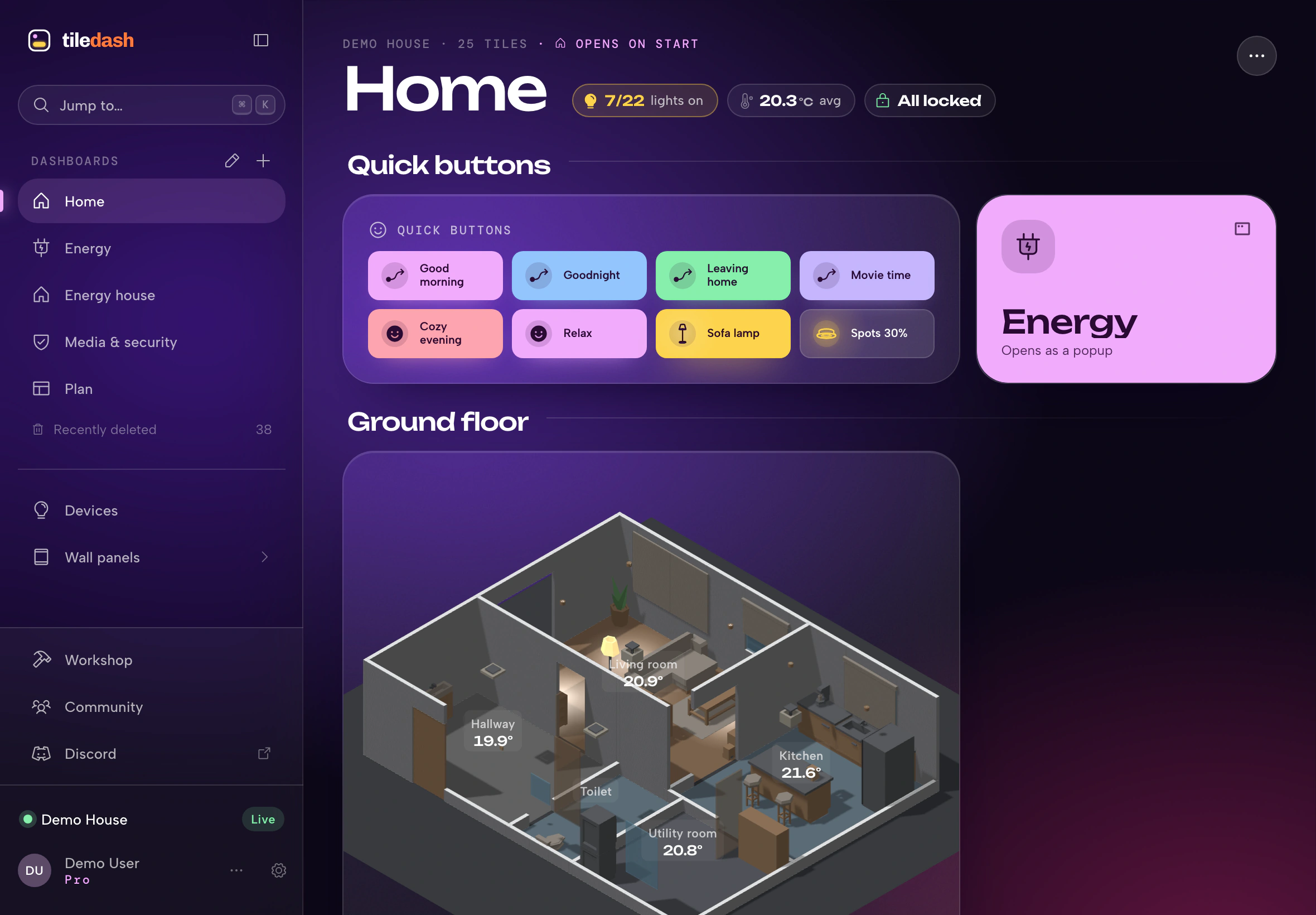
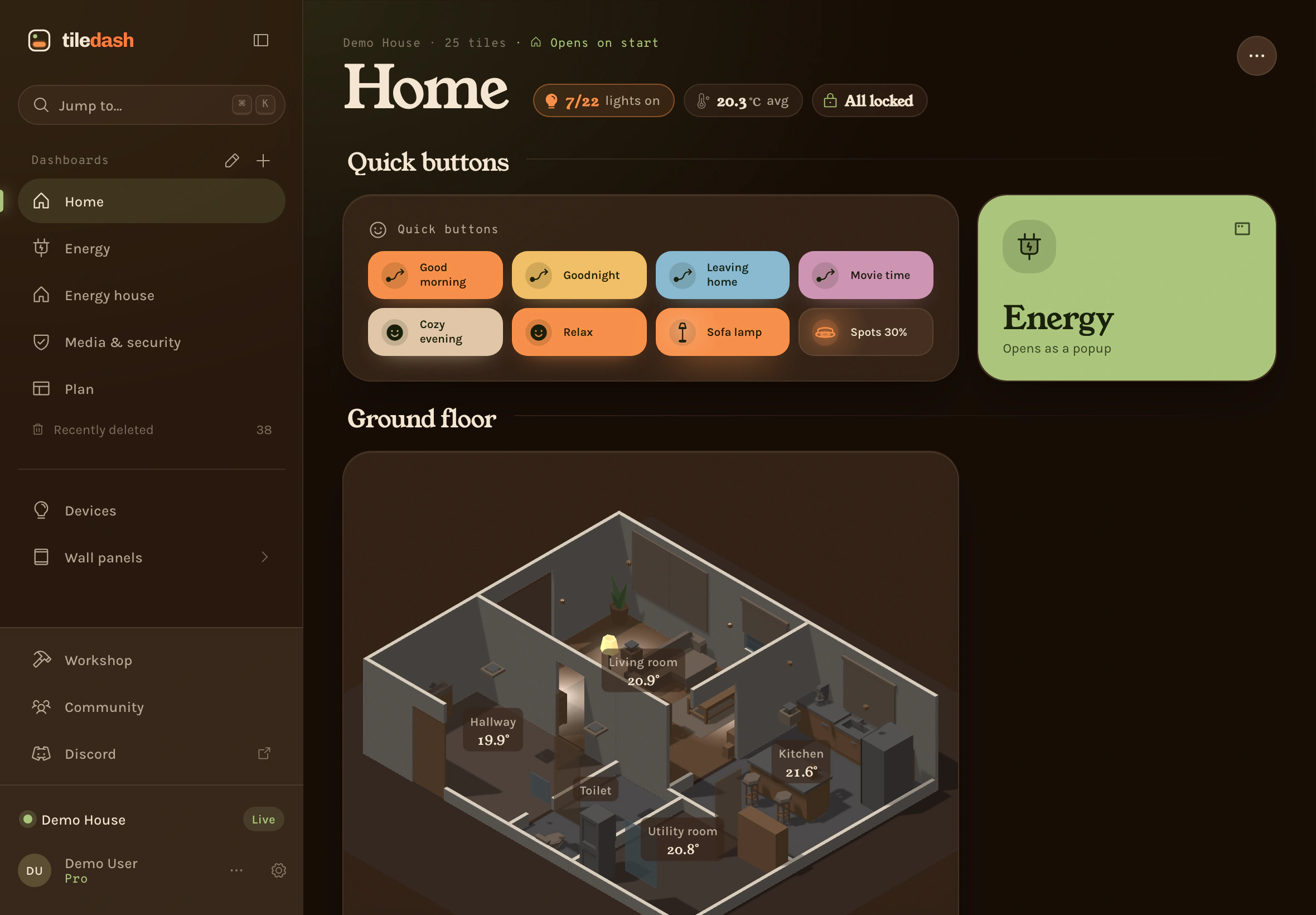
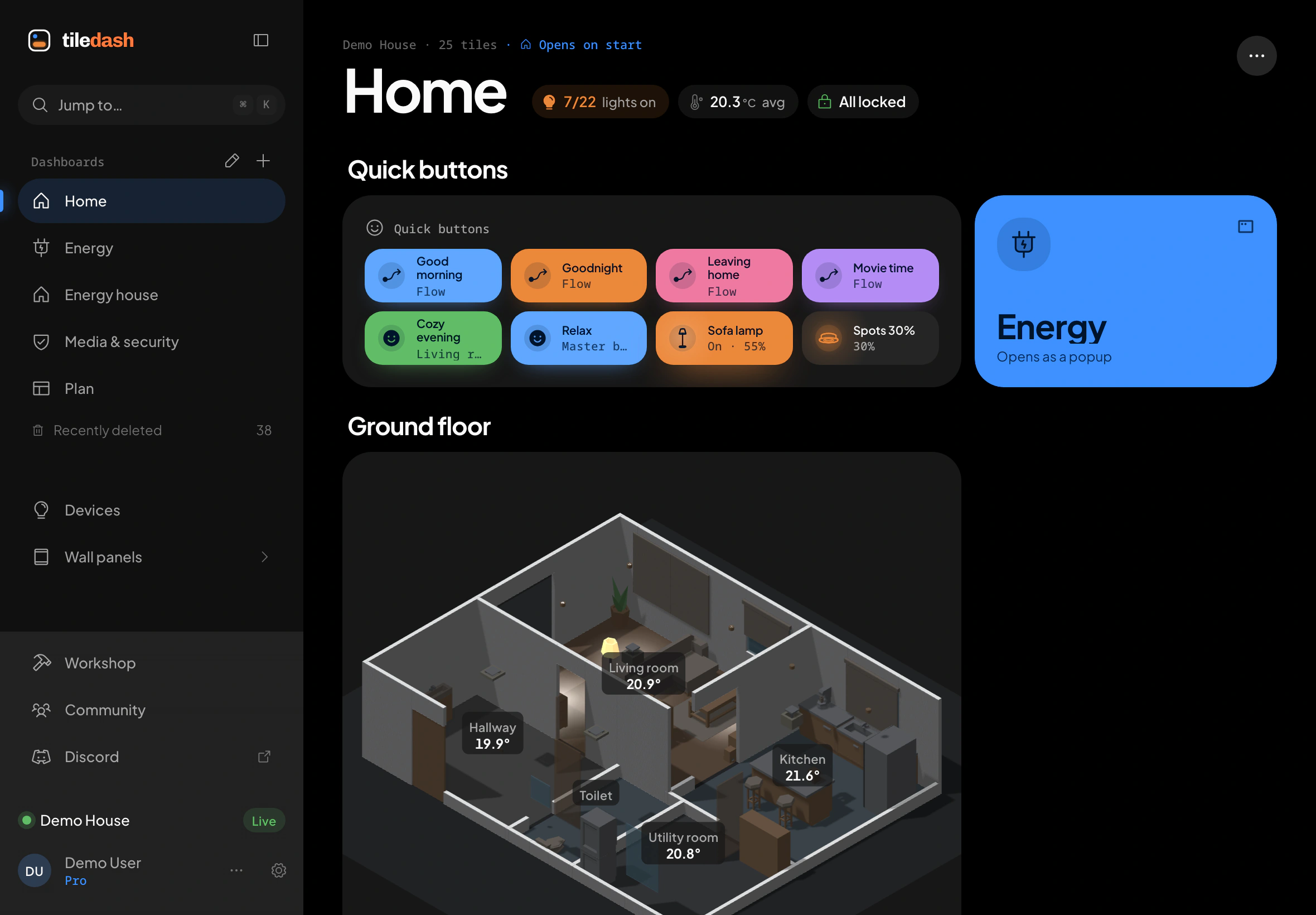
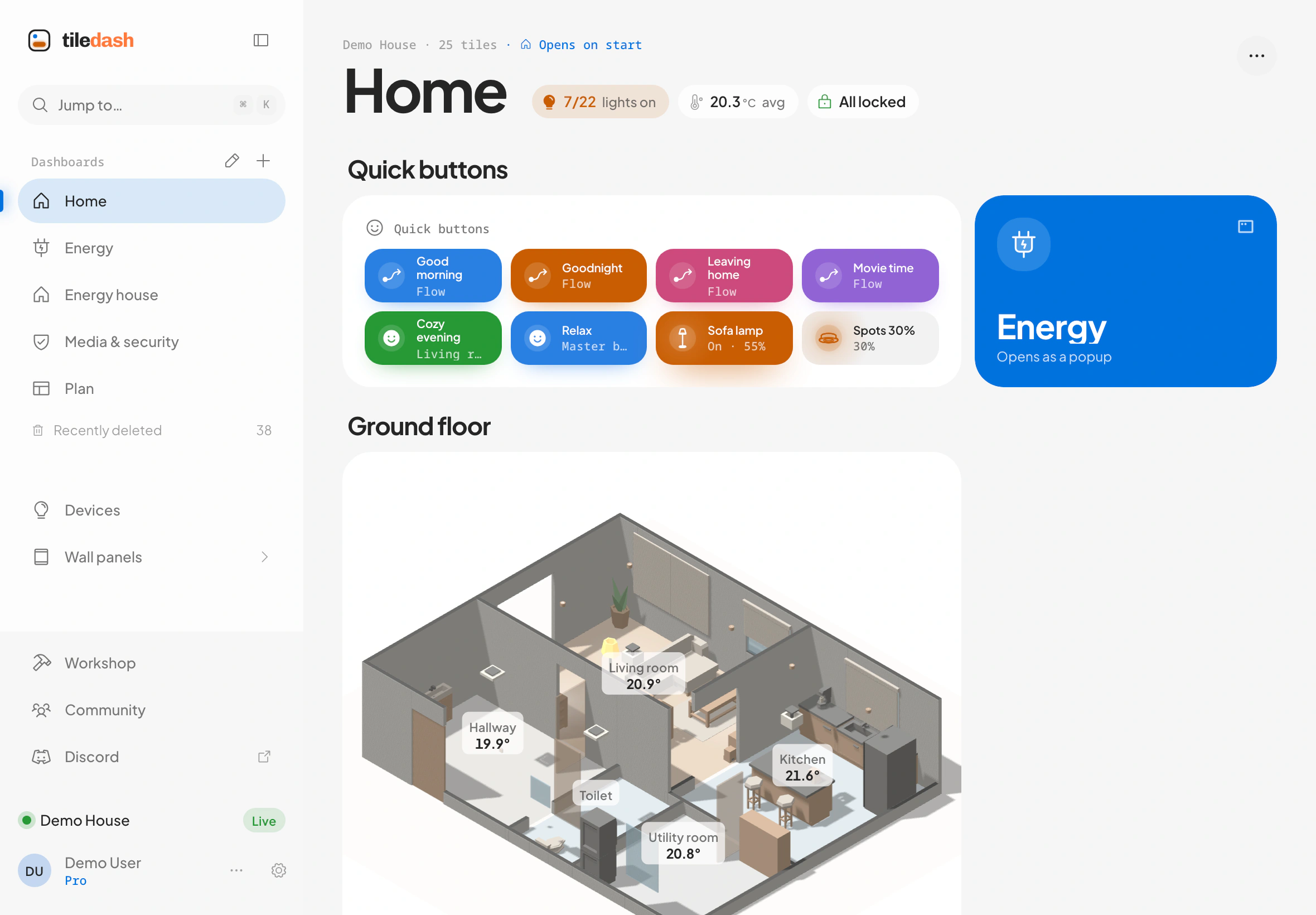
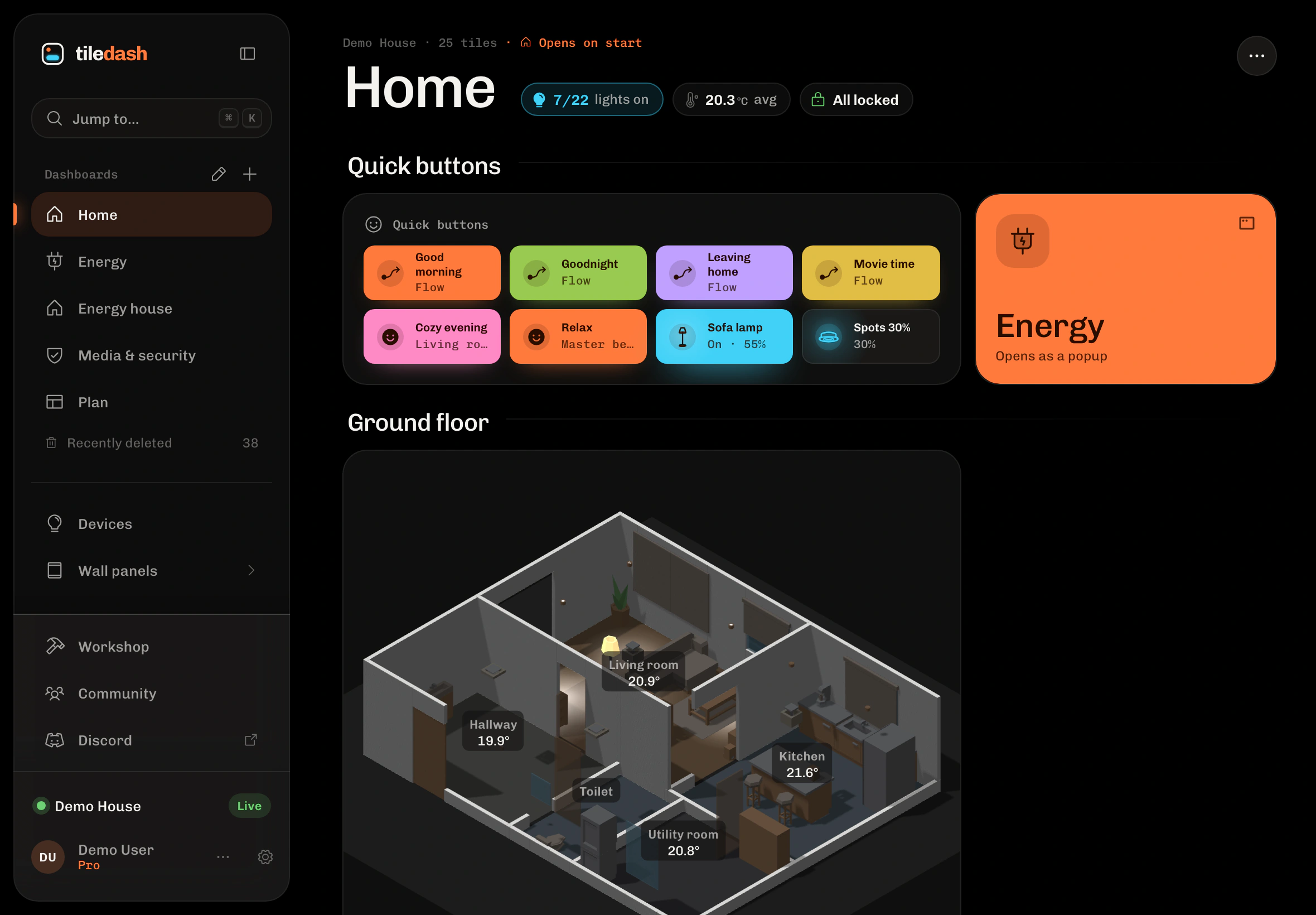
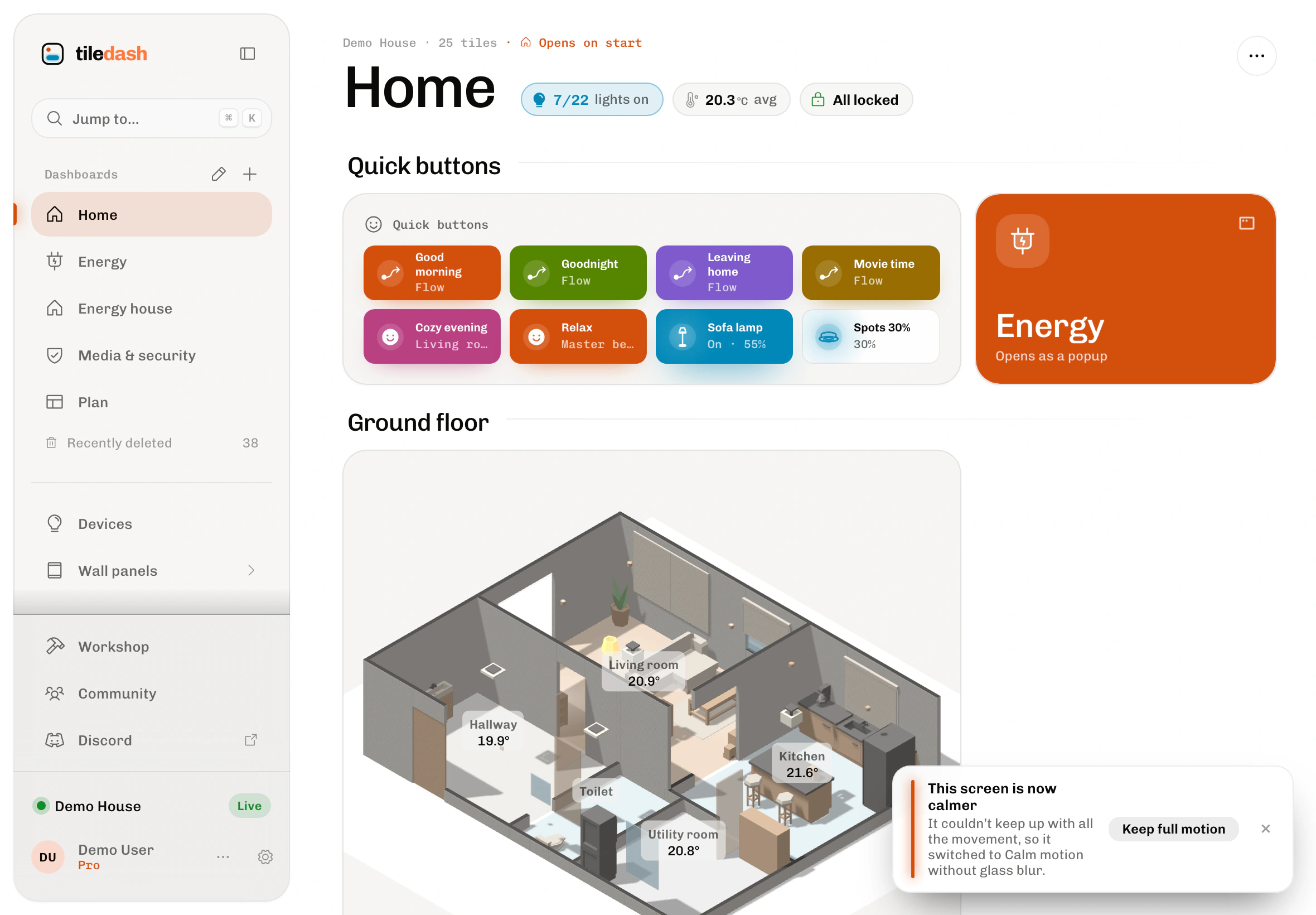
Turn a floor of your plan into a picture, by day and in the evening, true to life or painted. Your own walls, furniture and lamps, where they are. Made with picture credits.
A level of your floor planEveningDay
Like a photo of your own house, cut out.
A level of your floor planEveningDay
Soft light and gentle shadows, like Tiledash’s own.
A level of your floor planEveningDay
A handmade clay diorama.
A level of your floor planEveningDay
Ink and soft watercolour, like an architect’s sketch.
A level of your floor planEveningDay
Bright technical lines, made for dark dashboards.
A level of your floor planEveningDay
Black lines on white: made for e-ink.
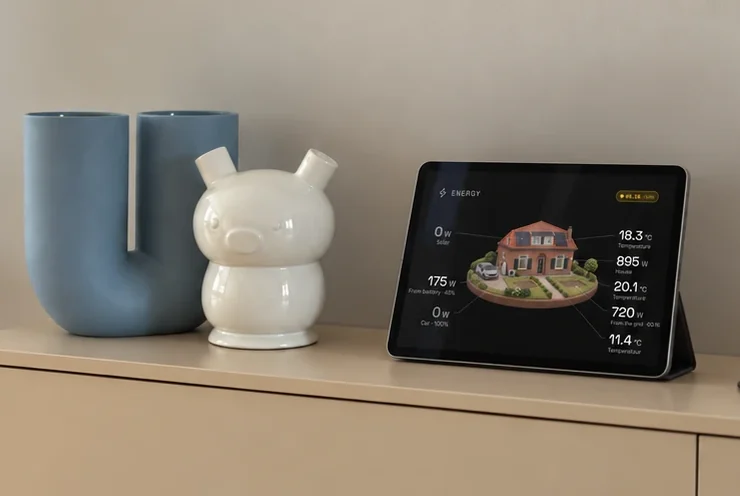
Your house, for the Energy house
Taps still work. Tap a lamp on the picture to switch it, as on the live plan.
Day and evening. Each picture comes in both, for the time of day.
From your own plan. Your walls, furniture and lamps, drawn where they are. Made with picture credits.
Or make a theme of your own: your colours, gradients, fonts, corners and glow, and CSS for the rest. Own themes are part of Pro.
Make it yours
Make it, share it, install it.
Write a widget in HTML and Liquid and watch it draw against your own devices. Publish it to the Community for free, or install what other Homey owners made.
Your colours, gradients, fonts, corners and glow, and CSS for the rest.
01Make it in the WorkshopEvery save kept, with its changes.
02Publish to the CommunityFree, from the app or the command line.
03Others install itPreviewed on their own devices first.
04Updates reach themThey choose when, and can go back.
Or let the assistant you already use build it: Claude, ChatGPT, Copilot or Cursor make your widgets and 3D models and check them in a live preview. ProHow it works
Built with your AI
Ask for it. Watch it appear on your wall.
Tiledash supports MCP, the industry standard for connecting AI assistants to apps. Connect the one you already use and it builds widgets, dashboards, themes and 3D furniture against your own devices, with a live preview before anything changes. Part of Pro.
Your AI assistantTiledash · MCP
PreviewWidget
The preview appears as it works.
Connect your assistant
In Claude (claude.ai or the Claude app), open Settings → Connectors and choose Add custom connector. On a Team or Enterprise plan an owner adds it first, under Admin settings.
Name it Tiledash and paste the address below.
Choose Connect: Tiledash asks you to sign in with your Homey account and to allow it.
In a chat, ask Claude to help with a widget. It can open a live preview in its browser.
Your setup is stored encrypted, with a key for your account alone. Tiledash’s admins can’t see your dashboards, devices or recordings. When we need to, to help you, we ask first, say why, and you decide for how long.
01
We ask, and say why
Who asks, the reason, and exactly which parts we would see: your devices, your dashboards, your recordings. Nothing outside them.
02
You decide, and for how long
No is a fine answer. Or yes, for 1 hour, 1 day or 7 days. A question you leave runs out after a week.
03
You see it while it runs
Your sidebar says support can look, with End right there. We can look, never change, and every look goes in the audit log.
04
Then it closes again
It ends by itself. Values we followed for a while are deleted with it. Before your yes and after, our admin pages and tools are closed.
May Tiledash support look?
Jesse from Tiledash support asks to see part of your setup, to help with this:
Your front door camera shows as a motion tile, without its picture. We’d like to see how your Homey describes the doorbell.
On Sam’s Homey
This includes the dashboards and floor plans Noor and Daan made on it.
What they would see
Your devices, rooms, flows and moods
Values straight from your Homey, and following some of them for a while
Dashboards and floor plans
Values they follow are deleted when the access ends.
For how long1 hour1 day7 days
They can look, not change anything. Every look is logged, and you can end it sooner.
DeclineAllow
The question, as Tiledash asks it.
Support can lookuntil Thu 14:30End
While it runs, your sidebar says so. One tap ends it.
Closed by default
Dashboards, devices, recordings, widgets and pictures stay closed to us until you say yes.
Look, never change
An access reads only the parts you allowed. Nothing in it can change your setup.
Every look is logged
Each question, answer and read goes in the audit log, with who and why.
admin tool find_devices { user: "sam" } They haven’t allowed support to look at this.
Our own AI tools ask first too: without your yes, they get the same no as our admin pages.
What we see without asking, to keep Tiledash running, is your account, your Homeys’ names and whether they’re connected. How support works The privacy policy
Pricing
Free. Not for 14 days. For good.
Free
€0 for good
No trial. No timer. No card.
Free stays free. Nothing turns into a bill after 14 days, or ever: you only pay when you pick Pro yourself.