Features
Everything Tiledash does
Every feature, a page each: what it does, what it looks like, and the tutorials and guide pages that show you how.
Getting started
From logging in to a dashboard on the wall, in a few minutes.

Dashboards and screens
A dashboard for every screen in the house: the desk, the wall, a phone and e-ink.
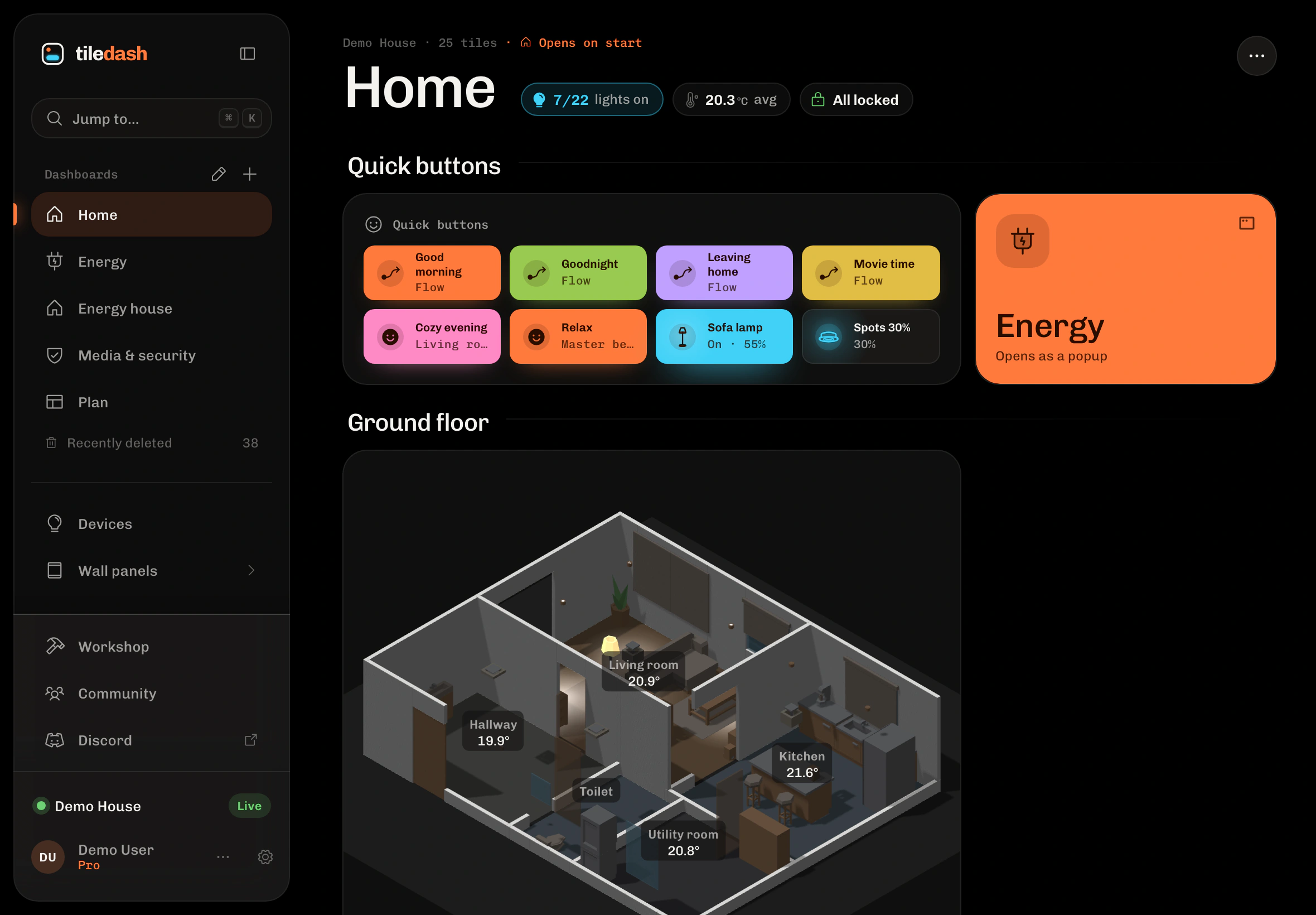
- Edit on a phone Your dashboards, changed from the sofaChange your dashboards from the sofa. Tap a tile to change its settings or style, add widgets and move tiles with the arrows, all on your phone.
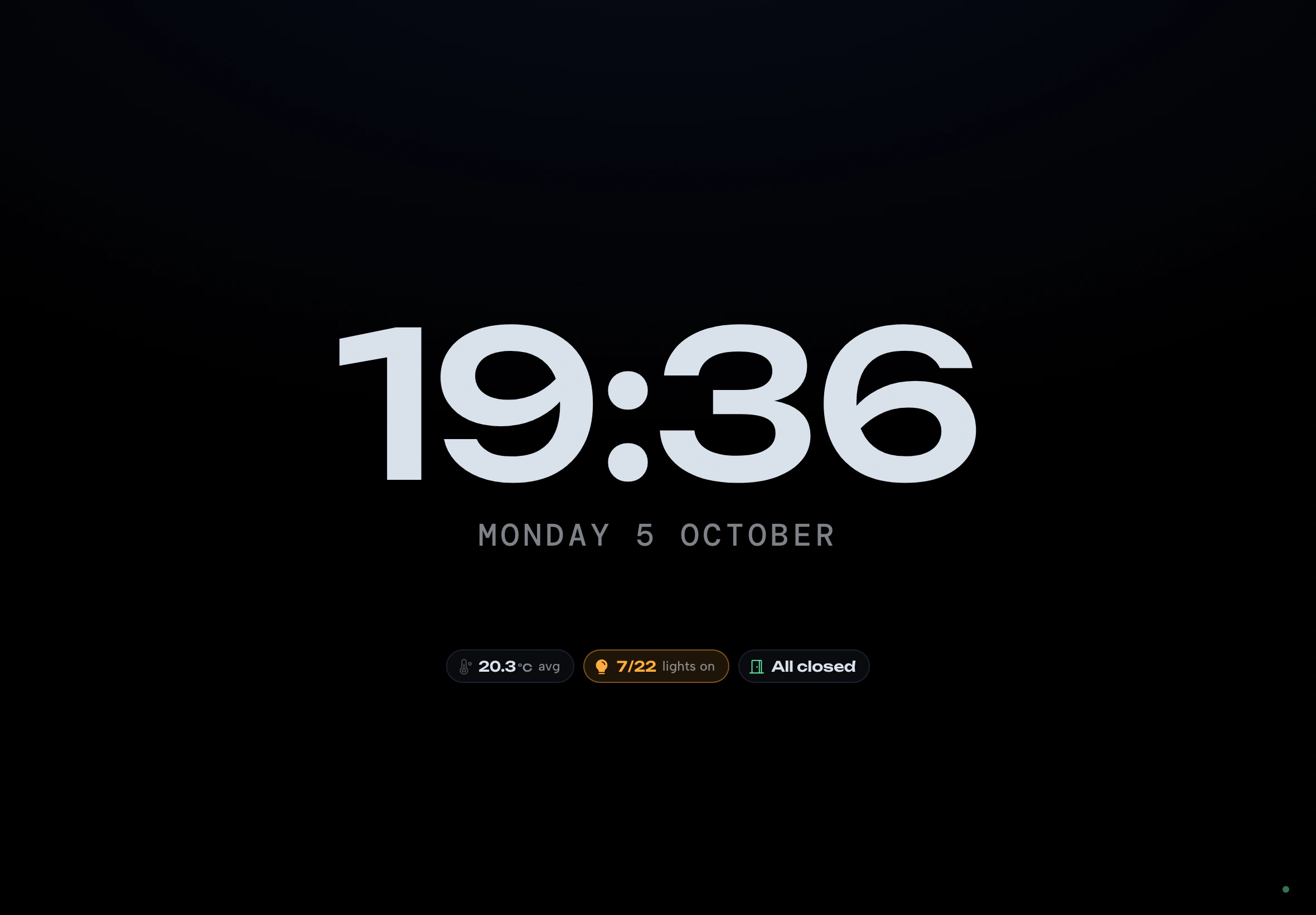
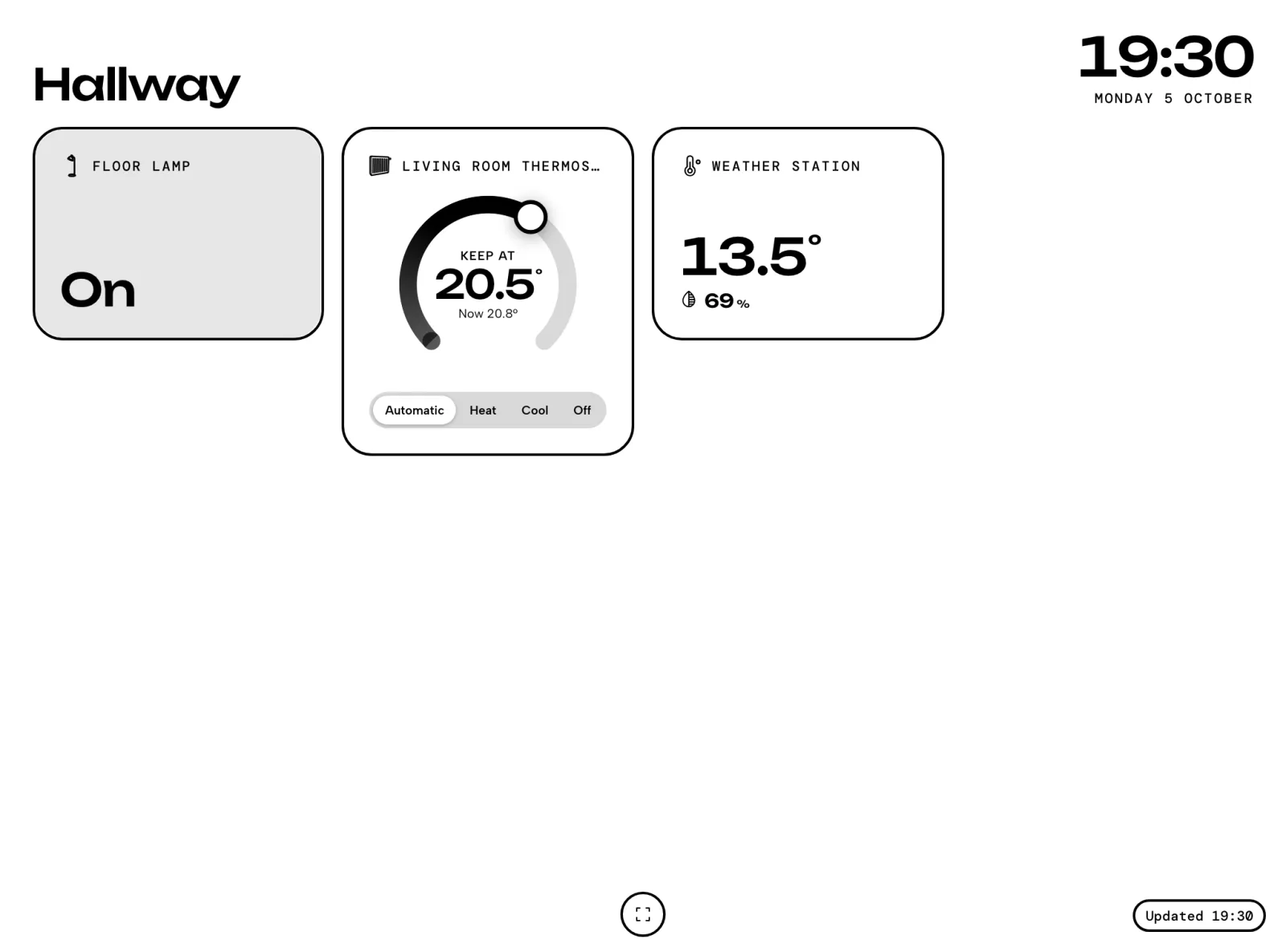
- A smart display A quiet face, your home when you walk upTurn a square touch screen into a smart display with full-screen faces for the time, photos, the weather, cameras and your home, that show more when someone walks up.
- Dashboards and popups One tap to the next dashboardOpen one dashboard from another, put a navigation bar on a screen, and let a dashboard open by itself when something happens.
- Stacks and tab views More in the same spotPut several tiles in one spot and switch between them with tabs, by swiping or every few seconds, turn a Stack into a tablet’s tab view docked to the side of the screen, or group tiles on a panel of their own.
- Tap, hold and double tap Three things from one tileEvery tile can do one thing on a tap, another on a hold and a third on a double tap, from switching a light to setting a Logic variable or calling a Shelly relay.
- Show when it matters The right tiles, at the right timeA tile can stay out of sight until it matters, like the washing machine while it runs or the guest tiles in guest mode, and hide while it has nothing to show.
- Alerts An alert on every screenSmoke, a leak, the alarm, the doorbell, motion or a door can wake your wall panels and take over the screen, with the camera that sees it.
- Cameras Your cameras, livePlay your Homey’s cameras live on a tile, open one when the doorbell rings, show up to nine at once on a wall panel, and play cameras whose app only gave snapshots.
- History History you chooseRecord the readings you care about and see days, months or years of them in a chart, on a tile or a page of its own.
- Tiles in your flows ProYour flows and your tiles, both waysLet a tile tell your Homey it was pressed so a flow starts, and let your flows switch that tile, give it a text, a colour or an icon, or hide it.
- Dashboard history Step back to an earlier dashboardEvery dashboard keeps its earlier versions. See one on the dashboard itself, then restore all of it or just the tiles you pick.
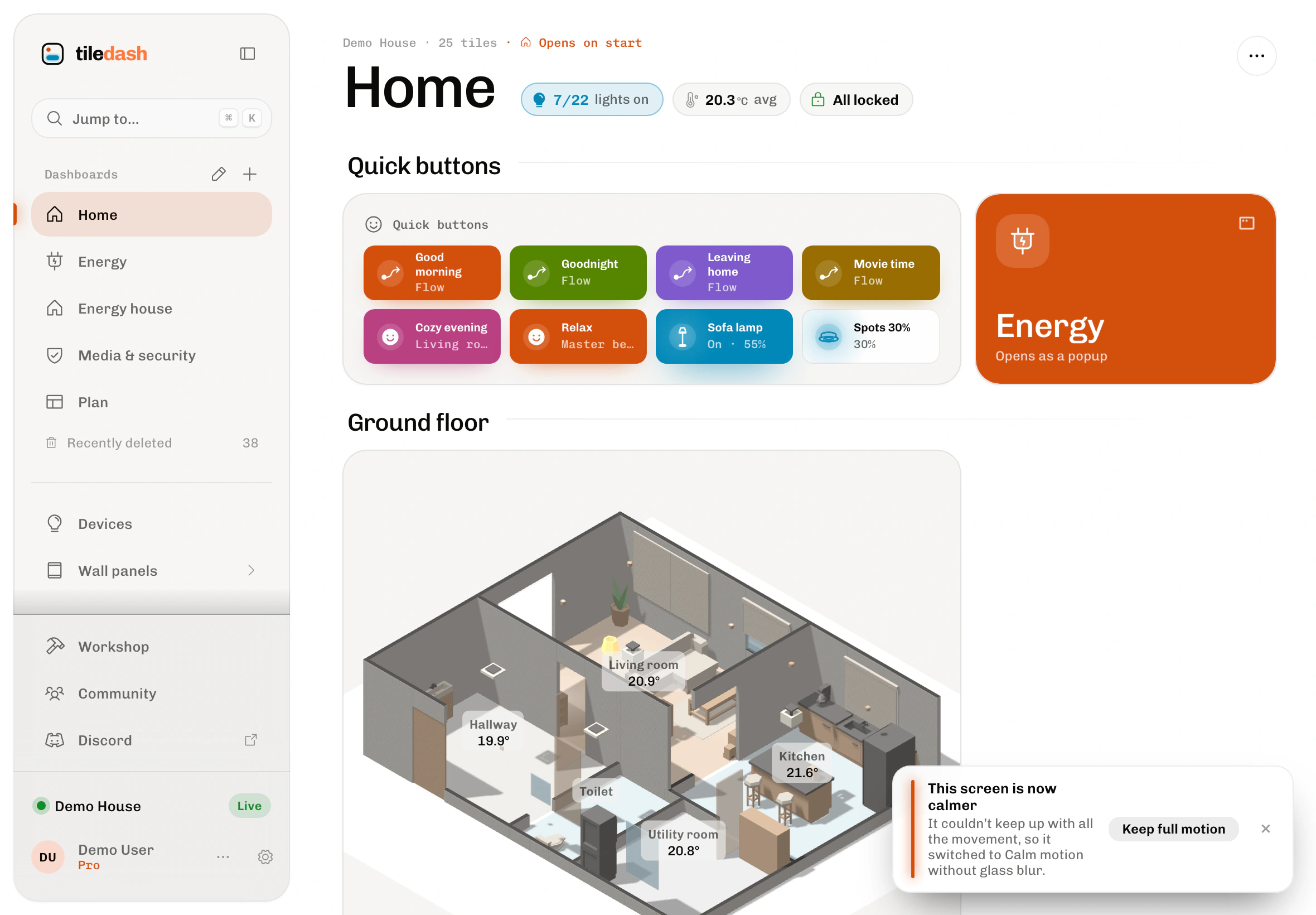
Your house and energy
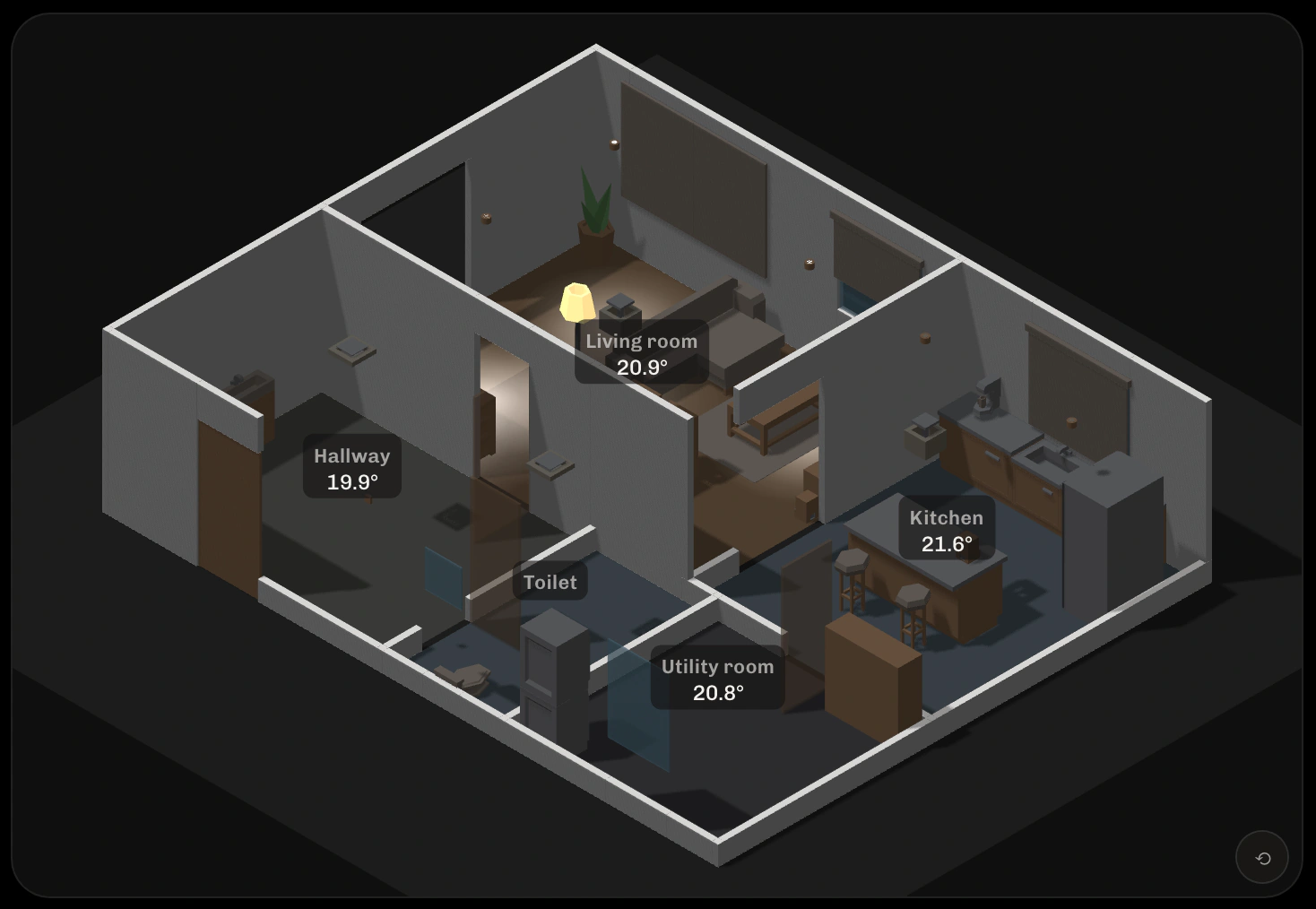
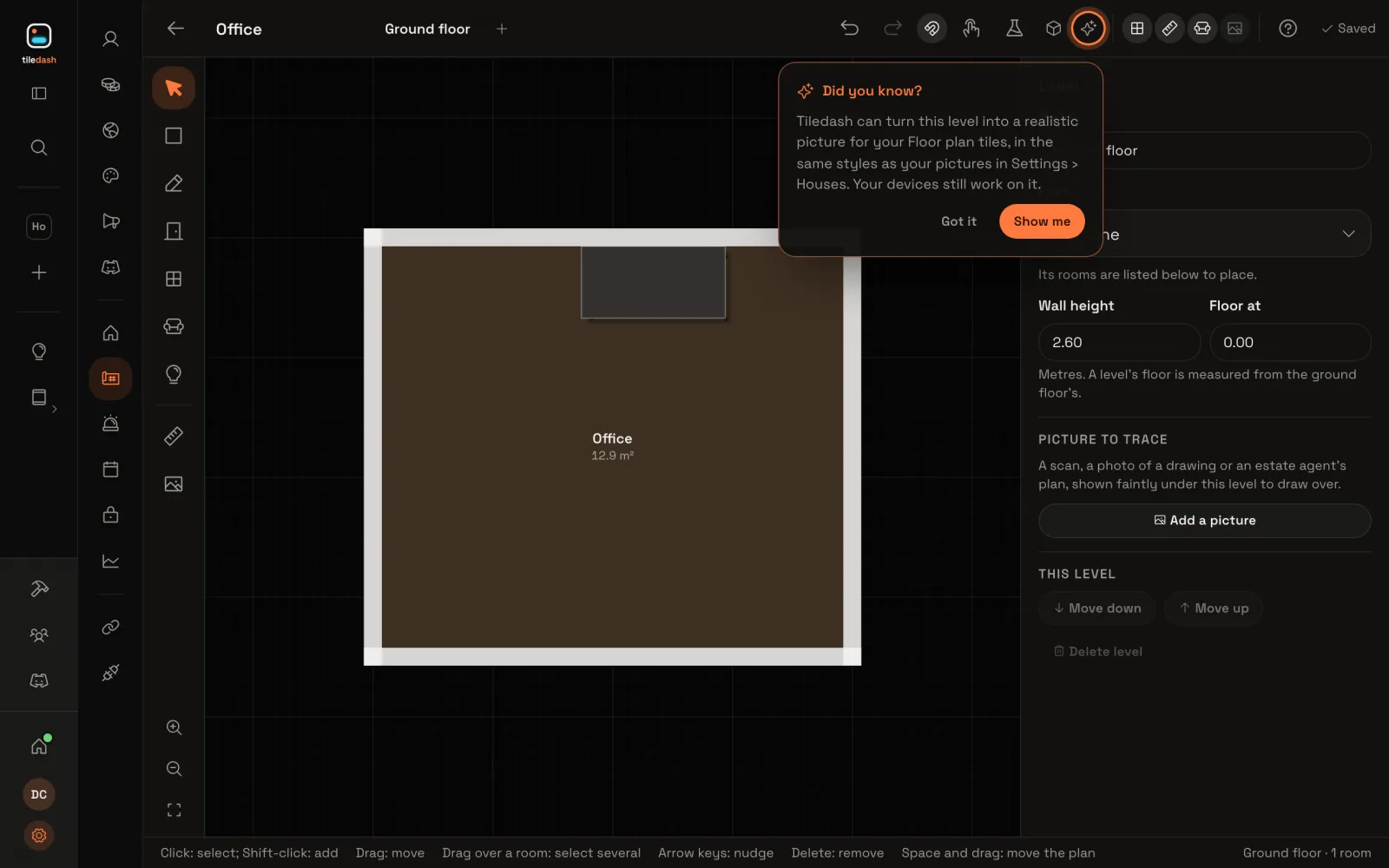
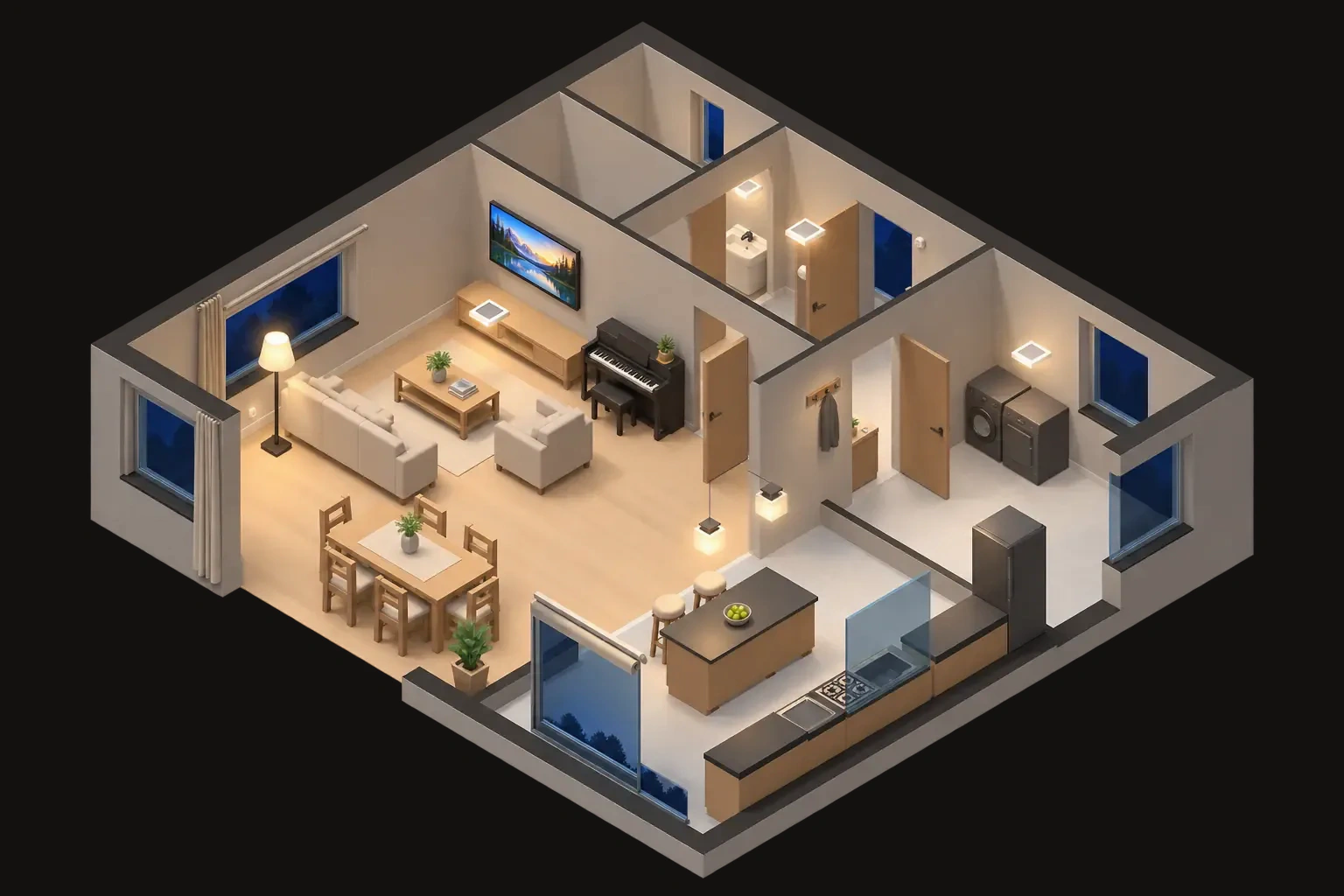
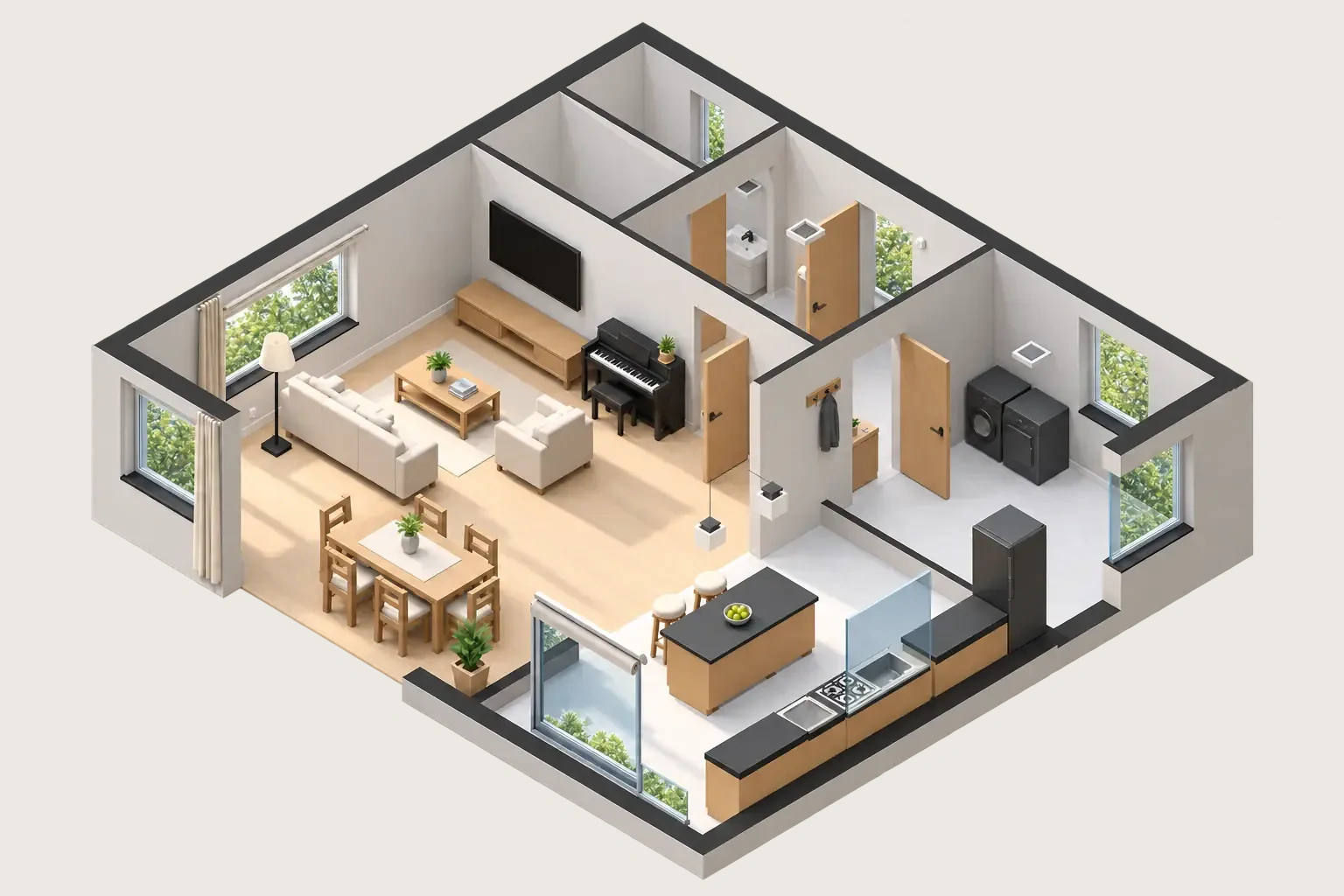
Your home from above, in pictures and in 3D, with your energy on it.
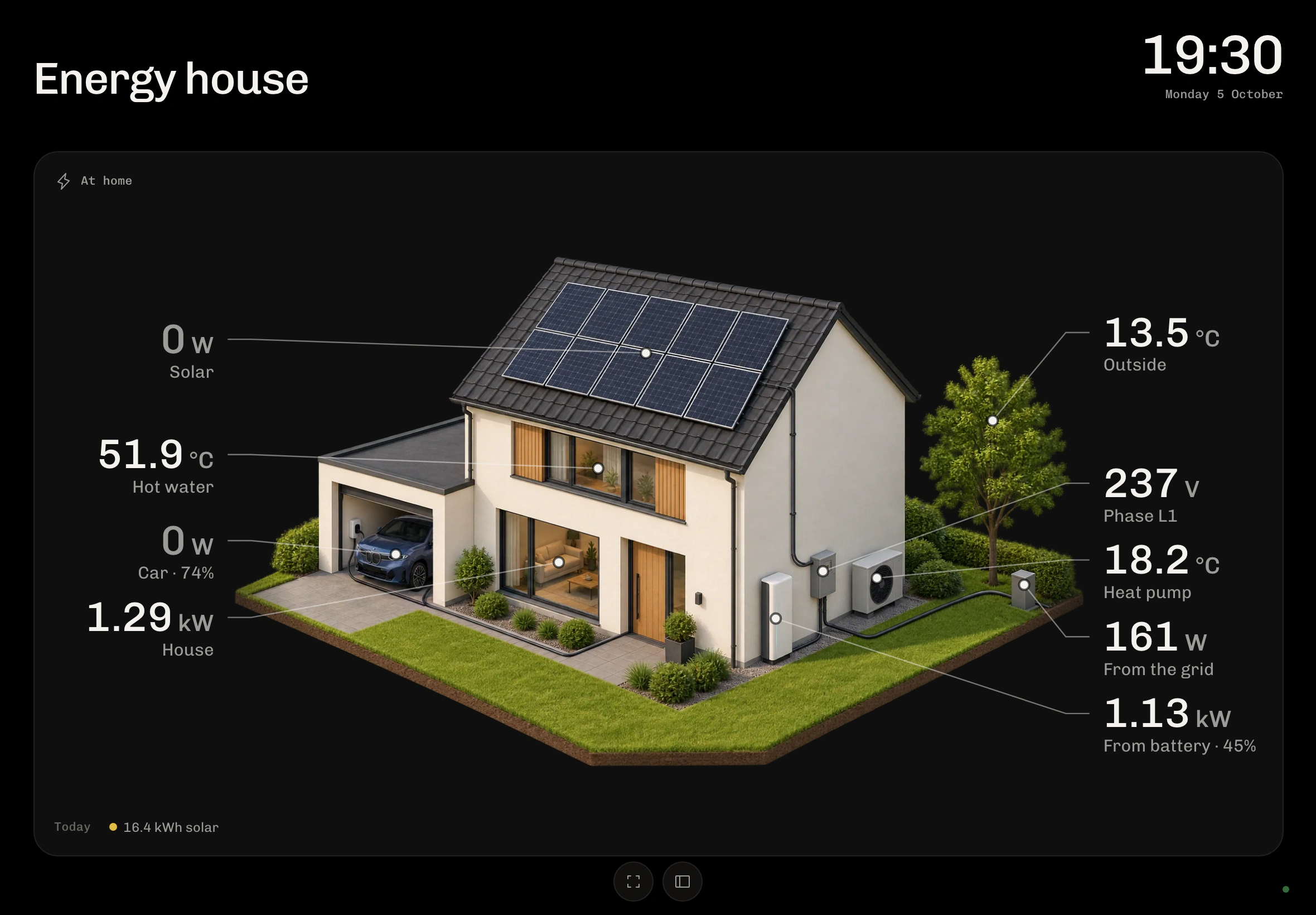
- Energy and prices What power costs, where you lookYour Homey’s electricity, solar, gas and water, and your energy prices, in charts, on your own tiles and in a heading’s summaries, so you see what power cost when you used it.
- Rooms and who is home Room by room, person by personGive each room its player, lights, blinds and moods and control them all with one tap, show widgets about one room, and see who of your household is home, away or asleep.



Look and feel
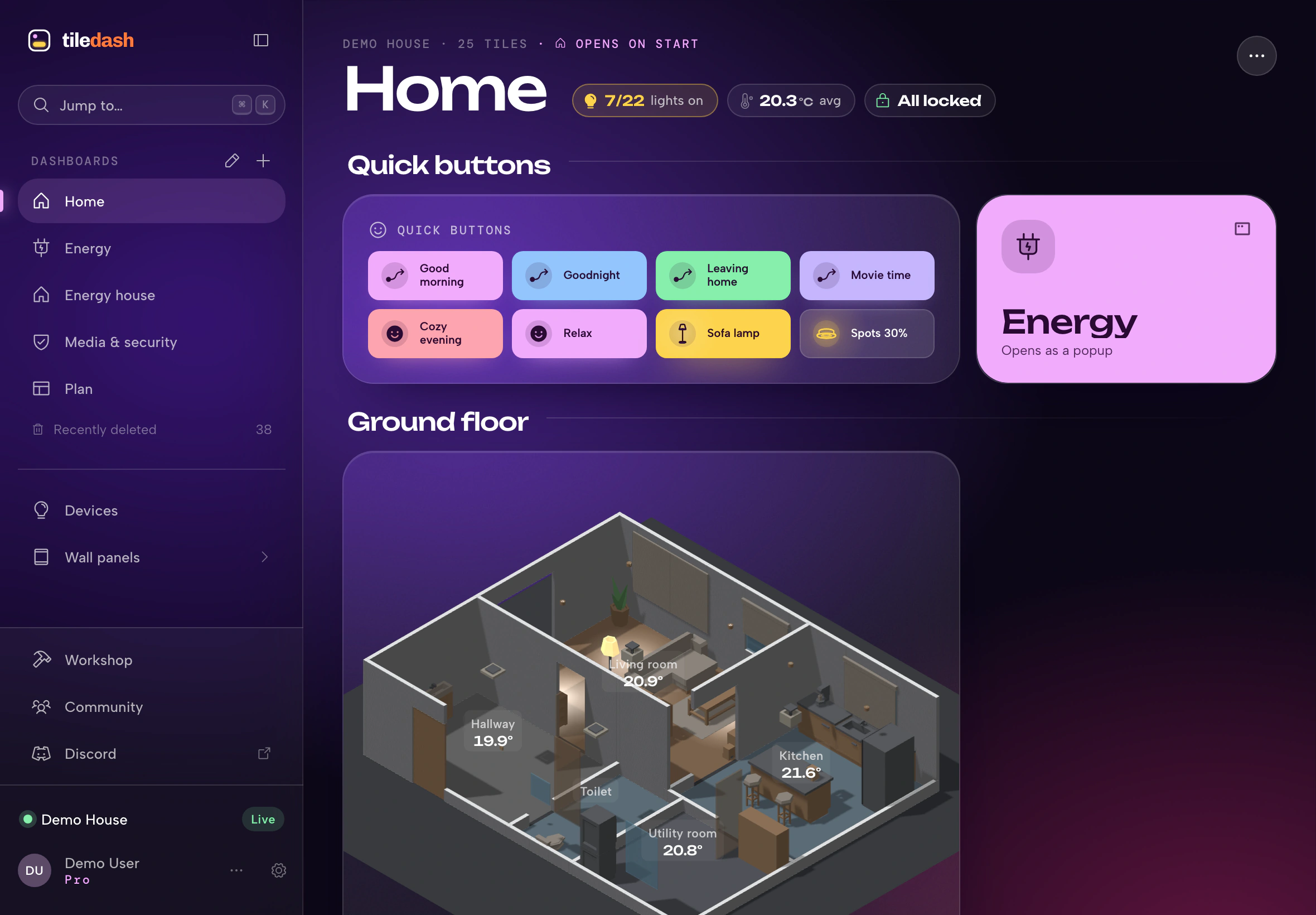
Themes for every room, and a theme of your own.
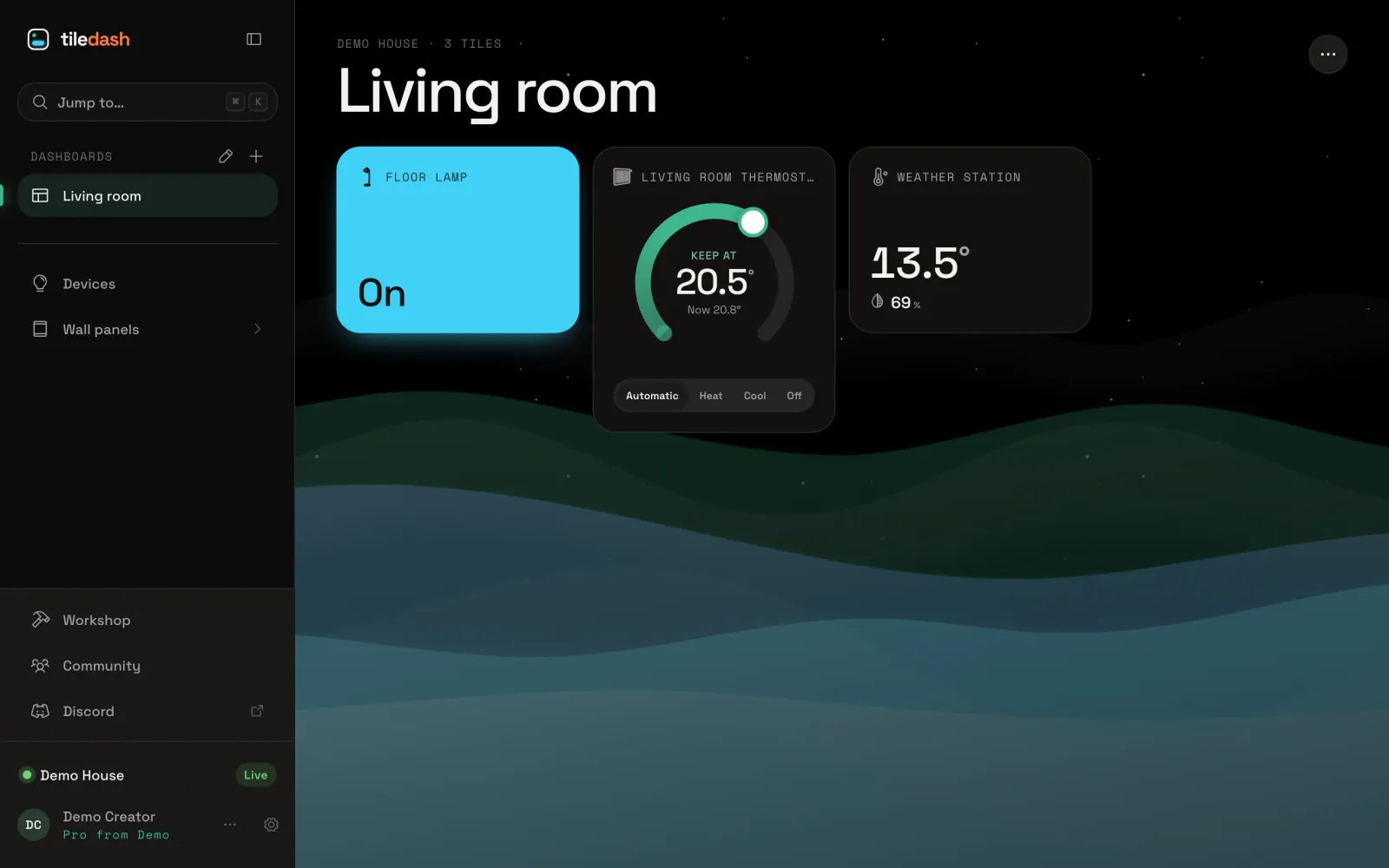
- Wallpapers ProSomething behind the tilesPut a picture of your own behind a dashboard’s tiles, or a living scene that drifts slowly and shows the weather outside.
- Your language Tiledash speaks your languageTiledash in English, Dutch, German, Spanish, French, Norwegian, Swedish and Danish, with dates, times and numbers written your way, and widgets that speak each viewer’s language.
- Pictures and colours A picture behind any tileA library of your pictures with calm ones from Tiledash, a picture behind any tile, and one colour picker with your favourites on every device.

Sharing and household
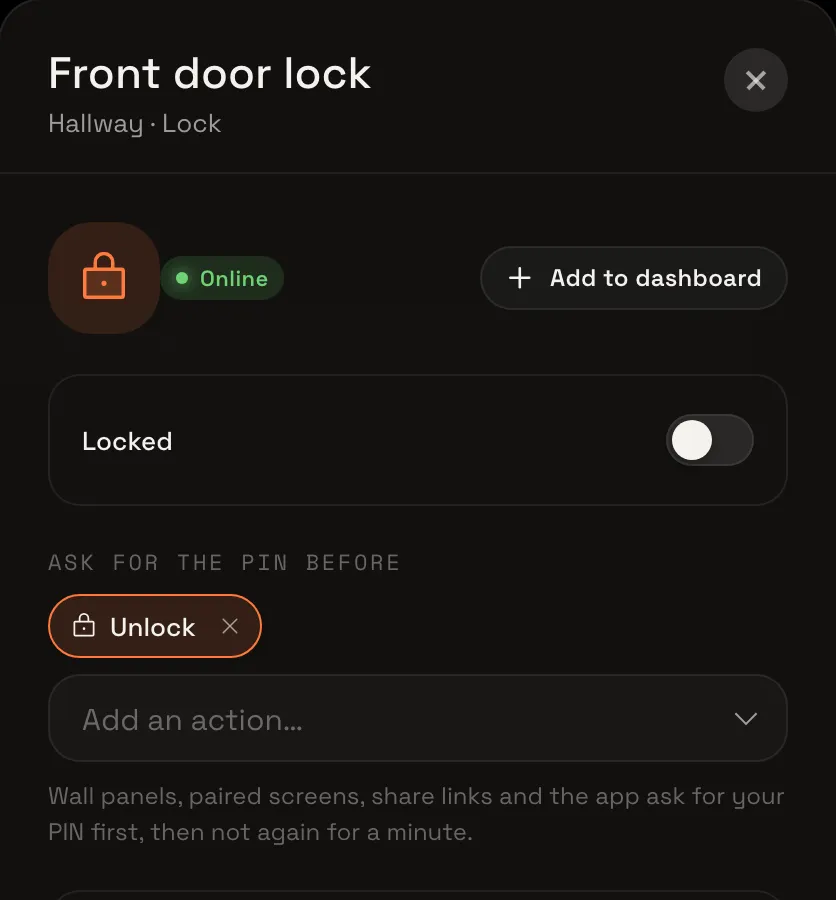
Your household in, guests by link, and an action behind a PIN.
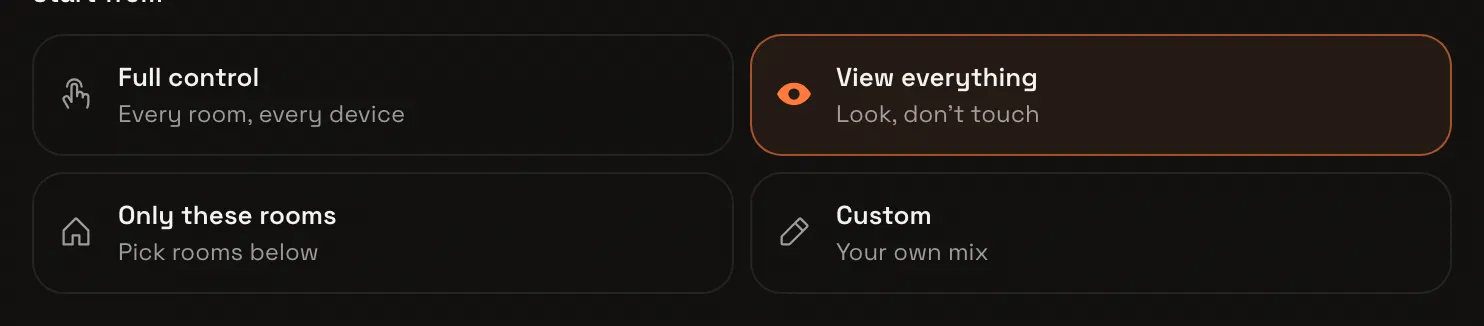
- Share links and screens A dashboard for a guestShare a dashboard with a guest by link, or pair a tablet on the wall with a six-character code, without handing out your login.


Your AI
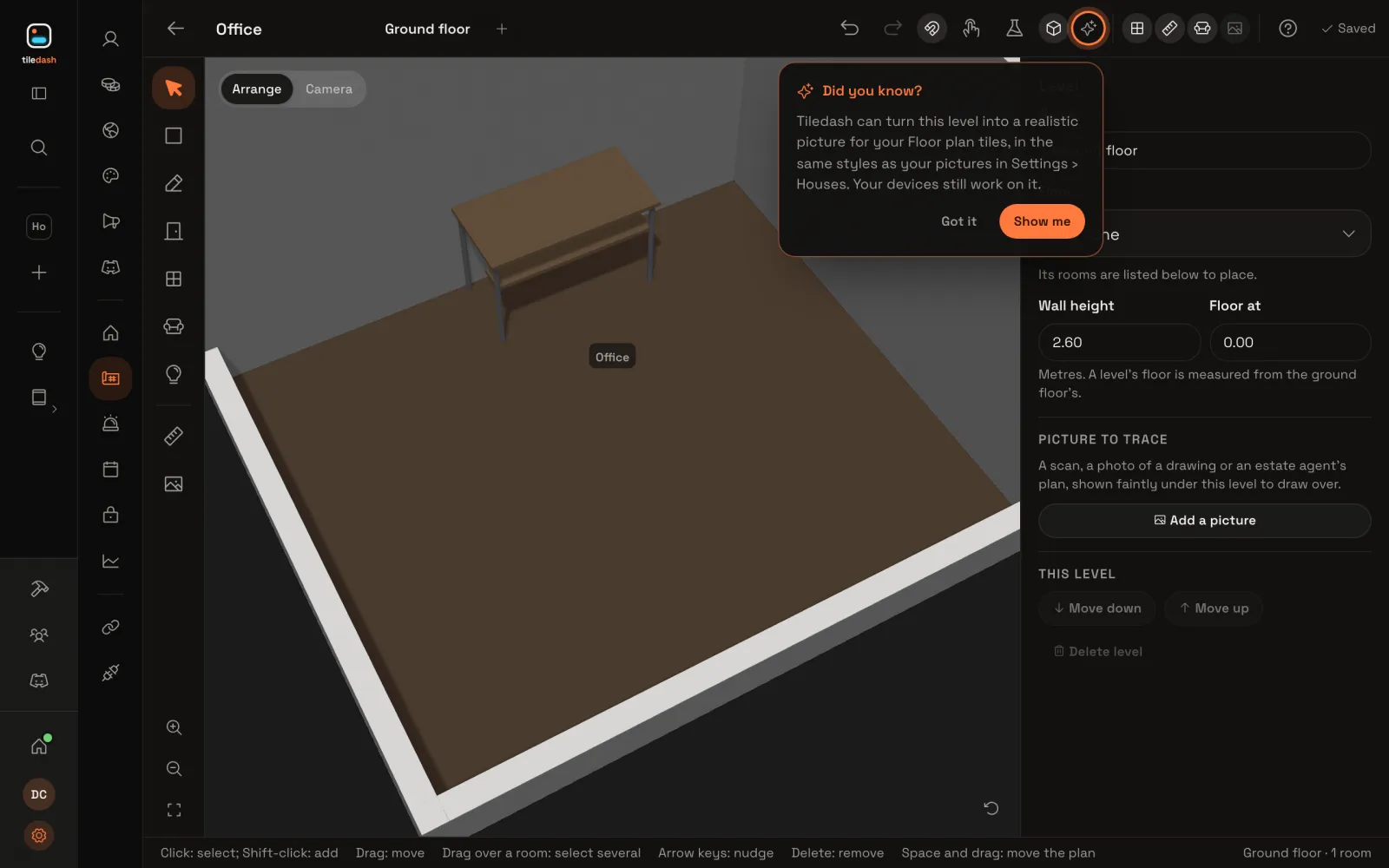
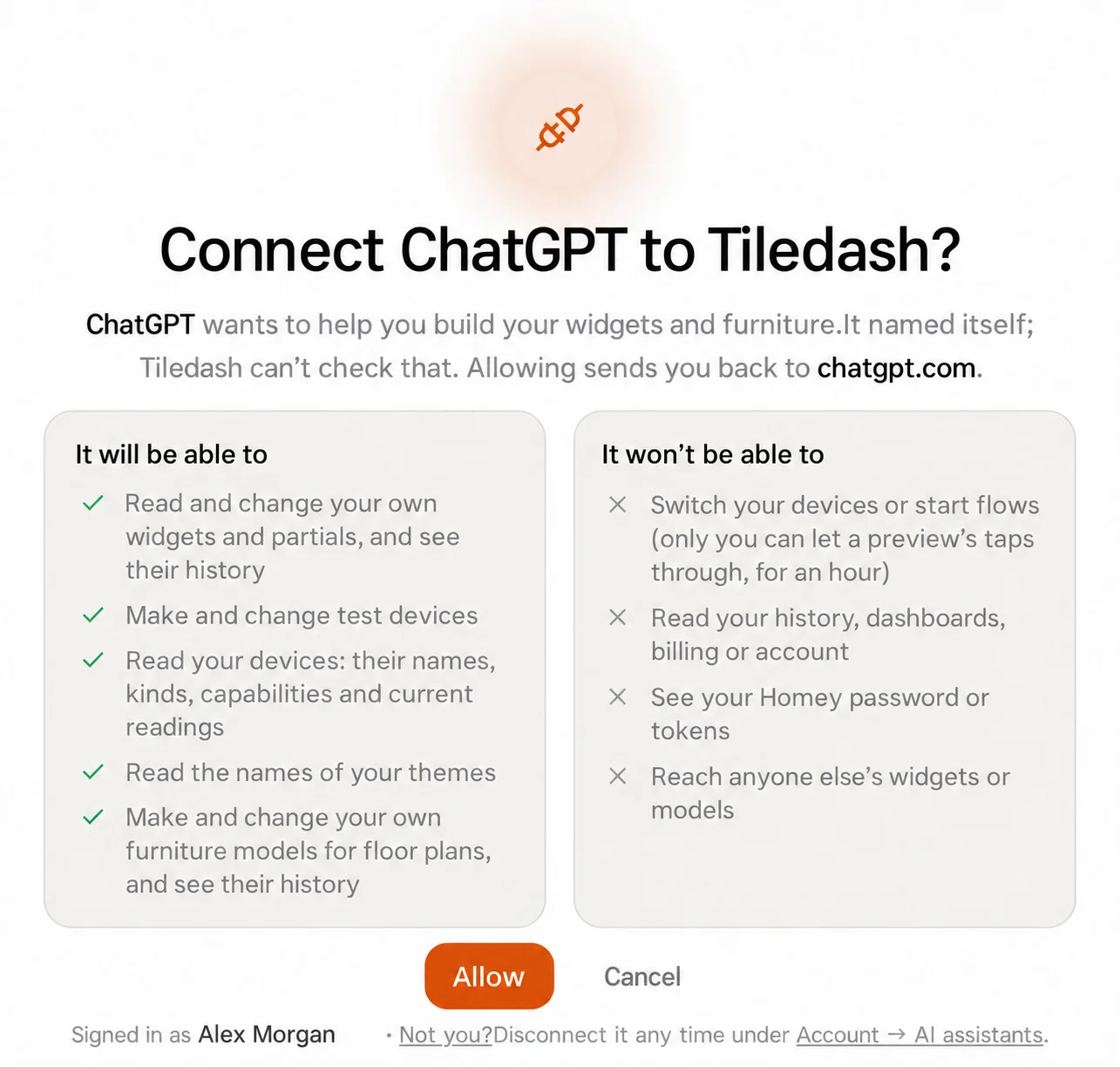
The assistant you already use, building for you.

Make your own
Widgets of your own, and the Community to share them in.
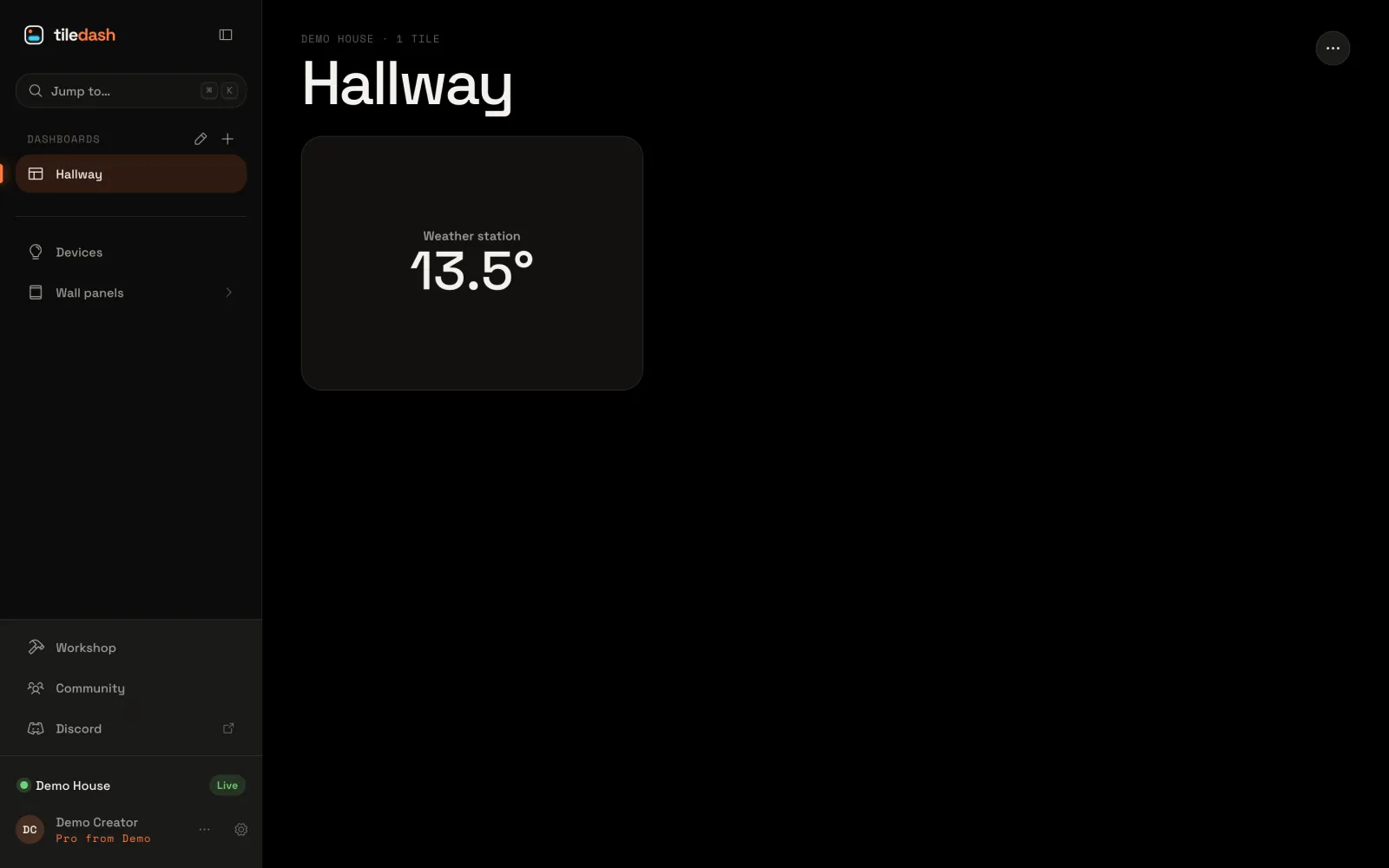
- Widget scripts Code of its own, sealed offGive a widget of yours its own JavaScript and outside libraries, for what a template can’t do, such as a chart library or a canvas. It runs sealed off from the app and does only what you allowed.
- The Community What other Homey owners madeWidgets, themes, partials and 3D models made by Tiledash and by other Homey owners, to try on your own devices and install where you use them. Look around without an account at community.tiledash.app.
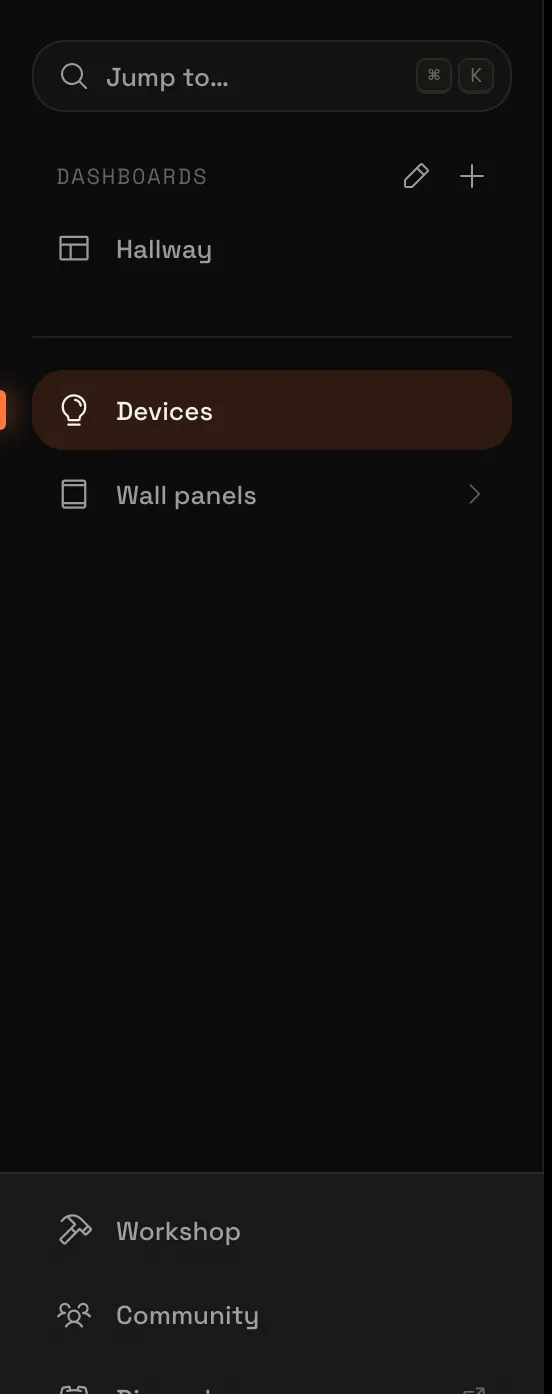
- Calendars, weather and more More than your devicesWidgets that show your calendars, the forecast for a place you pick and what happened lately on your Homey, with controls that fill a tile.
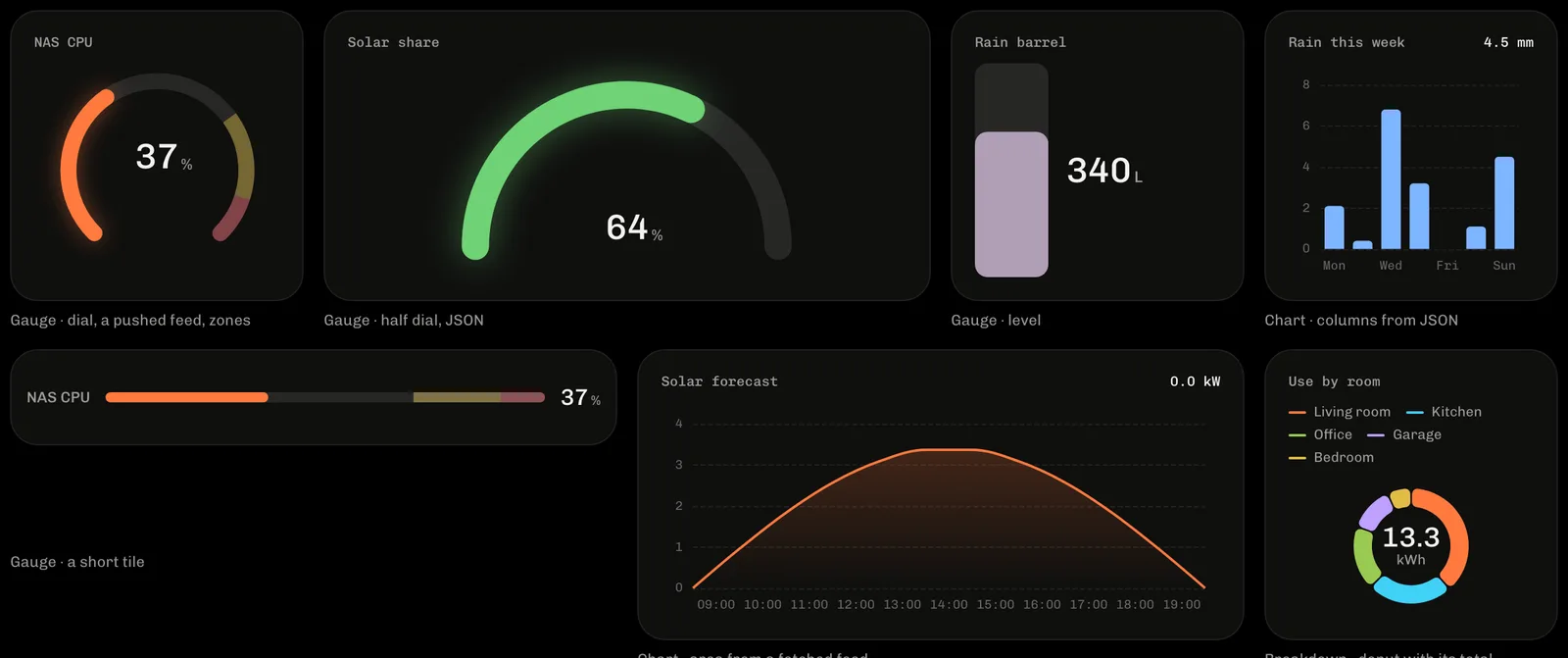
- From the command line Publish from your own editorCheck, pack and publish your widgets, themes and partials to the Tiledash Community with the tiledash command, from your terminal or GitHub Actions.


Your data
What Tiledash keeps, and who may look at it.
- Support asks first We ask before we lookTiledash’s admins can’t see your dashboards, devices or recordings. When we need to, to help you, we ask first, say why, and you decide for how long.
- Encrypted per account Your data, locked with your own keyYour dashboards, devices, floor plans, pictures and settings are stored encrypted, with a key for your account alone. A copy of the database or a backup shows nothing of your setup.