Dashboards and screens
An alert on every screen
Smoke, a leak, the alarm, the doorbell, motion or a door can wake your wall panels and take over the screen, with the camera that sees it.
Free, on every account
- Full screen, while it lastsWhat happened, in which room, since when, and the device’s other readings, over whatever was showing.
- With the camera that sees itEach device shows its room’s camera, one camera you pick, or none.
- Buttons that helpSilence it on that screen, start a flow you chose, or disarm the alarm after asking.
- Your rulesPer device, always, while the alarm is armed, at night or never. Smoke and water wake the screens day and night by default.
Learn how
- AlertsSmoke, a leak, the alarm, the doorbell, motion or a door can wake your wall panels and take over the screen, with the camera that sees it.
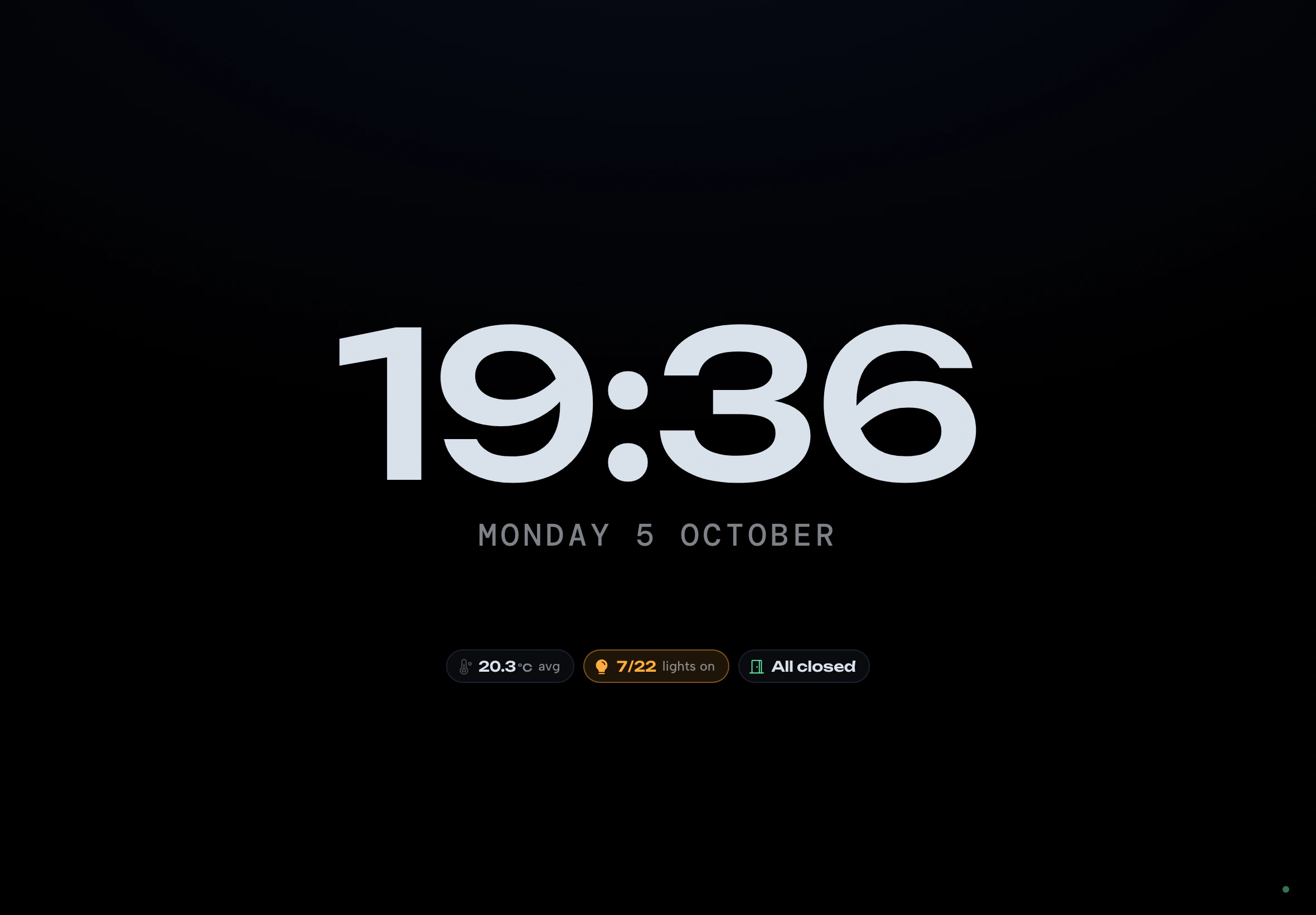
- Wall panels and e-inkTurn a tablet into a wall panel that swipes between dashboards, falls asleep to a clock and wakes for alerts, or run Tiledash on an e-ink screen.
Goes well with
- Dashboards and popups One tap to the next dashboardOpen one dashboard from another, put a navigation bar on a screen, and let a dashboard open by itself when something happens.