Dashboards and screens
Sharp from across the room
Run a wall panel on a slow, paper-like e-ink screen, in black and white with no motion, sharp from across the room.
Free, on every account
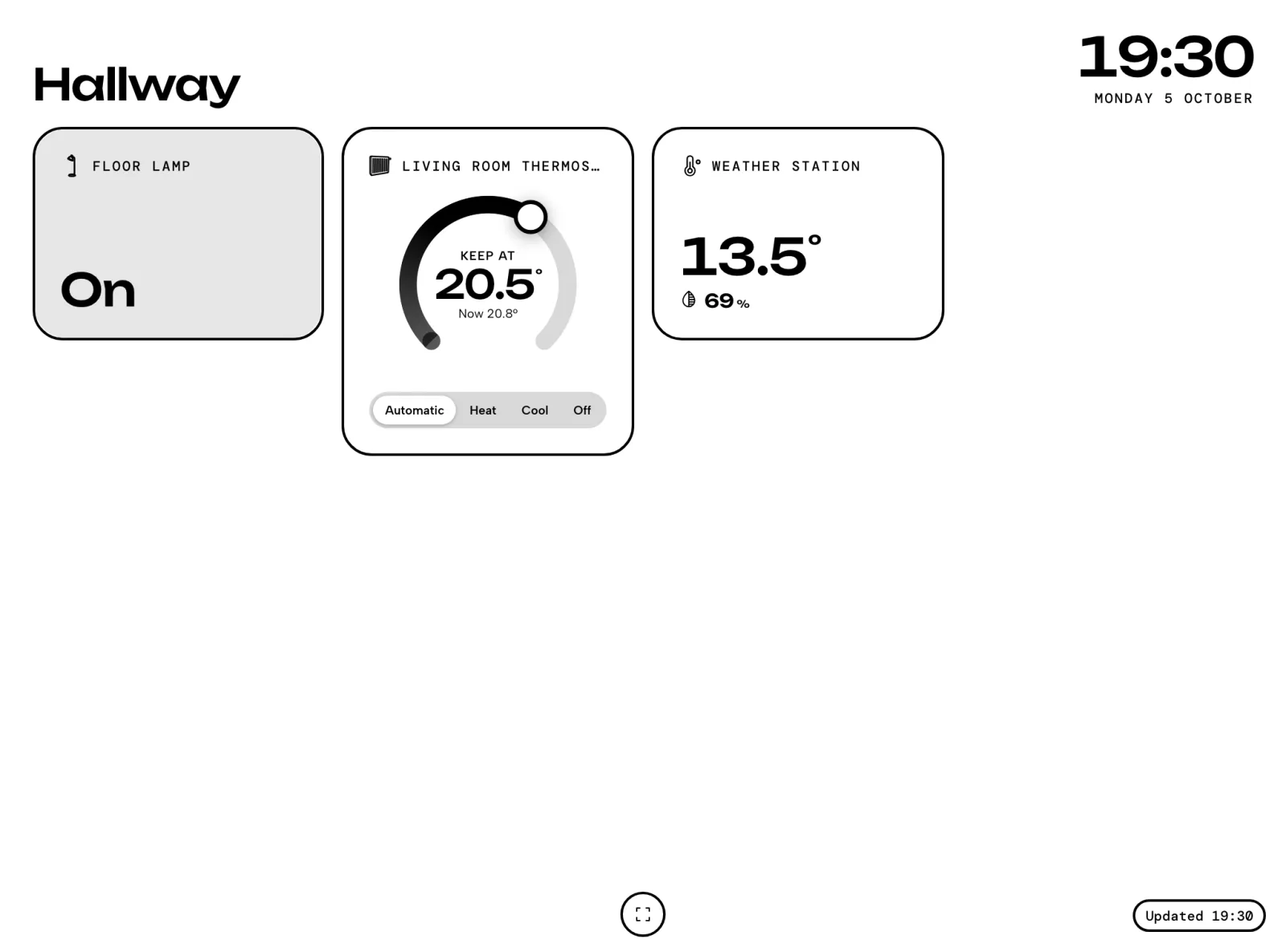
- Black and white, no motionThe panel shows everything in the Paper theme, made for e-ink, with nothing moving.
- New values in stepsValues come in every 30 seconds to 5 minutes, as you choose, with the time they were updated in the corner. Alarms, smoke, water and locks still show at once.
- No ghostingNow and then it flashes black and white to wipe away what the last screen left behind.
- Preview it firstSee what a dashboard looks like on e-ink from its menu, without saving anything.
Learn how
- Wall panels and e-inkTurn a tablet into a wall panel that swipes between dashboards, falls asleep to a clock and wakes for alerts, or run Tiledash on an e-ink screen.
Goes well with