Dashboards and screens
A tablet by the door
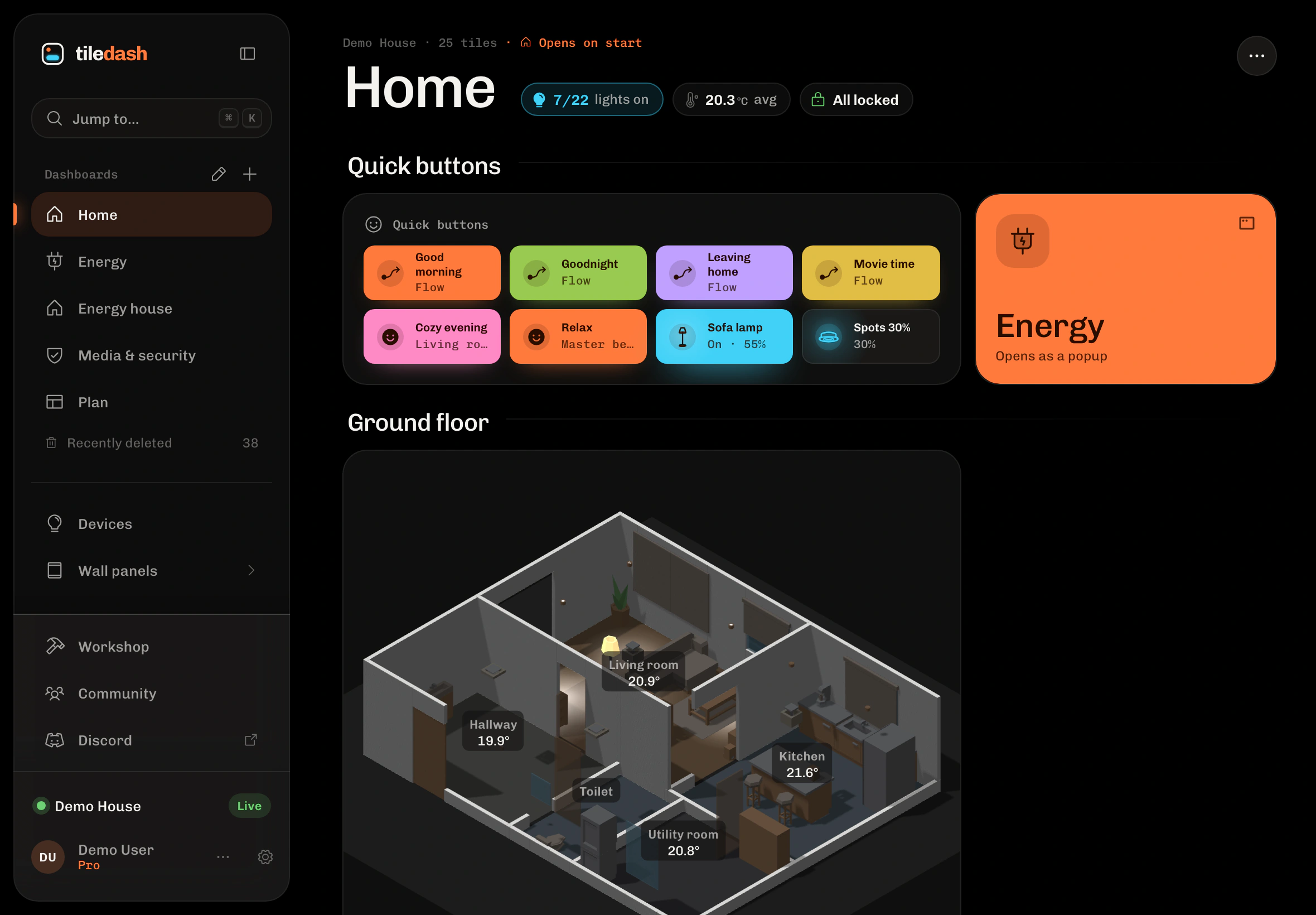
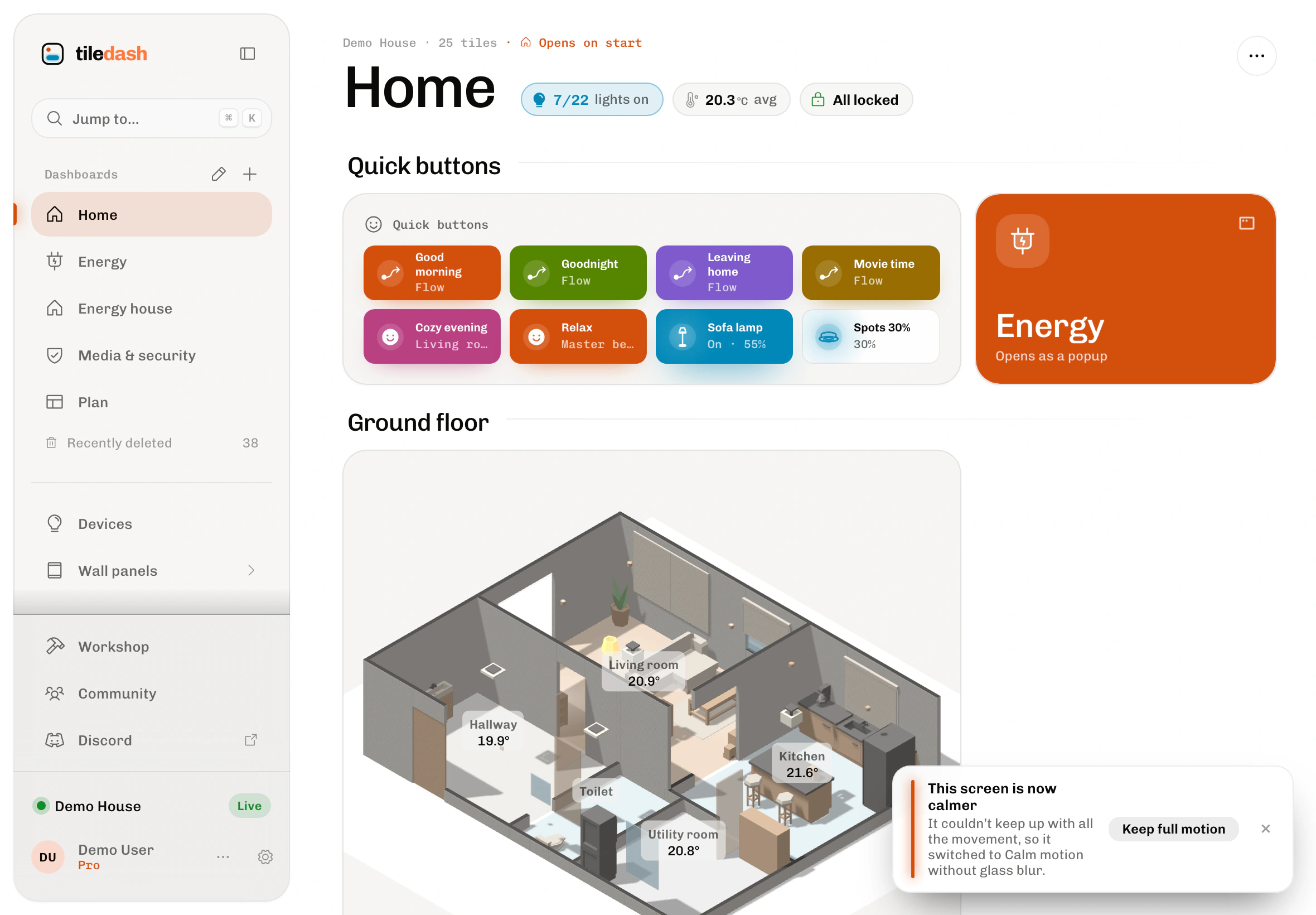
Turn a tablet by the door into a wall panel that swipes between dashboards, falls asleep to a big clock and wakes up for alerts.
Free, on every account
- Swipe between dashboardsChoose the dashboards a panel swipes between and the one it starts on and goes back to.
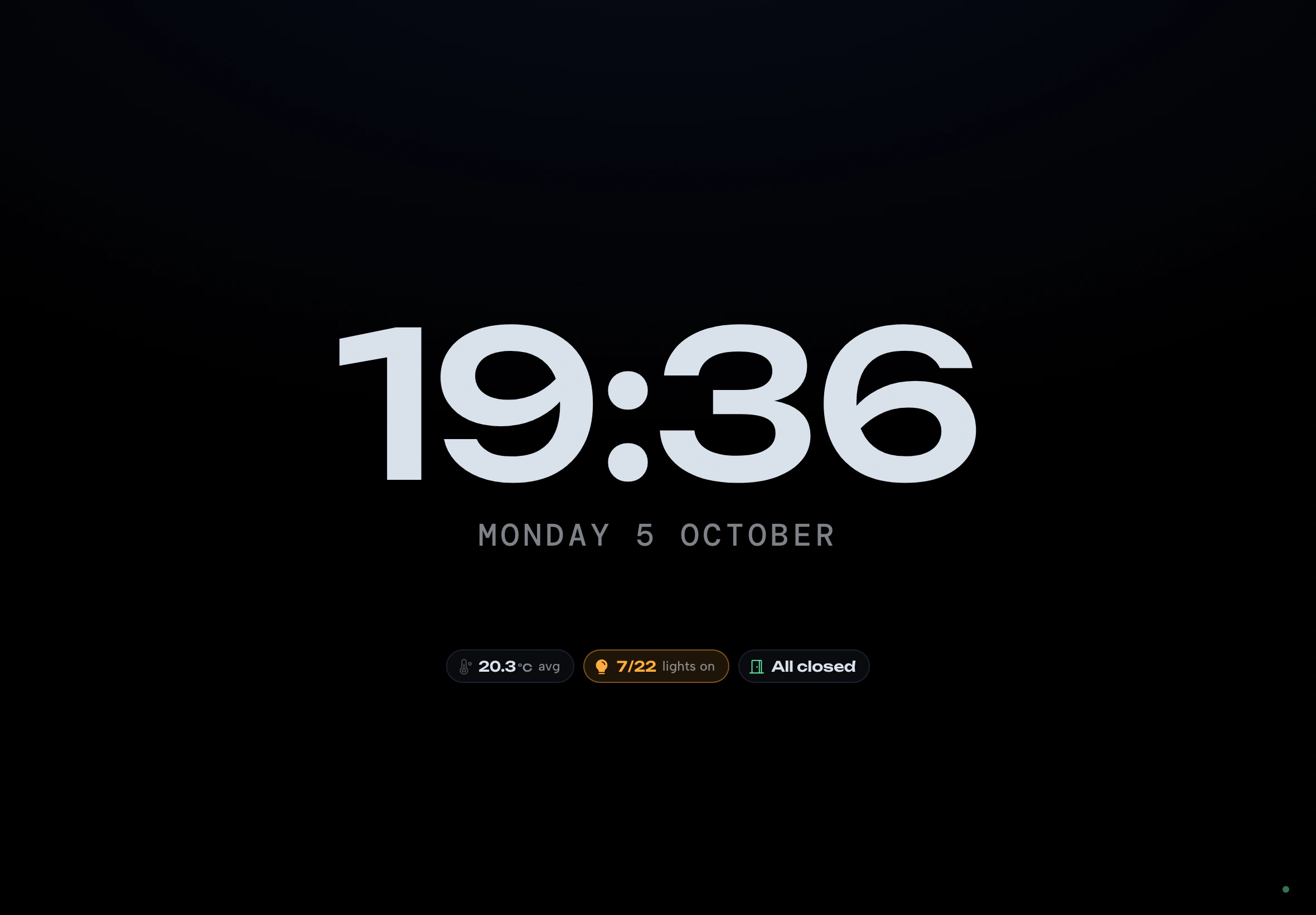
- Asleep to a clockWhen nobody touches it, it falls asleep to something quiet, like a big clock, dimmed if you like.
- Awake for alertsSmoke, a leak or the doorbell wakes it and takes over the screen while it lasts.
- No login on the wallPair the tablet with a six-character code, so it runs the panel without anyone signing in on it.
Learn how
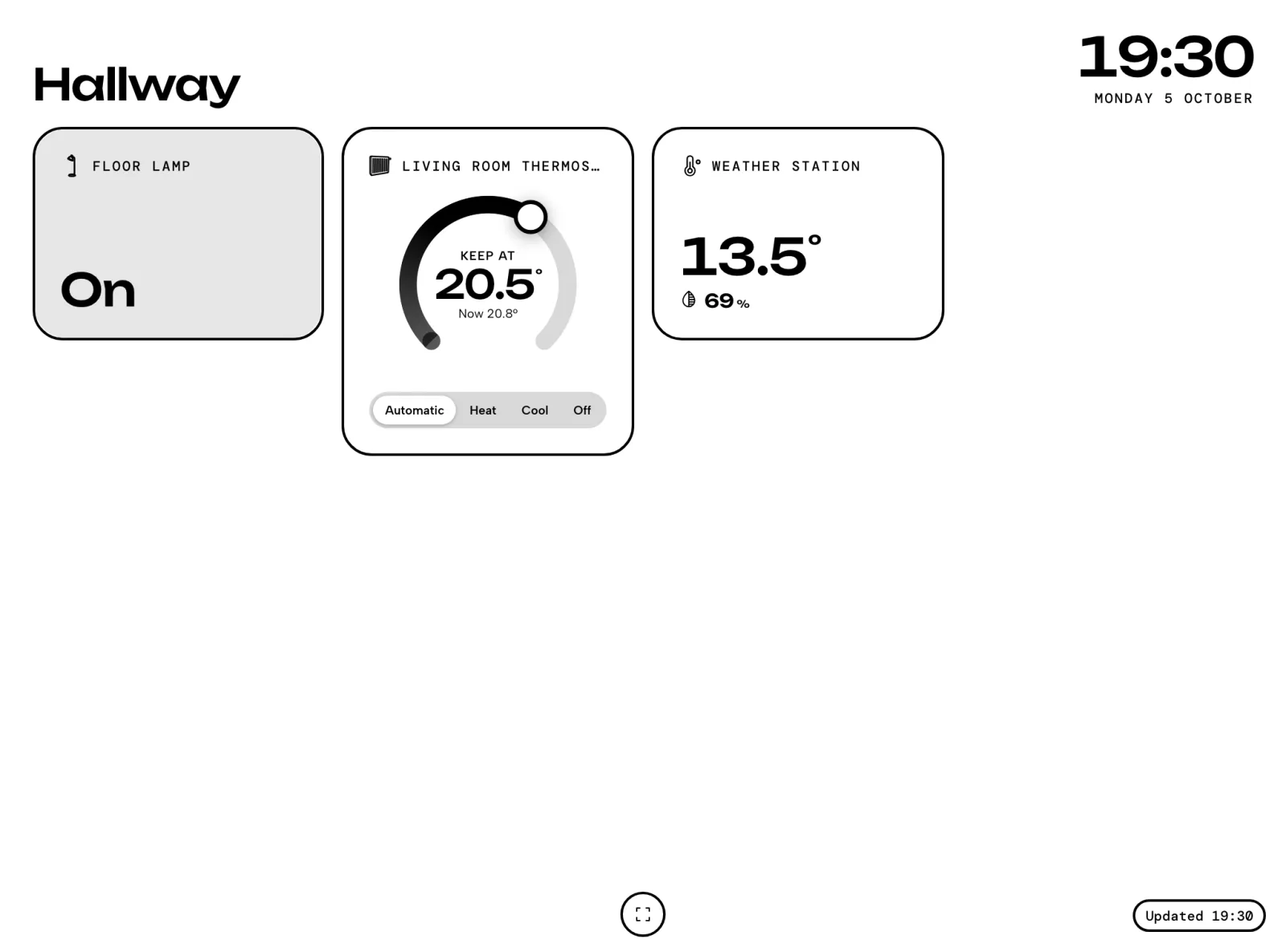
- Wall panels and e-inkTurn a tablet into a wall panel that swipes between dashboards, falls asleep to a clock and wakes for alerts, or run Tiledash on an e-ink screen.
- Sharing and paired screensShare a dashboard with a link, or pair a tablet to a wall panel with a six-character code, without handing out your login.
Goes well with
- Alerts An alert on every screenSmoke, a leak, the alarm, the doorbell, motion or a door can wake your wall panels and take over the screen, with the camera that sees it.