Your house and energy
Your energy, on your house
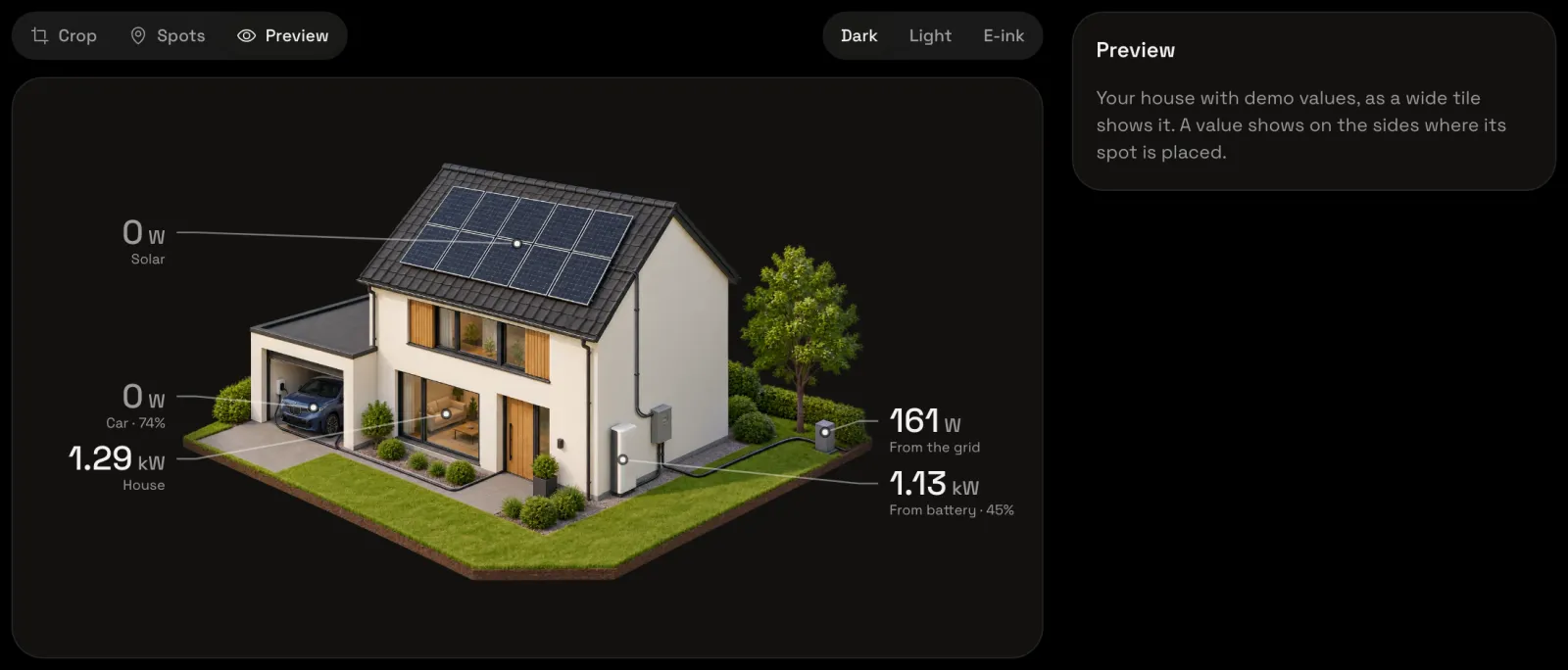
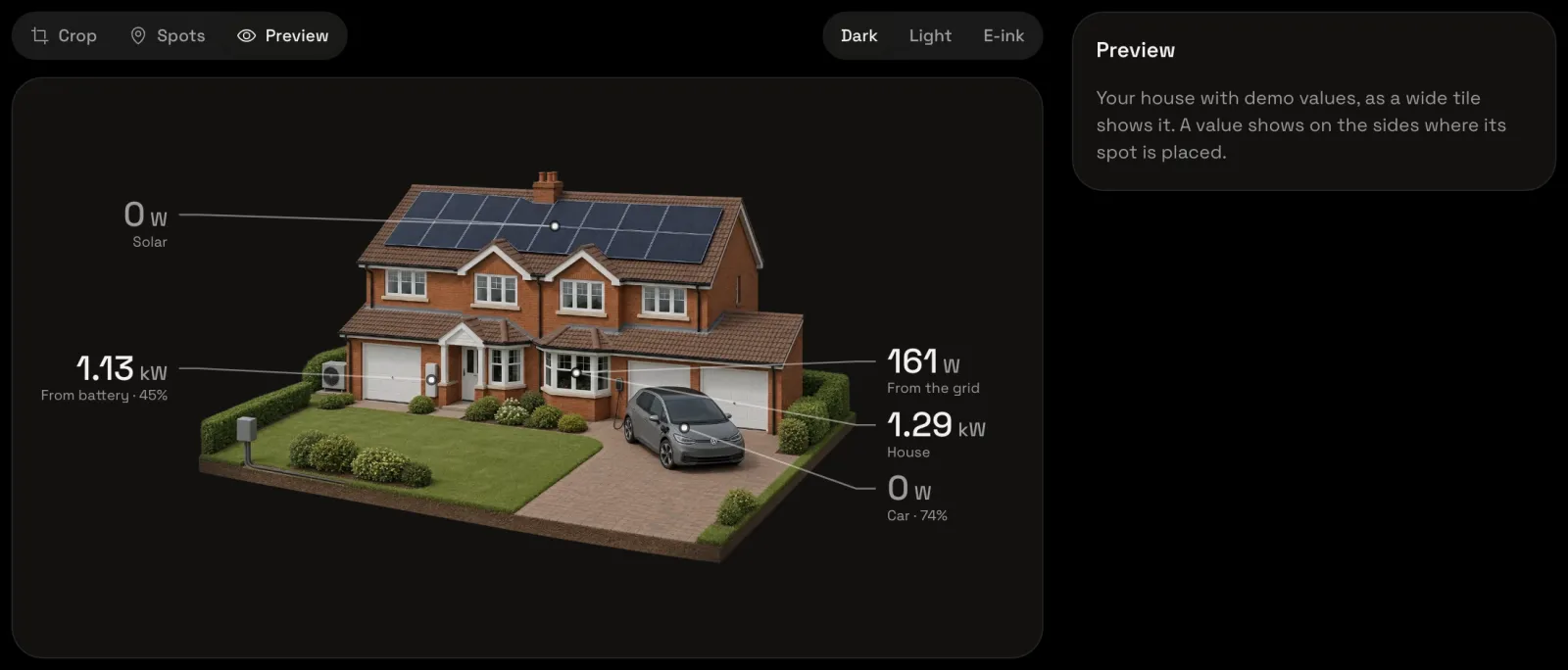
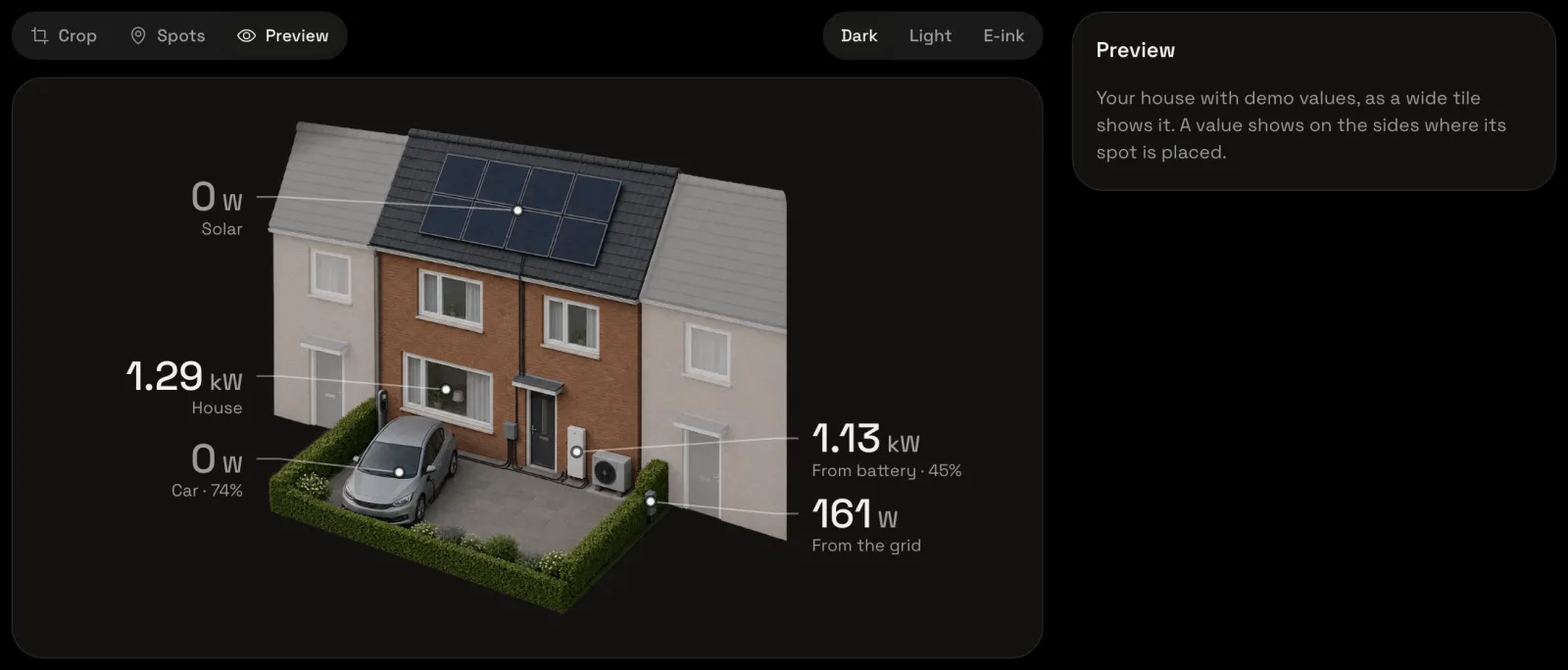
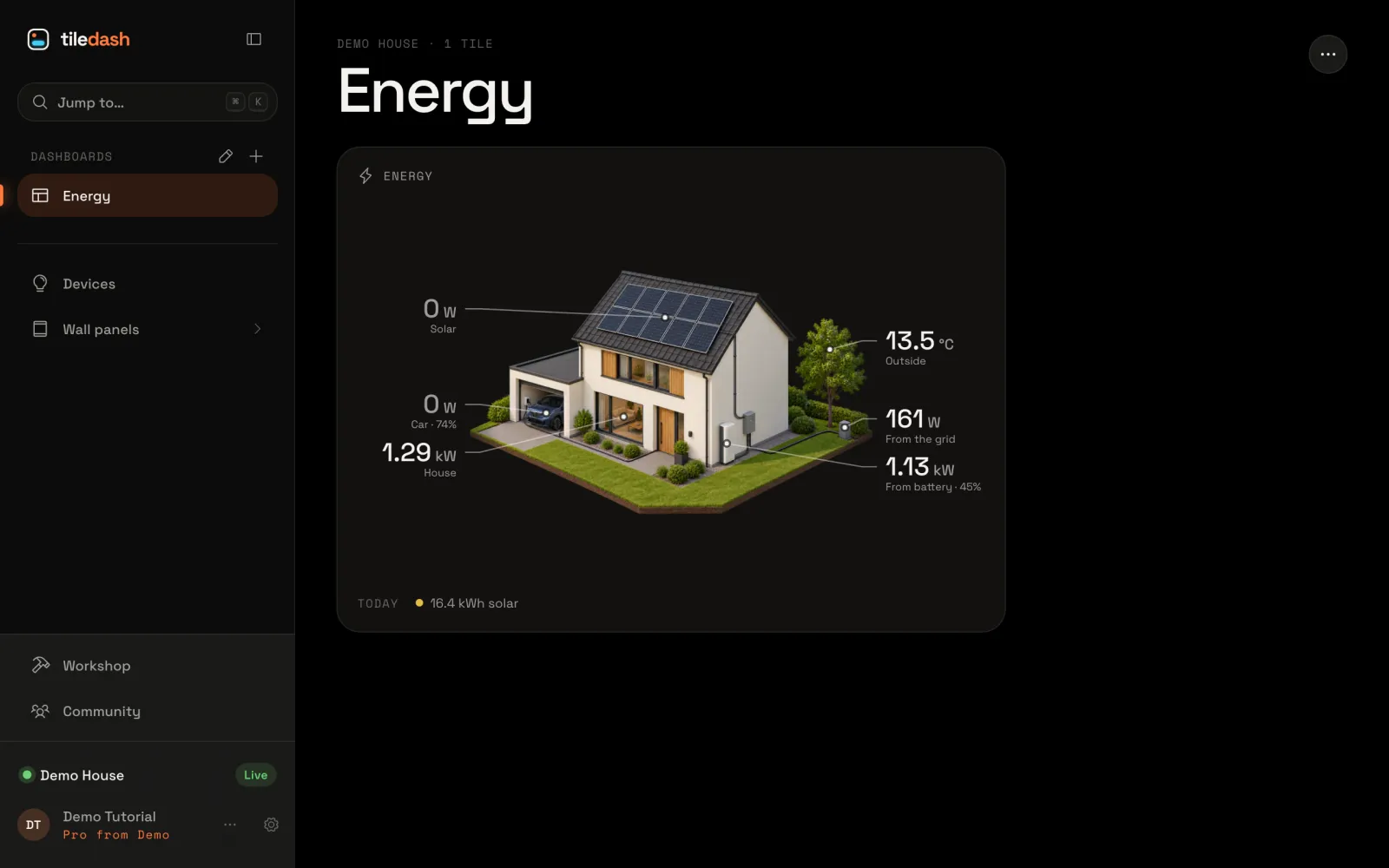
See where your power goes at a glance, on a picture of your own house, from the panels on the roof into the battery and the car and back to the grid.
Free for one house; five on Pro
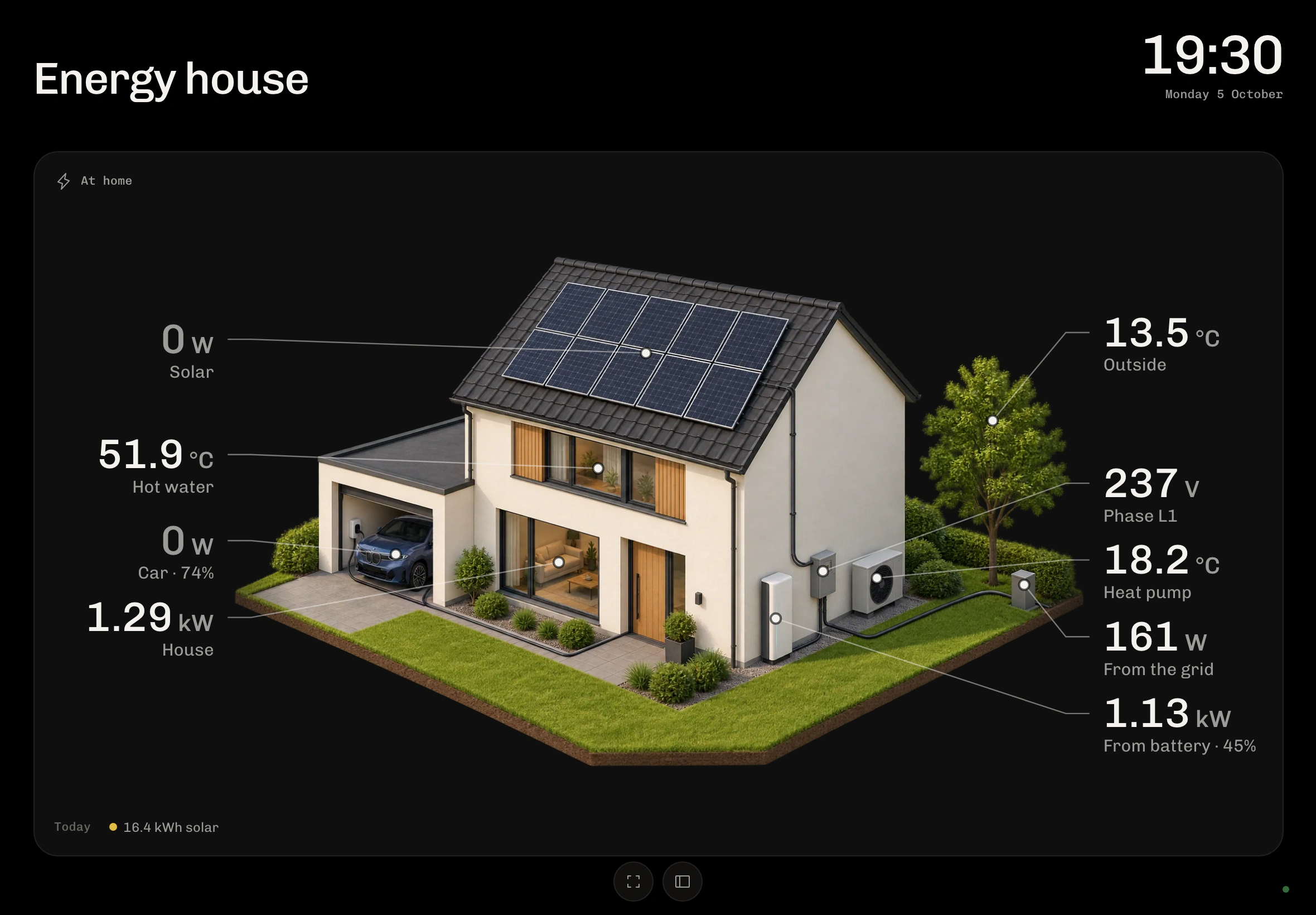
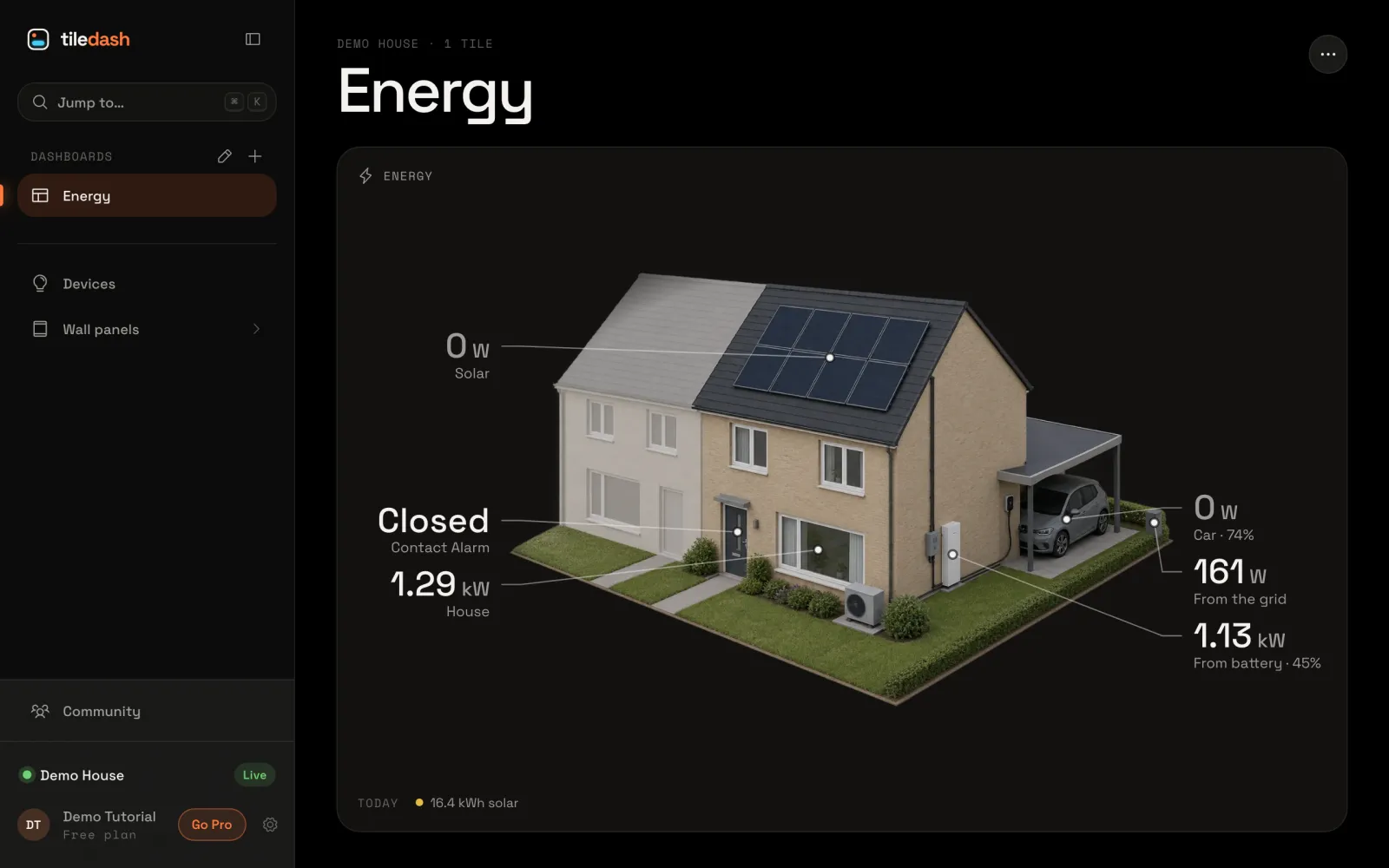
- Power that movesSolar, battery, grid and car, each where it is on your house, with what it does right now.
- Your own houseStart from a Tiledash house, turn a photo of yours into a 3D picture, or upload a picture you already have.
- What today costsSet your prices and meters once, and the energy widgets show today’s cost, the top users and the cheapest hours ahead.
Learn how
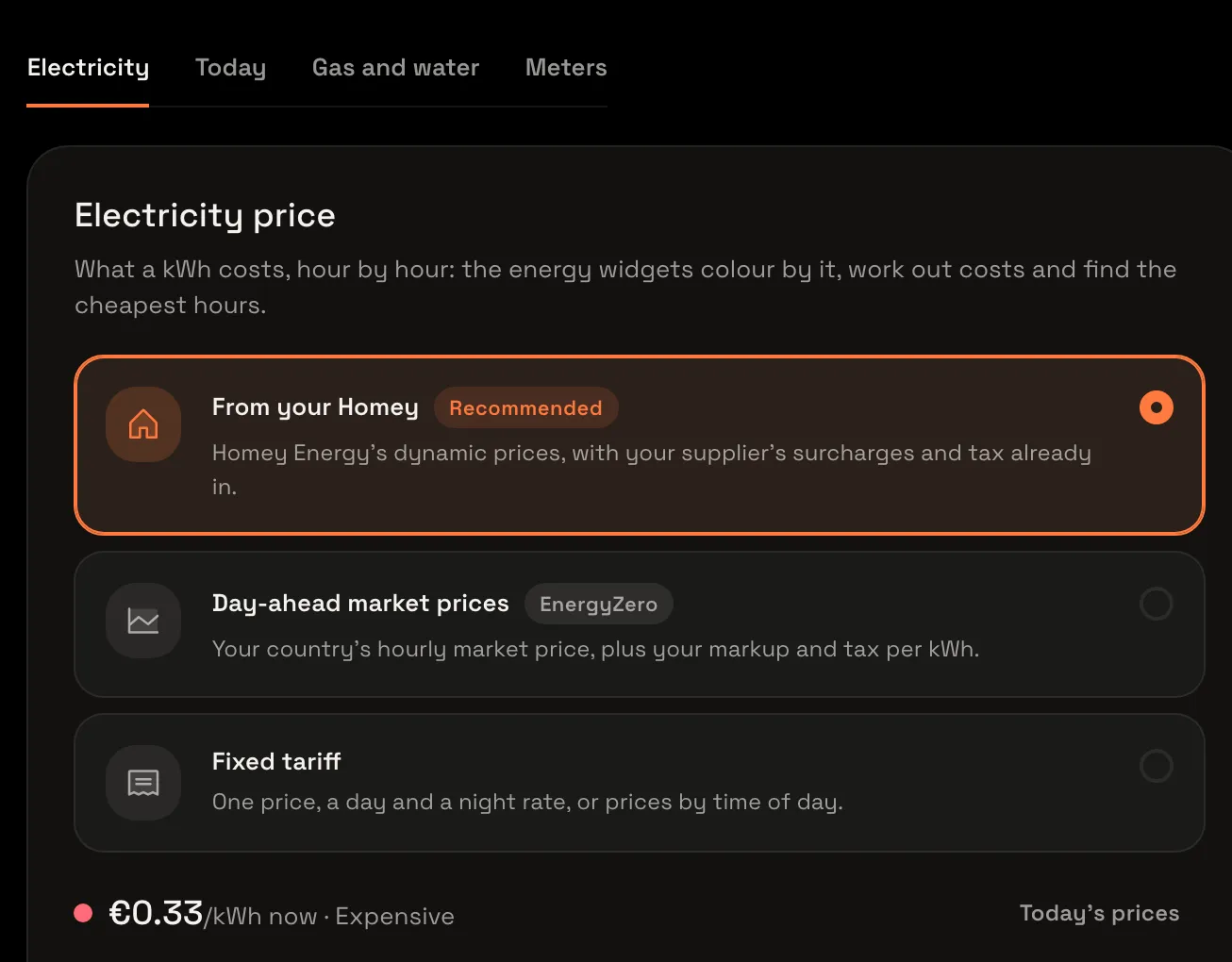
Set up your energy prices and metersCheck where your electricity price comes from, see today’s prices, add gas and water prices, and check the meters the energy widgets count.
Start your house in 3D from a Tiledash housePick one of Tiledash’s ready-made 3D houses, with its solar, battery, car and the rest already marked, and see how your energy shows on it.
Turn a photo of your house into a 3D pictureUpload a photo of your house, answer a few questions, and let Tiledash make a 3D picture of it with its solar, battery, car and the rest already marked.
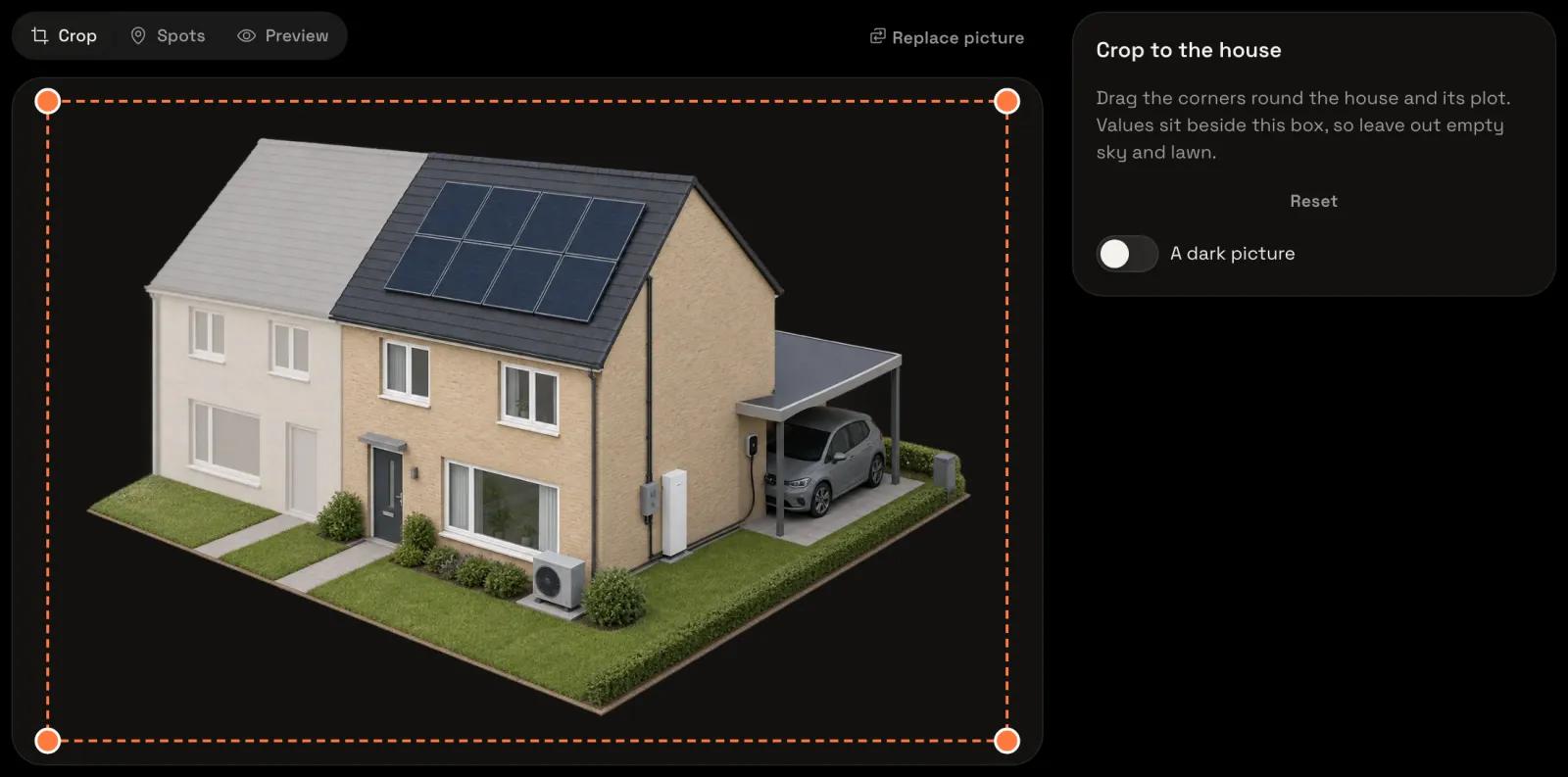
Upload your own house picture and place its spotsUpload a 3D picture of your house you already have, crop it to the house, and mark where your solar, battery, car and the rest are, one tap each.
Make a picture of your house in your own chatLet Tiledash write the prompt for a picture of your house, make it in ChatGPT or Gemini, and upload what it makes.
Show your house on a dashboardPut your 3D house on a dashboard with the Energy house widget, choose which house it shows, and give its garden the temperature outside.
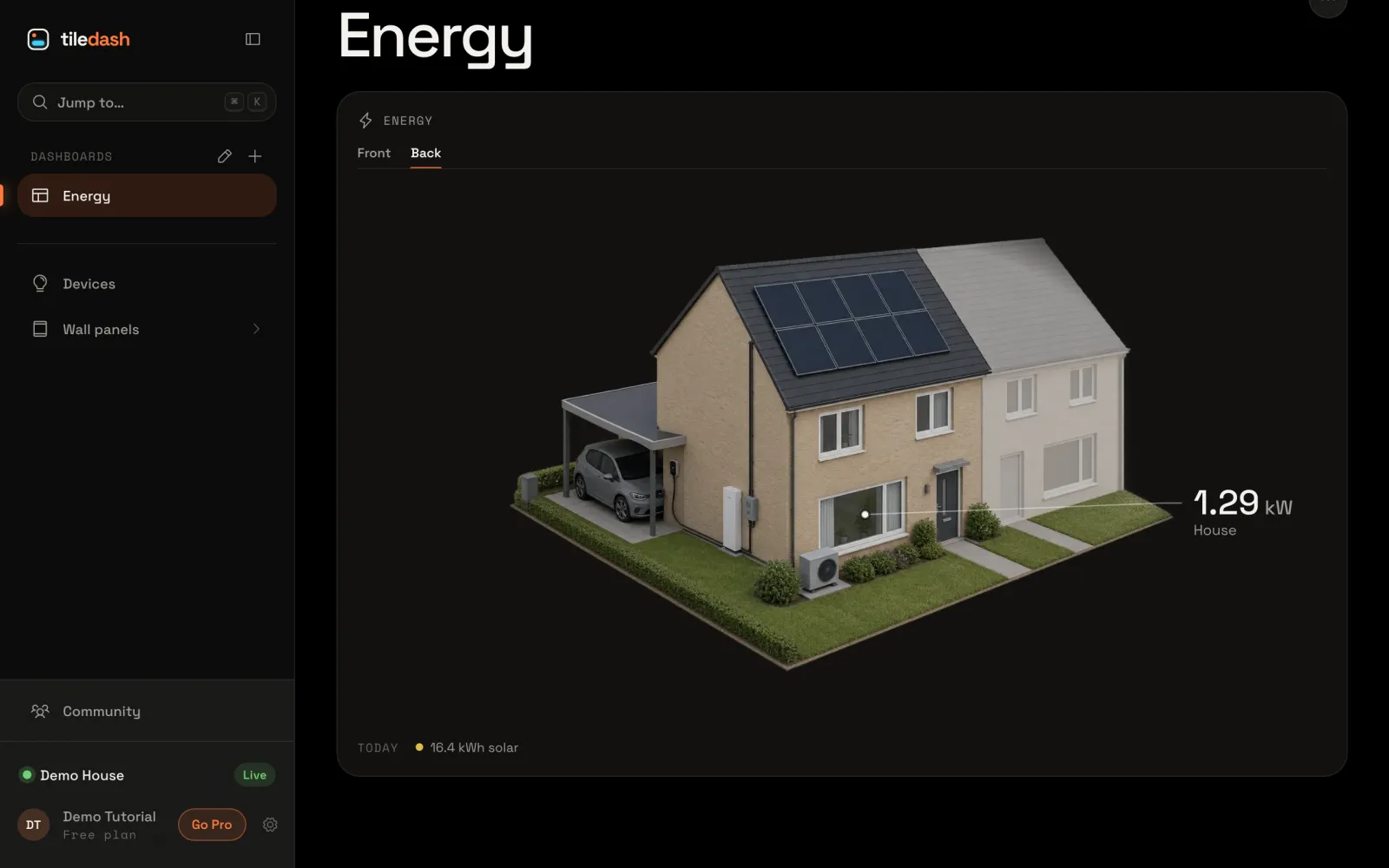
Show the front and back of your houseGive your house a second side with its own picture and spots, and move between the sides on the Energy house tile with tabs.
Give your own spot a valueAdd a spot of your own to your house’s picture, such as the front door, and show a sensor’s reading there on the Energy house tile.
- Energy and pricesSet what a kWh, gas and water cost and which meters the energy widgets count, so they can show what today cost, the top users and the cheapest hours ahead.