Your AI
What your assistant can reach
Every tool Tiledash gives your AI assistant over MCP, what it can reach on your Homey, and what it asks you first.
Part of Pro
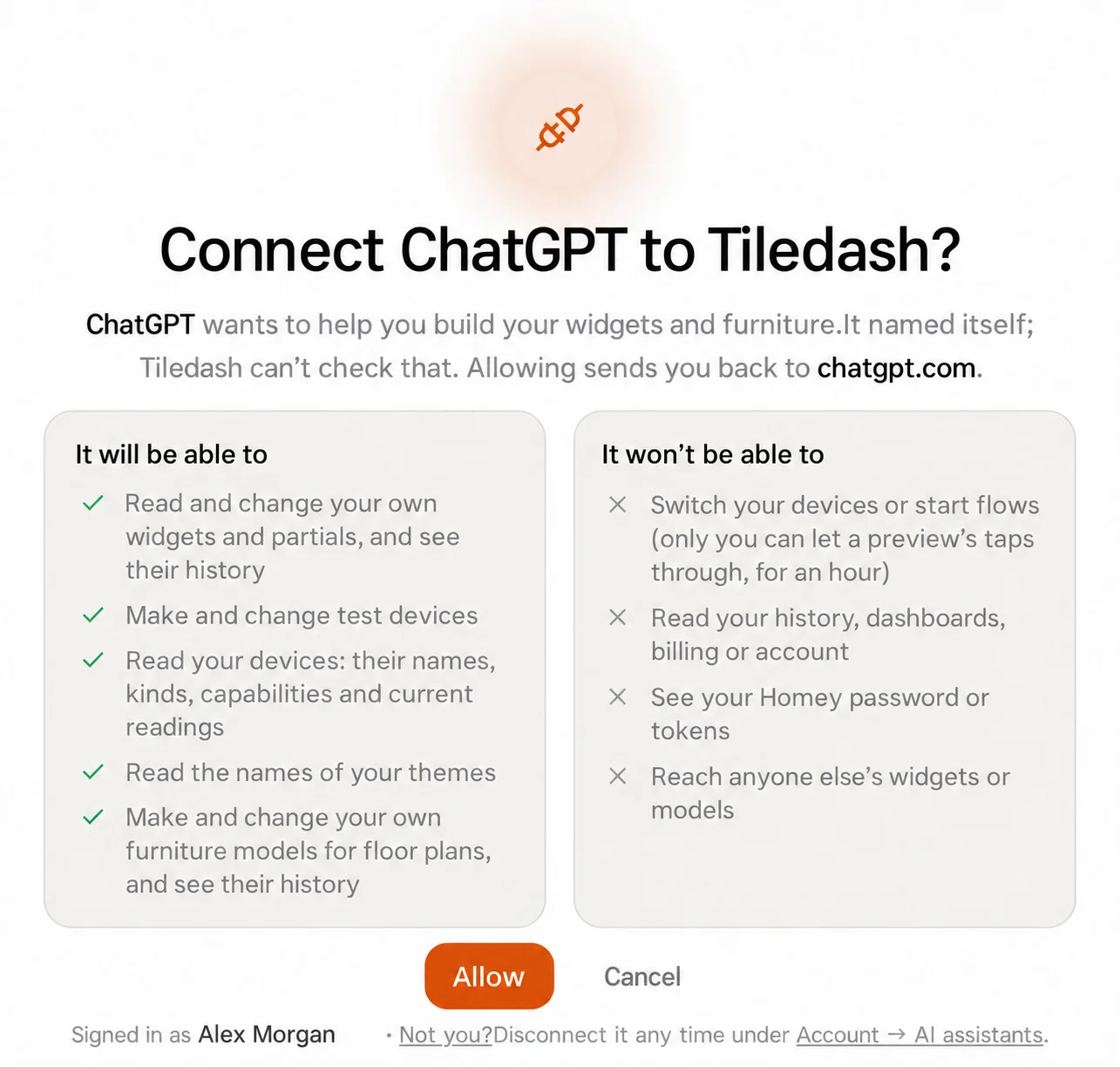
- Every tool, listedOver seventy tools for dashboards, widgets, partials, themes, models and your floor plans, each with what it does.
- You decide what it reachesWhen it connects you see what it asks for, and you can disconnect it any time.
- Nothing lostWidgets, themes and models keep their saves, and a dashboard its versions, so a change can be undone.
Learn how
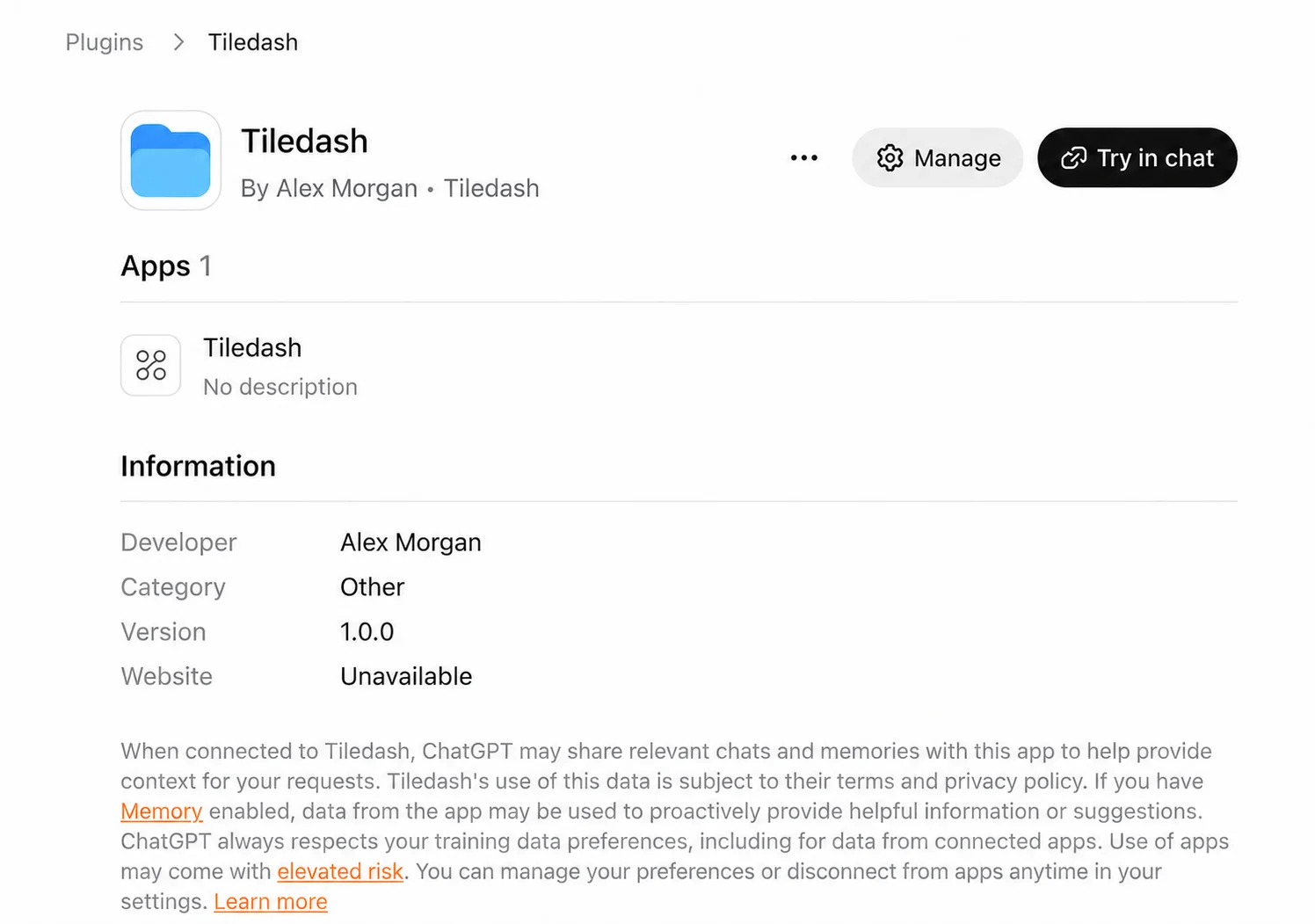

- The AI toolsEvery tool Tiledash gives your AI assistant over MCP, and working from files.
- Connect your AI assistantConnect Claude, ChatGPT, Copilot, Cursor or Claude Code to Tiledash over MCP, and see what the assistant can reach.

Goes well with
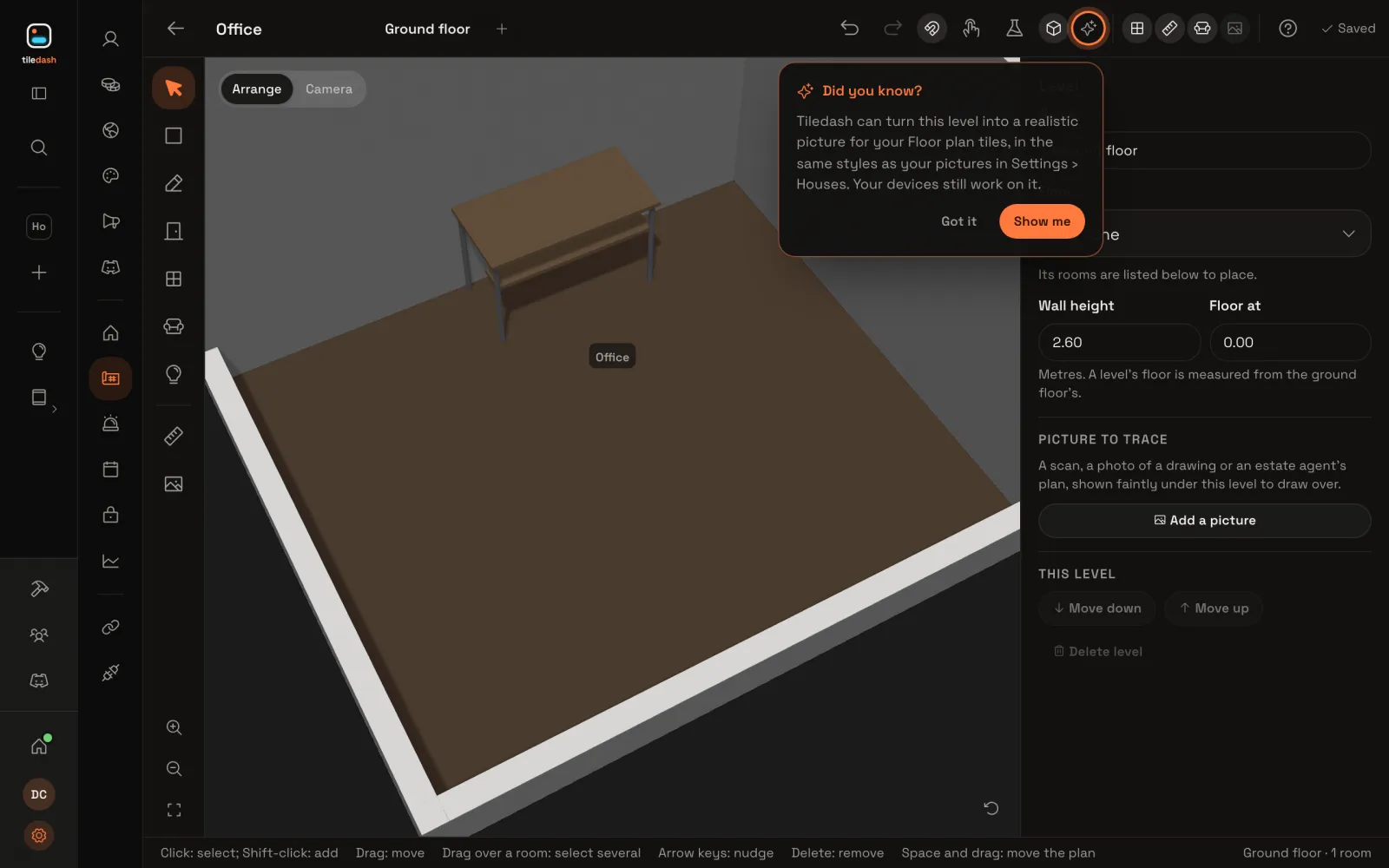
- From the command line Publish from your own editorCheck, pack and publish your widgets, themes and partials to the Tiledash Community with the tiledash command, from your terminal or GitHub Actions.
