Dashboards and screens
Your dashboards, changed from the sofa
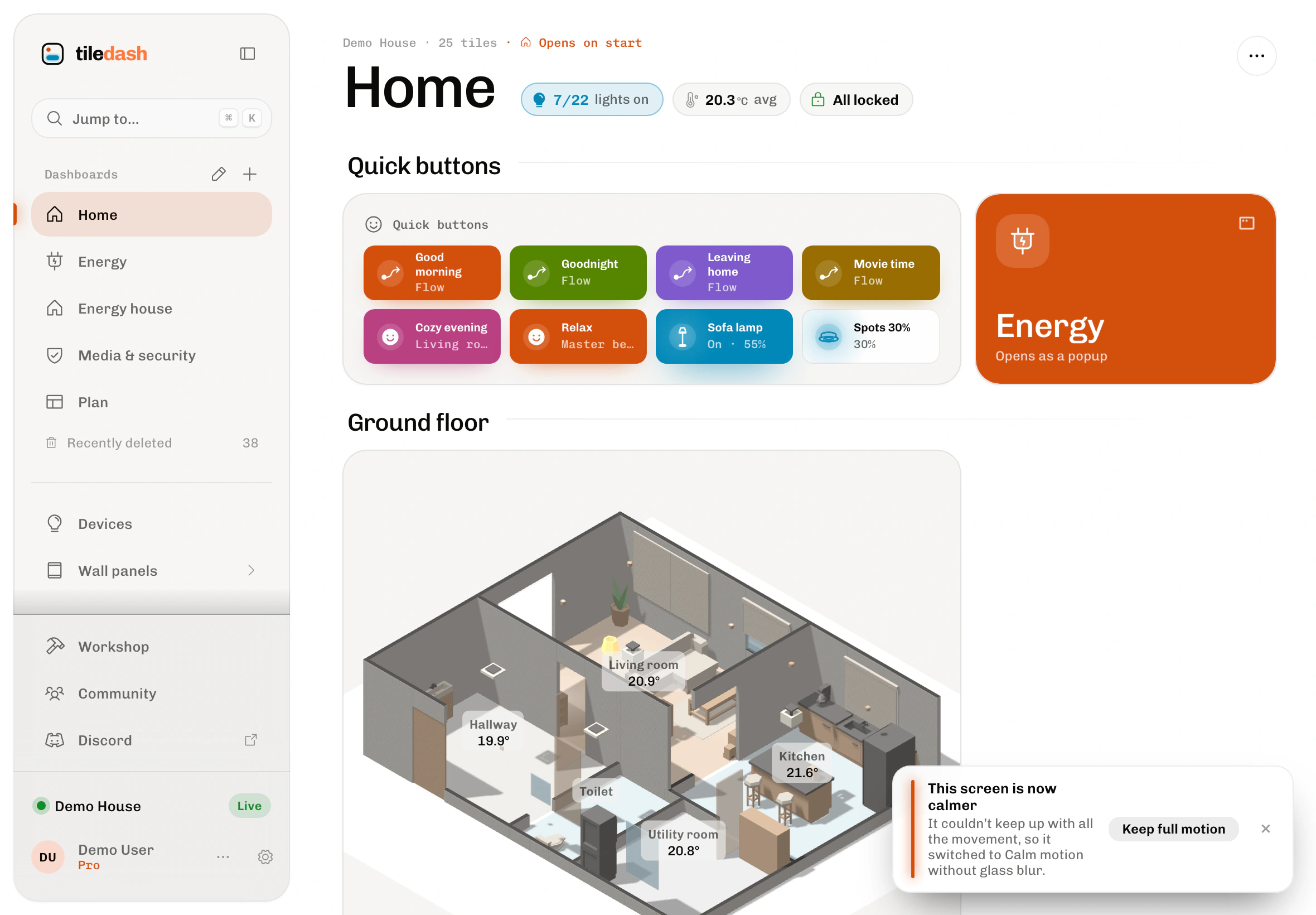
Change your dashboards from the sofa. Tap a tile to change its settings or style, add widgets and move tiles with the arrows, all on your phone.
Free, on every account
- Tap a tileIts menu has its settings, its style, Duplicate, Hide on Phone and Remove.
- Move with the arrowsThe edit bar’s arrows move a tile up or down, past the tiles beside it too.
- A layout of its ownThe first move asks whether Phone should get its own layout, so your tablet and computer stay as they are.
- Add widgetsWidget in the edit bar adds tiles, and the dialogs fit a phone’s screen.
Learn how
Goes well with
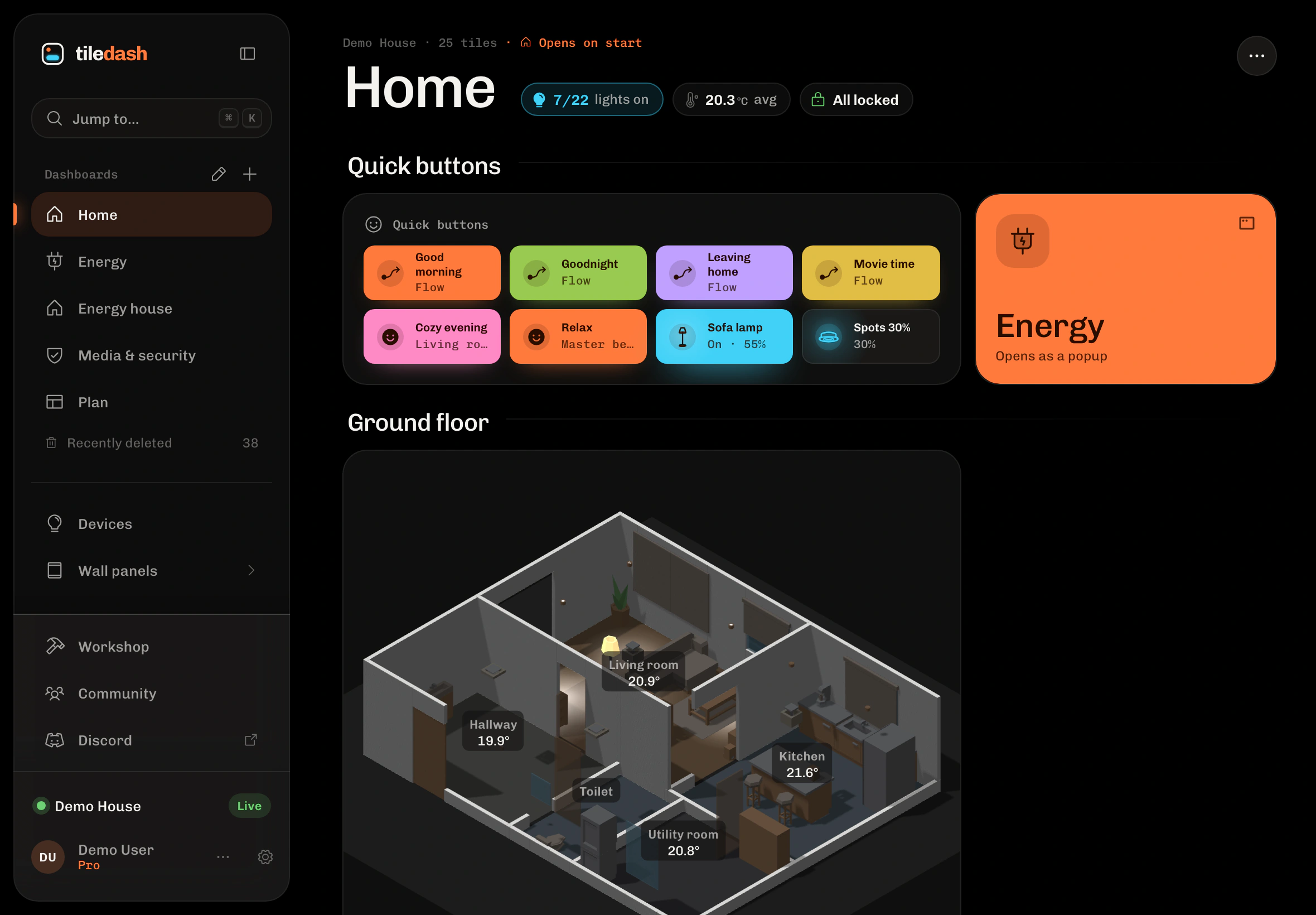
- Dashboard history Step back to an earlier dashboardEvery dashboard keeps its earlier versions. See one on the dashboard itself, then restore all of it or just the tiles you pick.