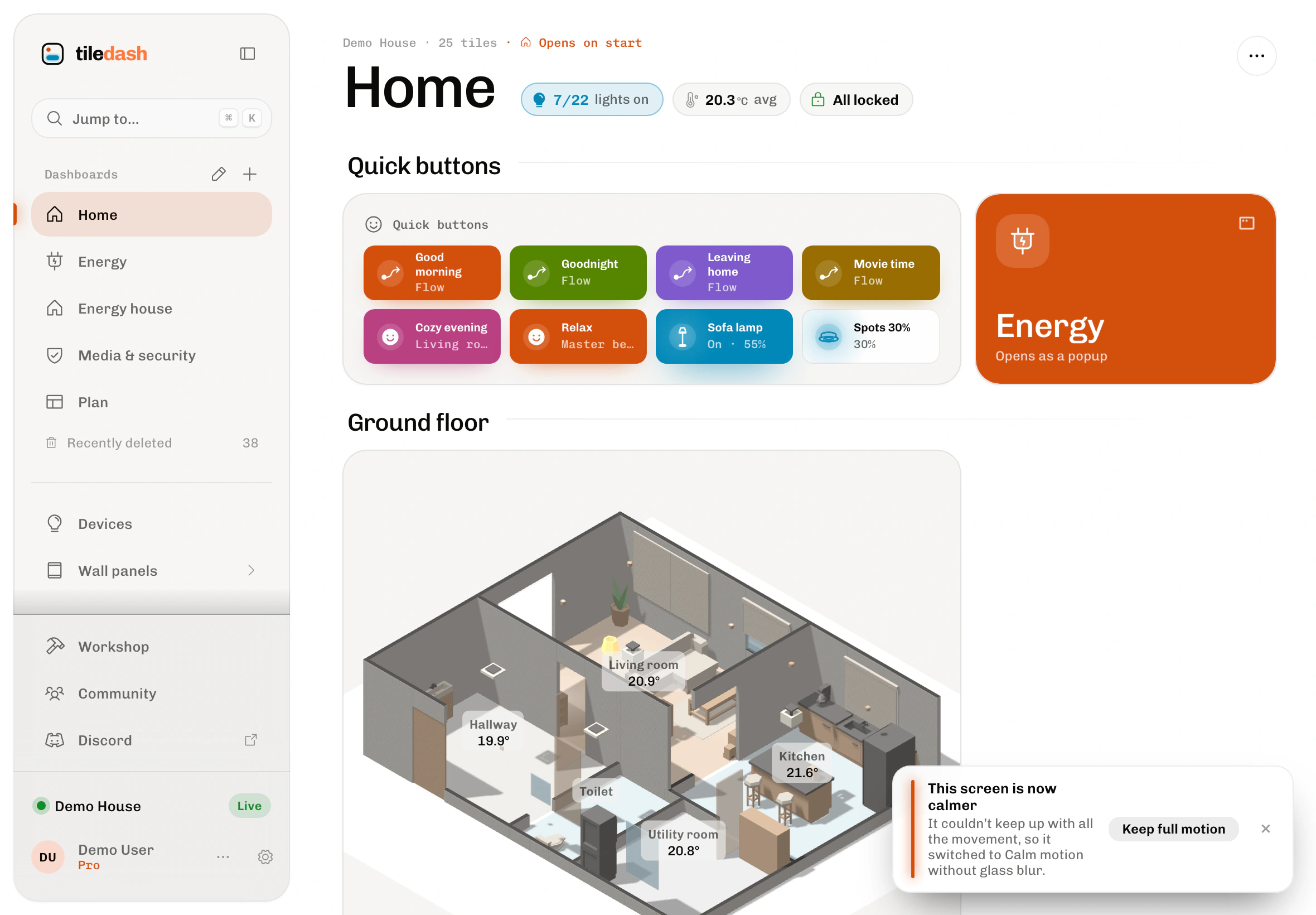
Dashboards and screens
A quiet face, your home when you walk up
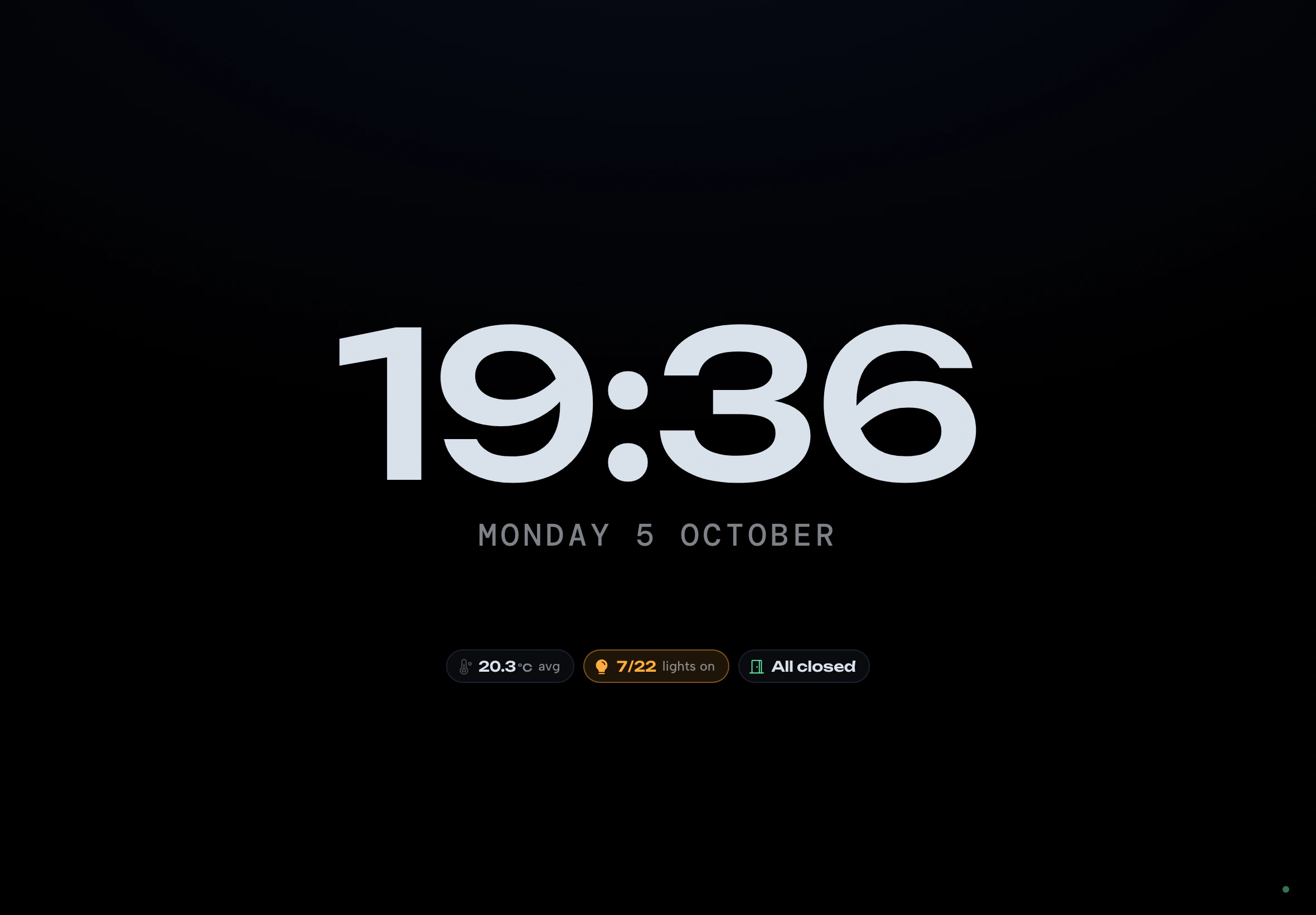
Turn a square touch screen into a smart display with full-screen faces for the time, photos, the weather, cameras and your home, that show more when someone walks up.
Free, on every account
- A layout for square screensSquare sits next to Phone, Tablet and Desktop, with rows that fit the screen exactly.
- Faces to swipe betweenBig clocks, a photo frame, ambient light, the weather, up to nine cameras, your agenda and your house at a glance.
- More when you come closeGive a face a motion sensor near the screen, and it shows the date, the weather or the next event while someone is there.
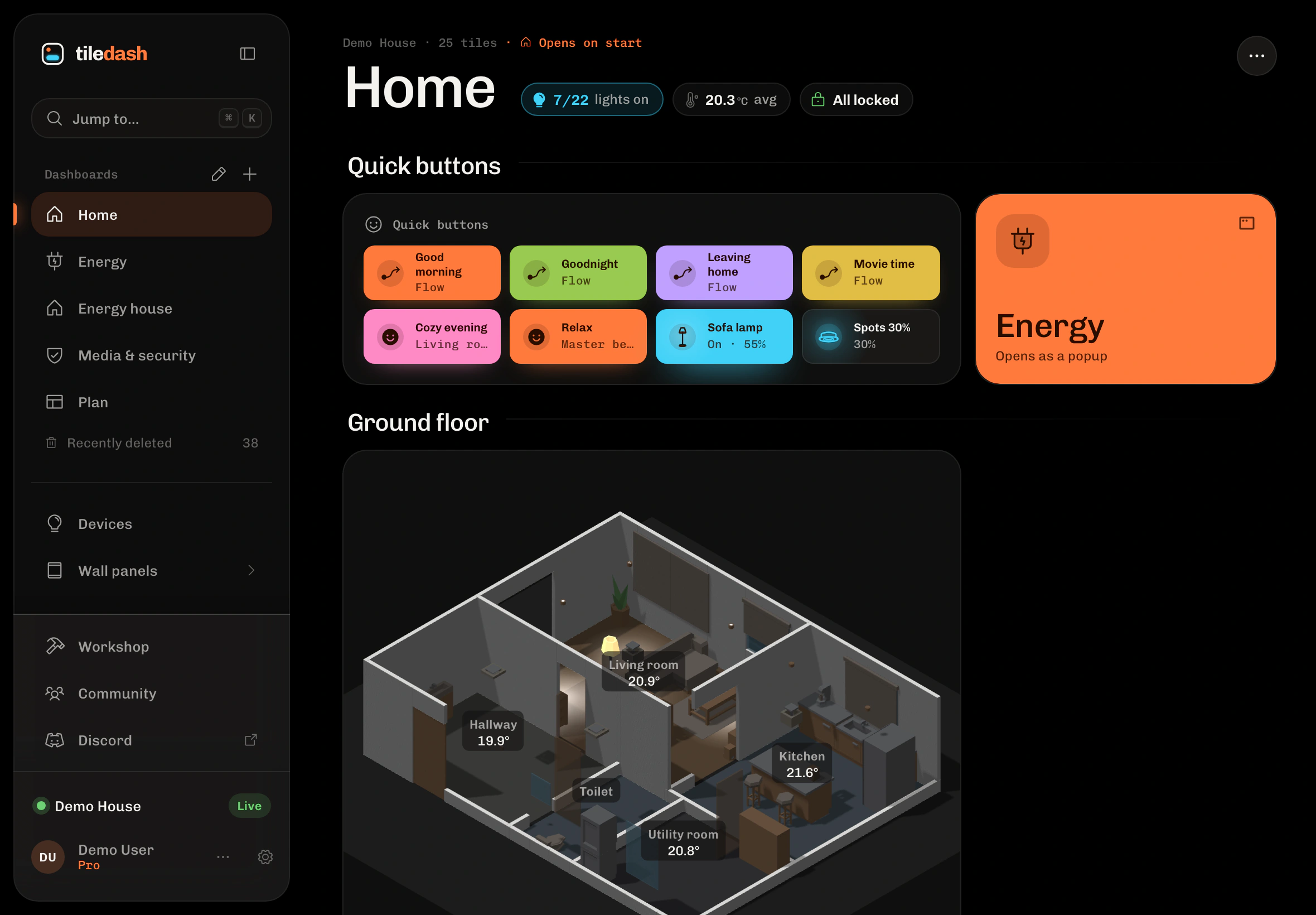
- Frosted glassThe Glance themes give the faces frosted glass tiles and round icon chips, dark or light.
Learn how
Goes well with
- Cameras Your cameras, livePlay your Homey’s cameras live on a tile, open one when the doorbell rings, show up to nine at once on a wall panel, and play cameras whose app only gave snapshots.