Make your own
Code of its own, sealed off
Give a widget of yours its own JavaScript and outside libraries, for what a template can’t do, such as a chart library or a canvas. It runs sealed off from the app and does only what you allowed.
Free, on every account
- A Script tabThe widget editor has a Script tab for the JavaScript, with completion, and the preview runs it as you type.
- Charts from your historyA script can read the history Tiledash recorded for its tile’s readings, so a chart starts full instead of empty.
- Sealed offThe code runs in a frame on a website of its own. It can’t reach the app, your Homey or your account, only what you allowed.
- Outside libraries, checkedA library is pinned to the exact file you saved and checked against public safety databases. Known malware is refused.
- Clear in the CommunityA widget that runs code says so, with what its code may do, before you install it. An update that may do more waits for you.
Learn how
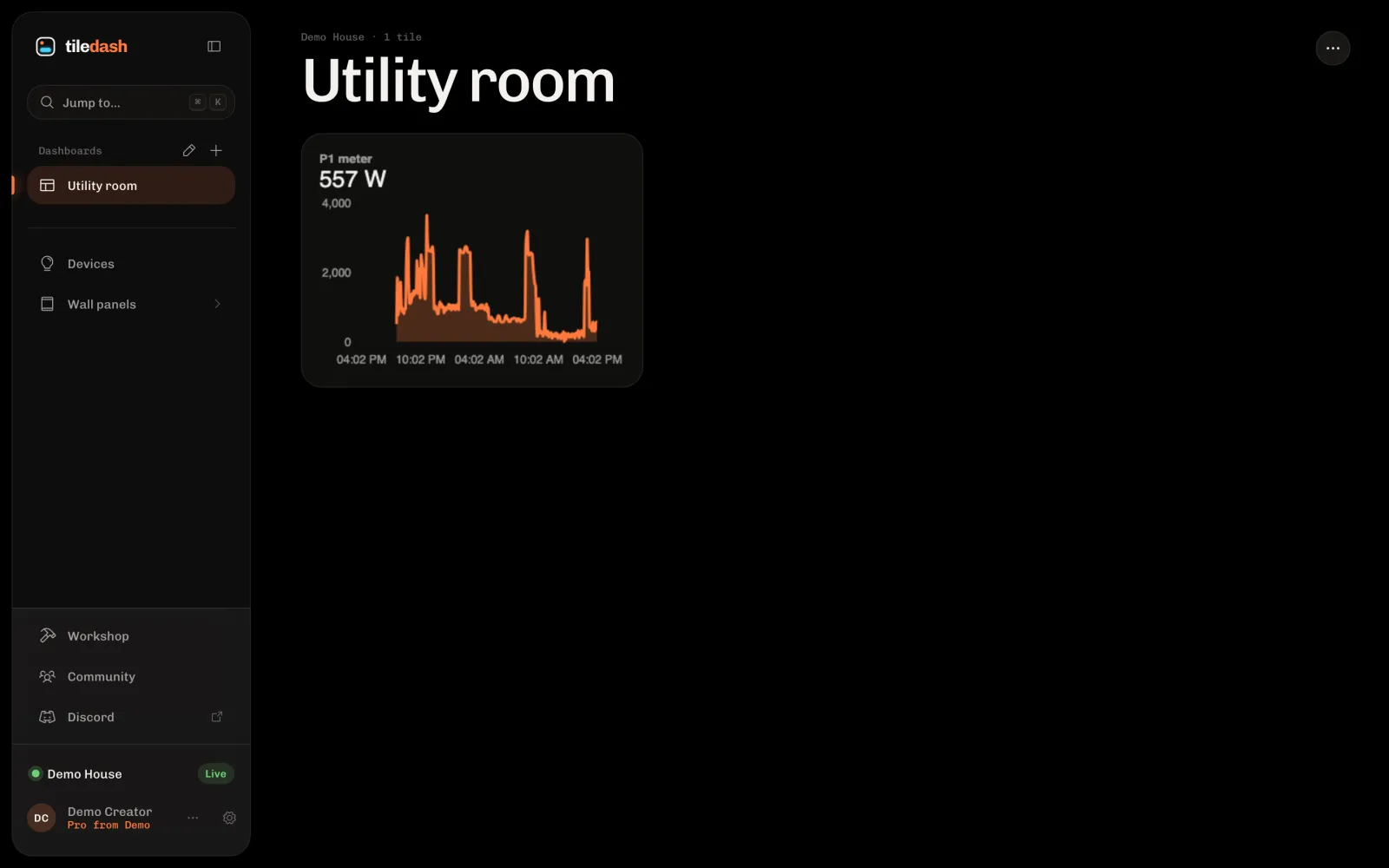
- ScriptsGive a widget its own JavaScript and outside libraries, for what a template can't do, such as a chart library or a canvas. Where it runs, what it may do, and how people accept it.
- The widget editorWhere you write your own widgets: its tabs and panels, previewing with your devices and test devices, saving and going back to an earlier save, and using yours instead of a built-in.

Goes well with
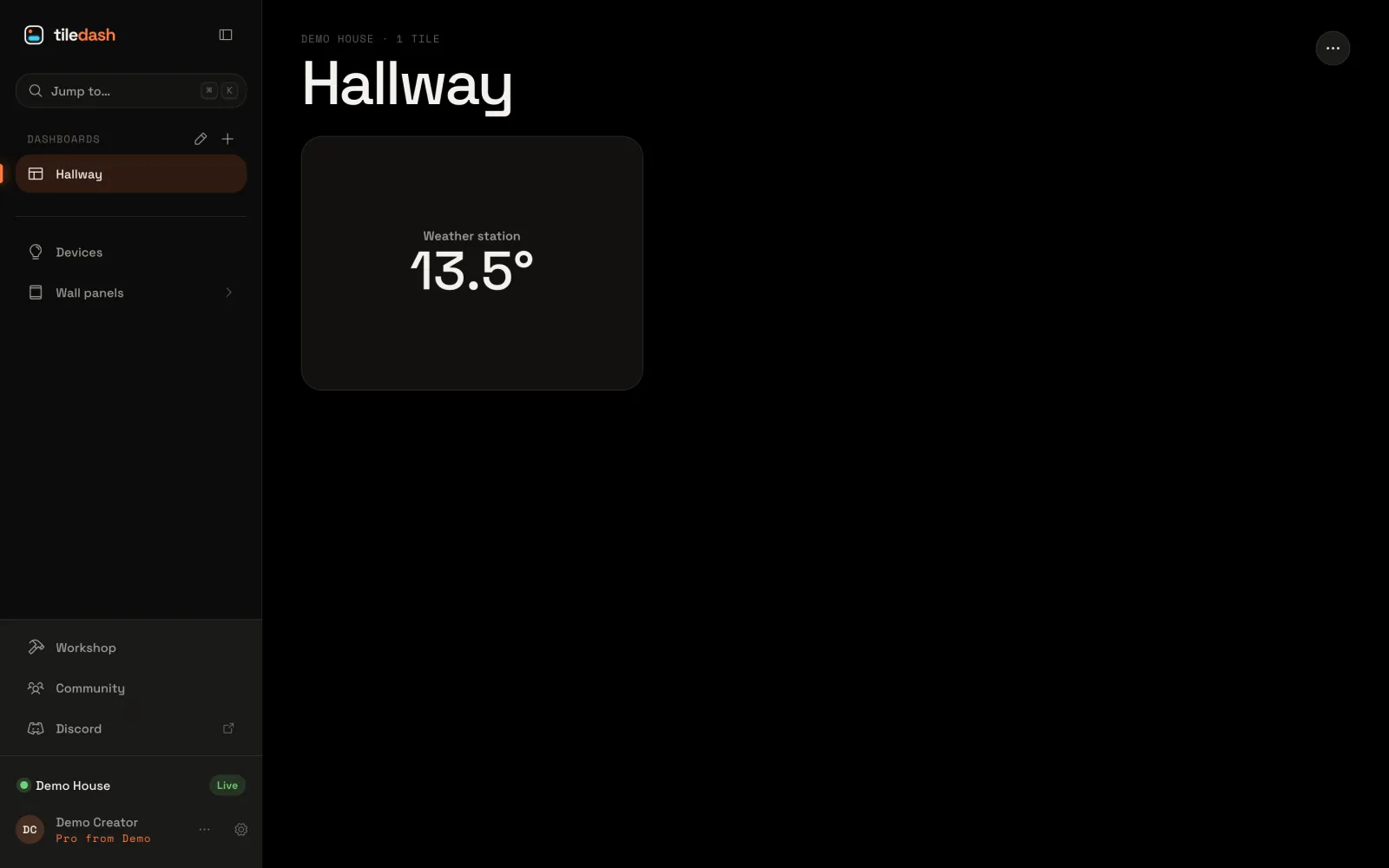
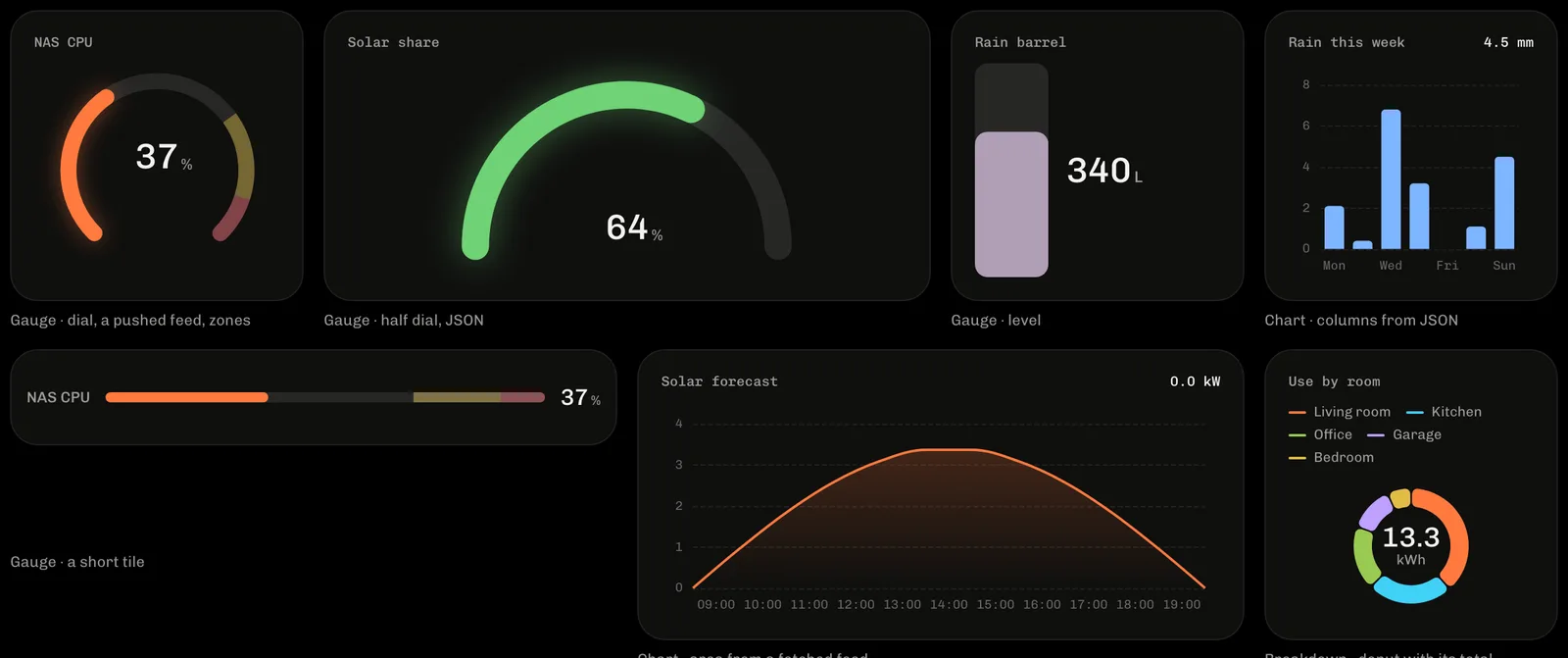
- The Community What other Homey owners madeWidgets, themes, partials and 3D models made by Tiledash and by other Homey owners, to try on your own devices and install where you use them. Look around without an account at community.tiledash.app.
