Your house and energy
Room by room, person by person
Give each room its player, lights, blinds and moods and control them all with one tap, show widgets about one room, and see who of your household is home, away or asleep.
Free, on every account
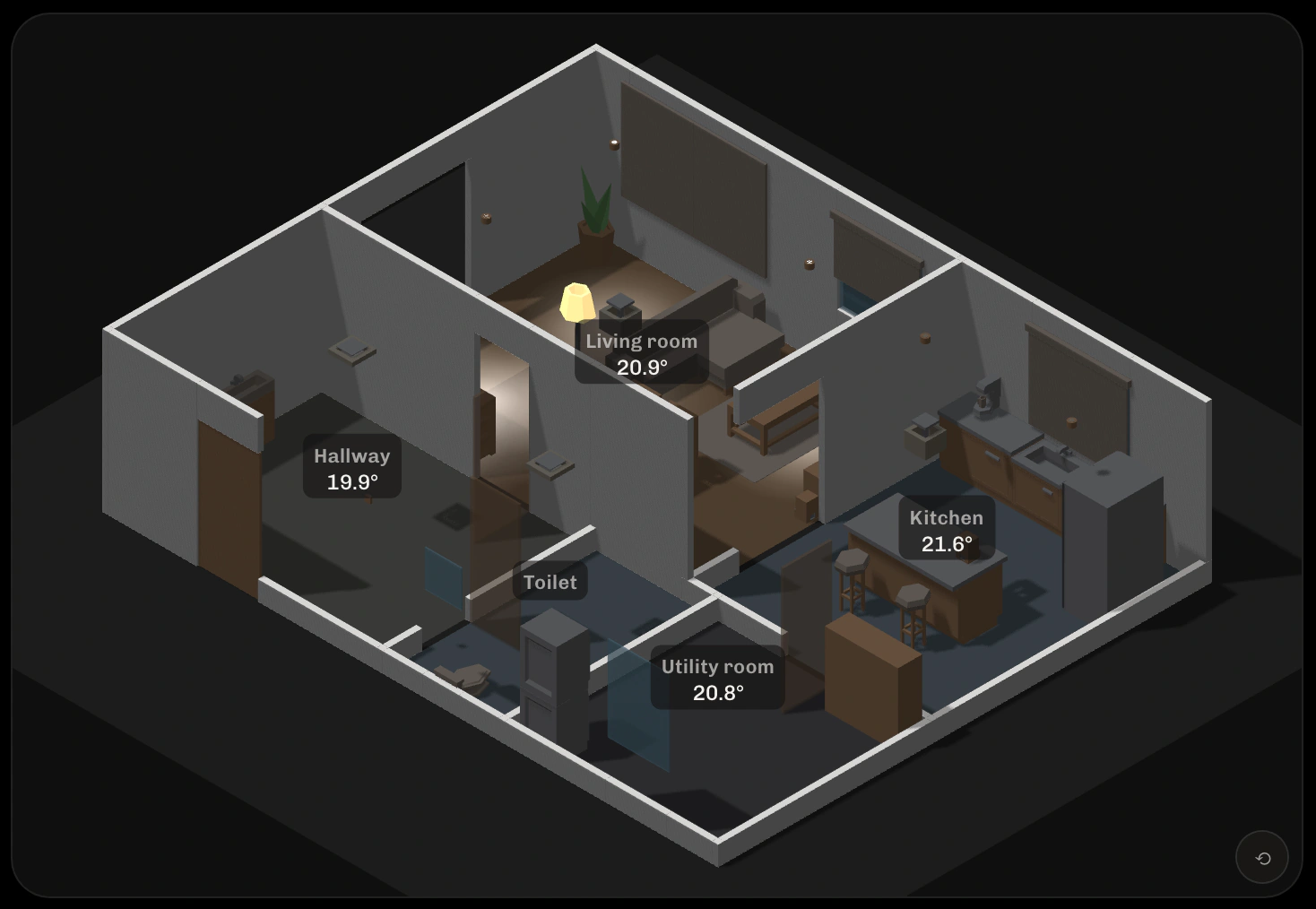
- A room’s own devicesTell a room on your floor plan its player, thermostat, lights and blinds, and which moods and flows it offers.
- One tap for the roomOn a Floor plan tile a room shows what is playing, and a tap opens its card to control it all at once.
- Widgets about a roomPick a room and a widget gets its devices, the lights on, the temperature, motion, power use and what is playing.
- Who is homeWho is home, away or asleep, in widgets, tile values, Busy now and headings. It never shows on a share link.
Learn how
Goes well with
- Show when it matters The right tiles, at the right timeA tile can stay out of sight until it matters, like the washing machine while it runs or the guest tiles in guest mode, and hide while it has nothing to show.
