Look and feel
Your colours, your fonts, your corners
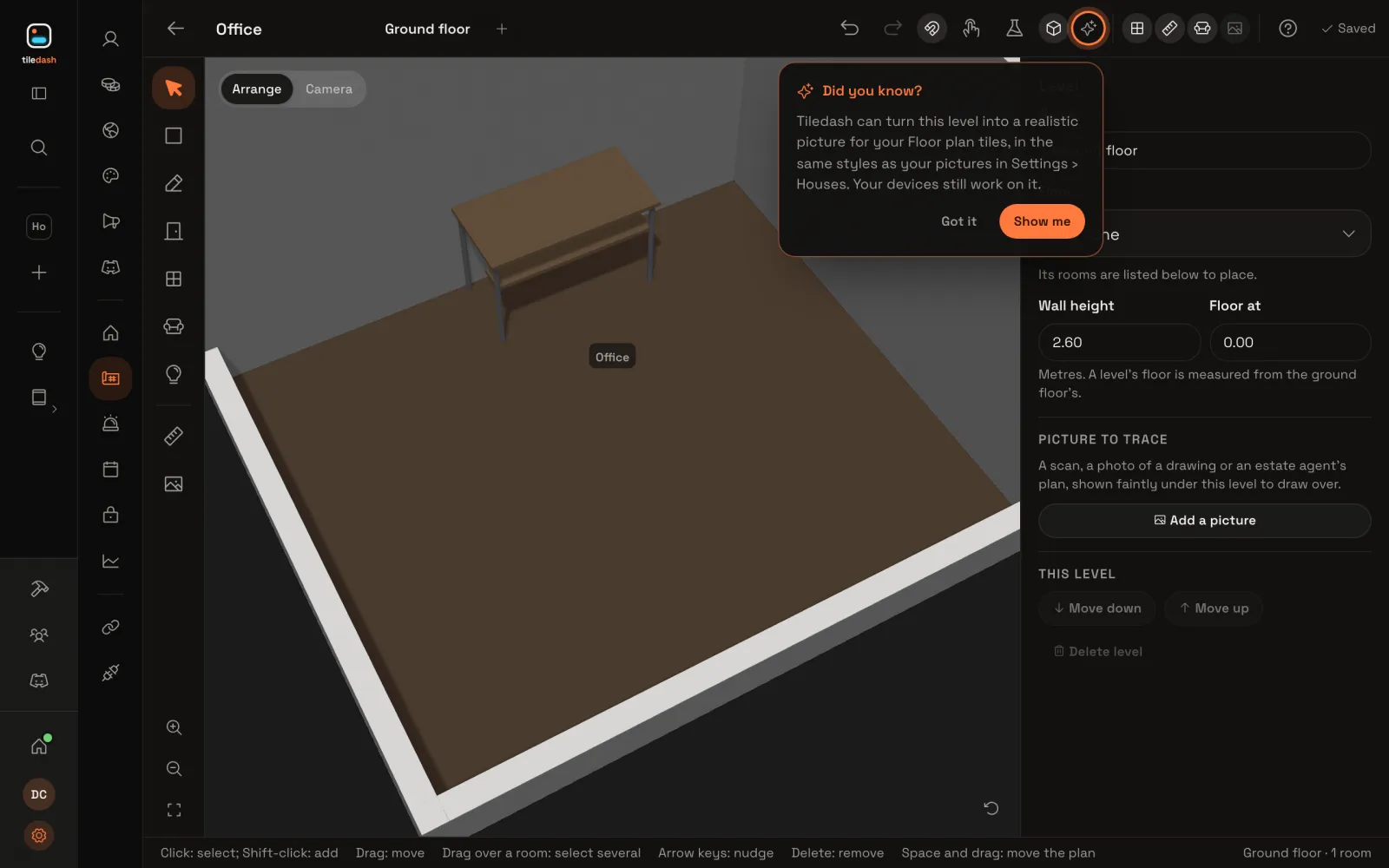
Make a theme of your own in the theme editor, from five key colours down to fonts, corners, glass and your own CSS, and every dashboard and widget follows it.
Part of Pro

- Start from five coloursBegin from a built-in theme, set five key colours and pair a light and a dark version.
- Everything followsEvery dashboard, tile and widget follows your theme, the ones you write included, with no extra work.
- CSS for the restShape, type, motion and glass in the editor, and CSS of your own for what the settings don’t reach.
- Or ask your AIDescribe a theme to your assistant and watch it in a live preview before you keep it.
Learn how
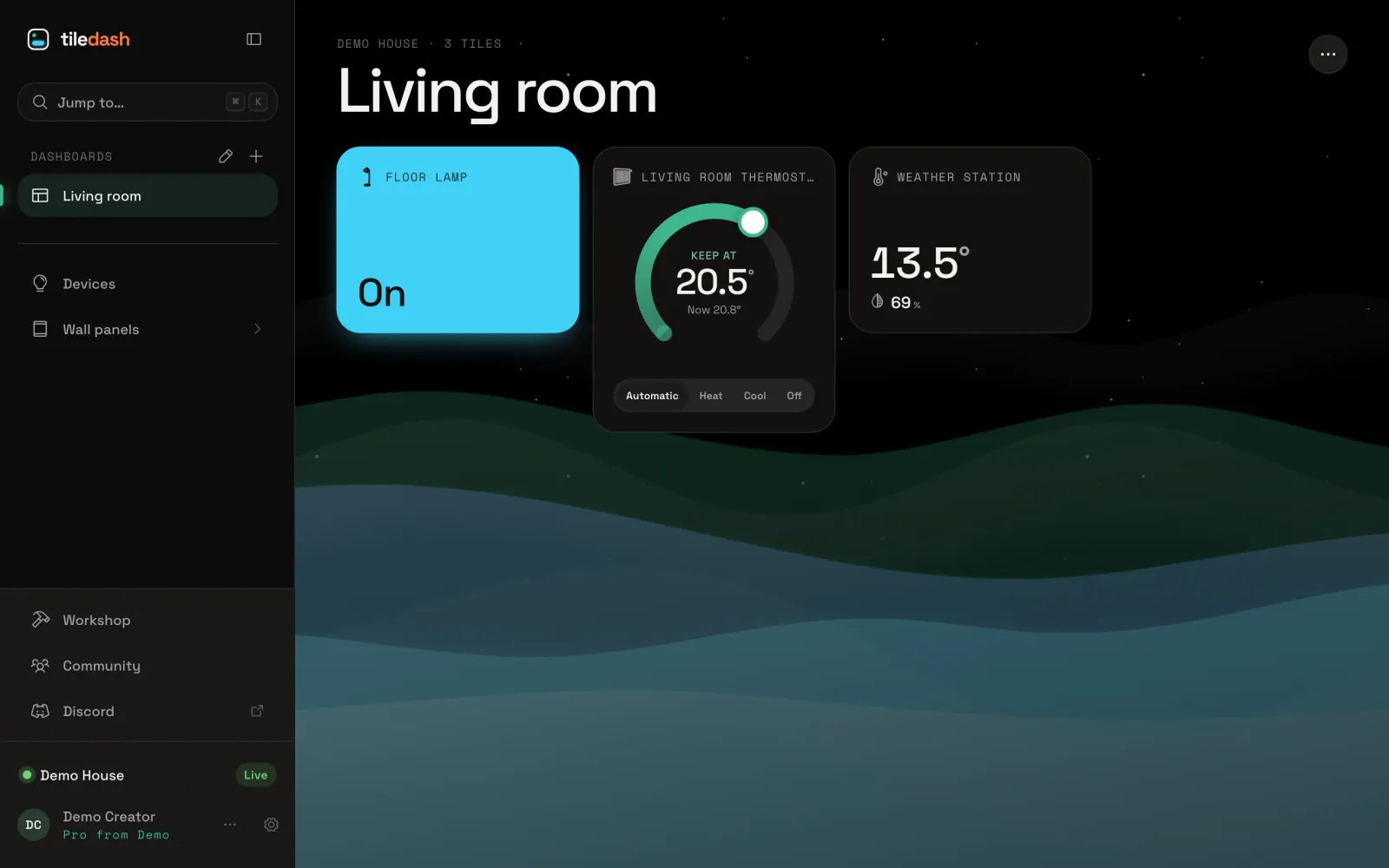
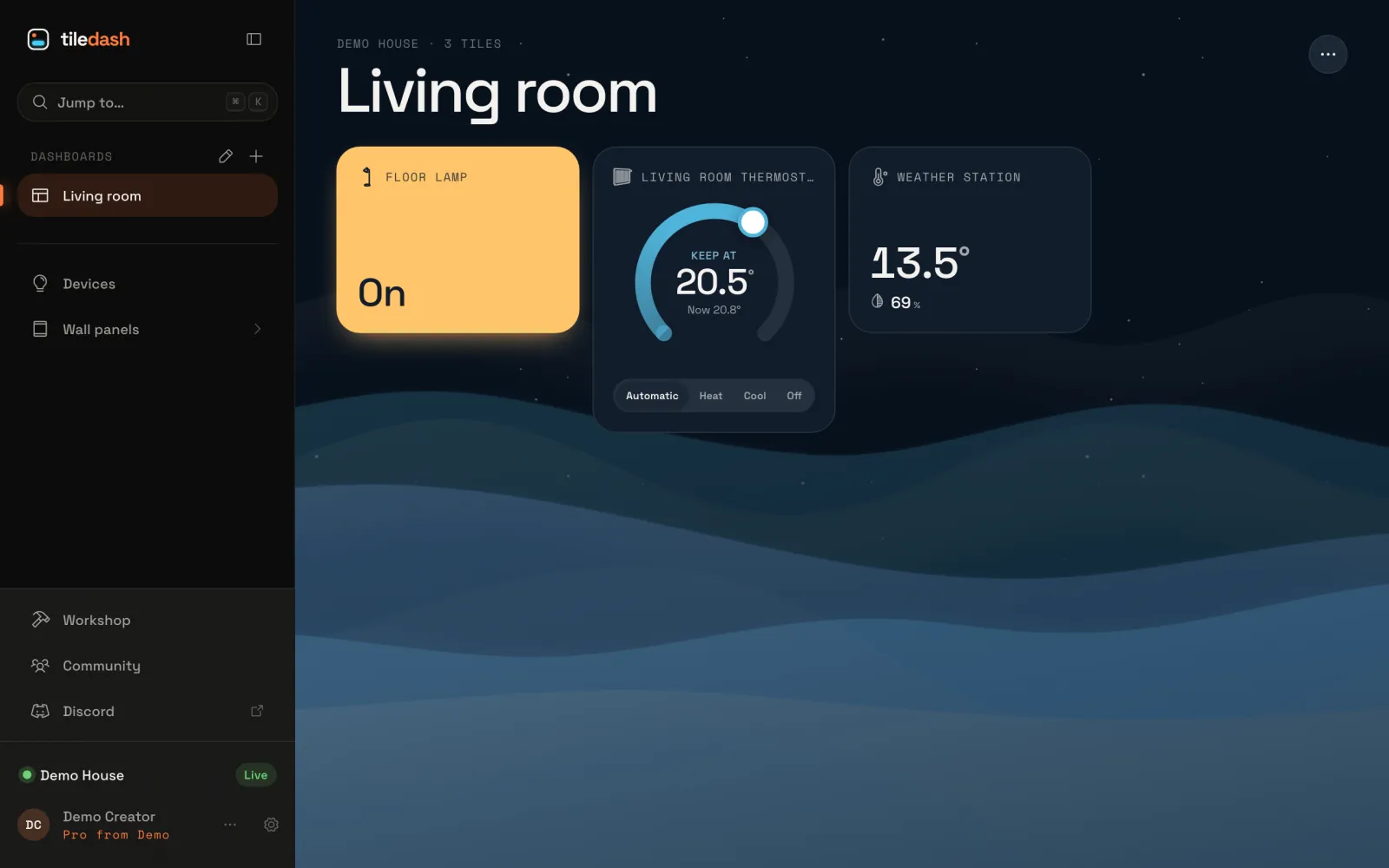
- Themes and stylingChoose from more than twenty built-in themes per screen or per dashboard, restyle a single tile, save looks as presets, and make your own themes and fonts on Pro.
- Make your own themeMake a theme of your own in the theme editor: start from a built-in one, set five key colours, pair light and dark, and save it.
- Theme coloursEvery colour in the theme editor and what it paints, gradients and glows, the background, the "on" look and chart colours.
- Shape, type and motionThe theme editor’s sidebar, shape, icons, depth, type and motion settings, and what each one changes.
- Your own CSS in a themeAdd CSS of your own to a theme, what it can and cannot reach, and what the built-in themes do with theirs.

Goes well with