Getting started
From logging in to a dashboard on the wall
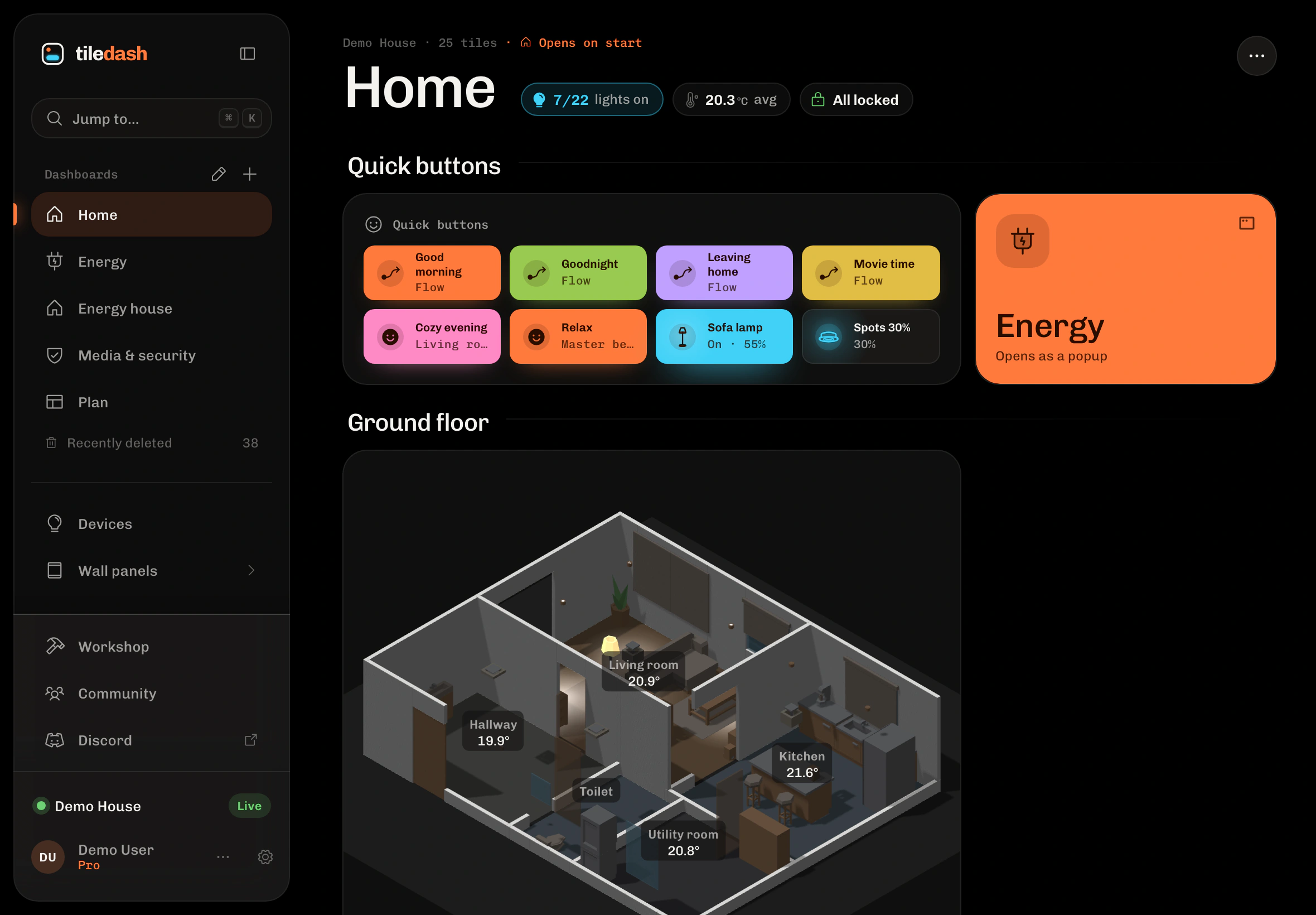
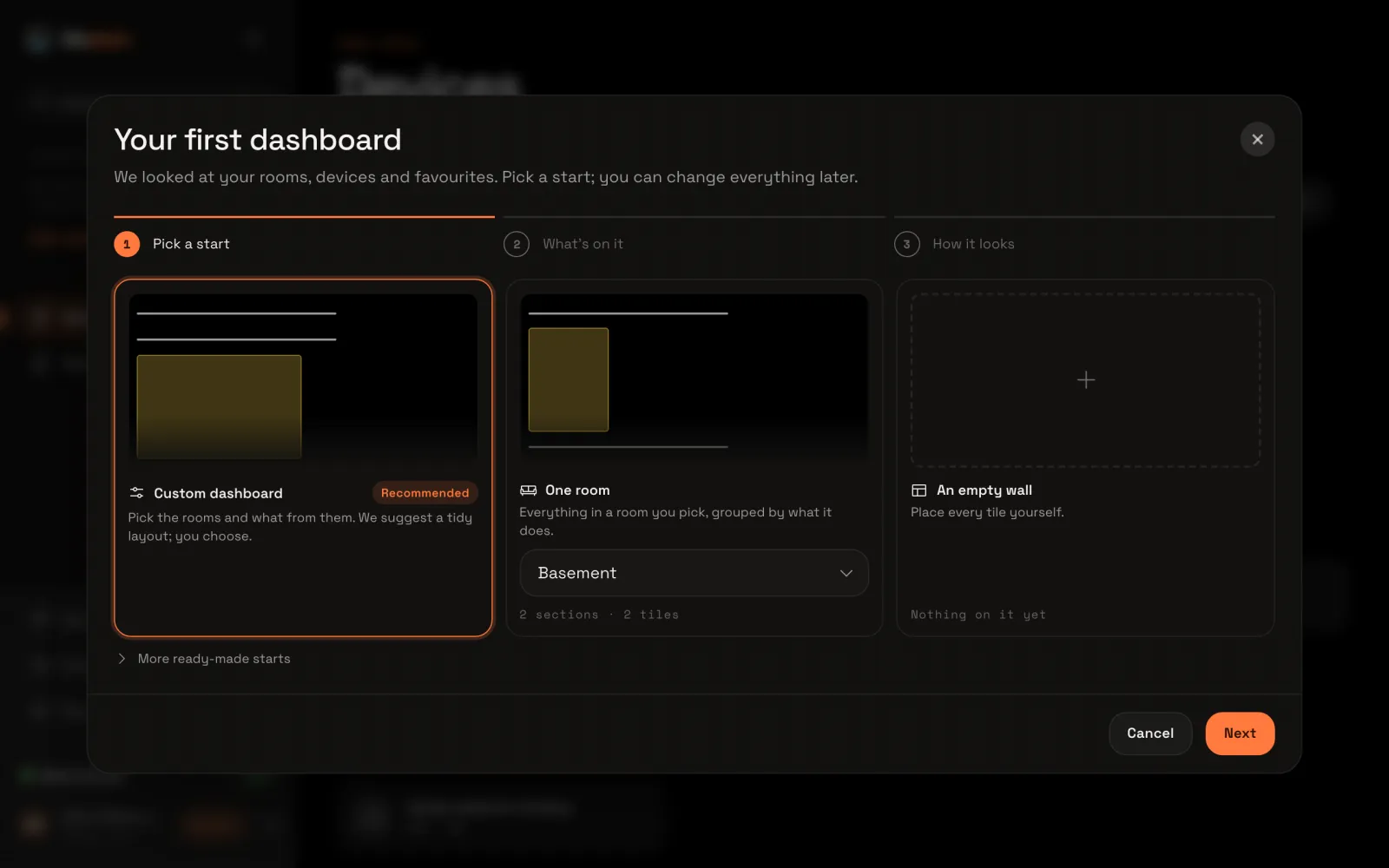
Log in with your Homey account, answer a few questions, and get a dashboard made from your own rooms and devices, then put it on a tablet in one go.
Free, on every account

- Know what is asked firstBefore you log in, Tiledash shows what it asks your Homey for and why, and what it keeps about you.
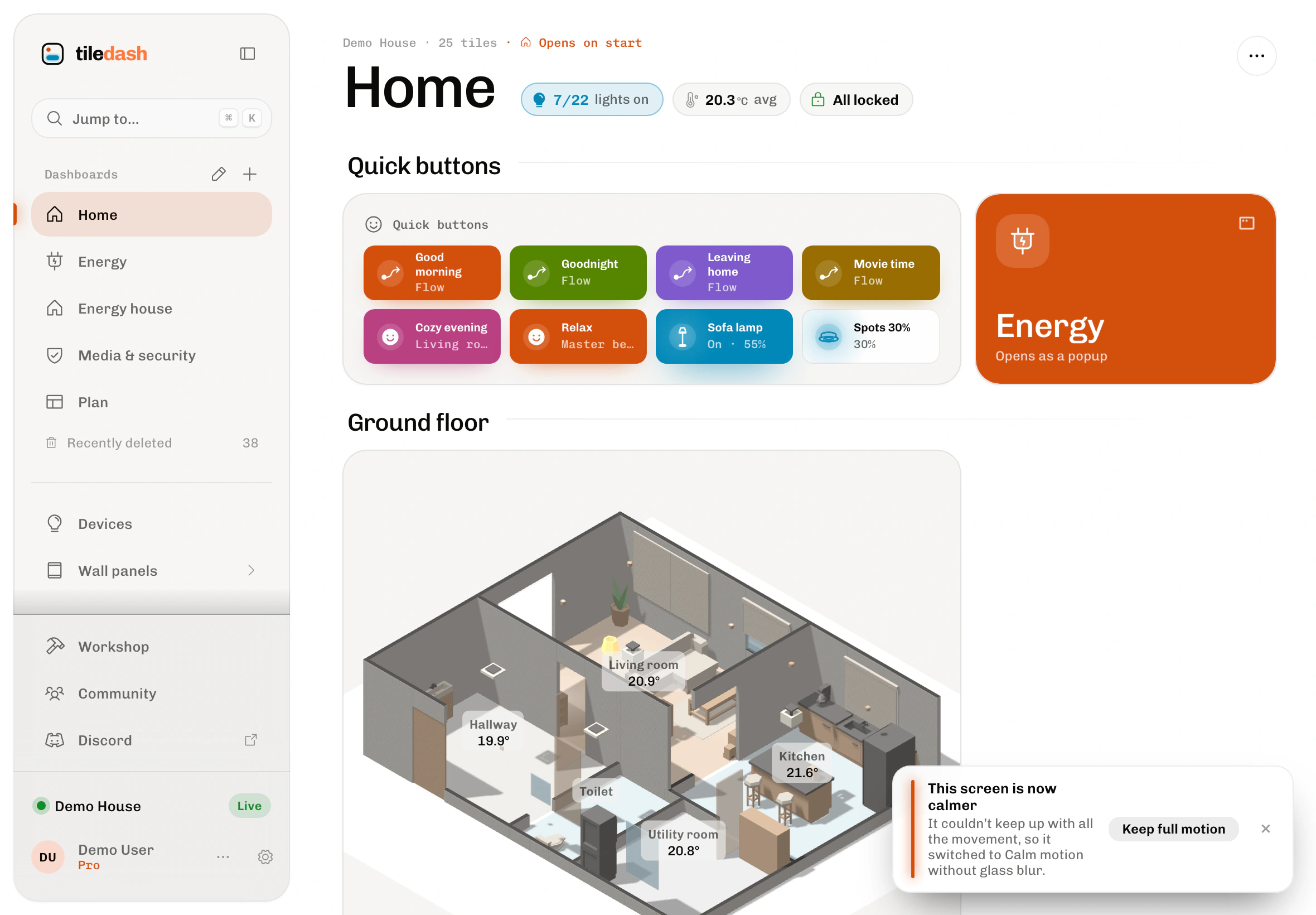
- Set up your whole homePick your screen, a tab per room, per kind or your own, and a look. Tiledash builds one dashboard with tabs, summaries and badges.
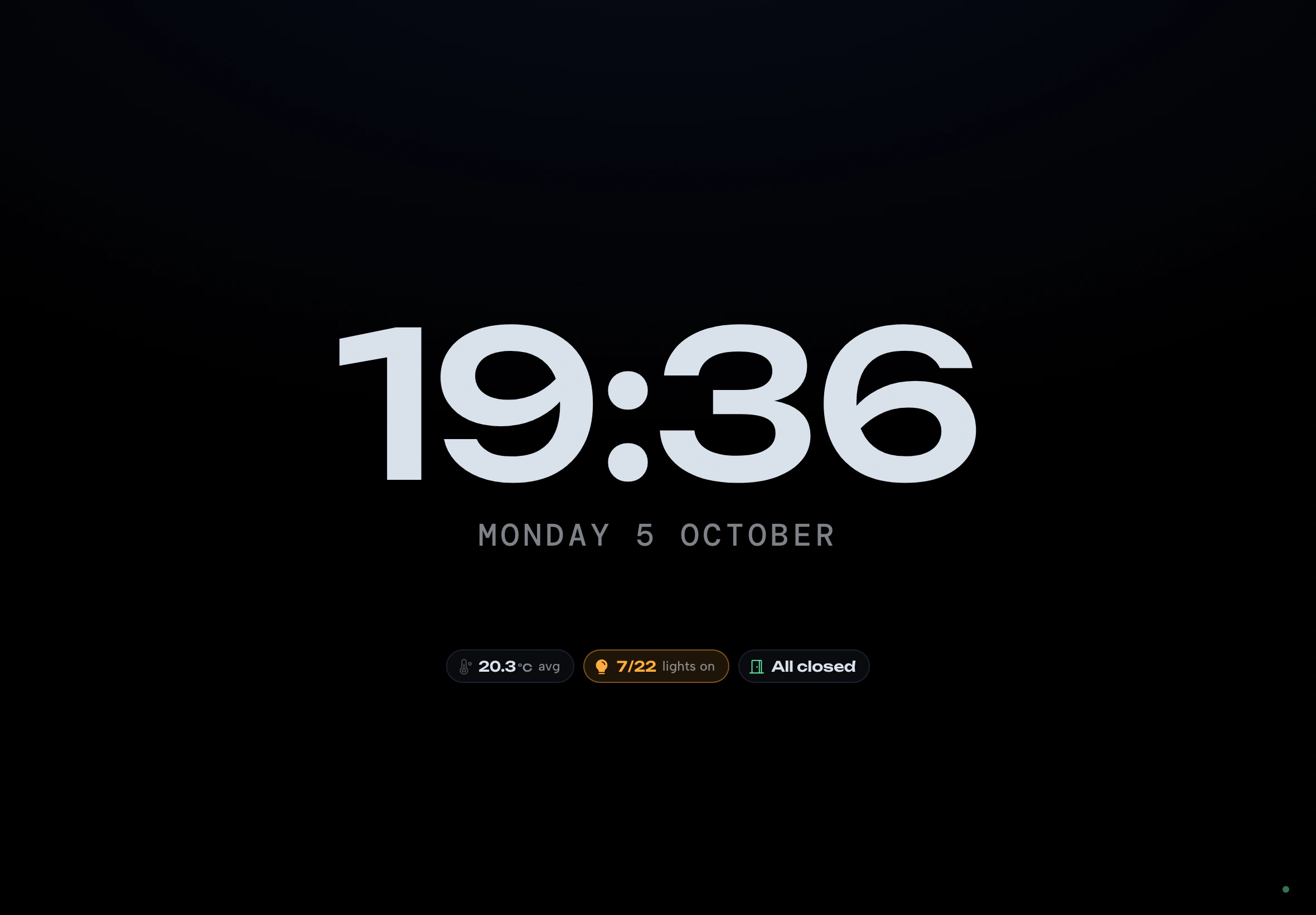
- On a tablet in one goOpen tiledash.app/pair on the tablet, type its code, and pick the dashboards and what it does when nobody uses it.
- Tours you can skipShort tours are offered, never forced. Take one again whenever you like, or switch every tip off.
Learn how
- Your account and privacyWhat Tiledash can reach on your Homey, how live values travel, what it stores, backups, leaving, and the plan limits.
- Your dashboardsStart a dashboard from your own Homey, edit it, configure and style its tiles, and set its options.
- Wall panels and e-inkTurn a tablet into a wall panel that swipes between dashboards, falls asleep to a clock and wakes for alerts, or run Tiledash on an e-ink screen.
- From using to makingSix levels, from tapping tiles to making your own widgets. You never need the last two to have a great dashboard.
- Words in TiledashWhat the words in Tiledash mean, from a tile and a widget to Flows, Moods, summaries and partials.


Goes well with