Dashboards and screens
One dashboard, laid out for every screen
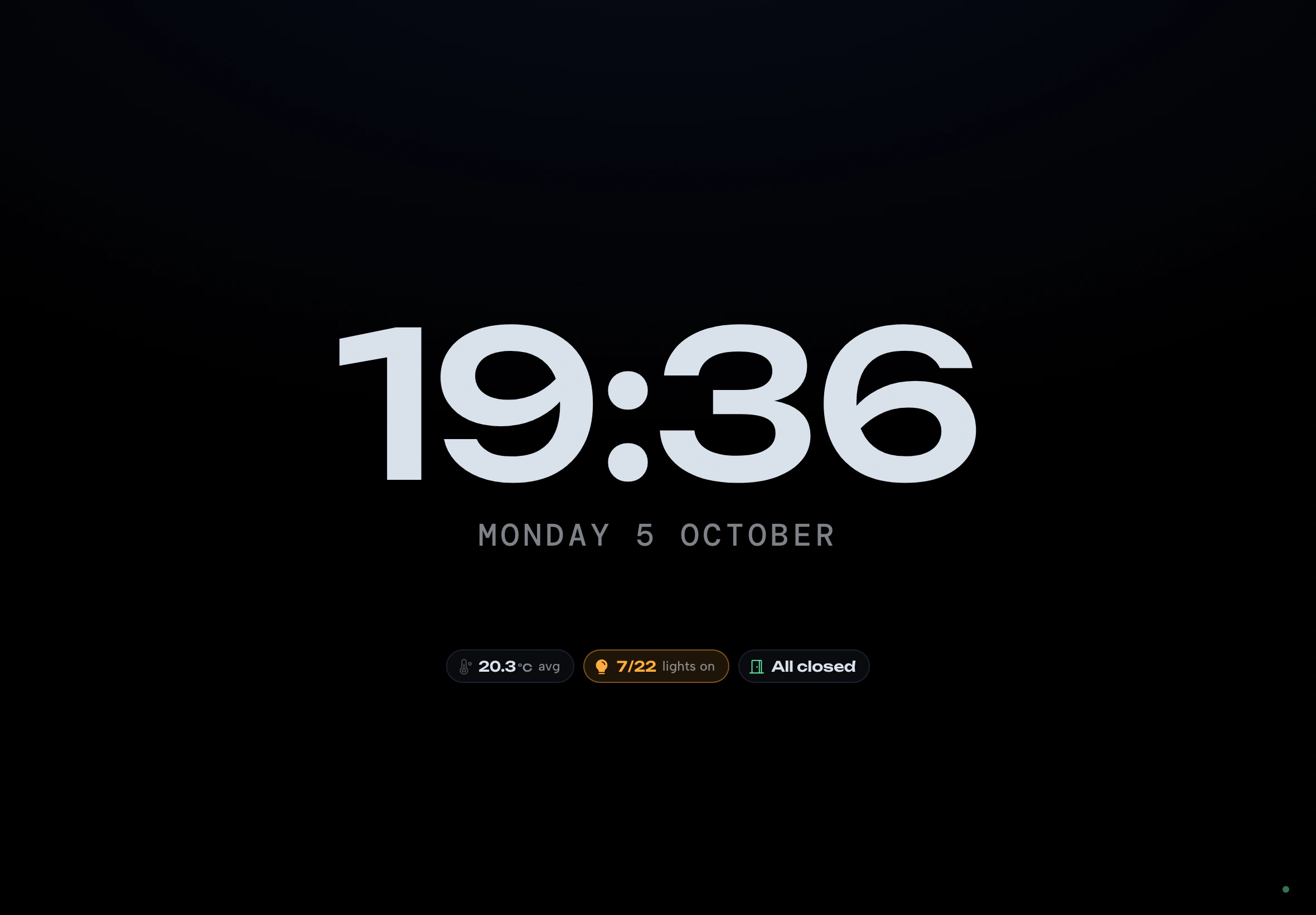
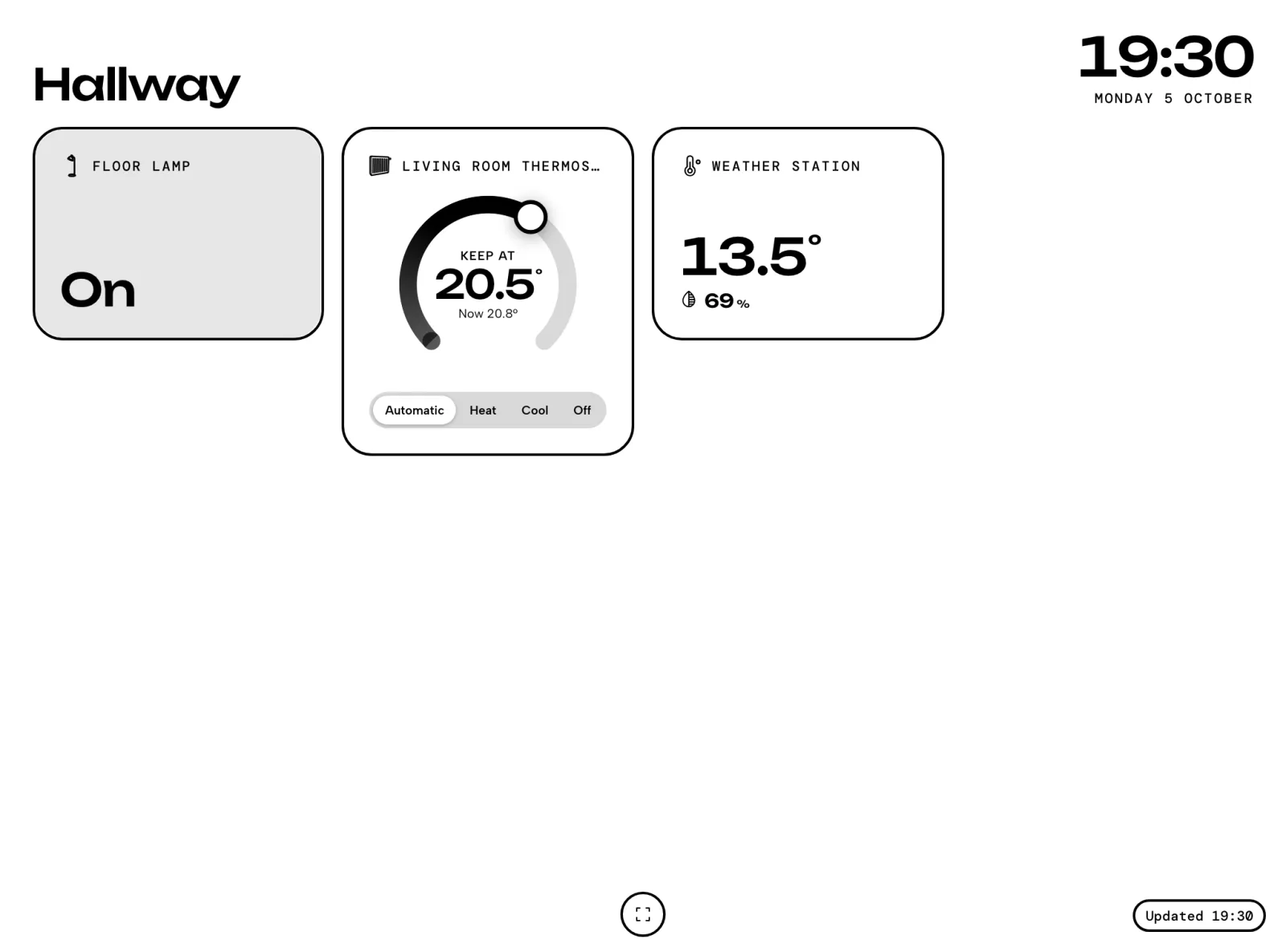
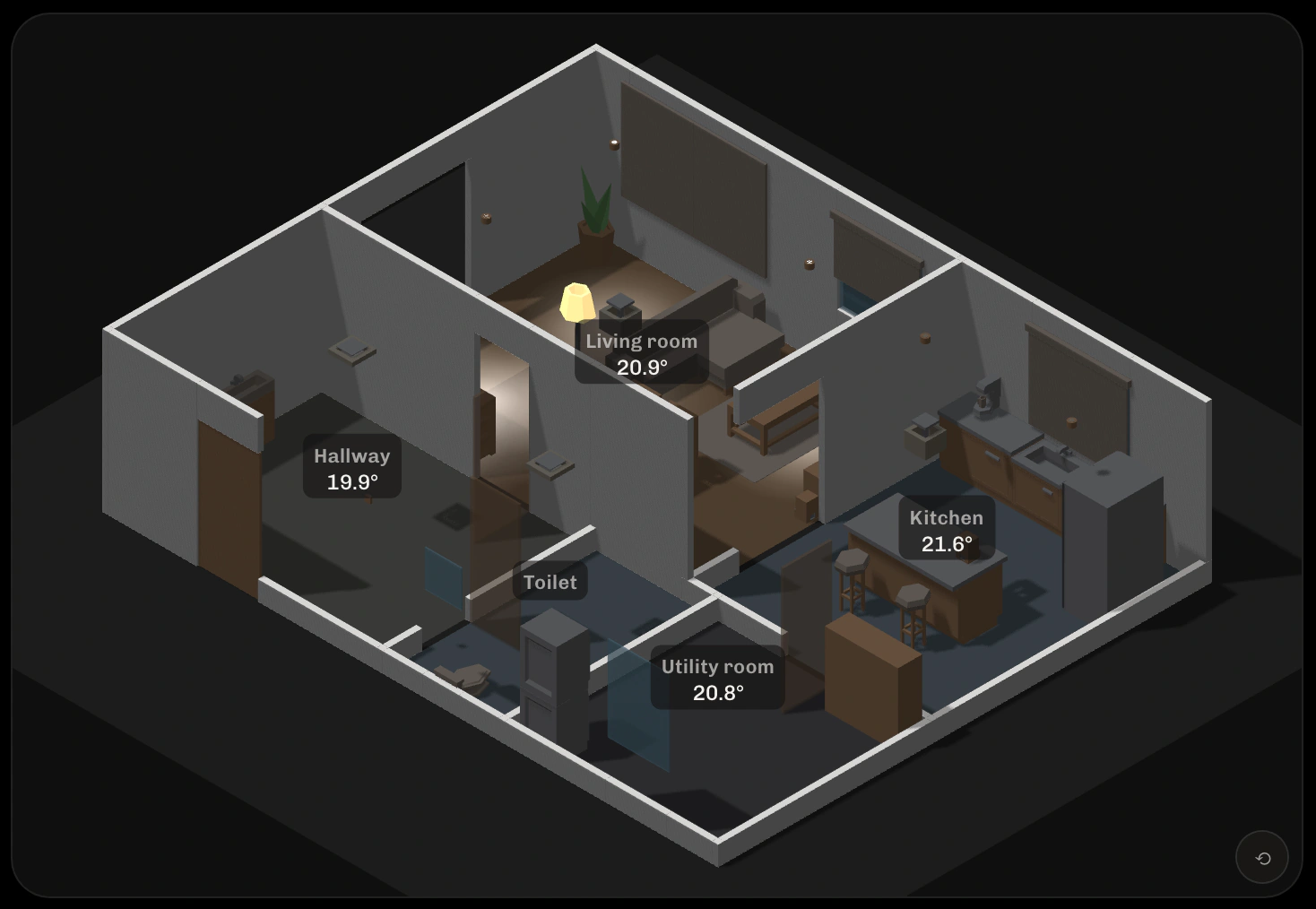
Phone, tablet, square and desktop each get their own arrangement of the same dashboard, so it fits the laptop, the wall tablet, a square panel and the phone in your pocket.
Free, on every account
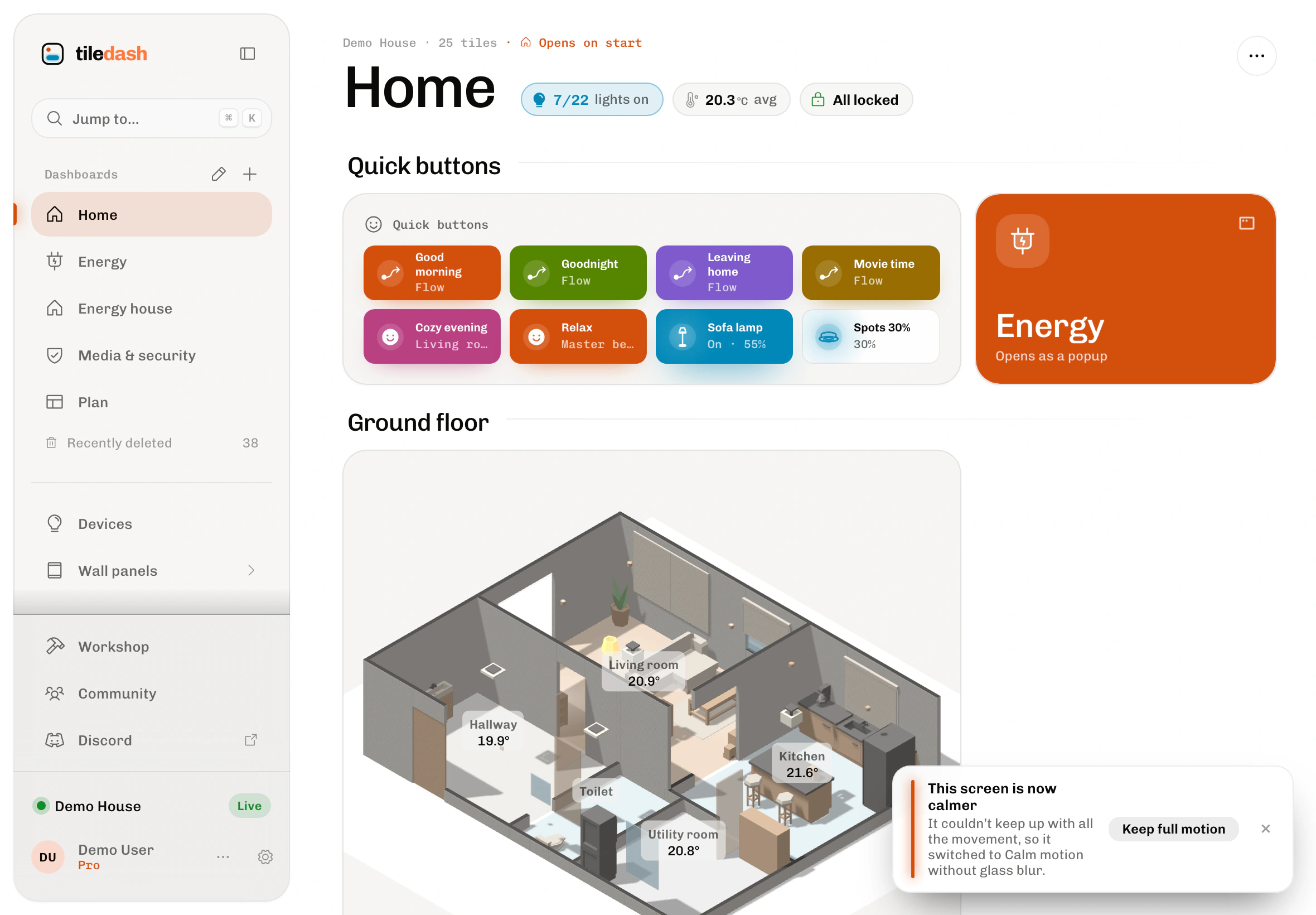
- Phone, tablet, square and desktopEach dashboard keeps four arrangements, one for a square wall panel too. Tiles and their settings are shared; only where they go, and which are hidden, differs per size.
- Arrange once, follow the restDesktop is the main layout. A size you haven't arranged follows it, so a move there shows everywhere until you place things yourself.
- Hide what doesn’t fitHide a tile on the phone and keep it on the tablet. A new tile is marked New here until you place it.
- A phone in reading orderA phone that follows Desktop shows the tiles in reading order, small ones sharing a row.
Learn how
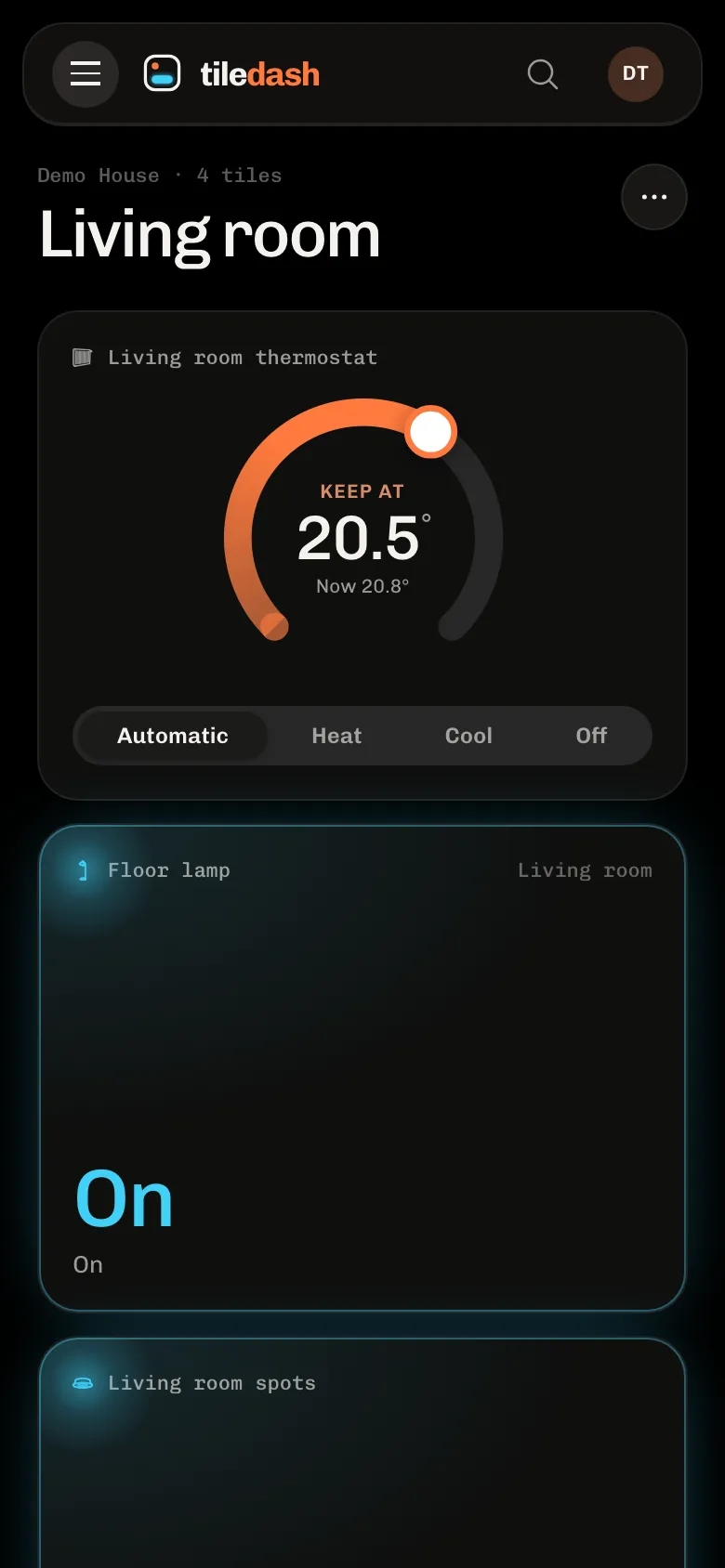
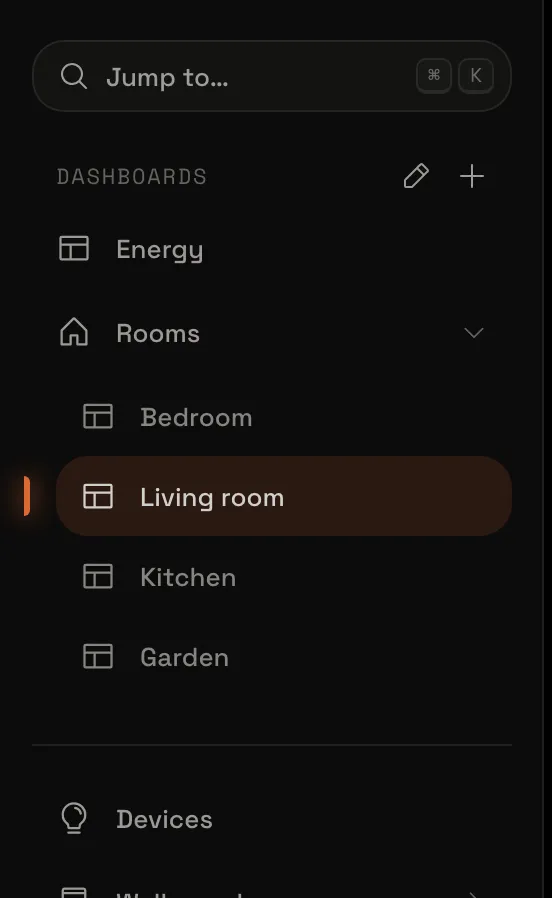
- A layout per screenArrange each dashboard for phone, tablet and desktop, and arrange the sidebar.


Goes well with