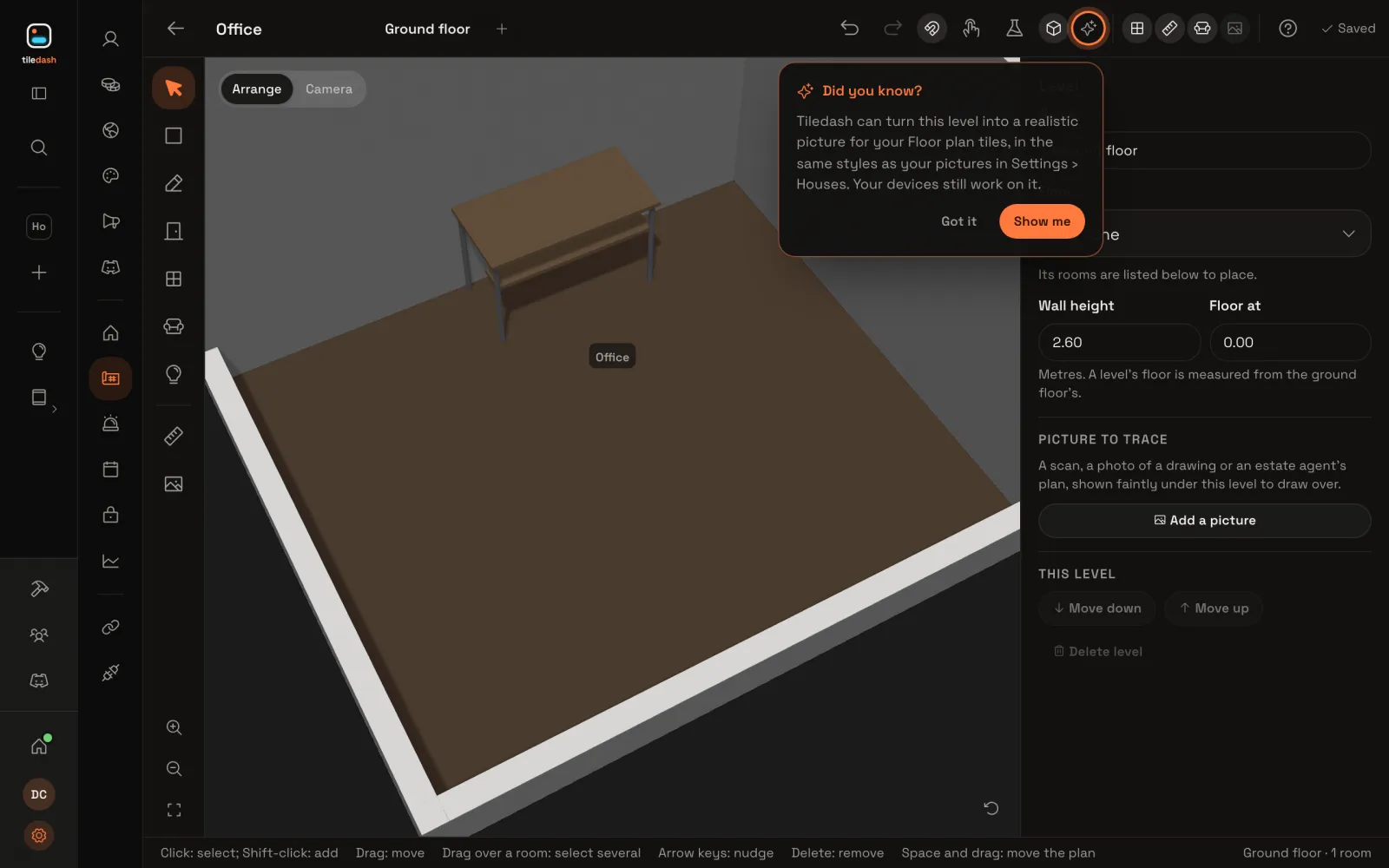
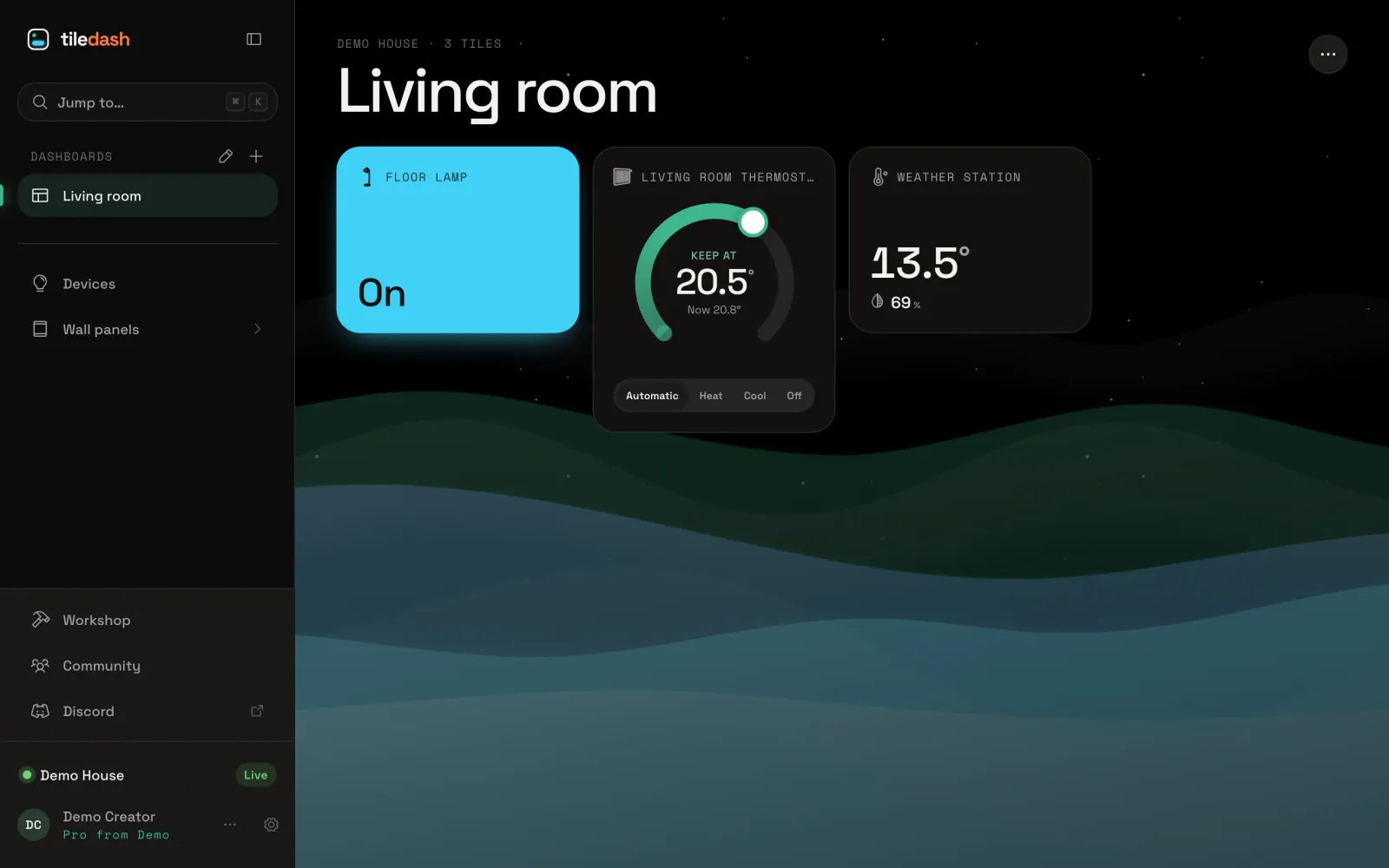
Make your own
Make it, share it, install it
Write a widget in HTML and Liquid and watch it draw against your own devices, publish it to the Community, or install what other Homey owners made.
Free, on every account

- A widget in three short piecesA template, its style and its settings, in an editor that previews it with your own devices as you type.
- Share it in the CommunityPublish under a name of your own for anyone to install, from the editor or the command line.
- Install what others madeWidgets, themes, partials and 3D models from other Homey owners. Try one on your devices first, update it or roll it back.
Learn how
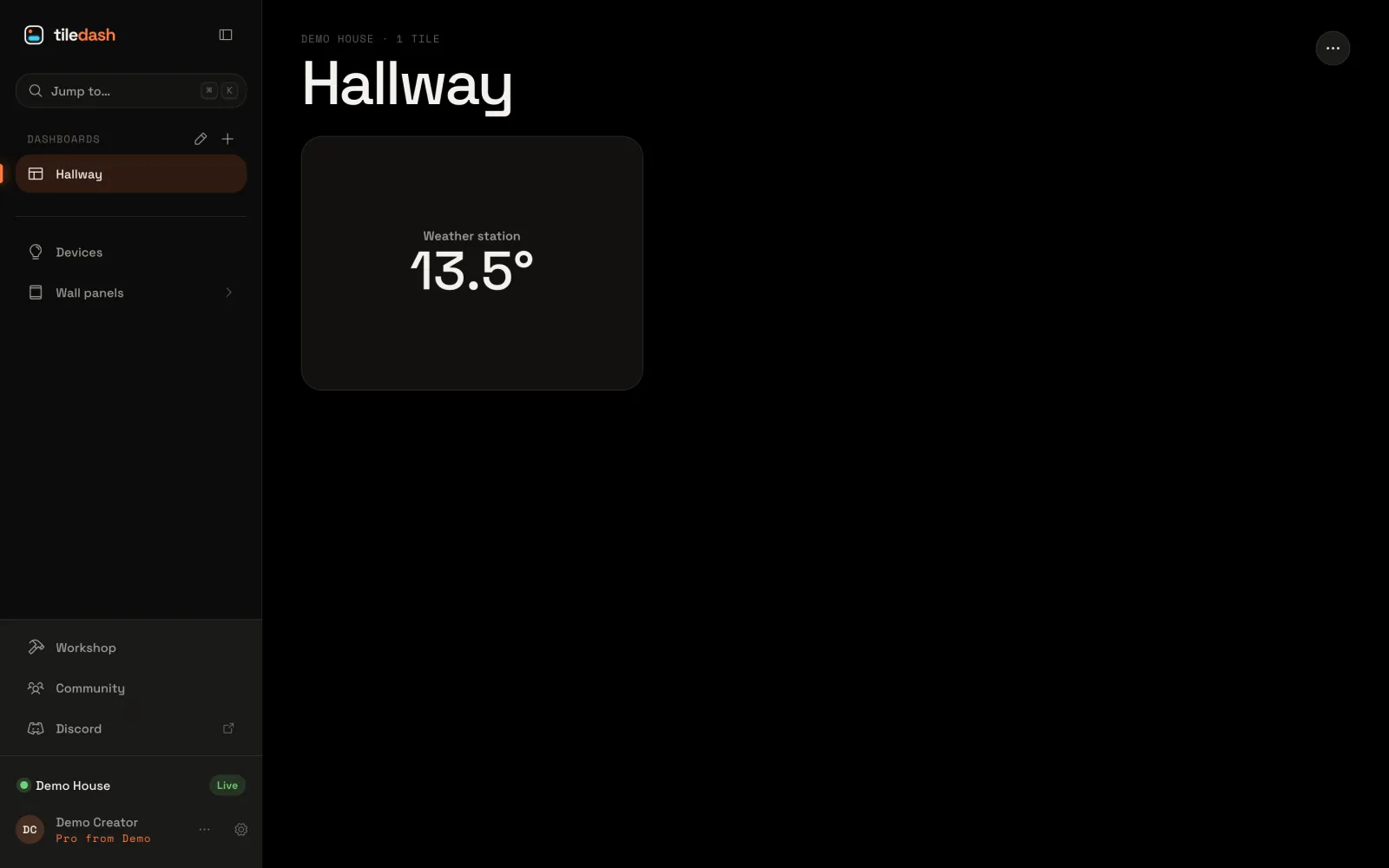
- The widget editorWhere you write your own widgets: its tabs and panels, previewing with your devices and test devices, saving and going back to an earlier save, and using yours instead of a built-in.
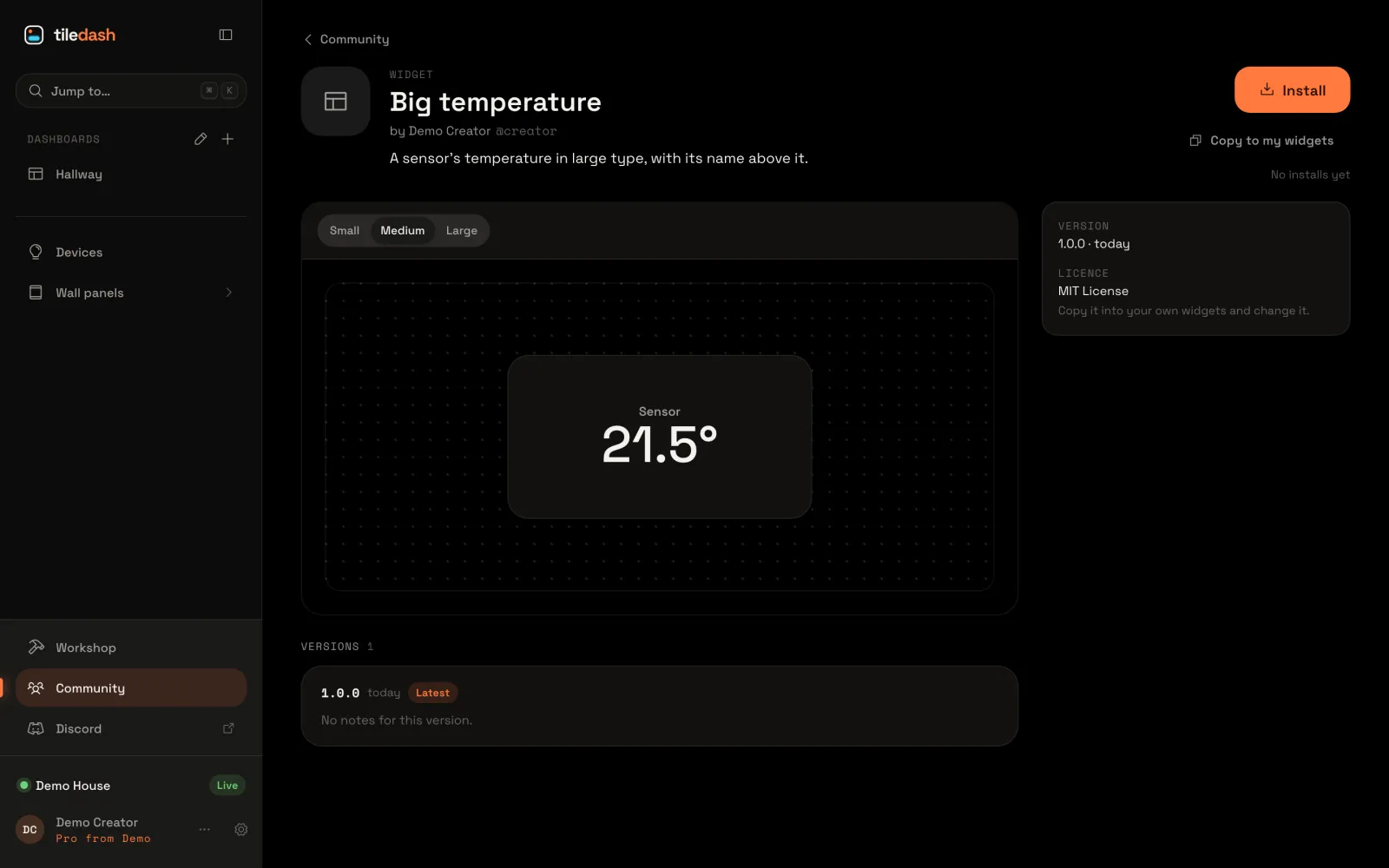
- The communityFind widgets, themes, partials and 3D models other Tiledash users made, try them on your own devices, install, update and roll back; copy one to make it yours, or publish your own.
- The WorkshopEverything you make in one place: your widgets, partials, themes and 3D models, whether each is on the community, and publishing from its card.
- How a widget worksThe three parts of a widget, how Tiledash draws and updates one, and why a widget of your own can’t harm your dashboard.

Goes well with