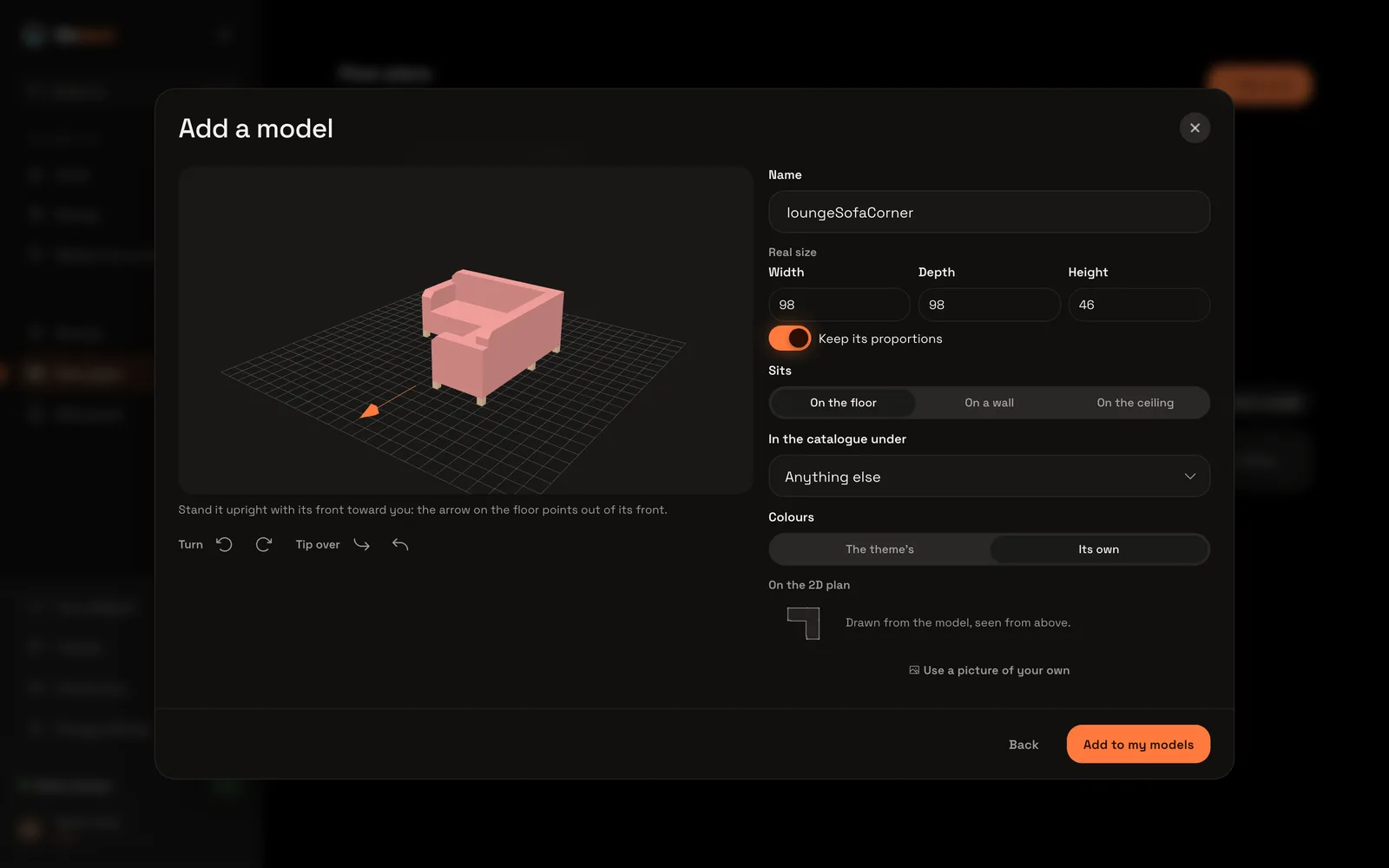
New
A wallpaper of your own behind a dashboard
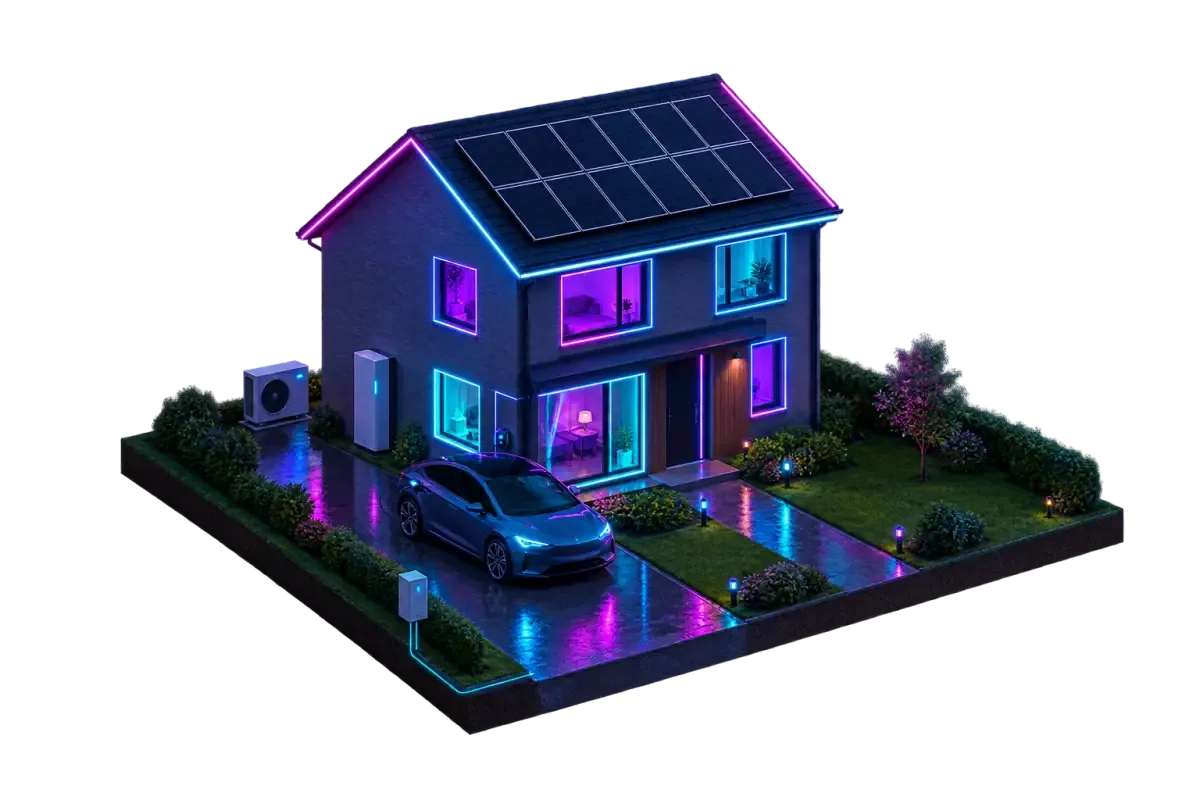
With Pro, a dashboard can show one of your own pictures behind its tiles, from Dashboard settings › Look. Give a tablet or phone a picture of its own, and dim or blur it so the tiles stay easy to read. It shows on wall panels, share links and paired screens too.
Read the guide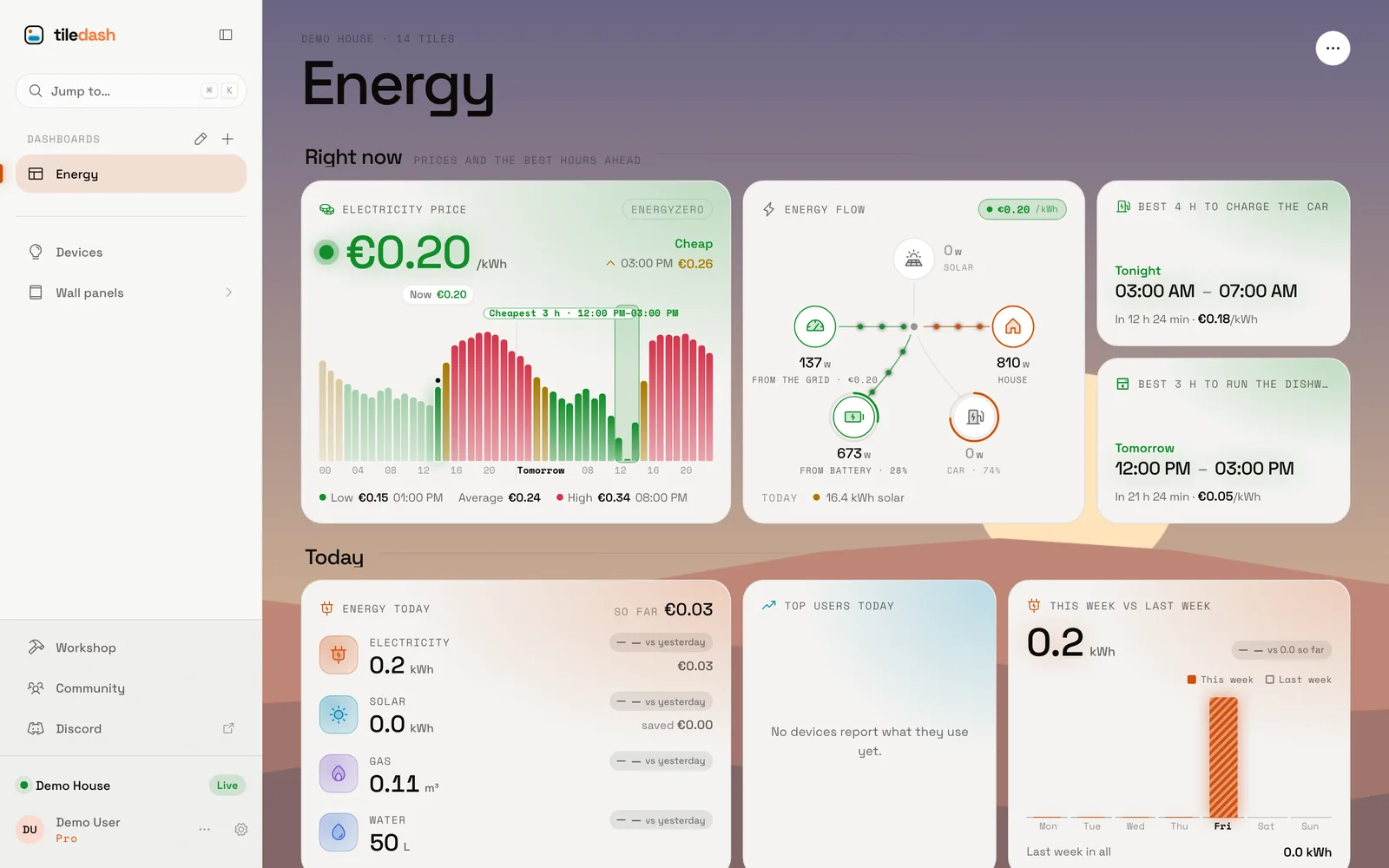
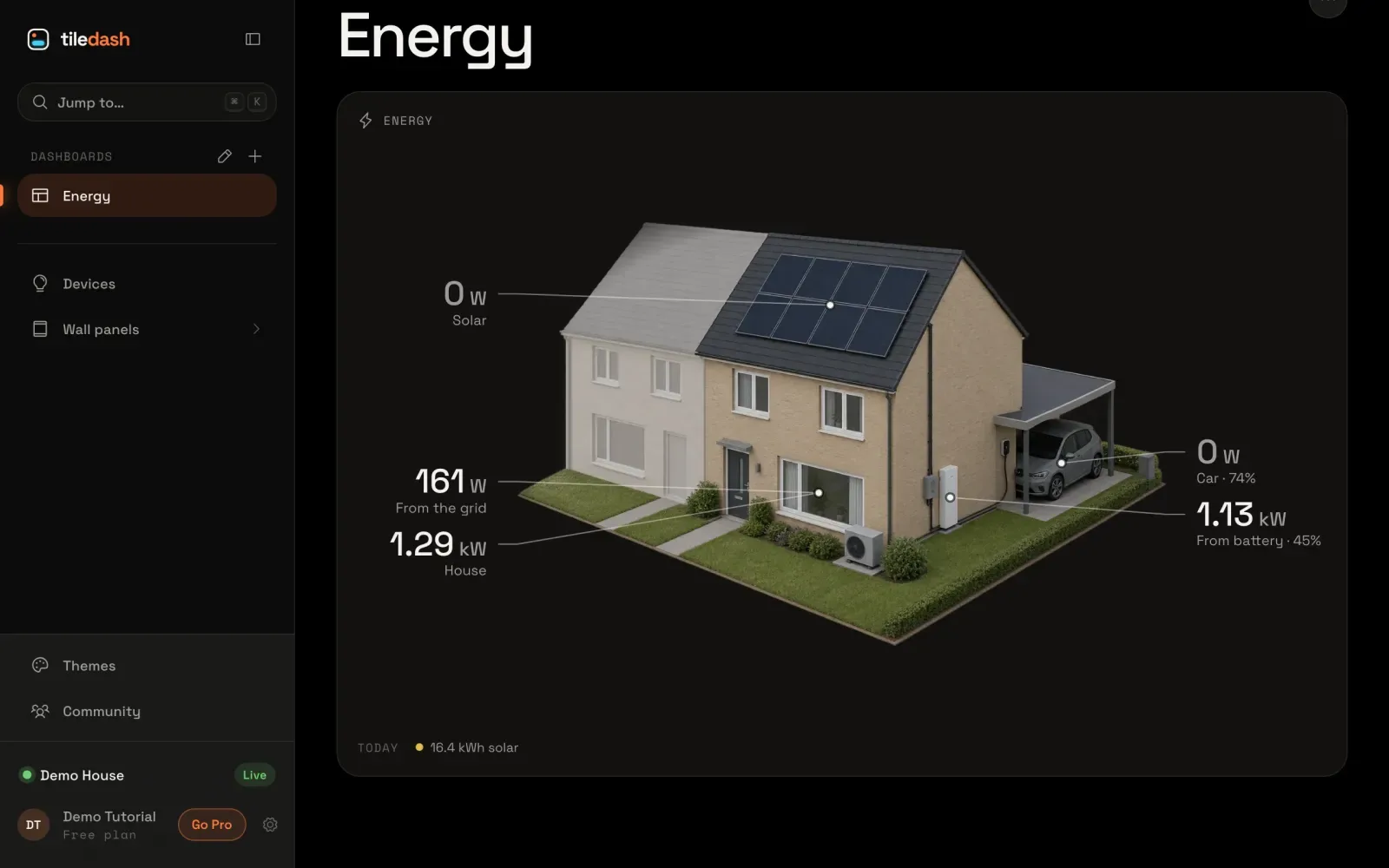
A wallpaper behind the Energy dashboard1 of 3 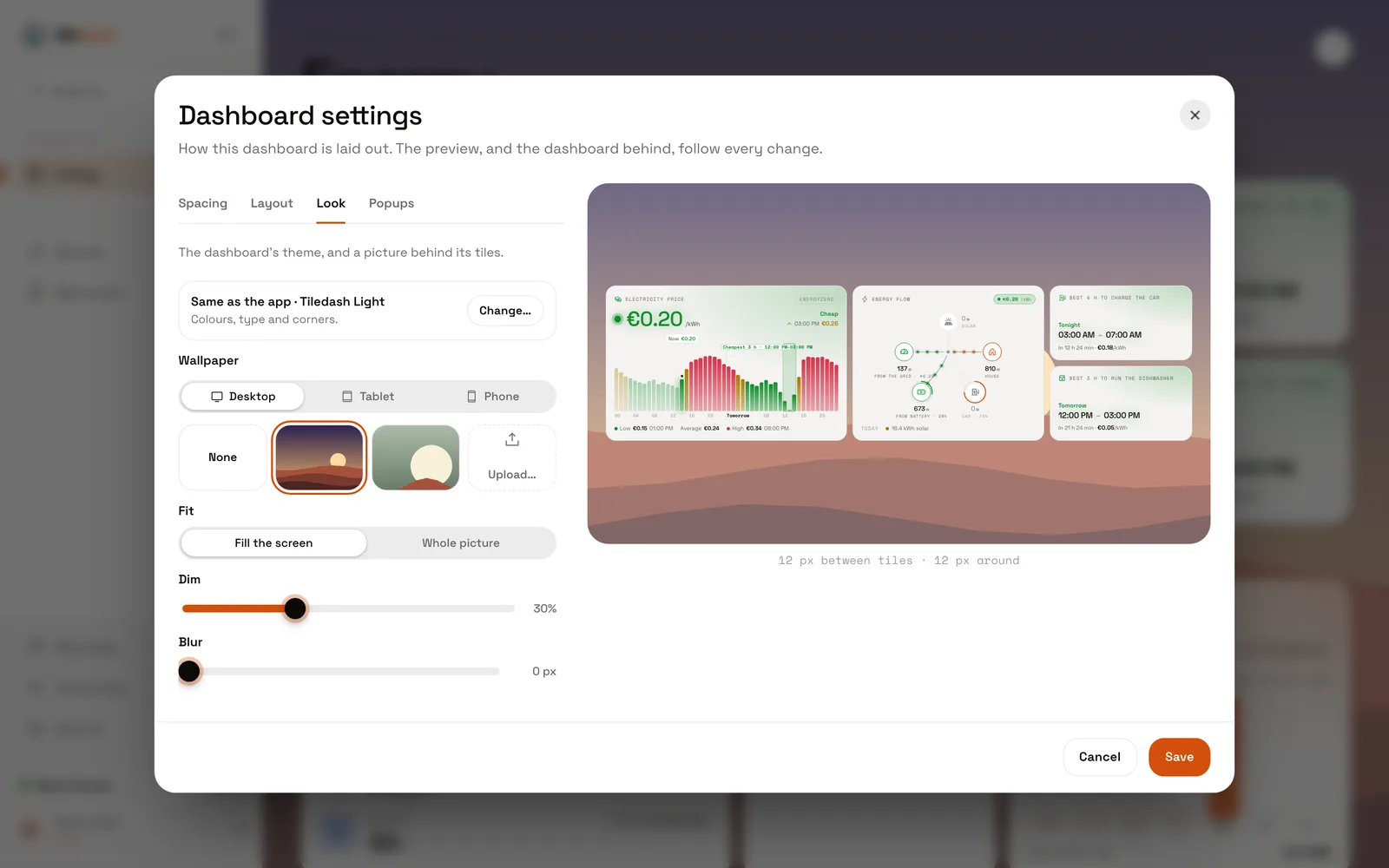
Dashboard settings › Look2 of 3 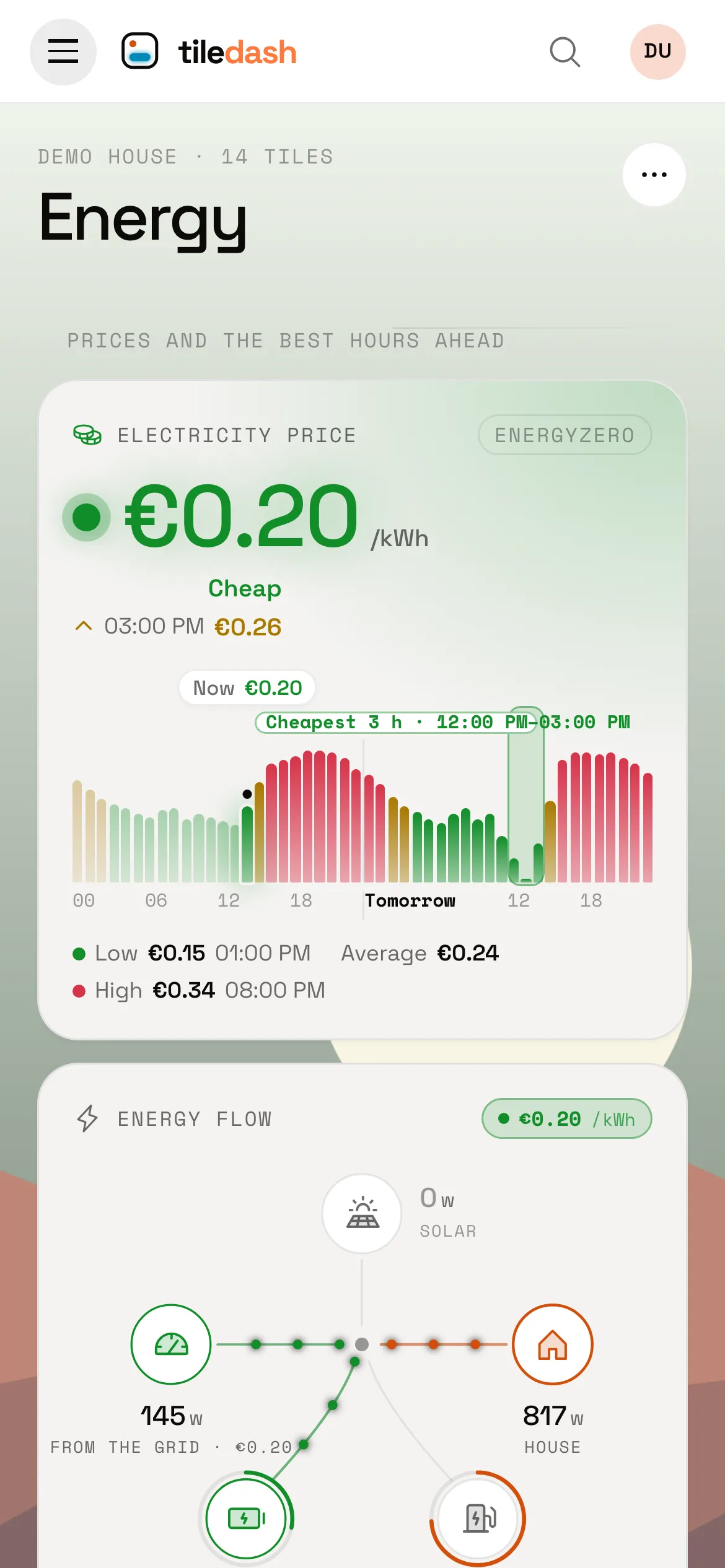
Its own picture on a phone3 of 3 Tutorials for making your house in 3D
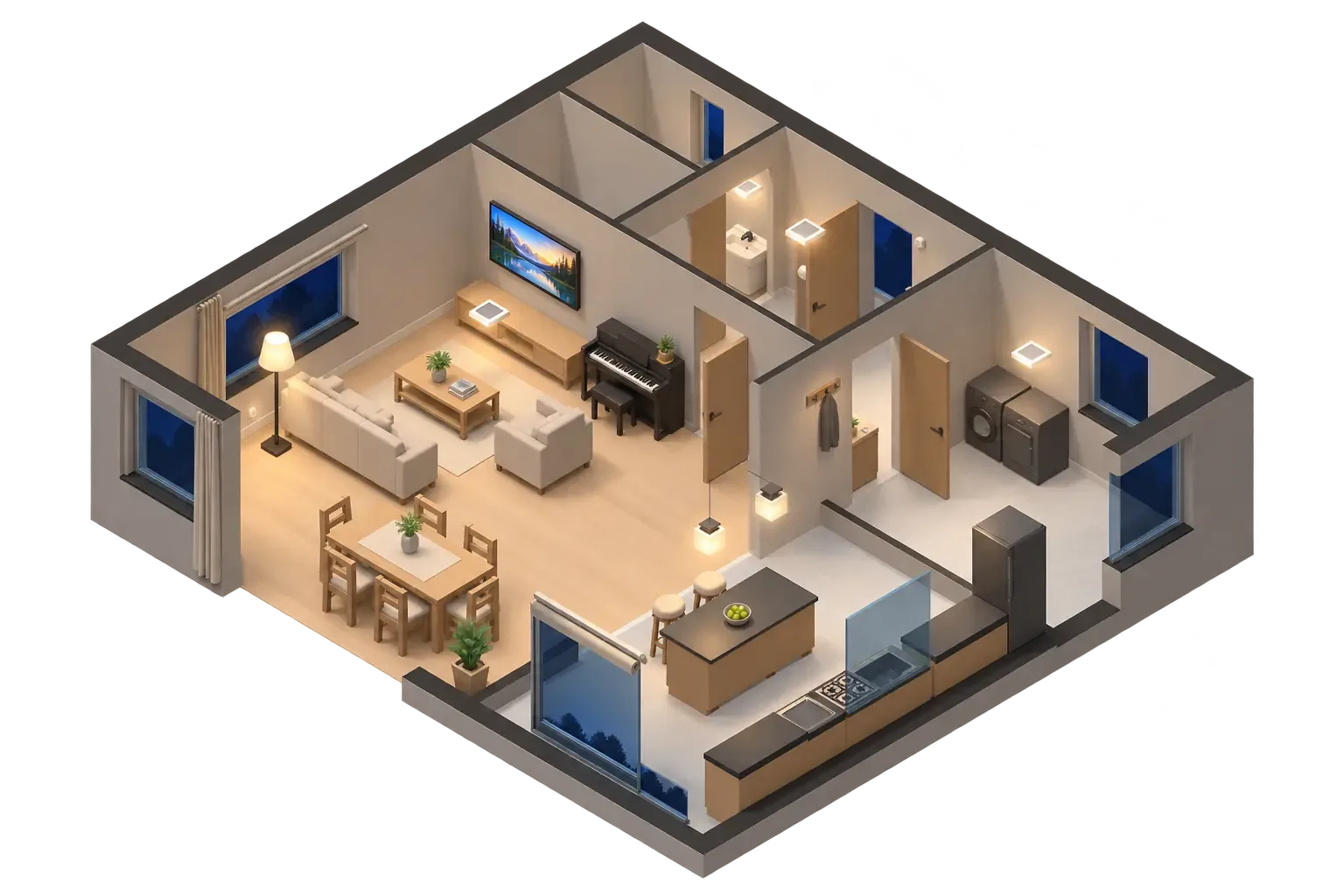
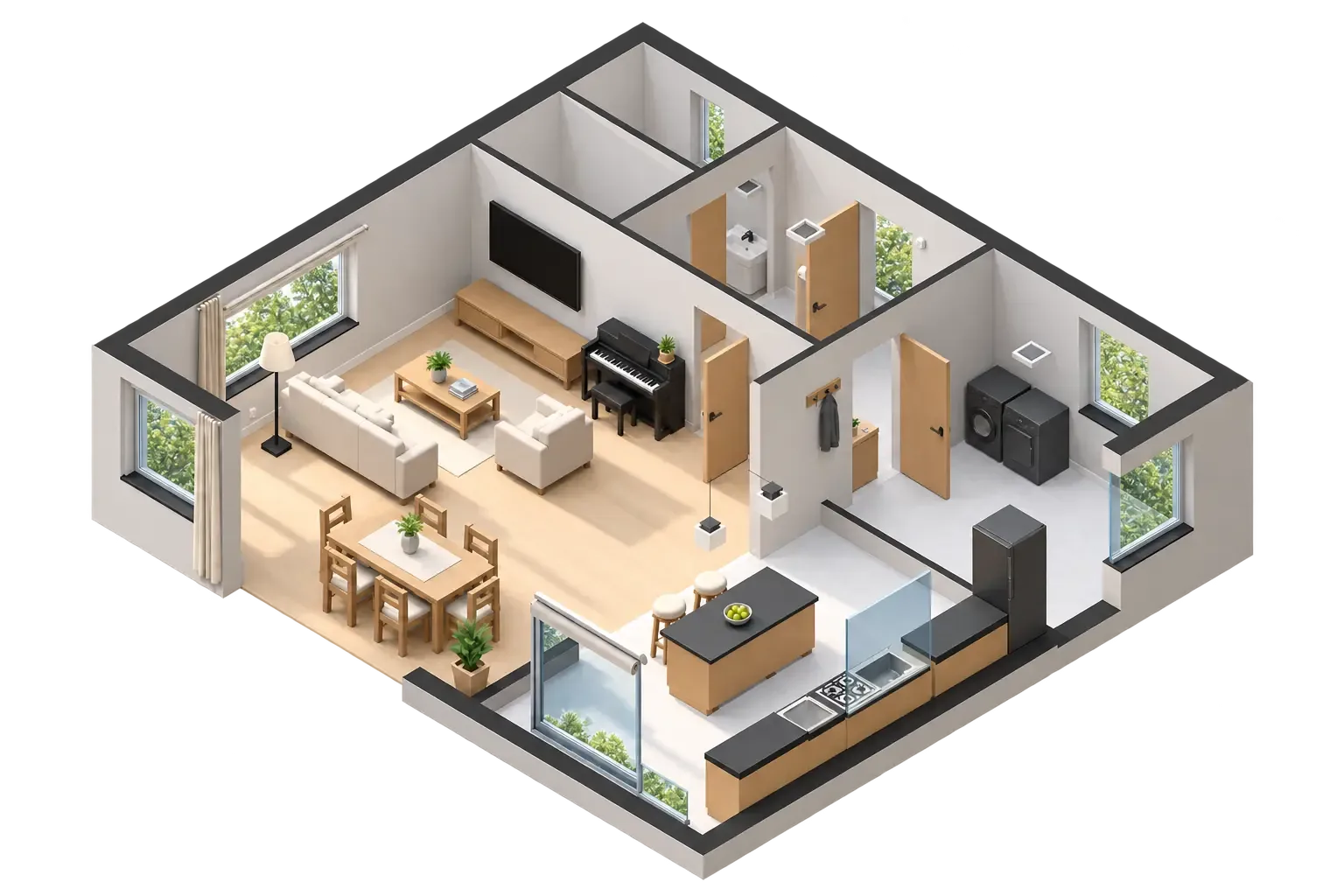
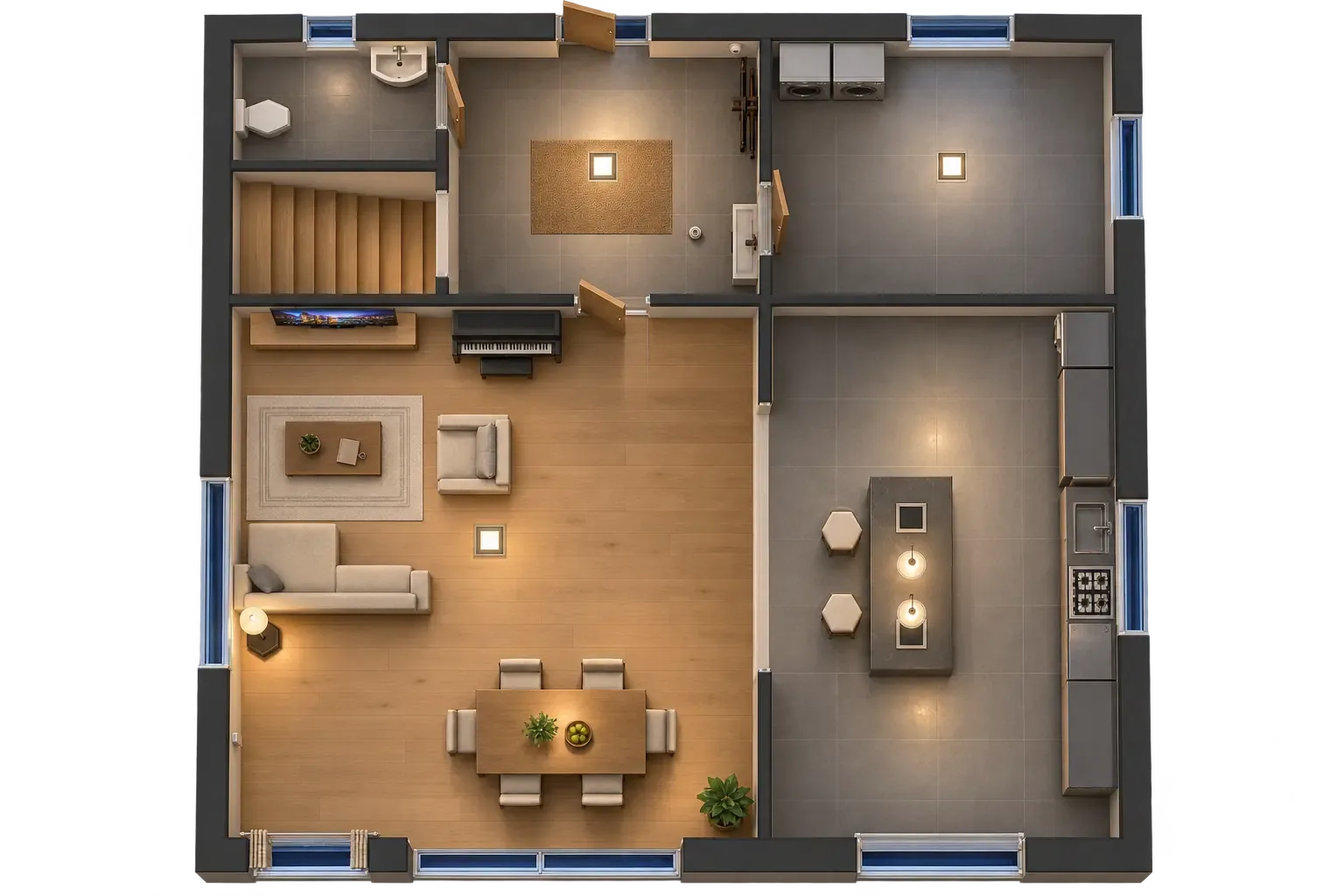
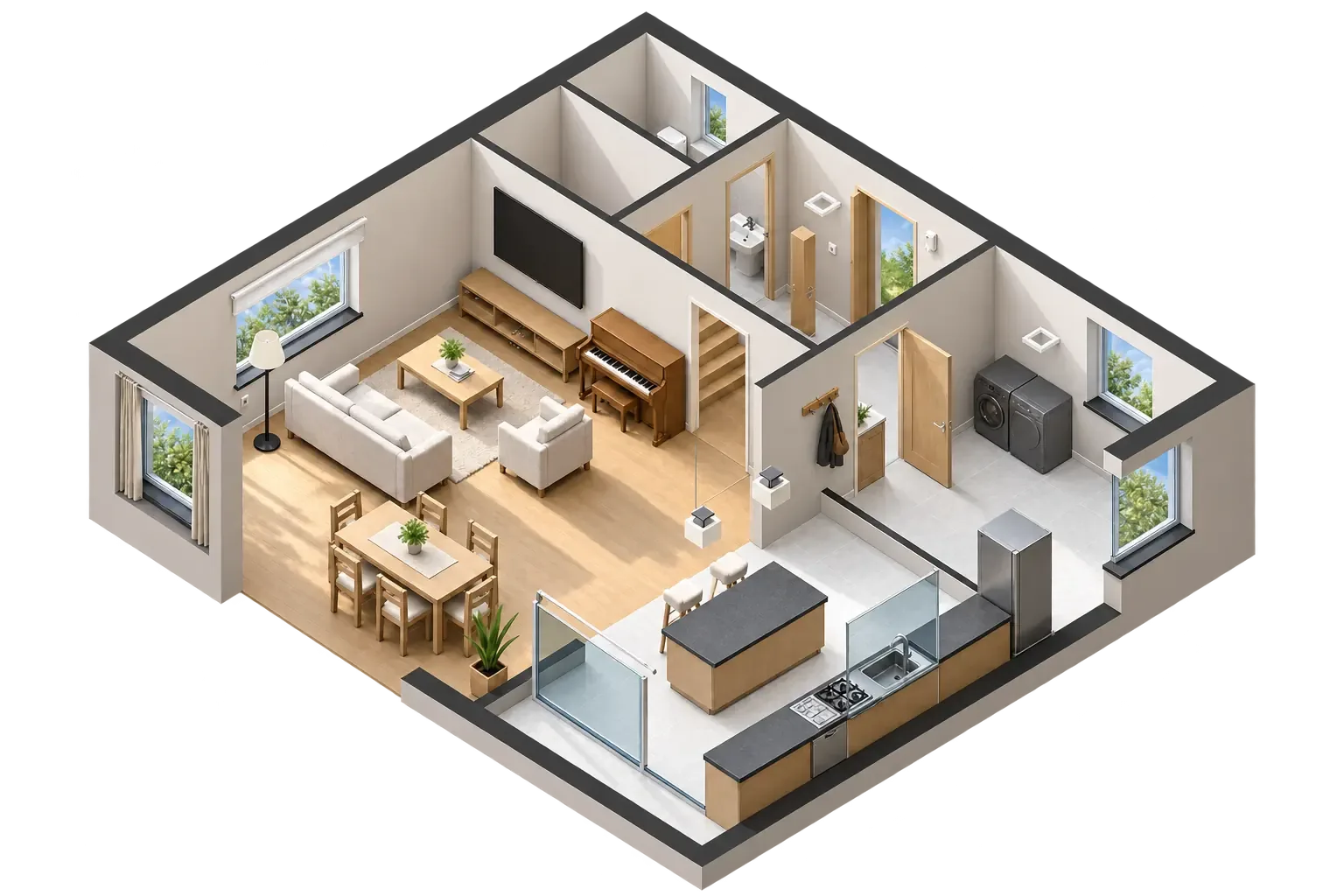
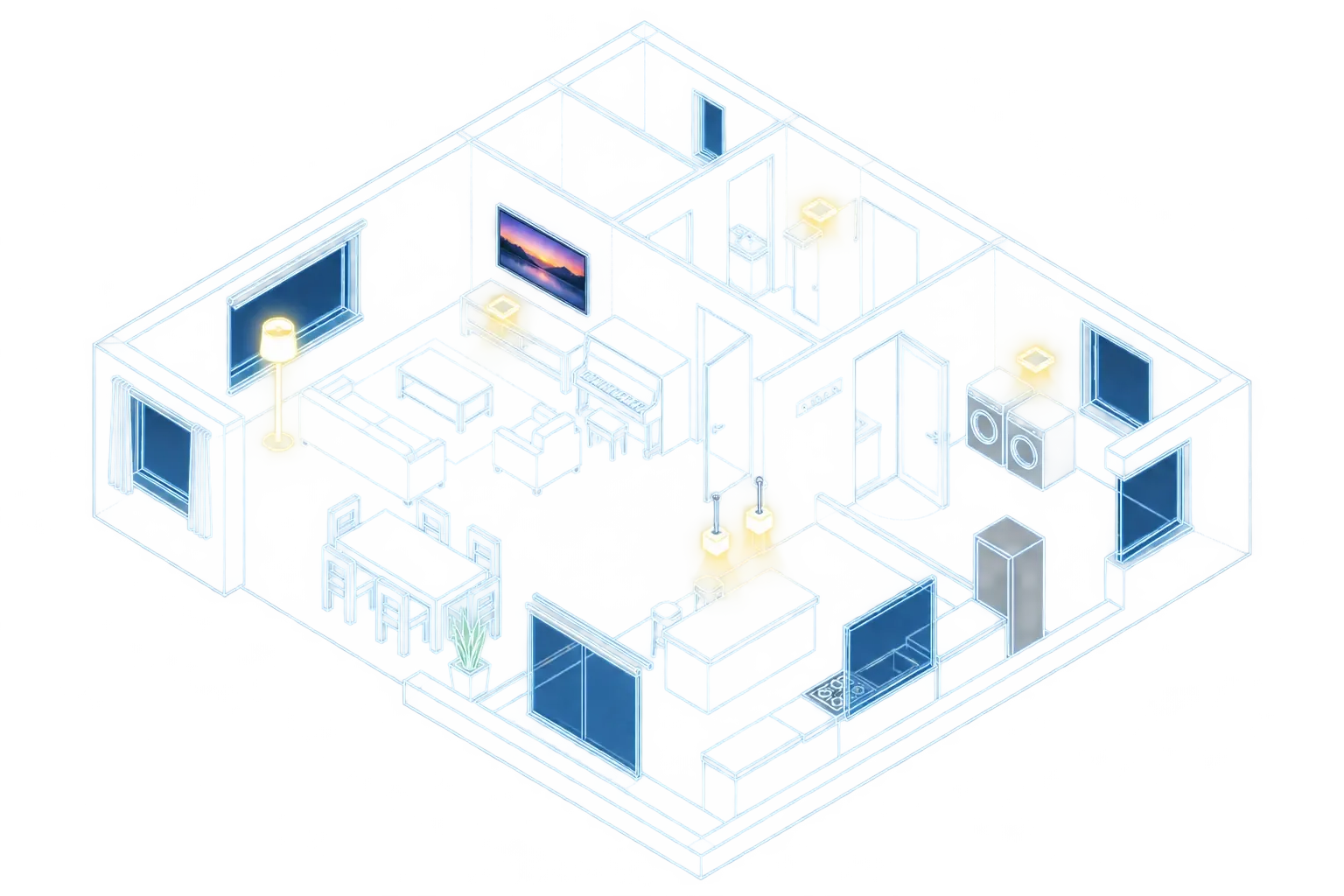
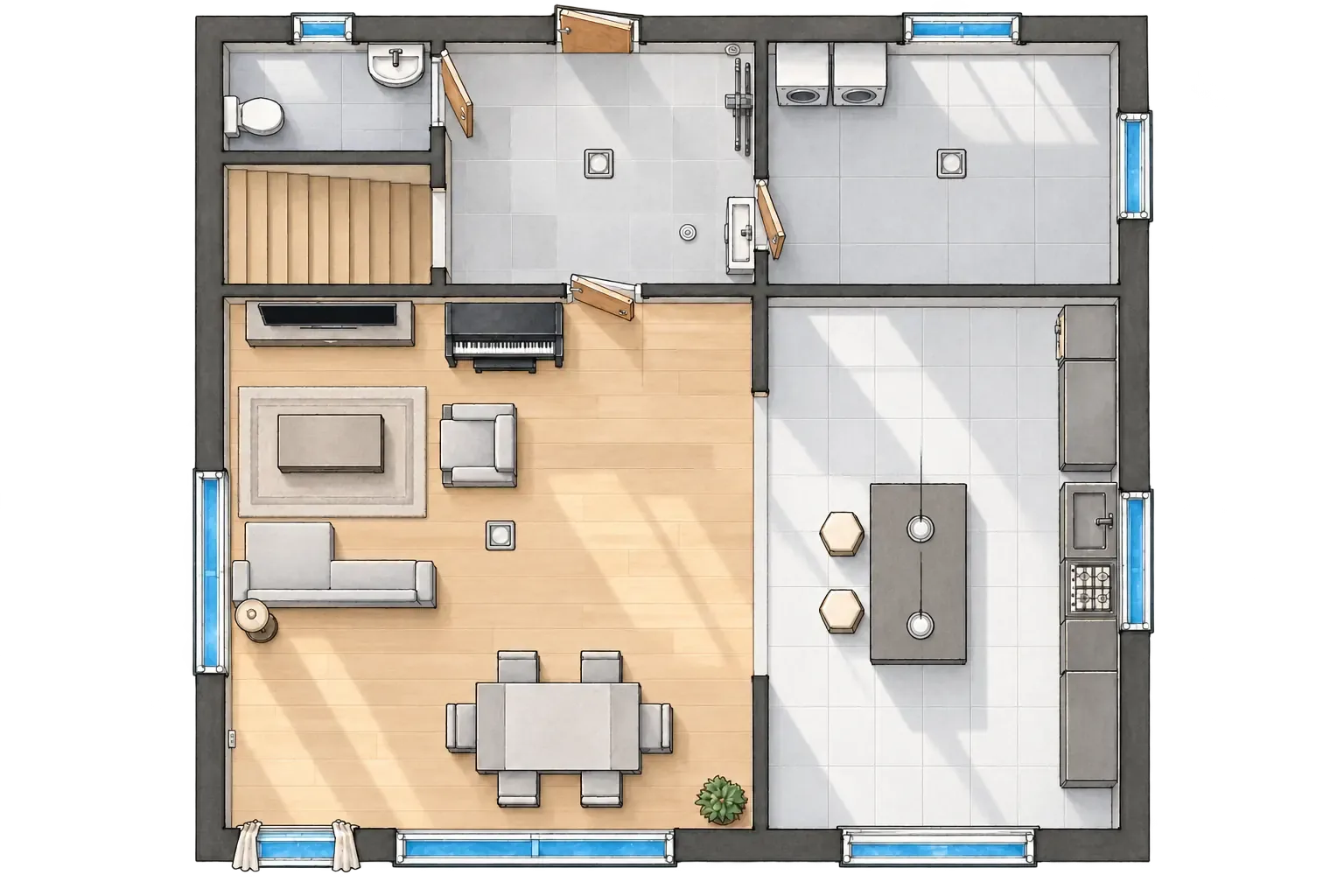
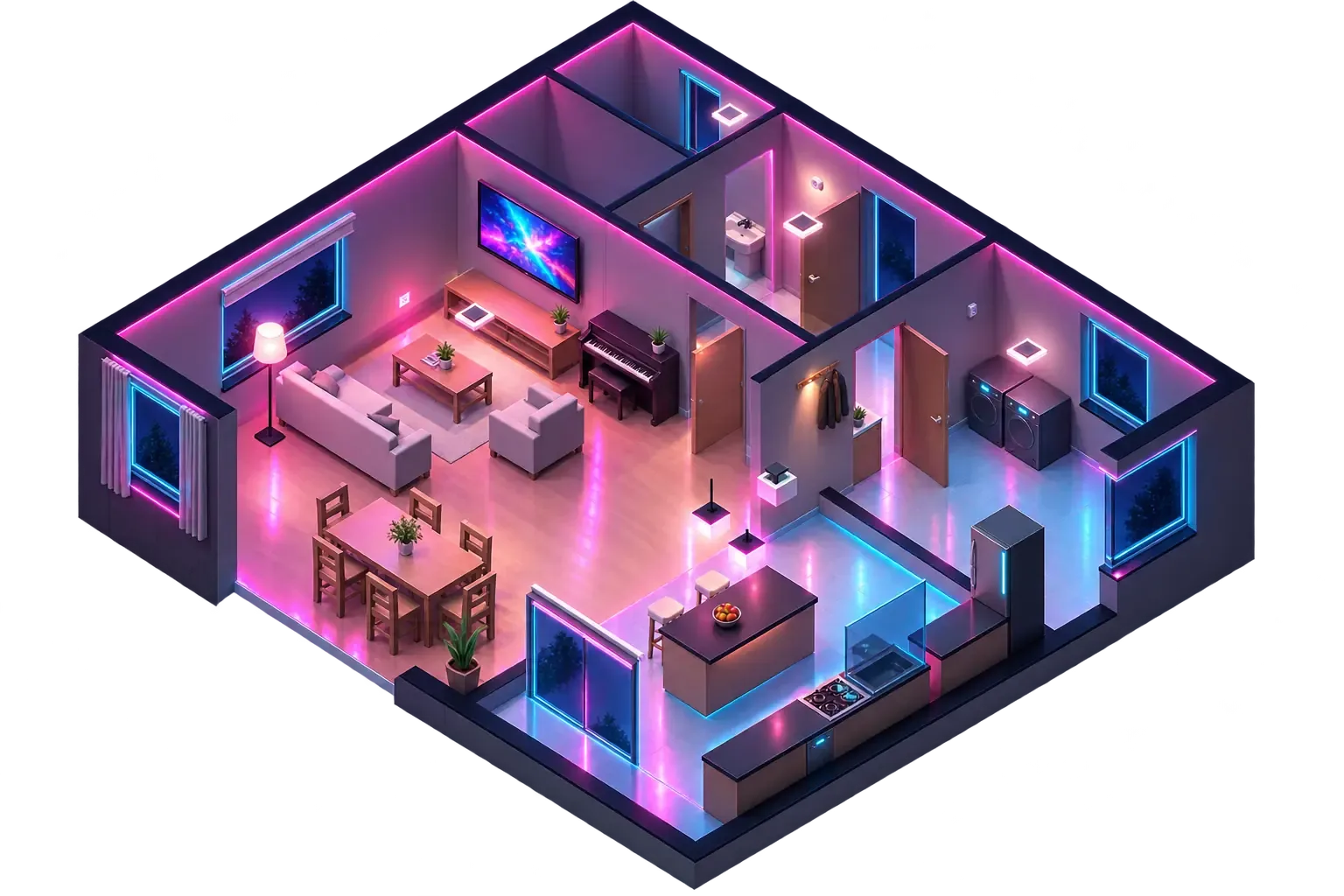
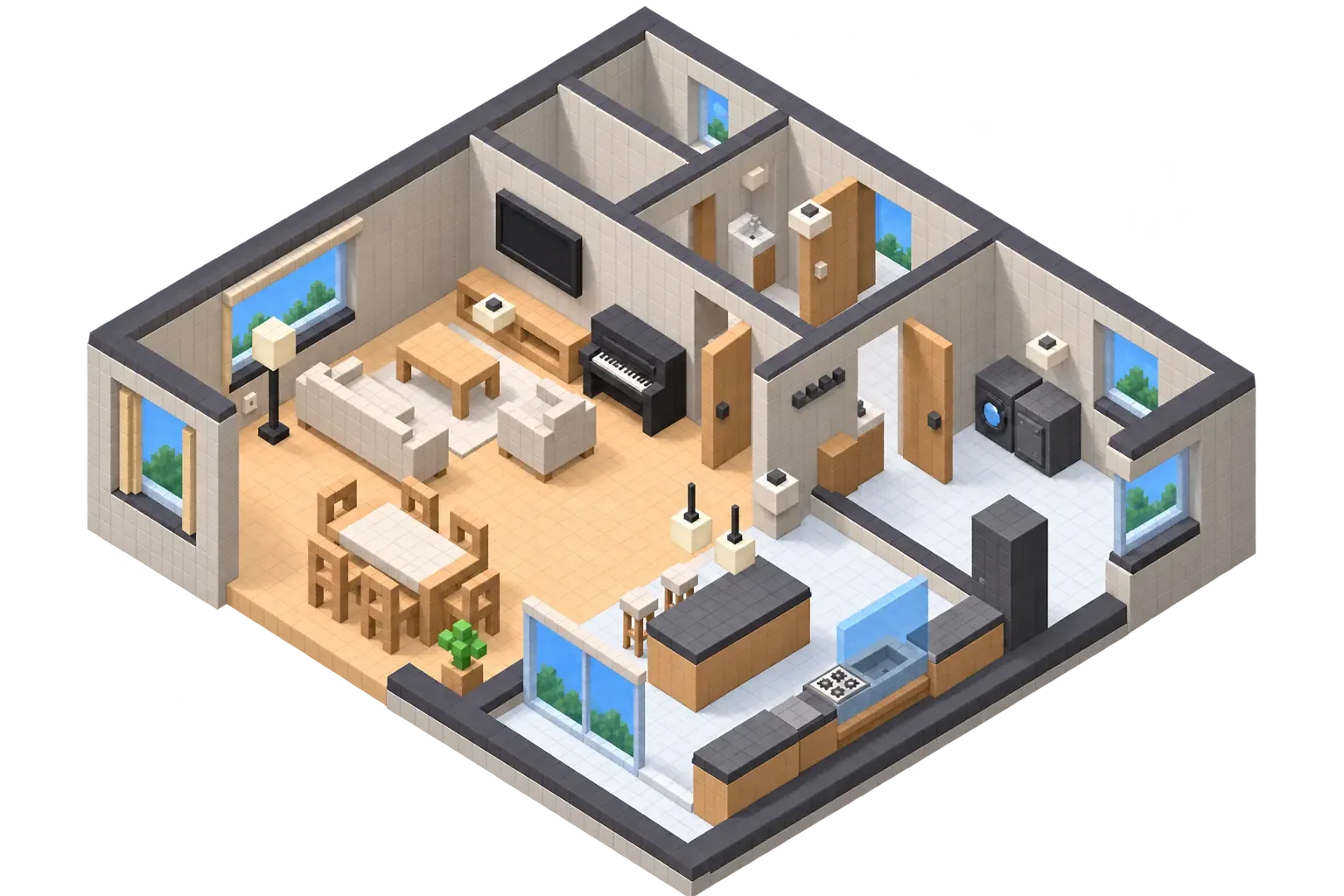
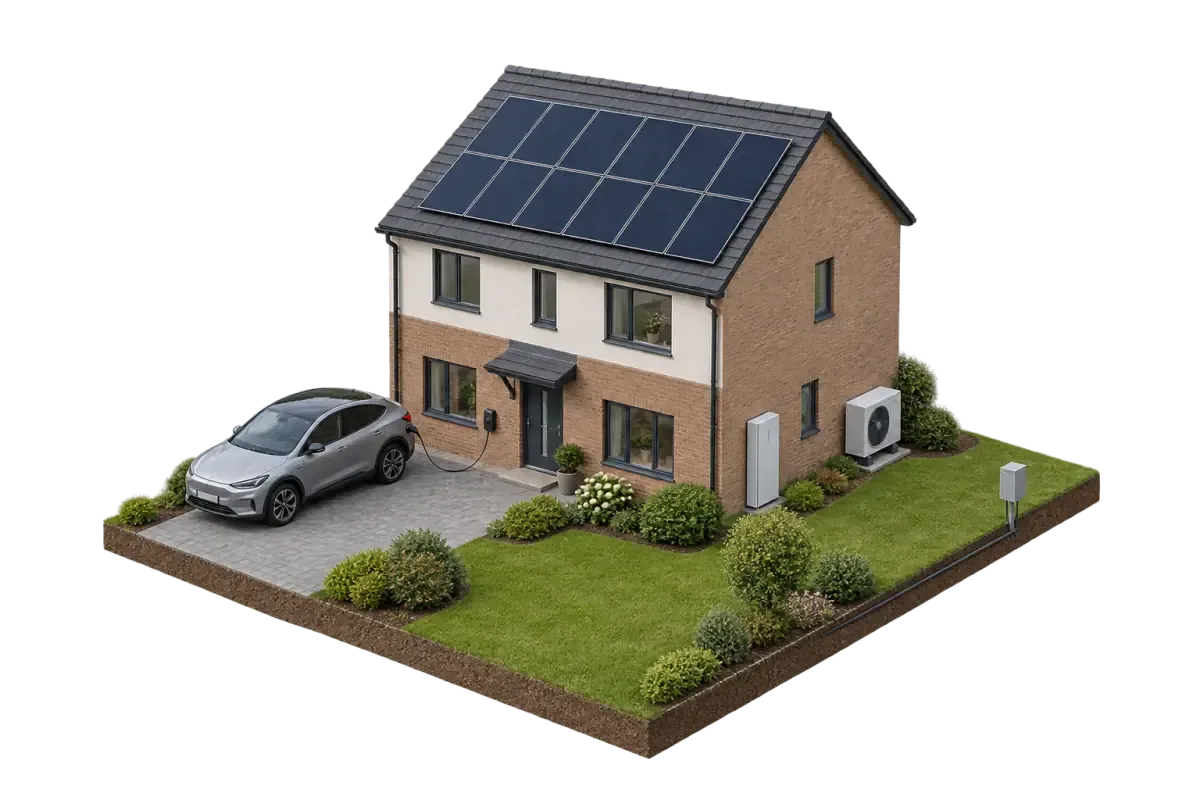
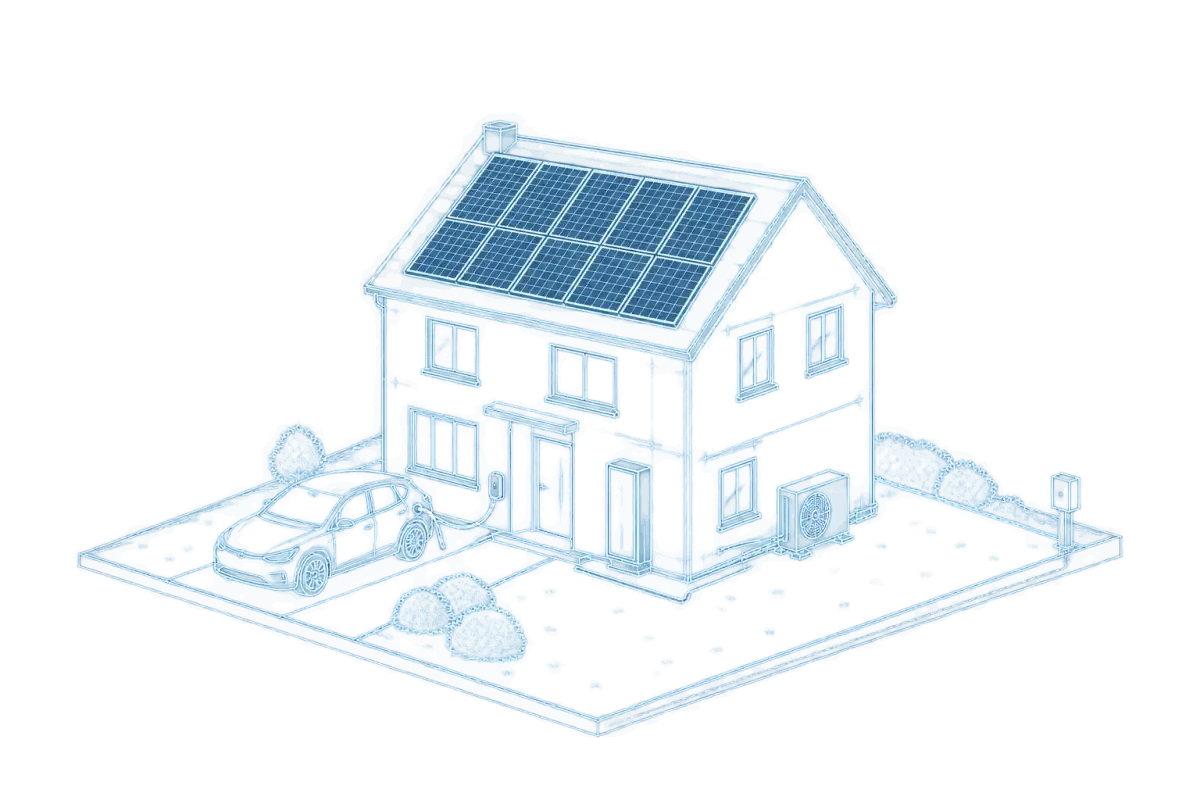
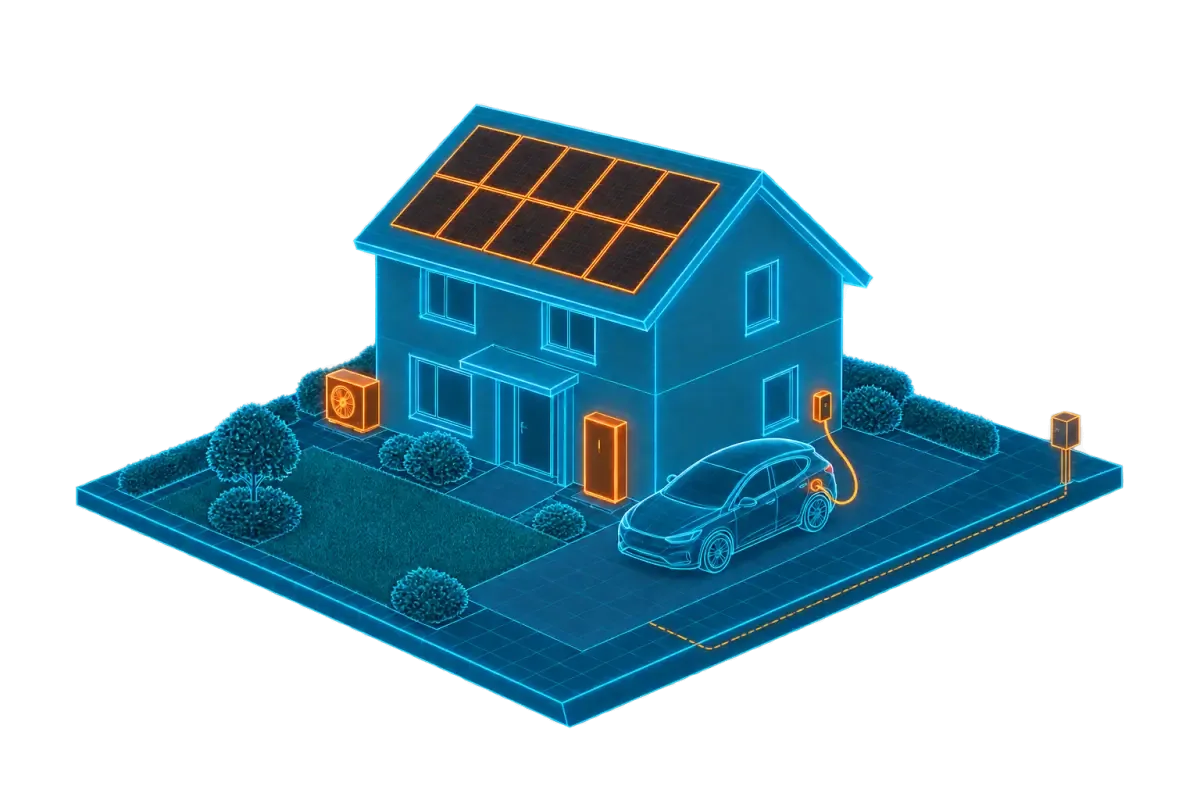
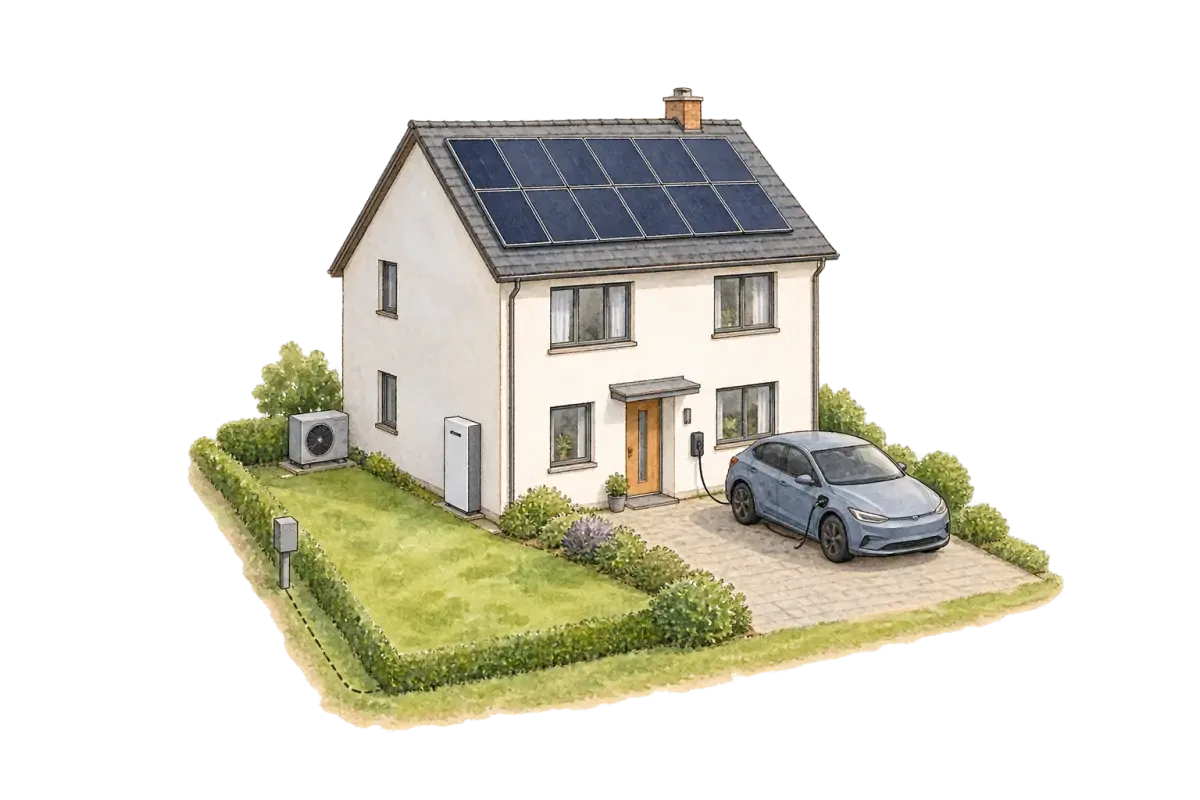
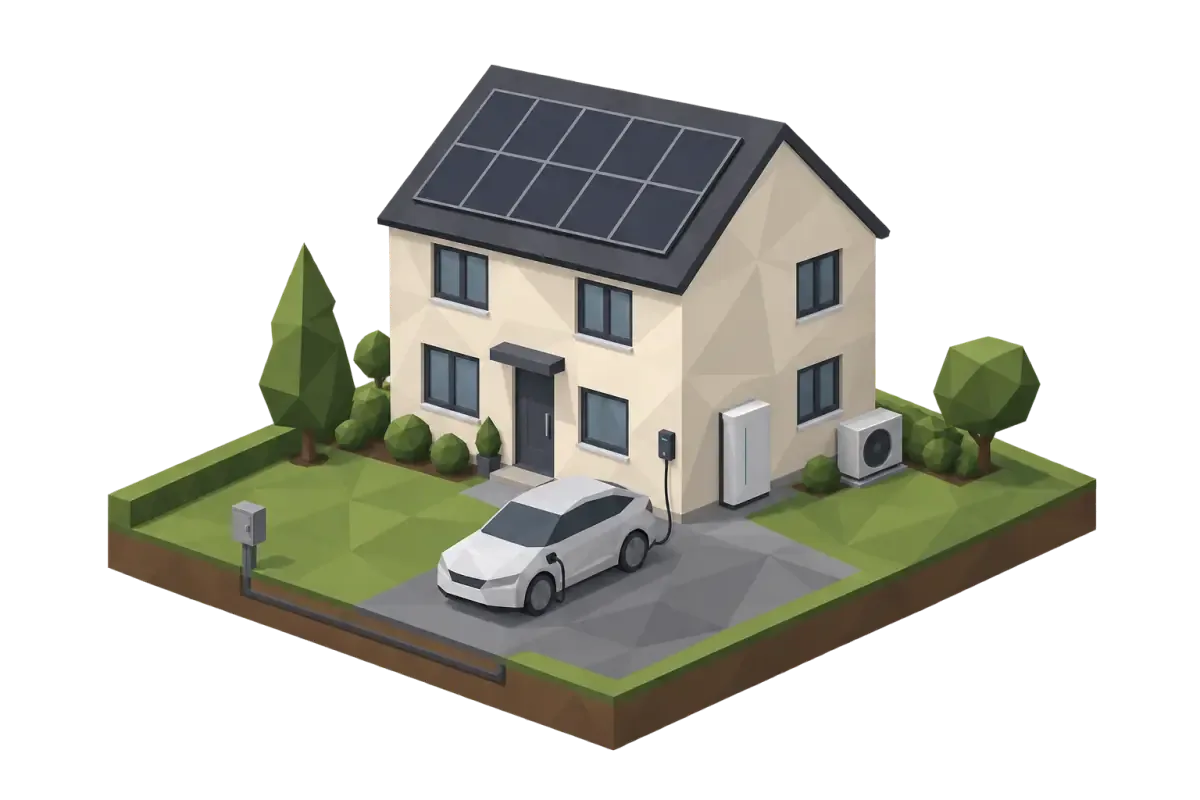
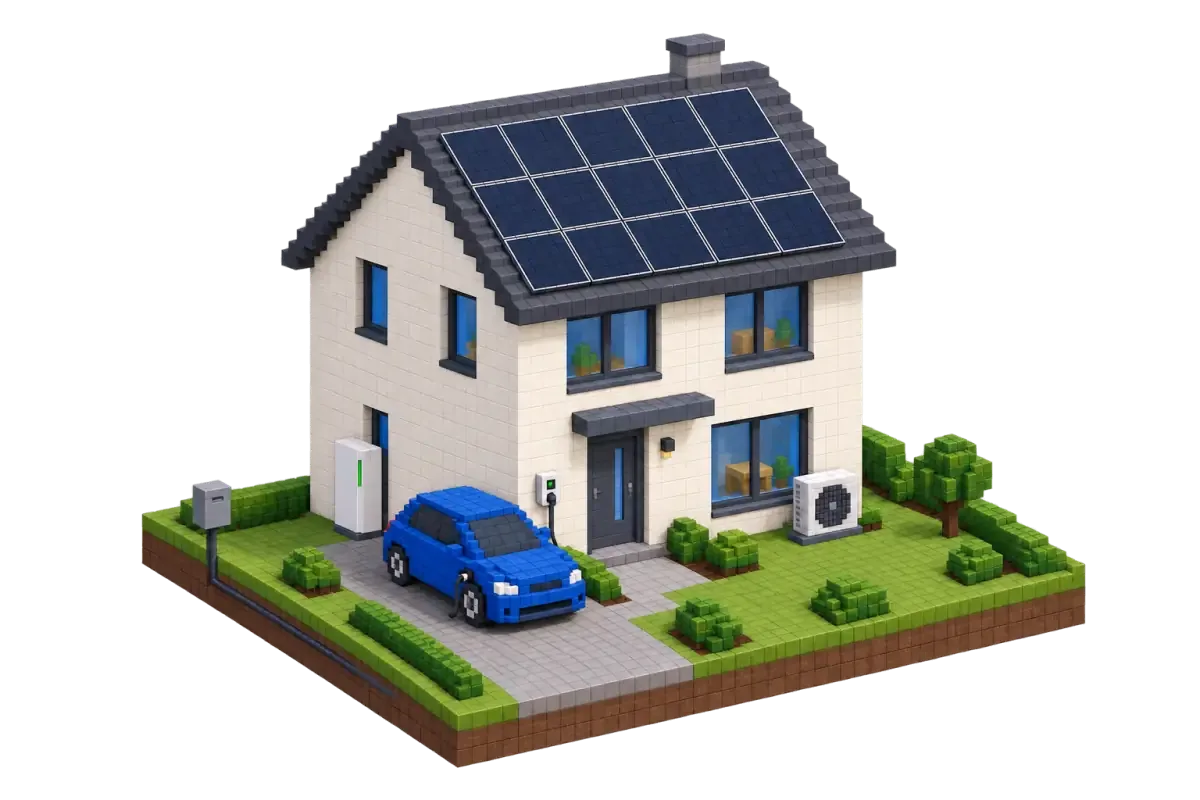
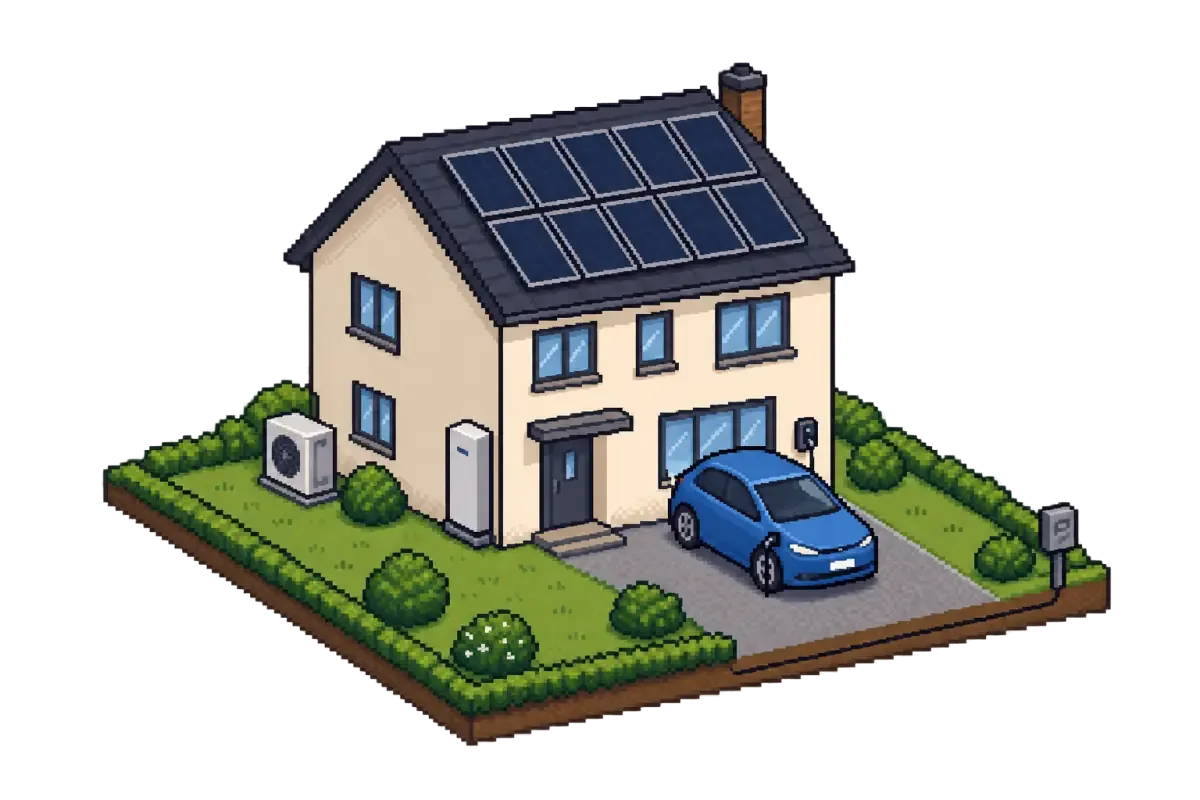
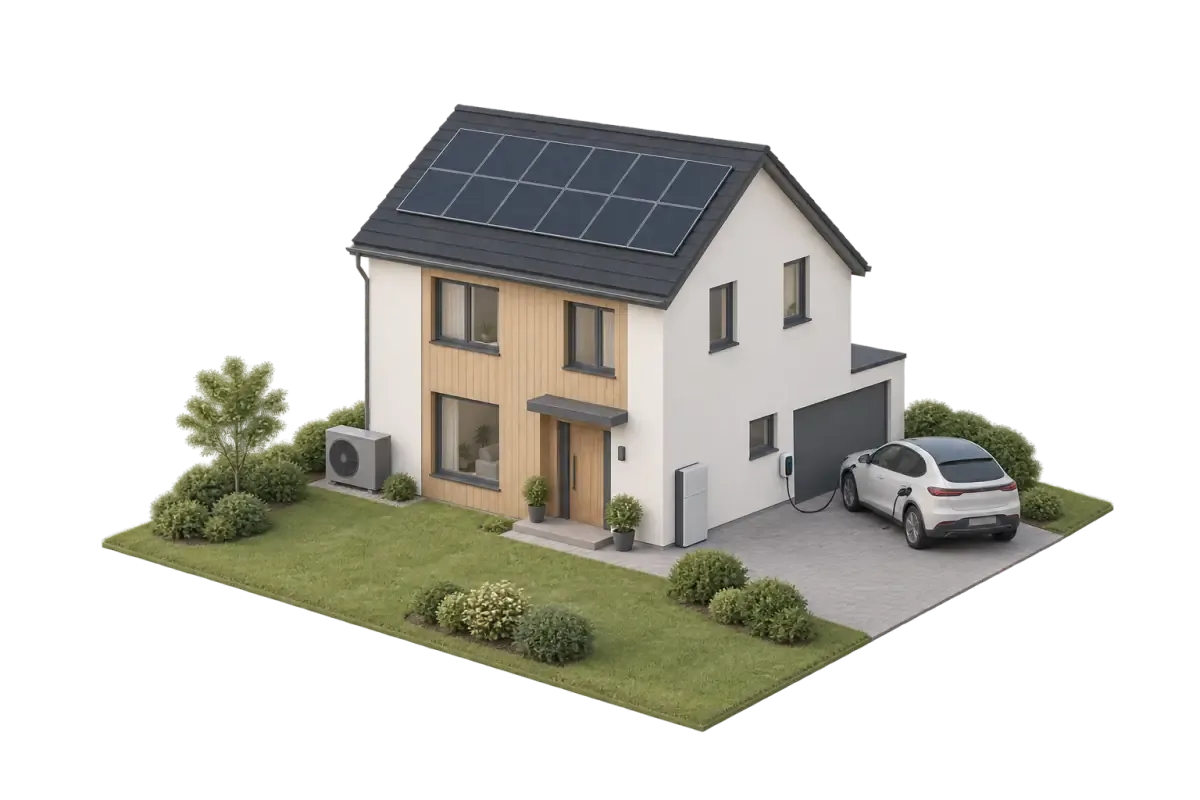
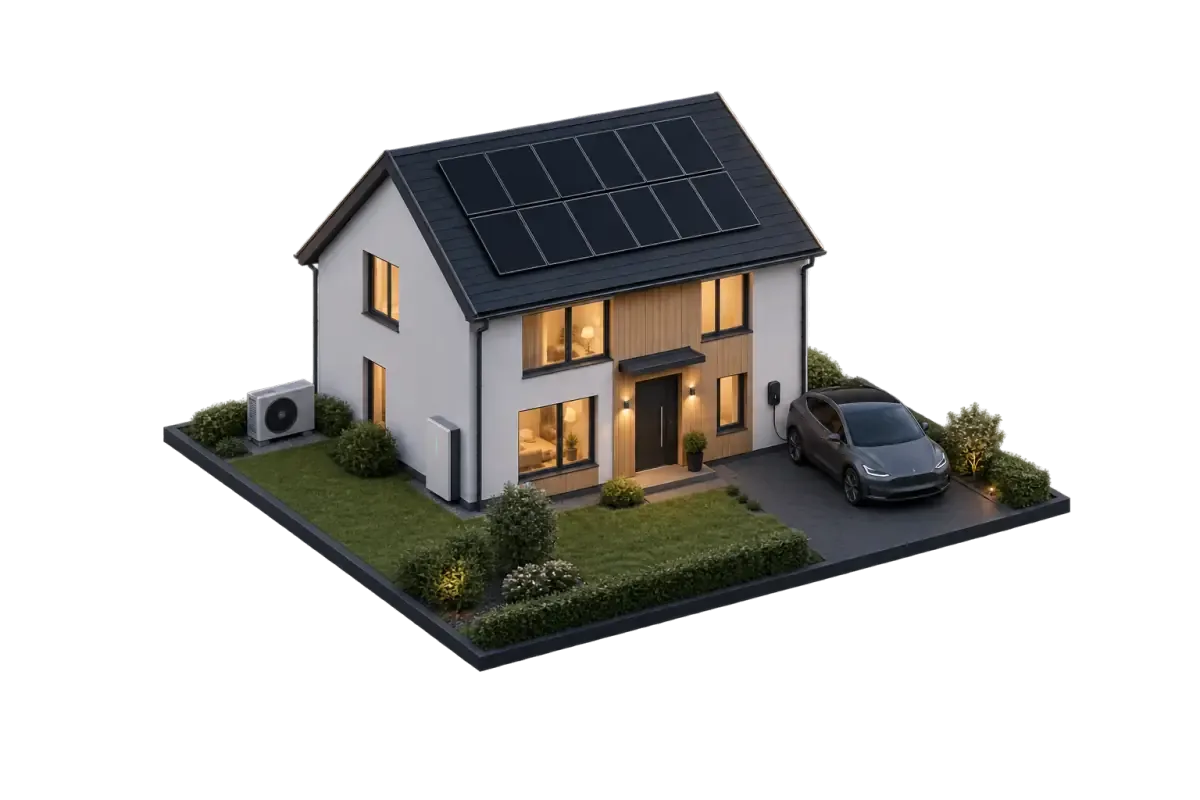
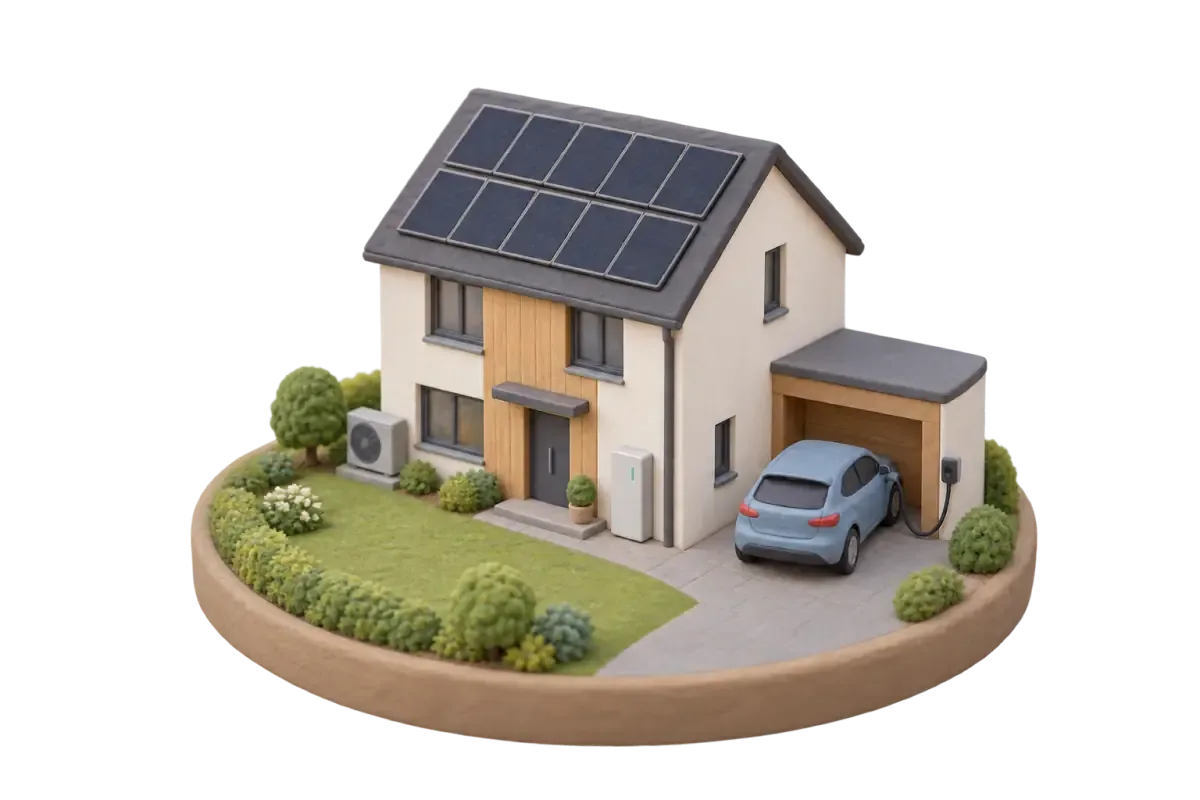
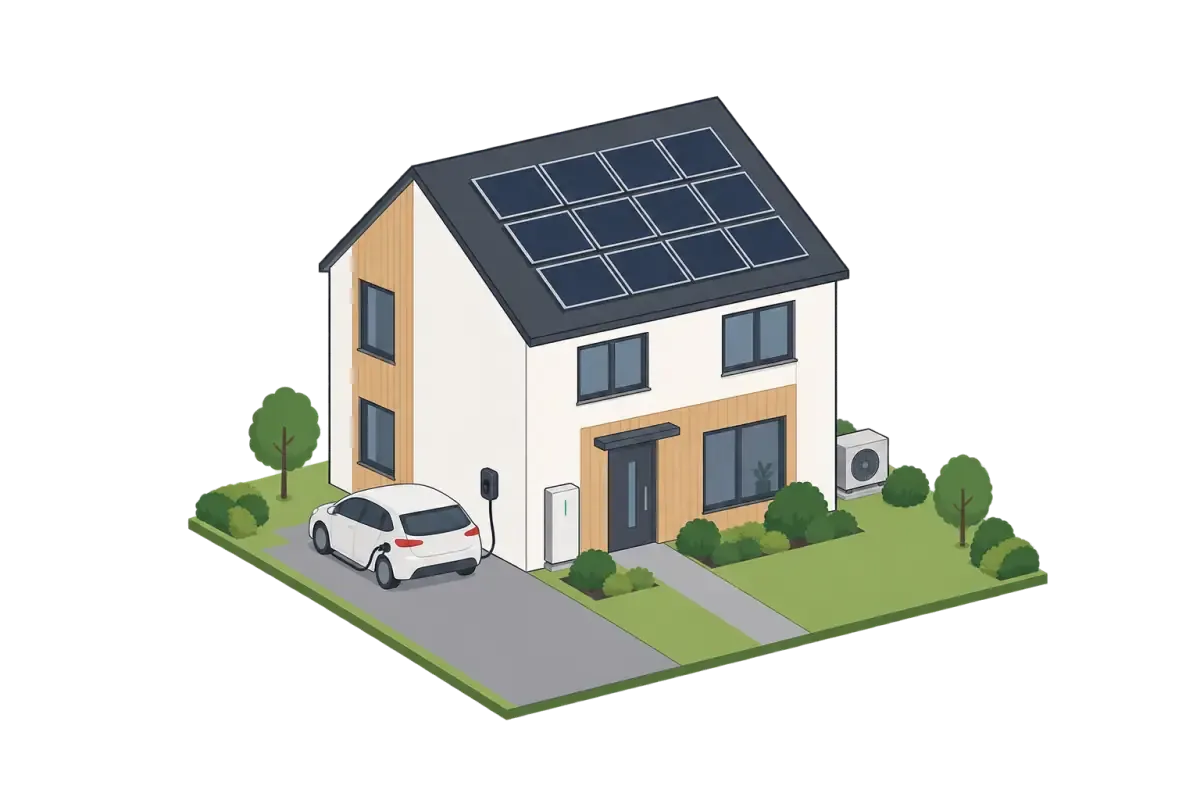
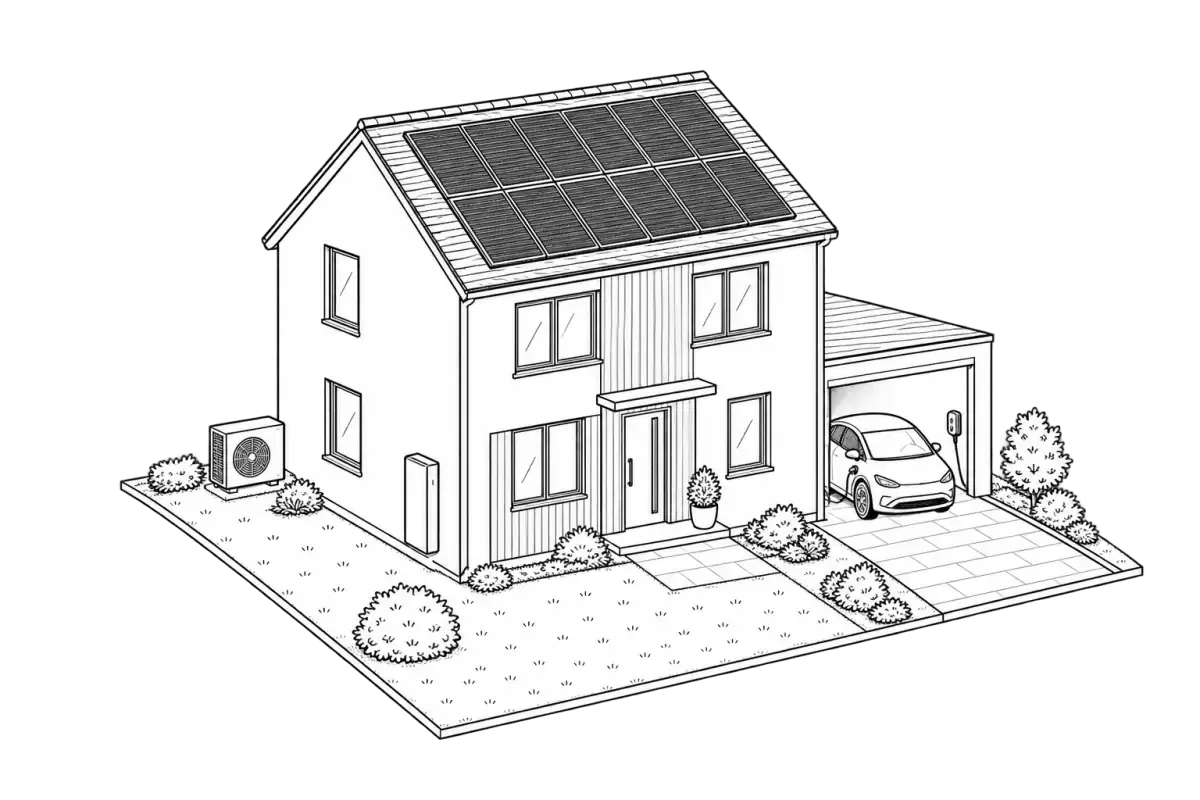
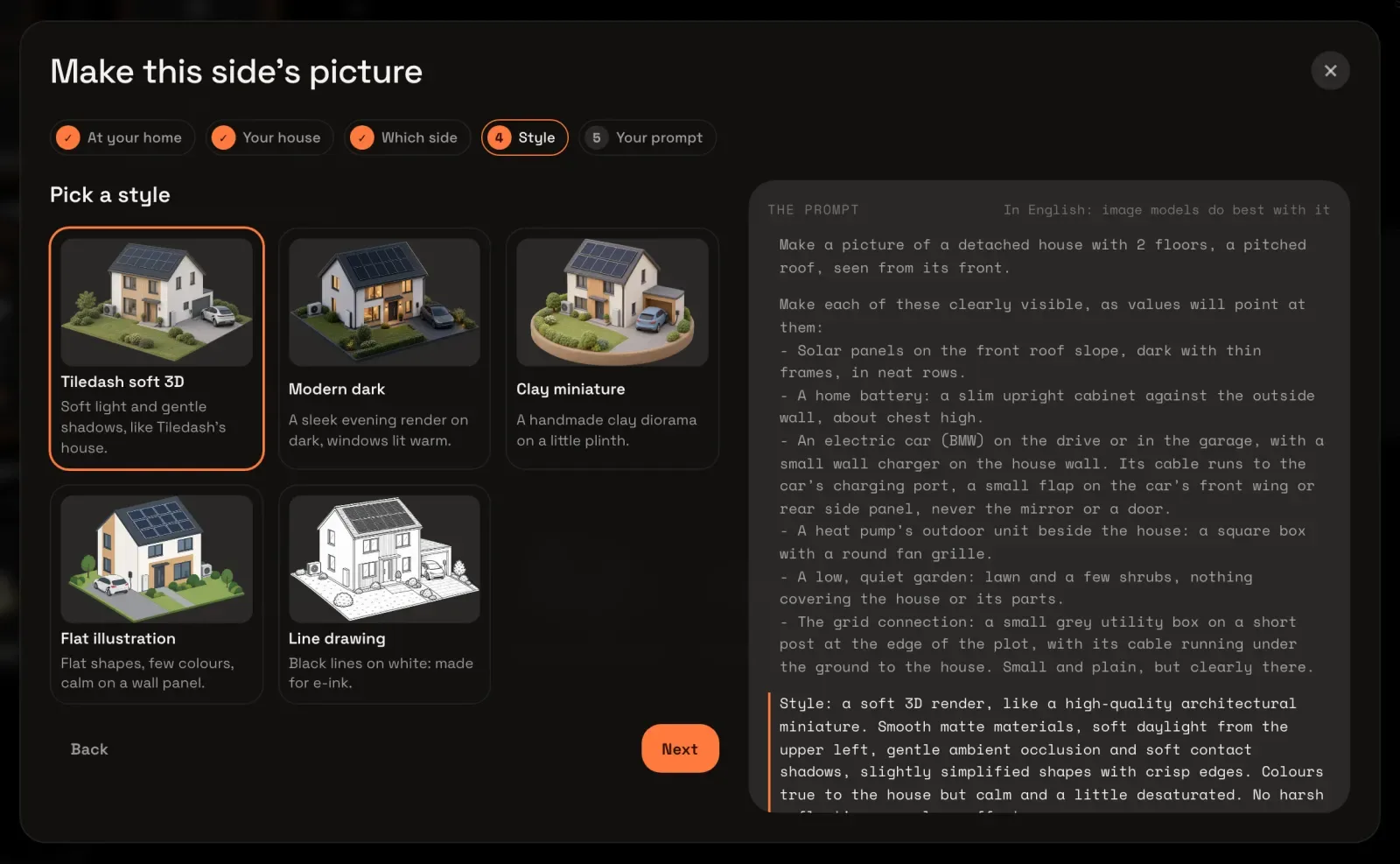
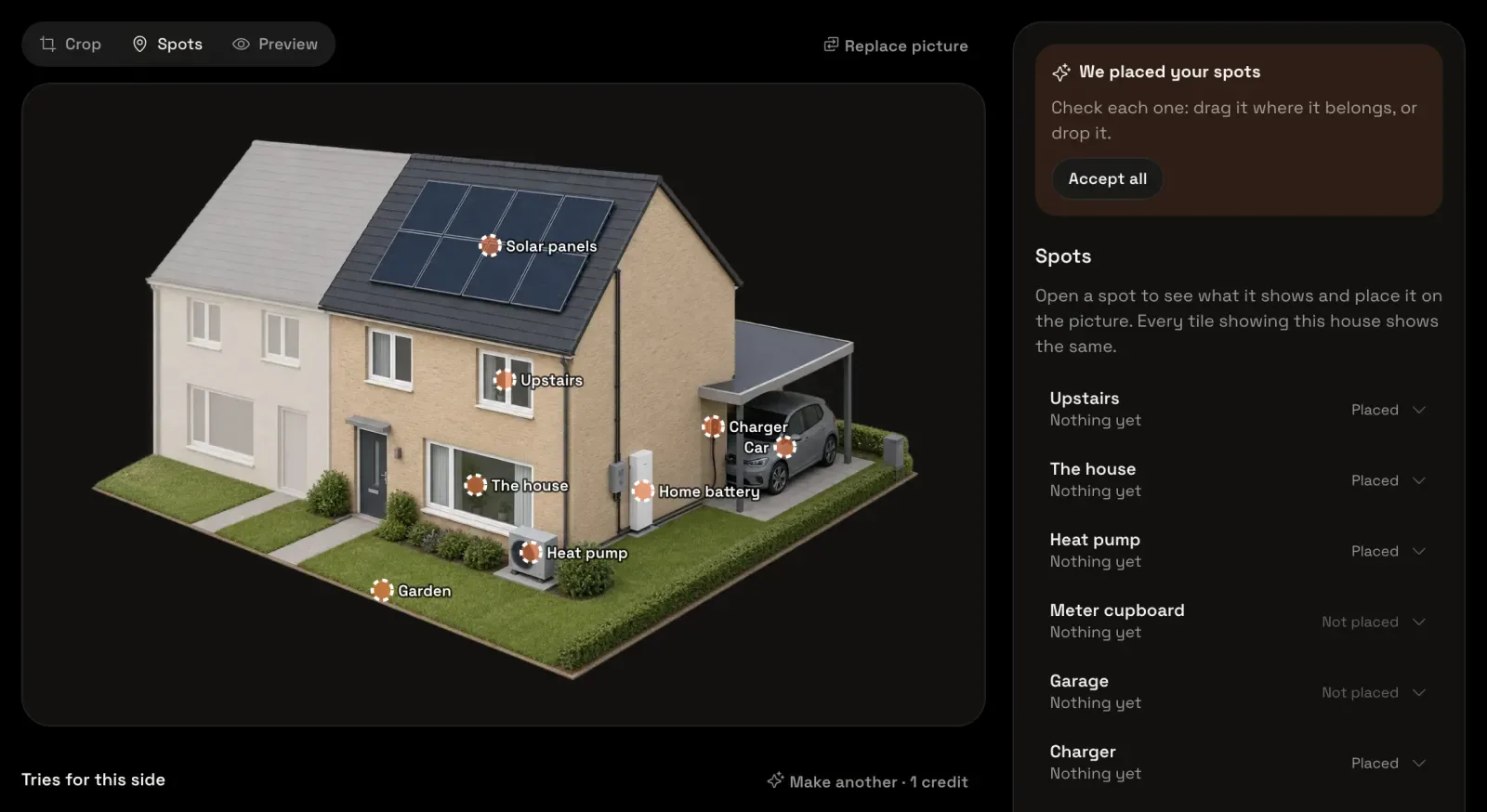
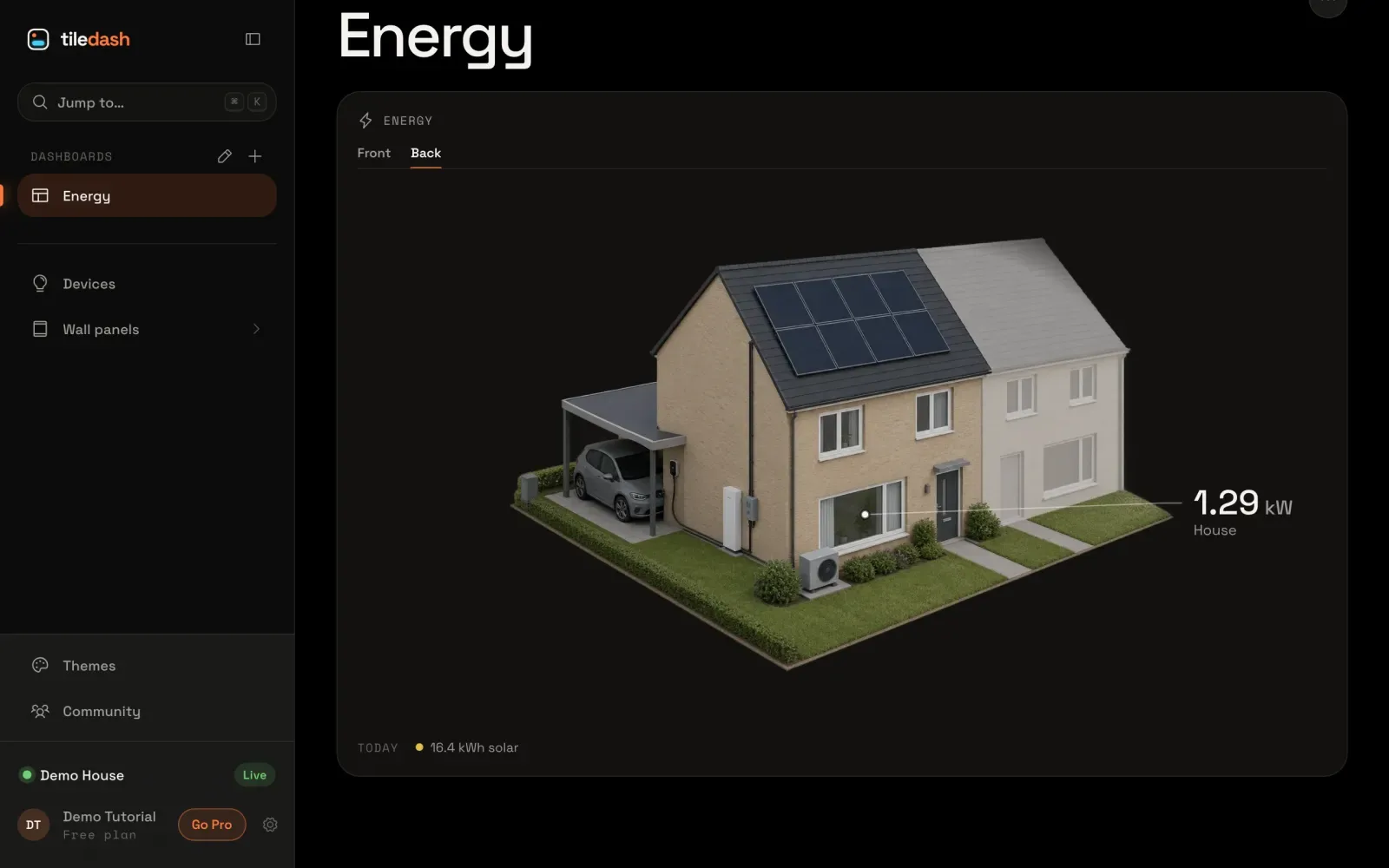
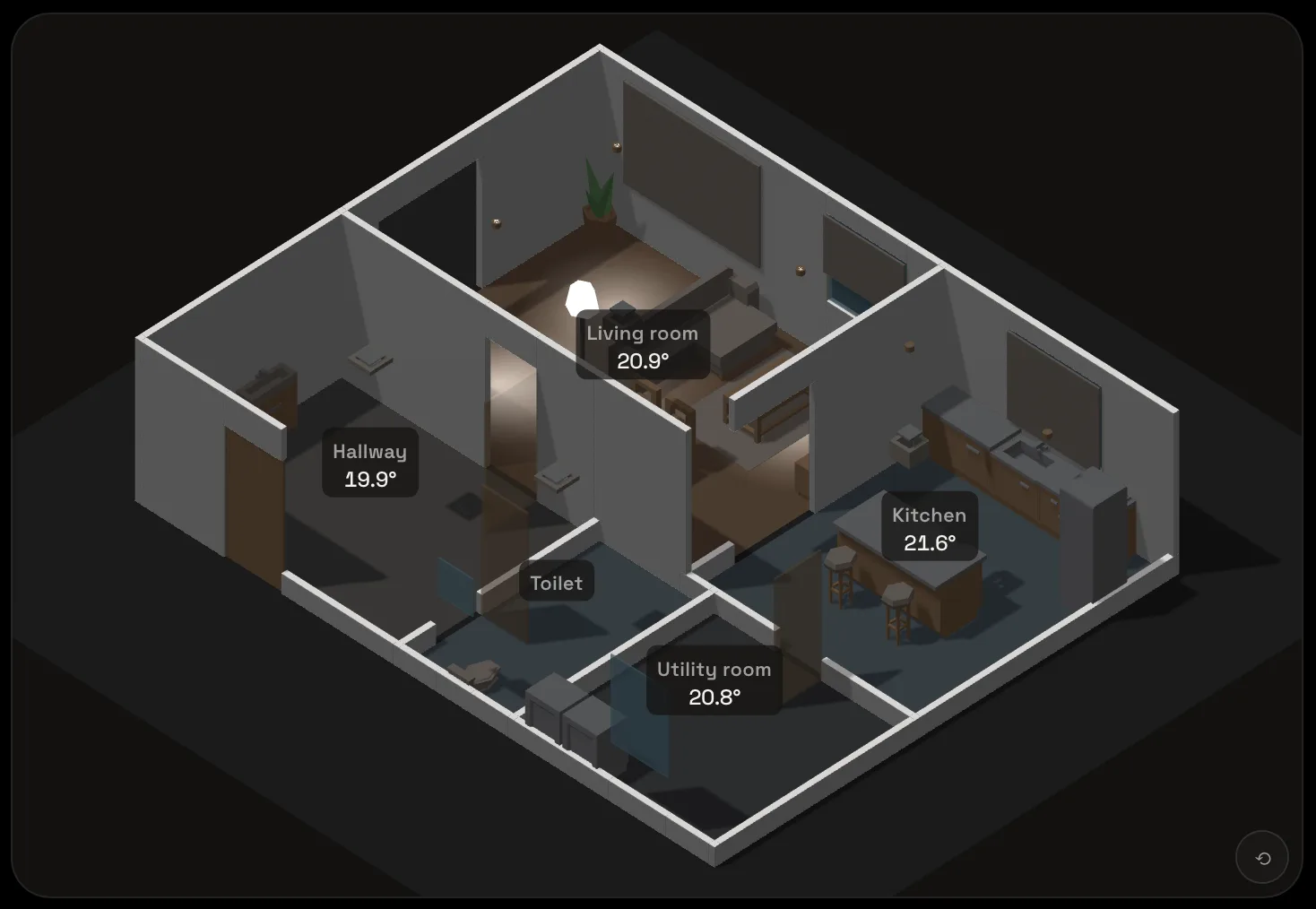
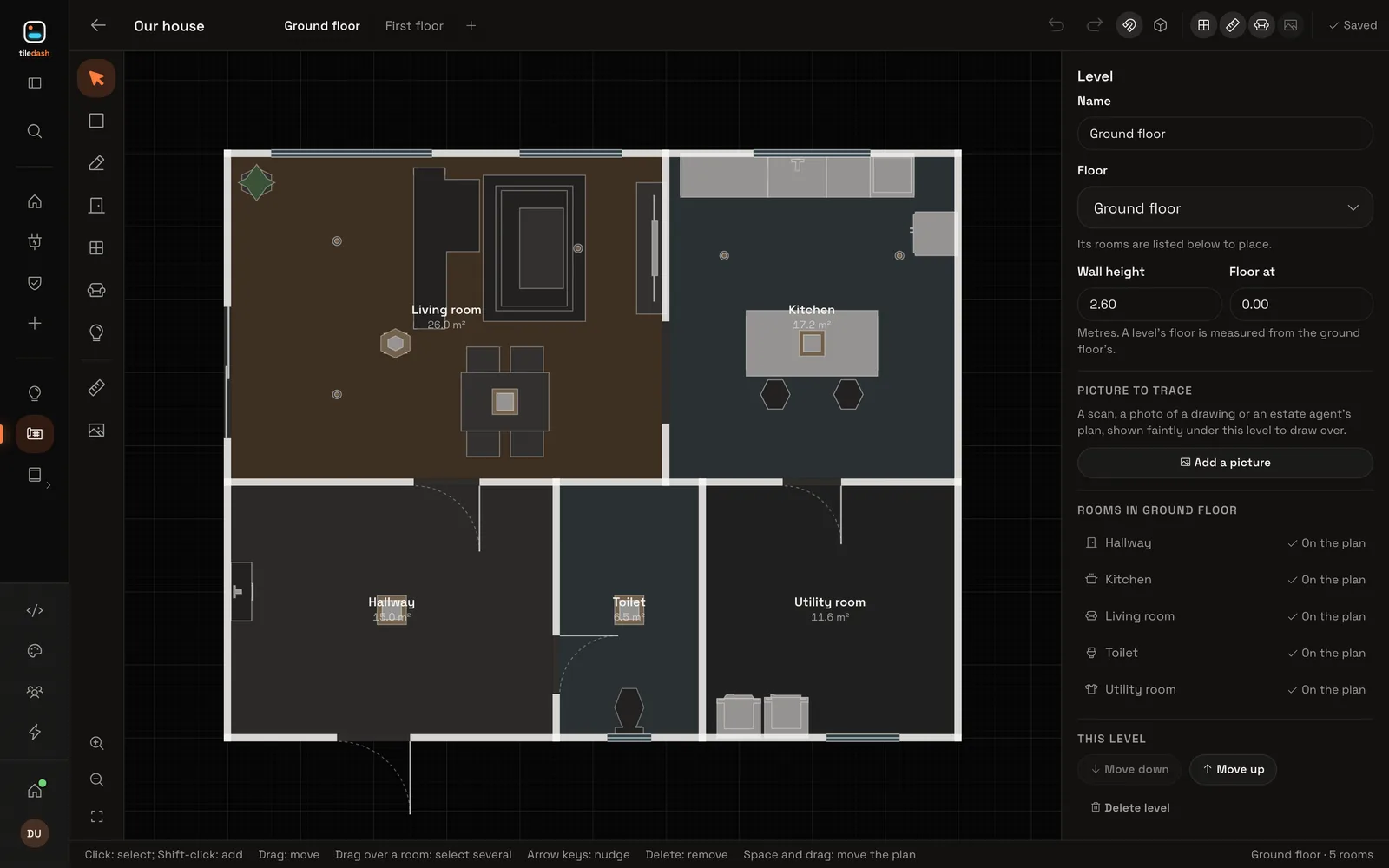
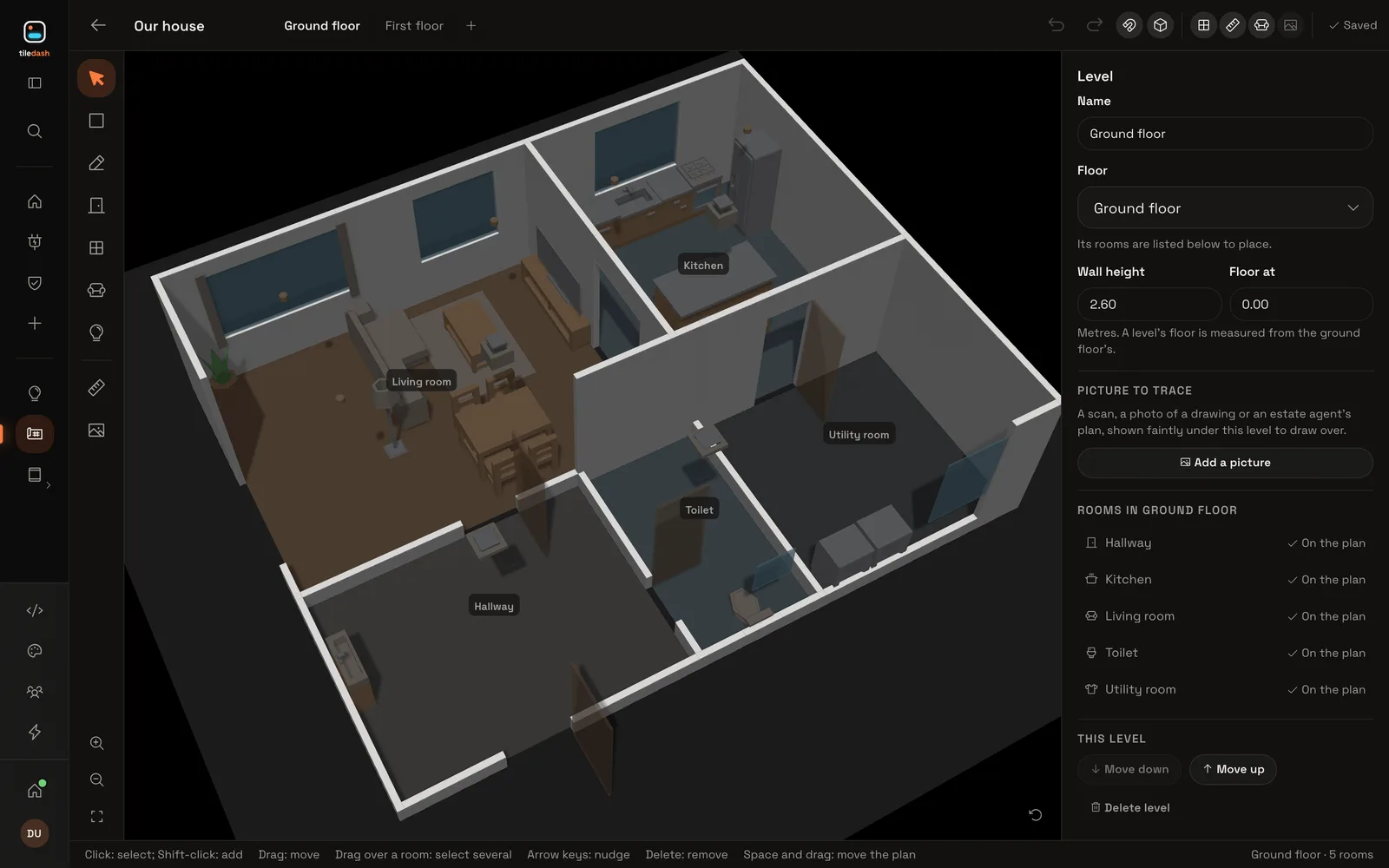
Step-by-step tutorials take you through putting your own home on the Energy house: start from a Tiledash house, turn a photo of your house into a 3D picture, or upload your own picture and place its spots. Each section of the docs now has a page listing everything in it.
Follow the tutorial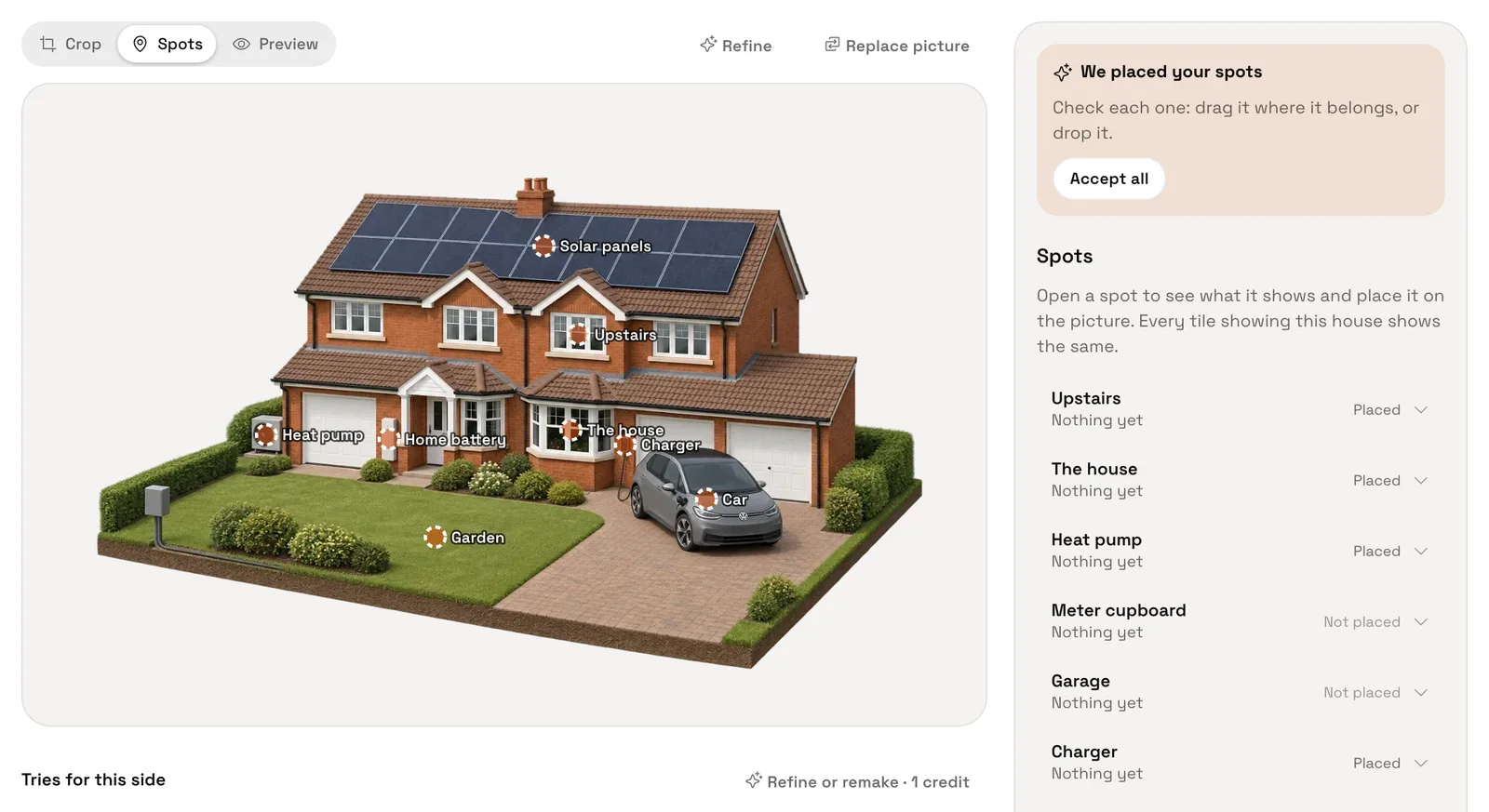
A photo turned into a 3D picture, its spots placed1 of 3 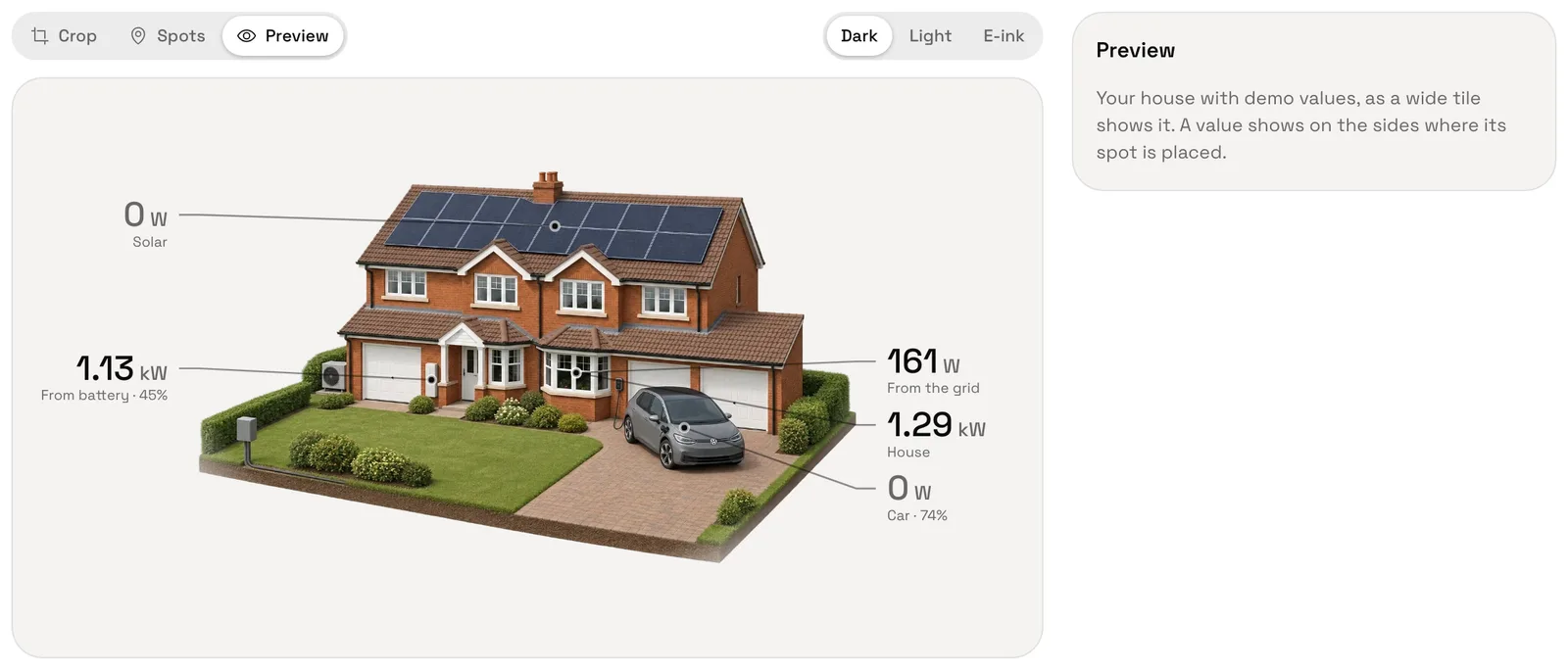
The house in the editor’s preview, with its values2 of 3 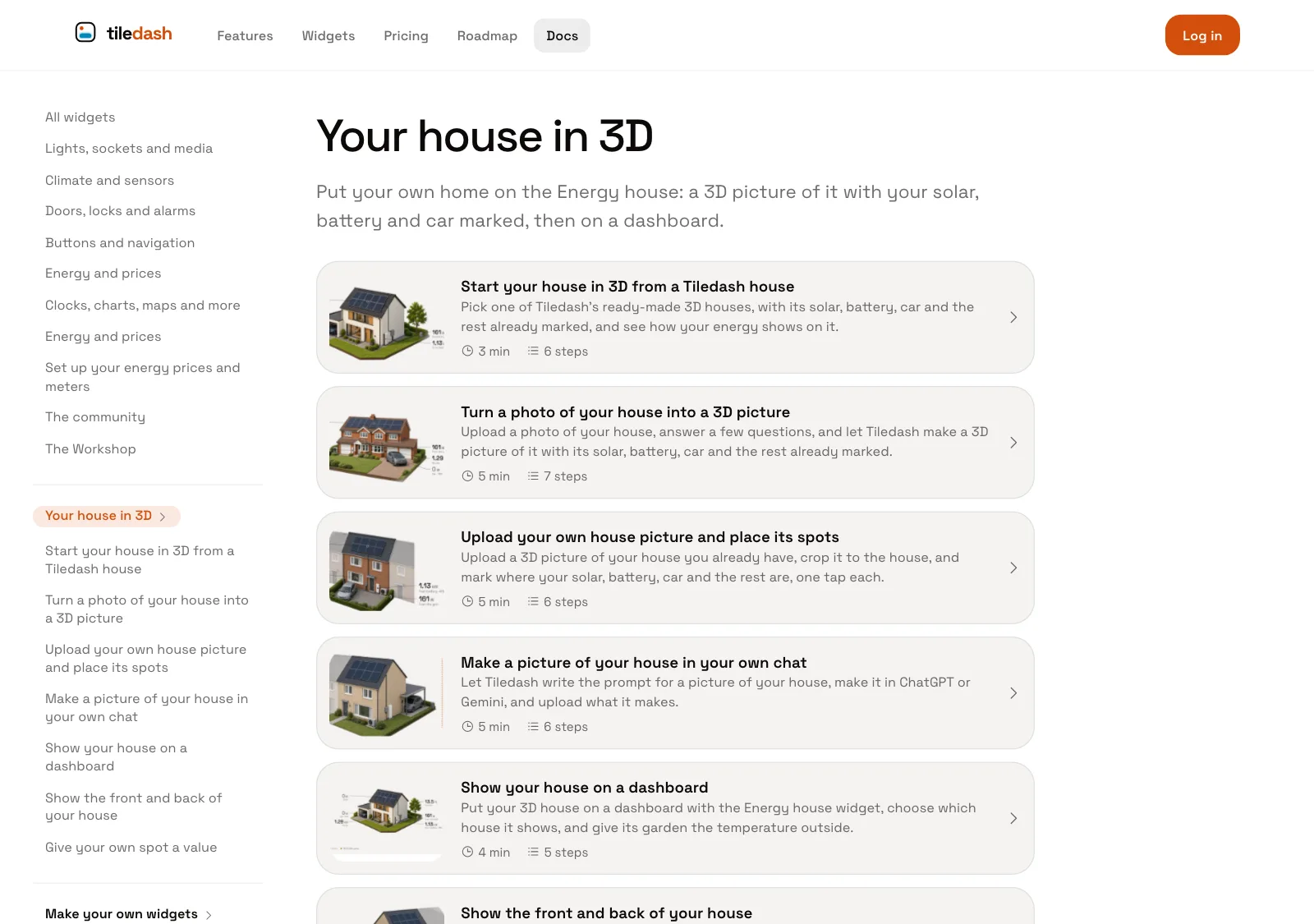
Your house in 3D, a section page of the docs3 of 3 Customise colours on imported models
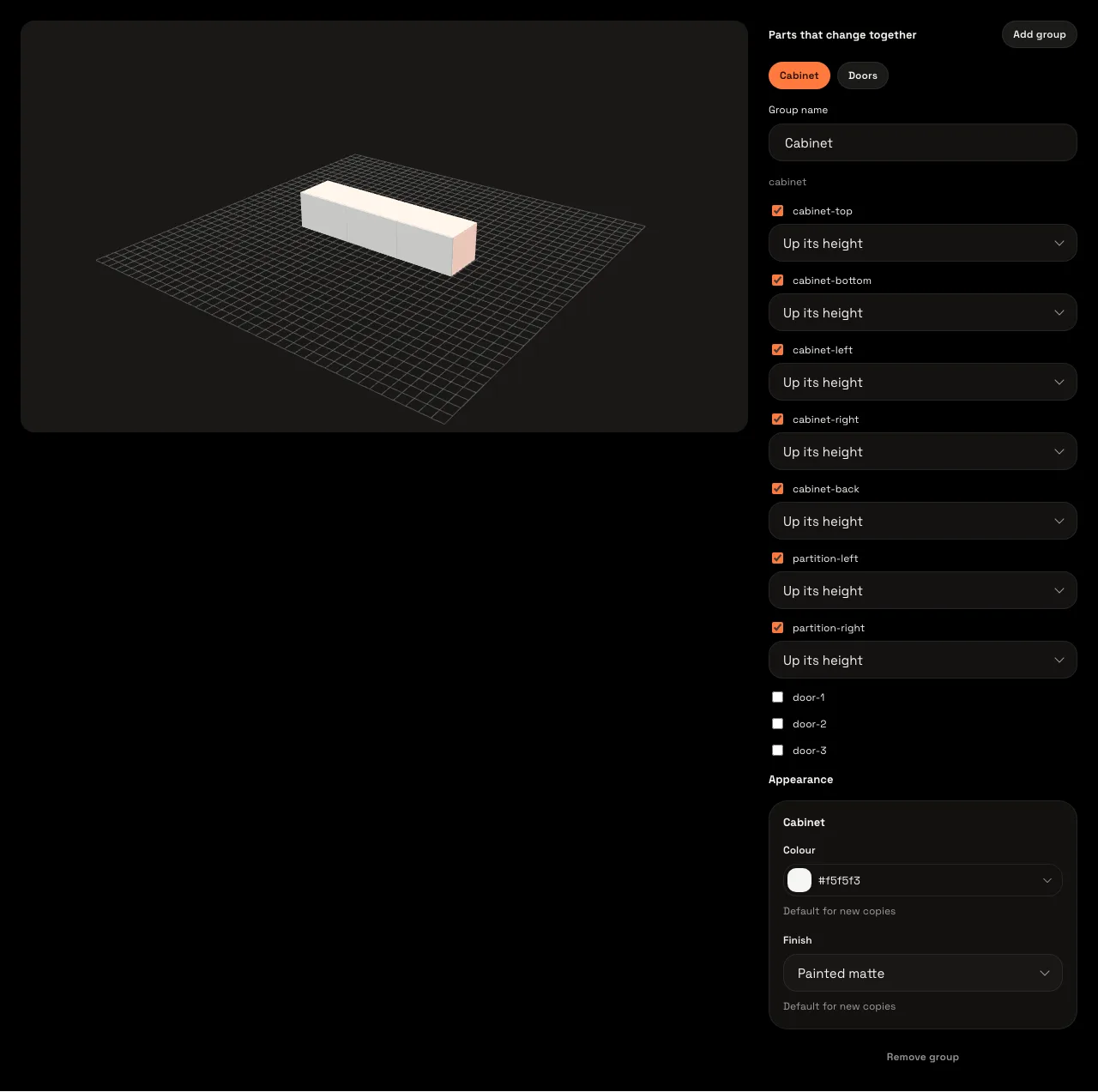
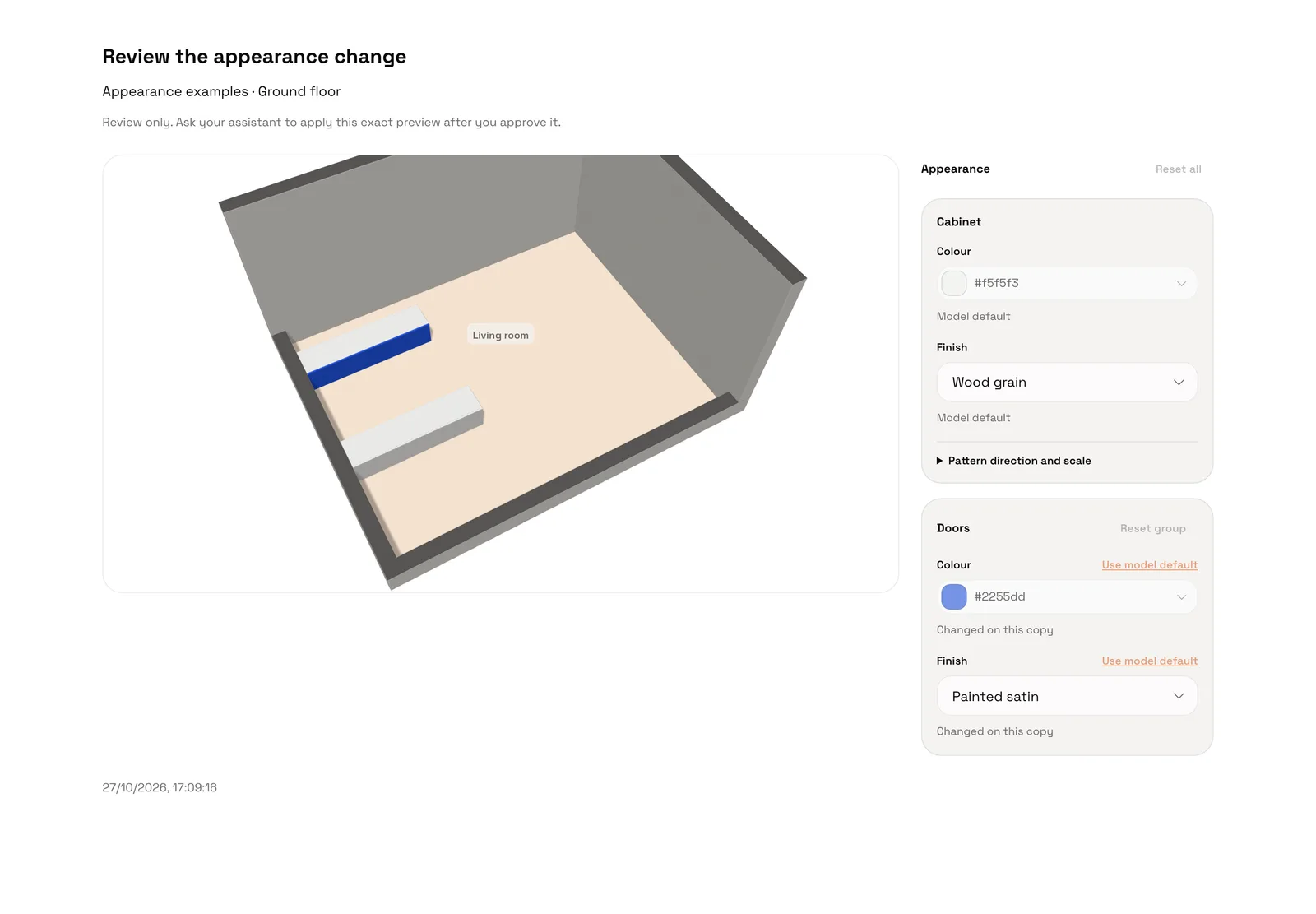
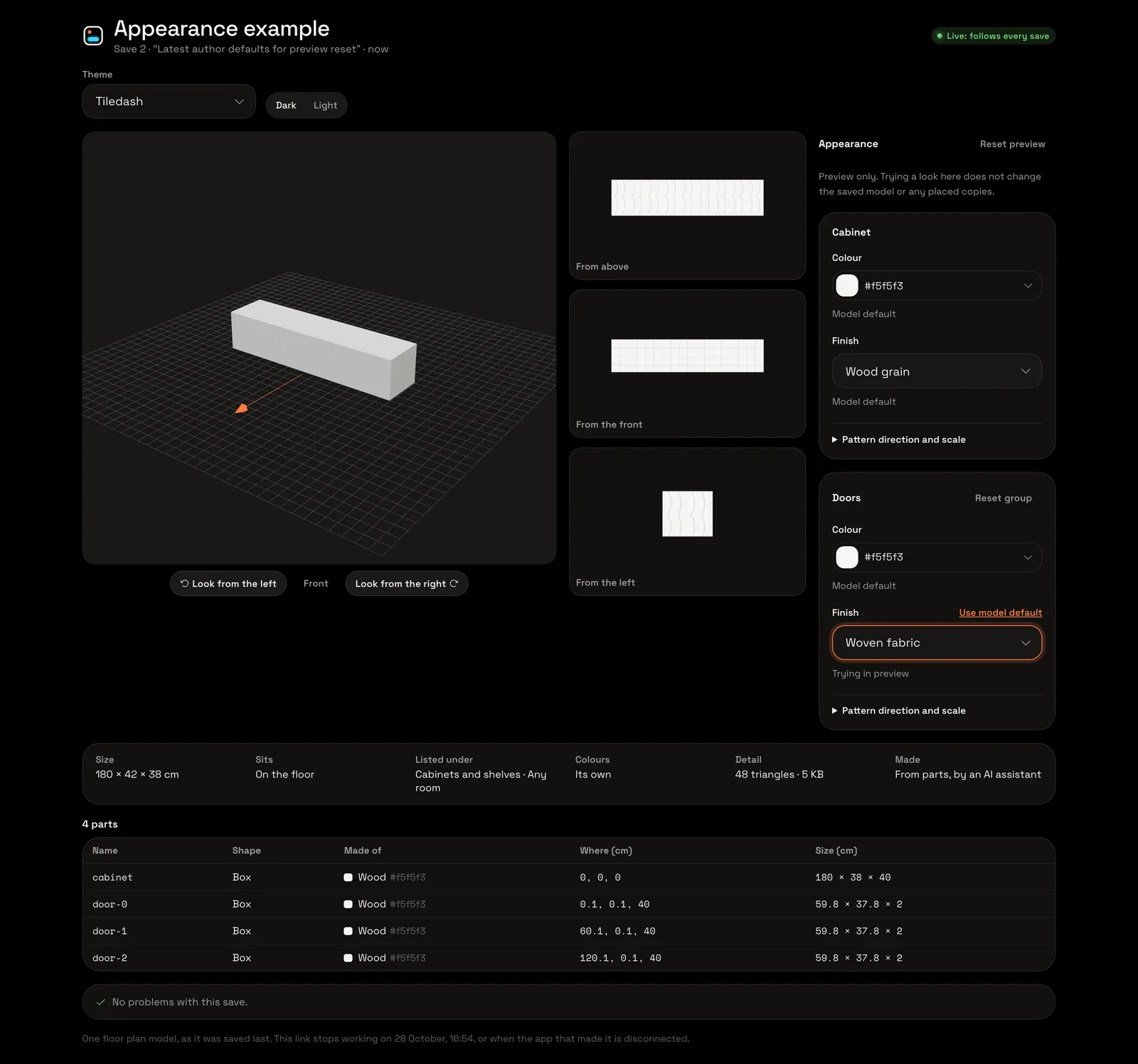
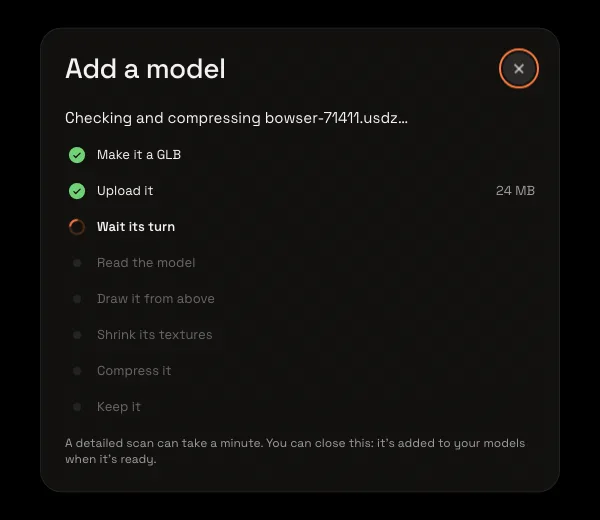
Group materials from an uploaded model, then keep their original look, tint their textures or replace them with any of seven finishes. Set author defaults and customise each floor-plan copy or Model widget. Try changes in the live AI preview without saving.
Read the guide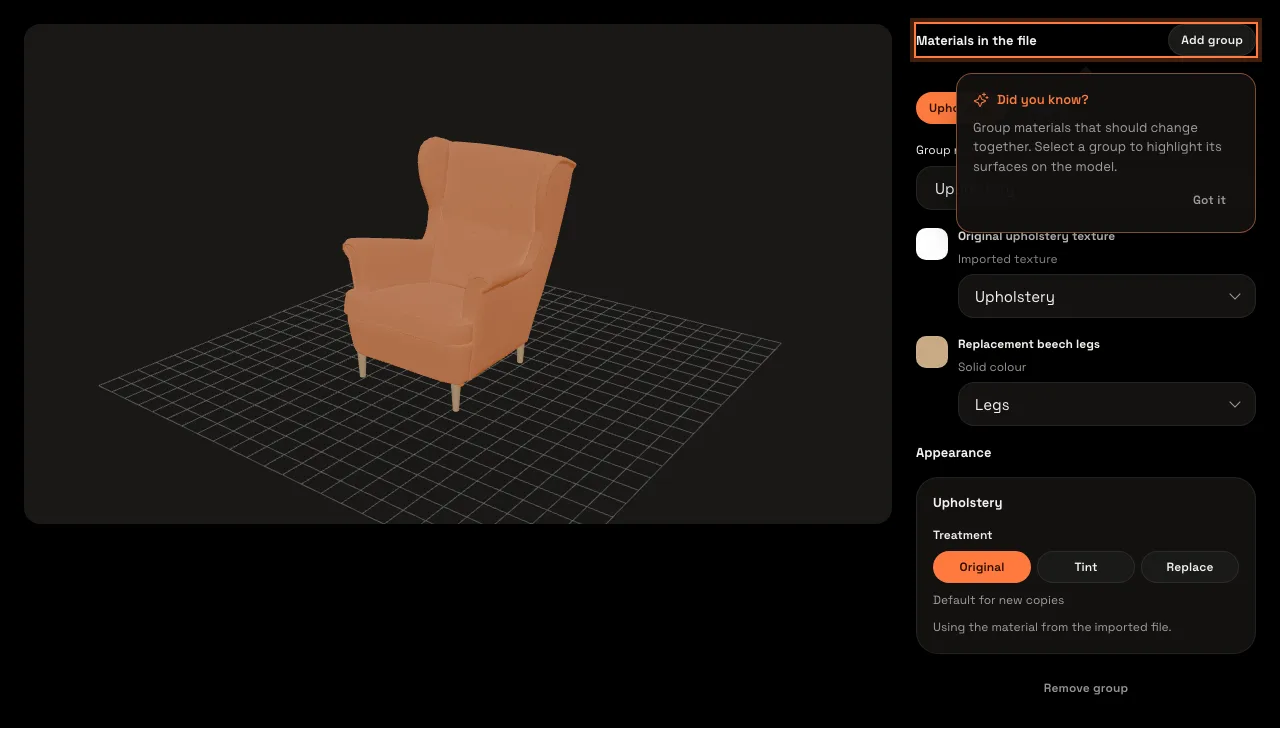
Assign imported materials to groups and set defaults1 of 3 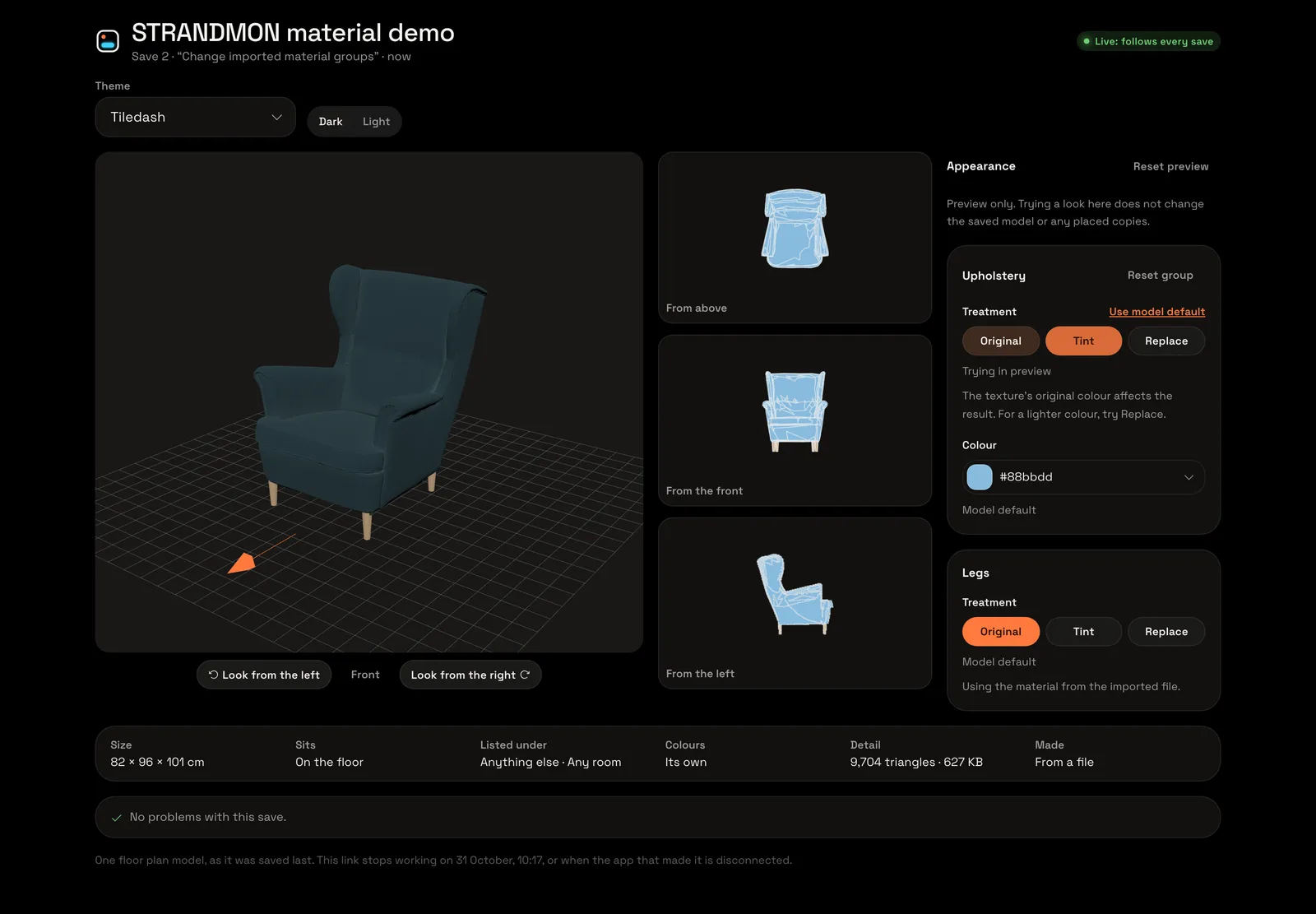
Tint preserves the imported texture detail2 of 3 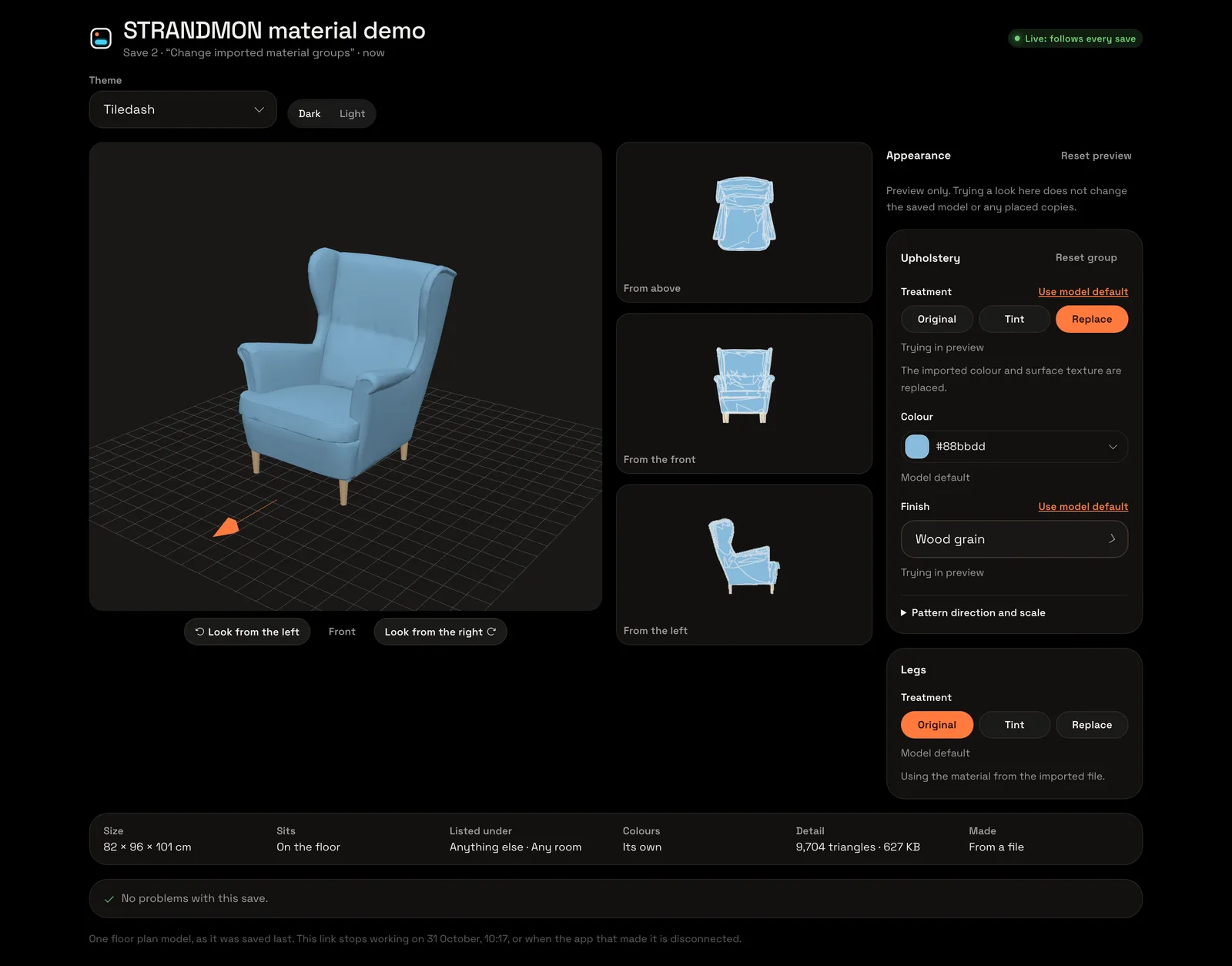
Replace uses your colour and chosen finish3 of 3 A picture library, with pictures from Tiledash
Settings › Pictures shows every picture you uploaded, and those of your houses and floor plans, with what uses each one. Wherever you set a picture, a wallpaper or a tile's background or picture, Choose… opens that library, with calm pictures from Tiledash to choose too. Share links and paired screens show them as well.
Read the guide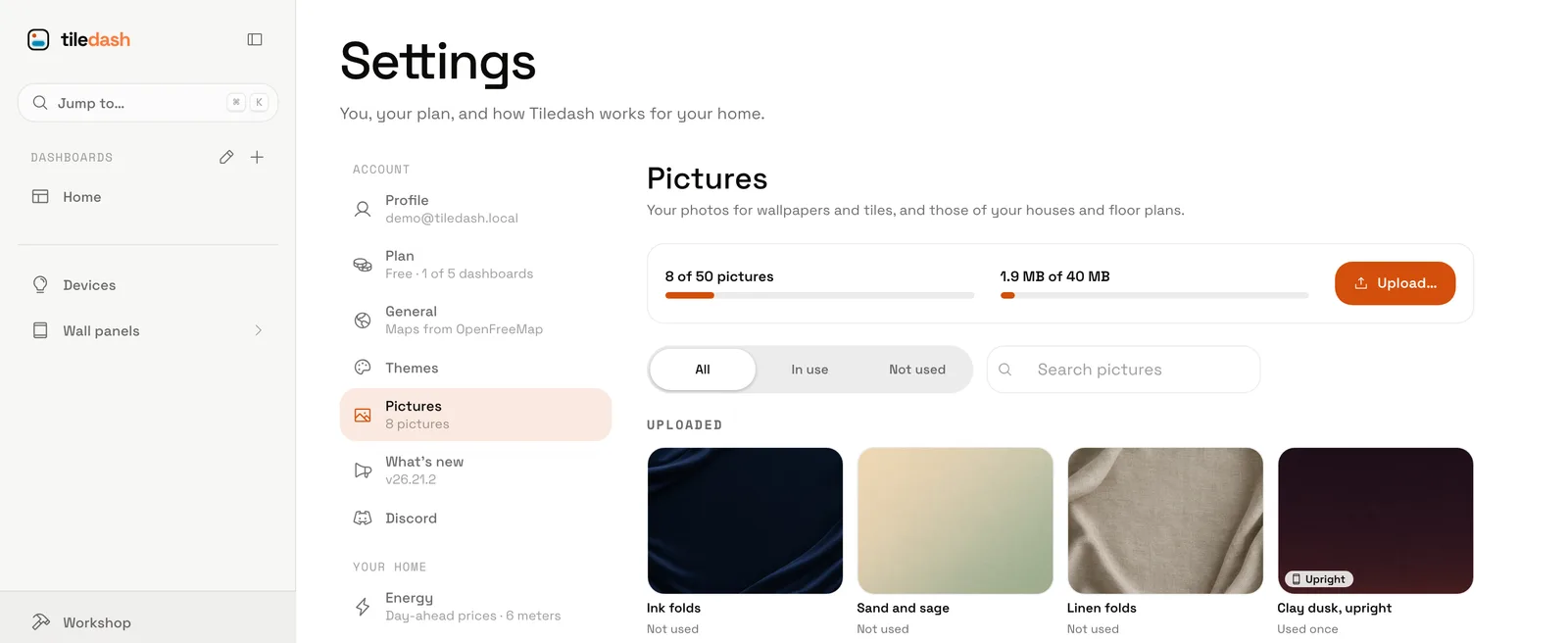
Settings › Pictures1 of 4 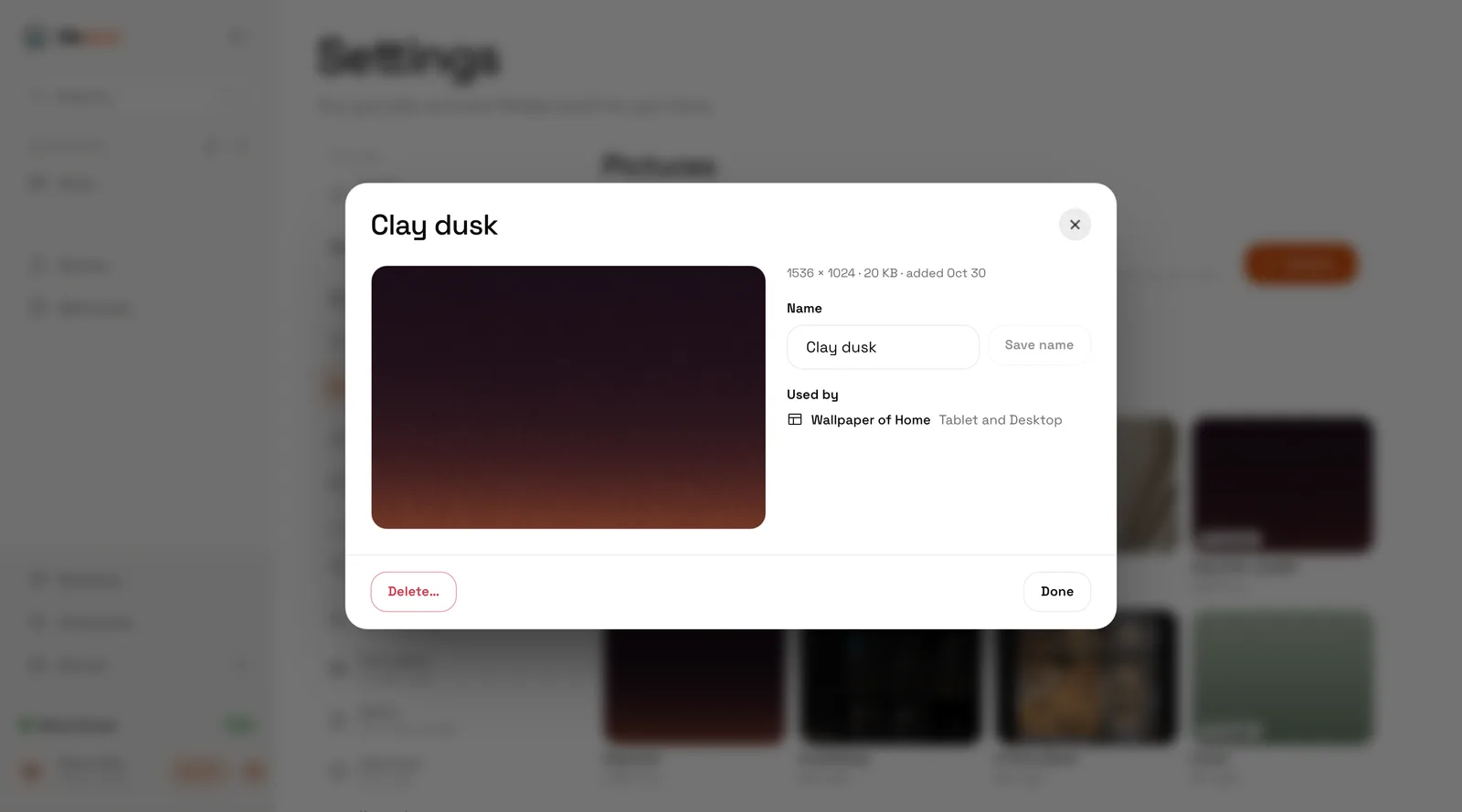
What uses a picture2 of 4 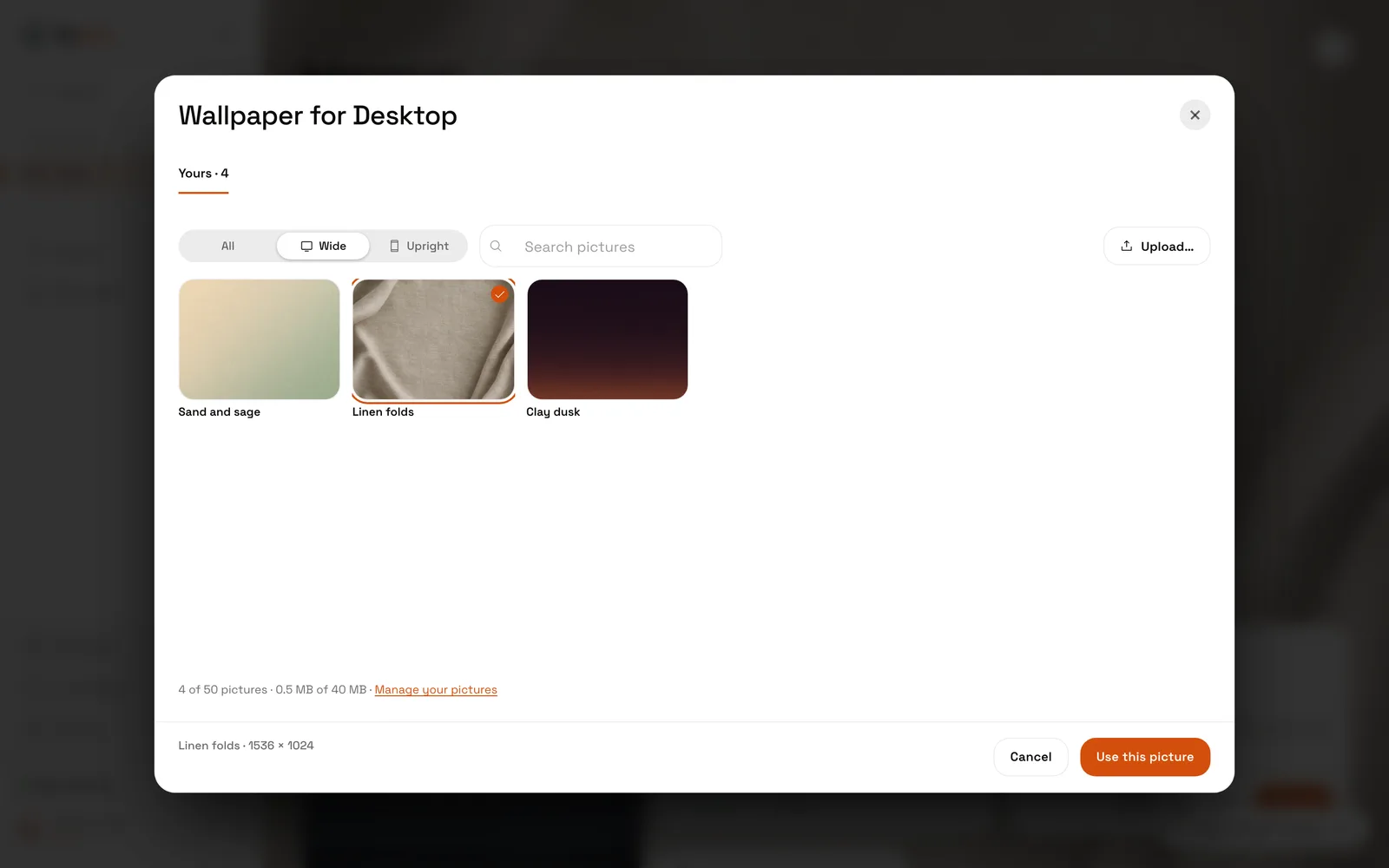
Choosing a wallpaper from your pictures3 of 4 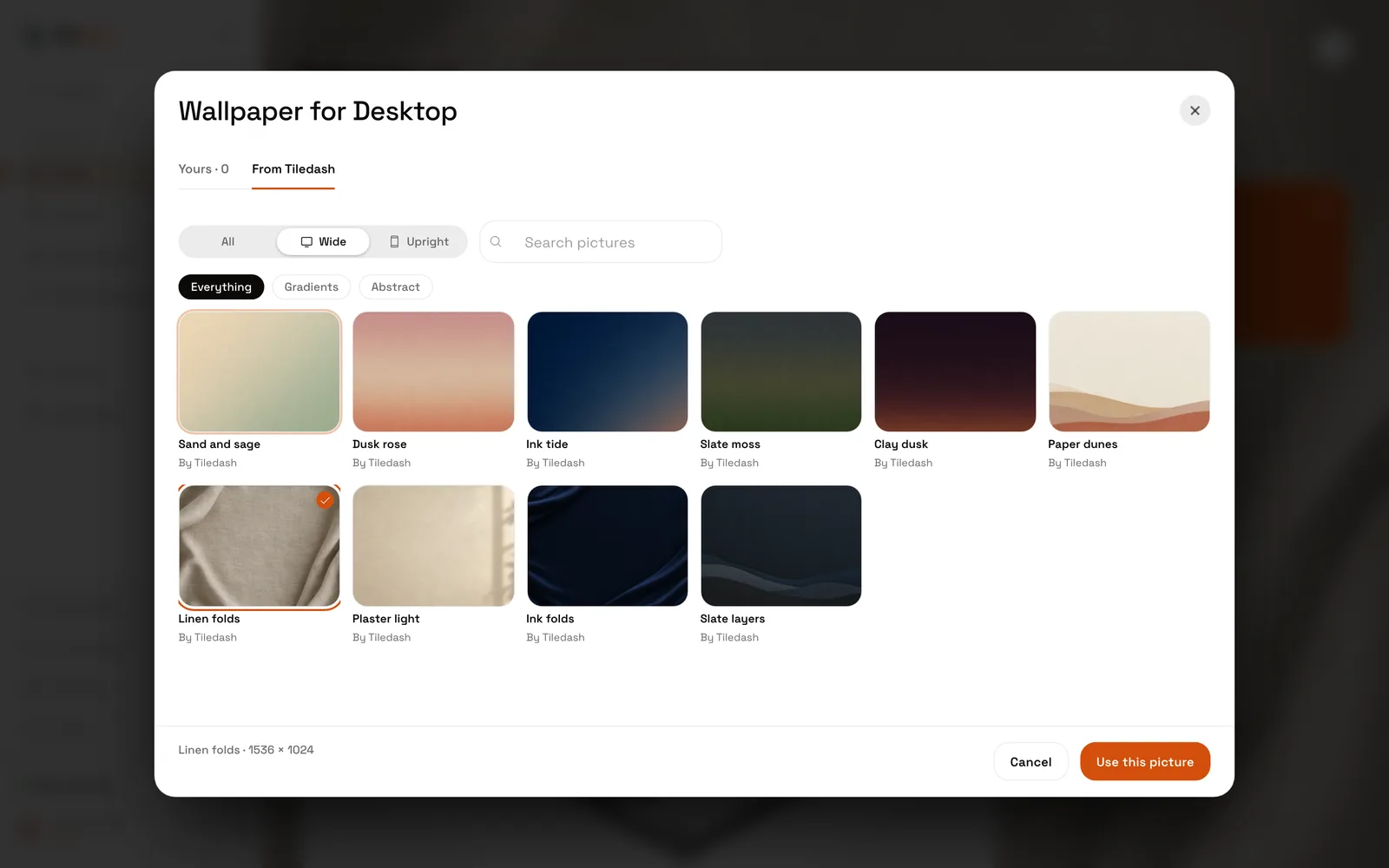
Pictures from Tiledash4 of 4 Send a web request from a tap
A tap, hold or double tap can now call an address of your own, like a Shelly relay or a Home Assistant webhook: a GET, or a POST with a short body. Your browser sends it, so devices on your home network can be reached. On my.tiledash.app, plain http:// addresses only work in Chrome once you allow it.
Read the guide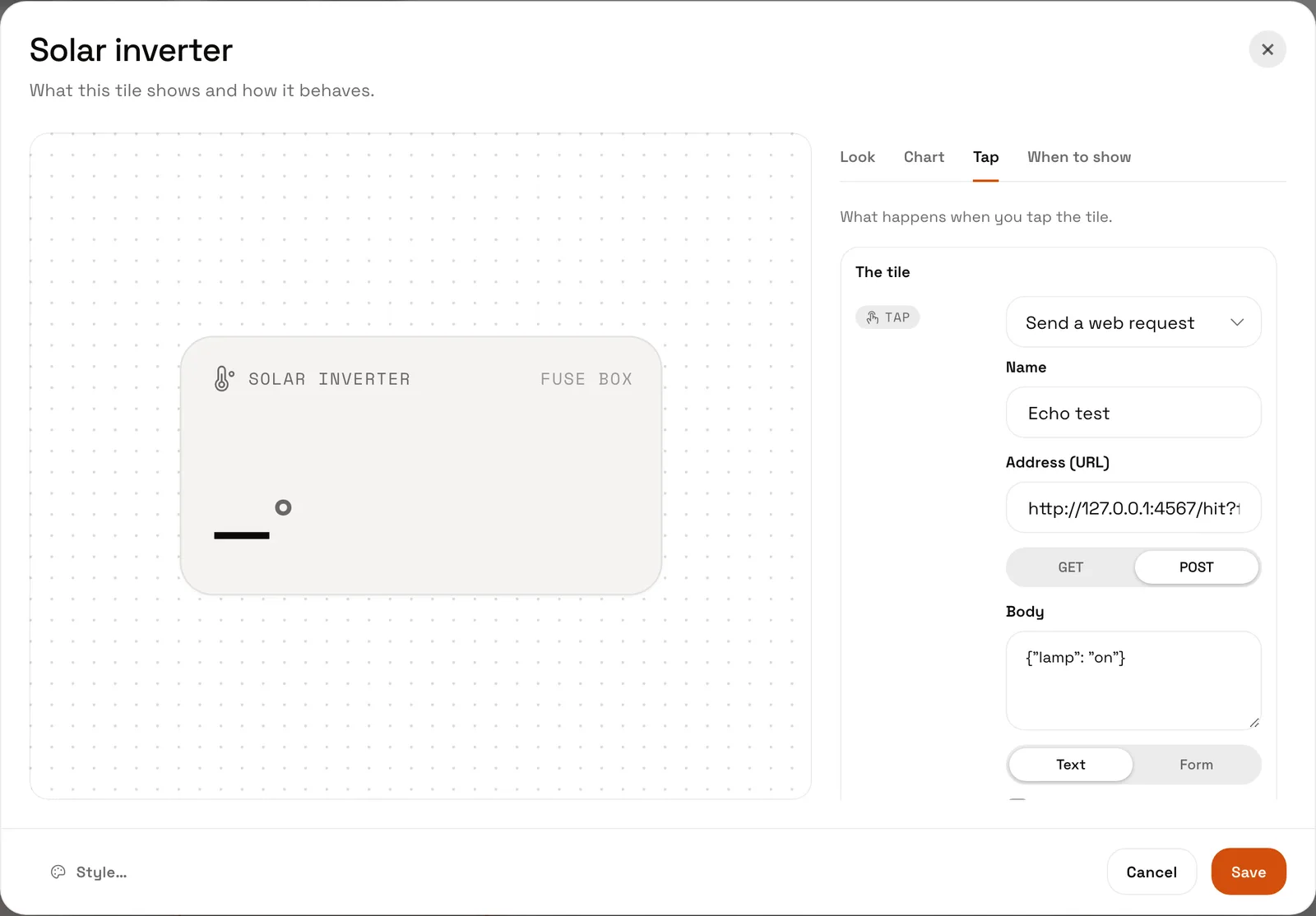
A tile's tap sending a POST with a short body1 of 2 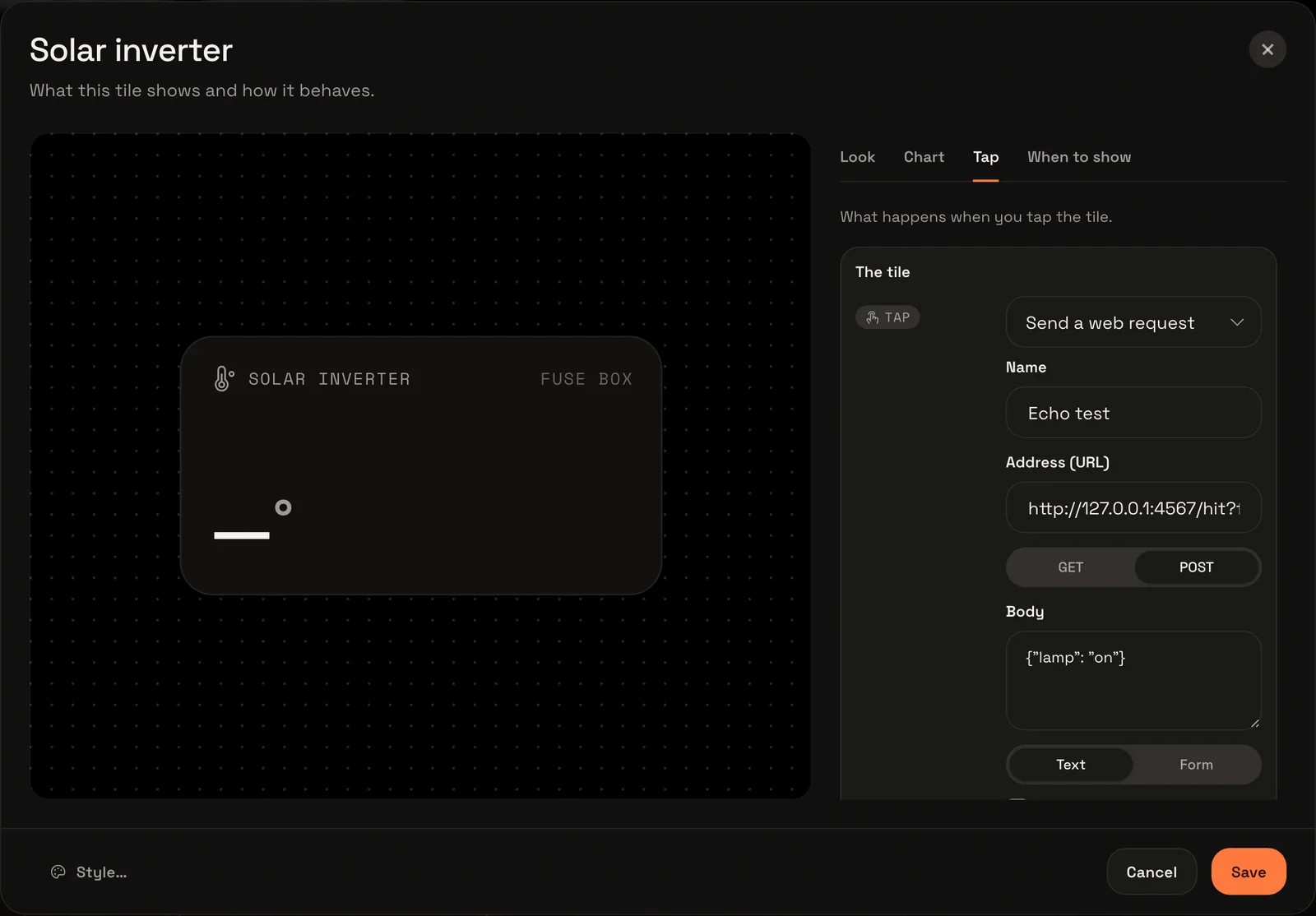
The same in the dark theme2 of 2
Improved
Join Discord straight from the sidebar
Discord now has its own place in the sidebar, and every Discord link in Tiledash opens one invite that lets anyone in, no application needed. Before, the links only worked if you had already joined.
Join our Discord Read the guideEnergy tiles refresh without waiting
Energy tiles on your dashboards and wall panels no longer wait on your Homey each time they refresh. When a new hour starts they still wait for fresh figures.
Say a model's brand and product when publishing
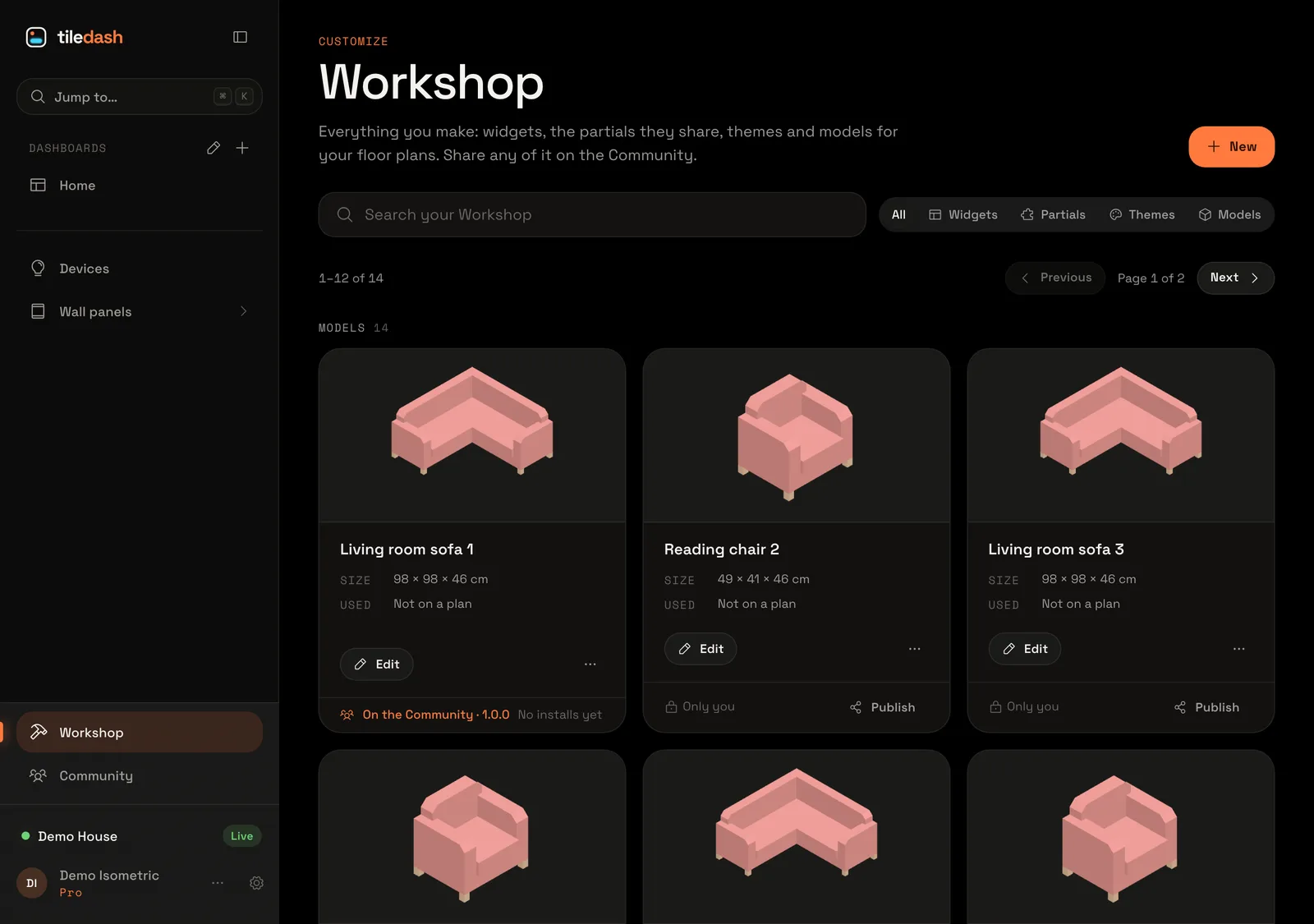
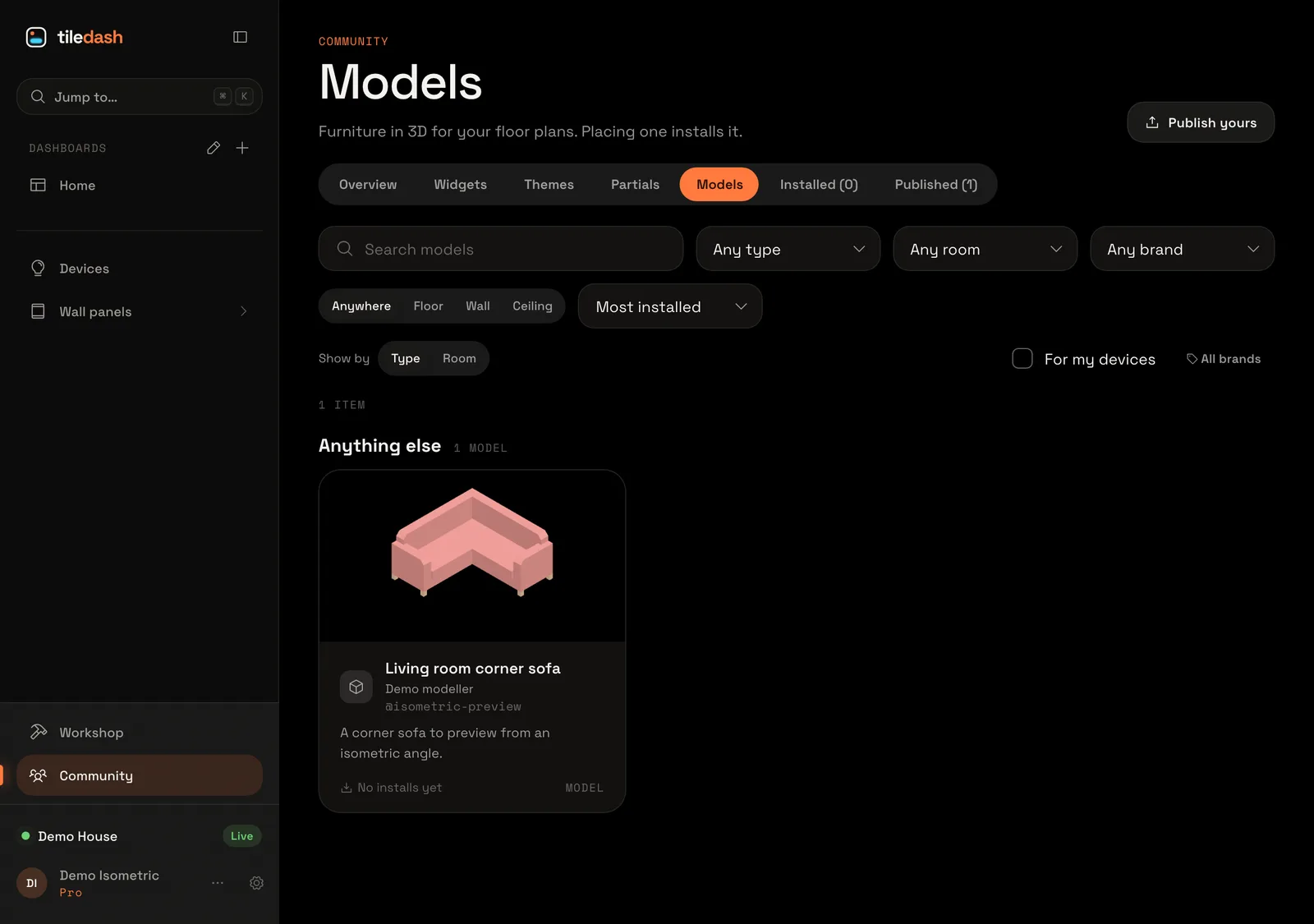
Publishing a model now starts with its brand and product, with the brands already on the Community to pick from. They fill in the title, summary and tags, and are kept on your model and its listing.
Read the guide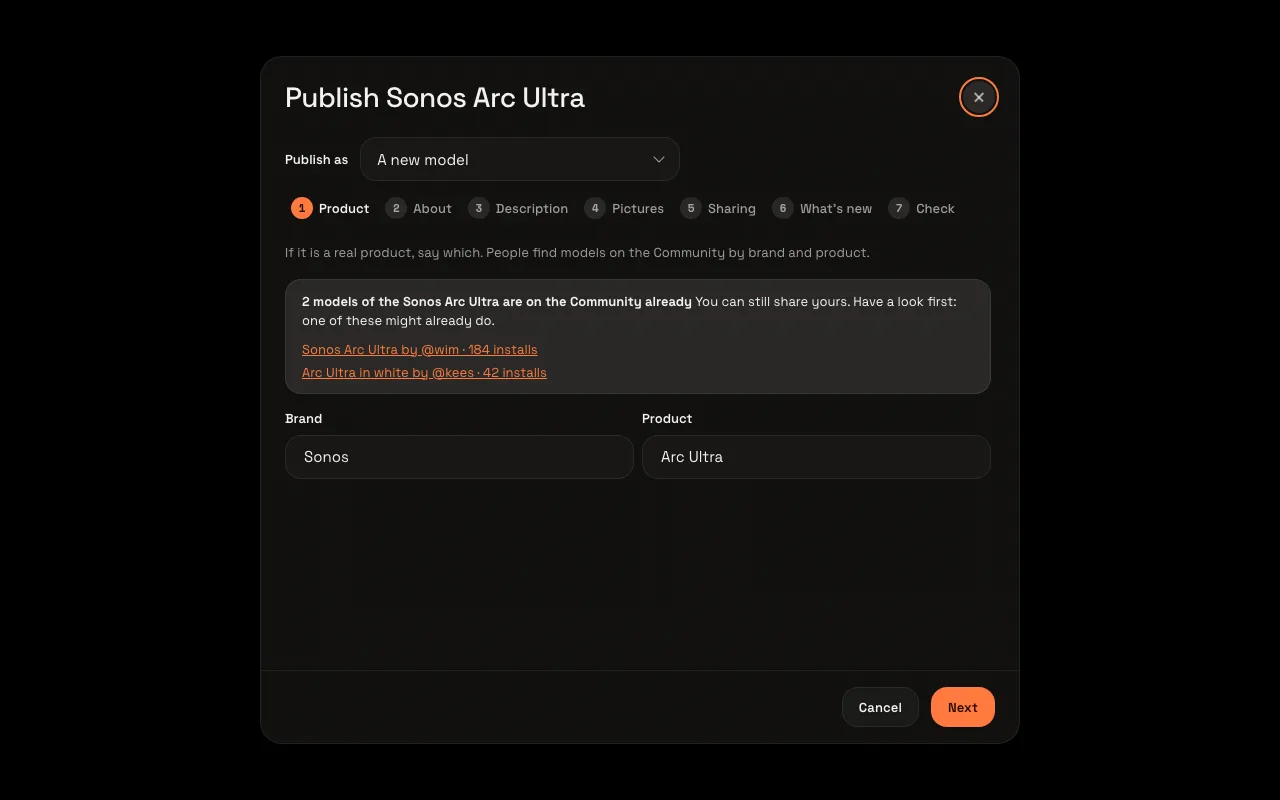
Brand and product, first when you publish a model