Tutorial
Show the front and back of your house
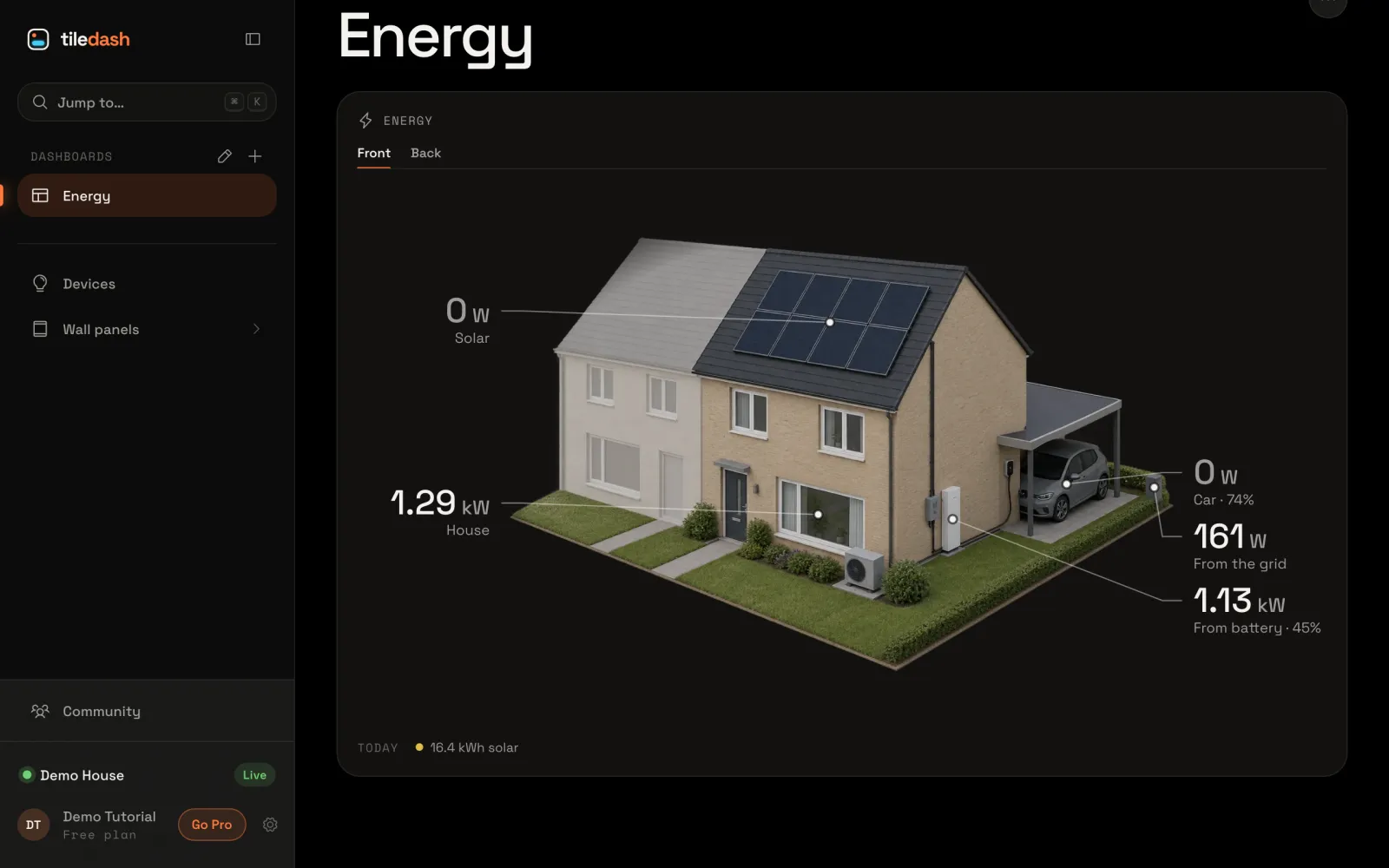
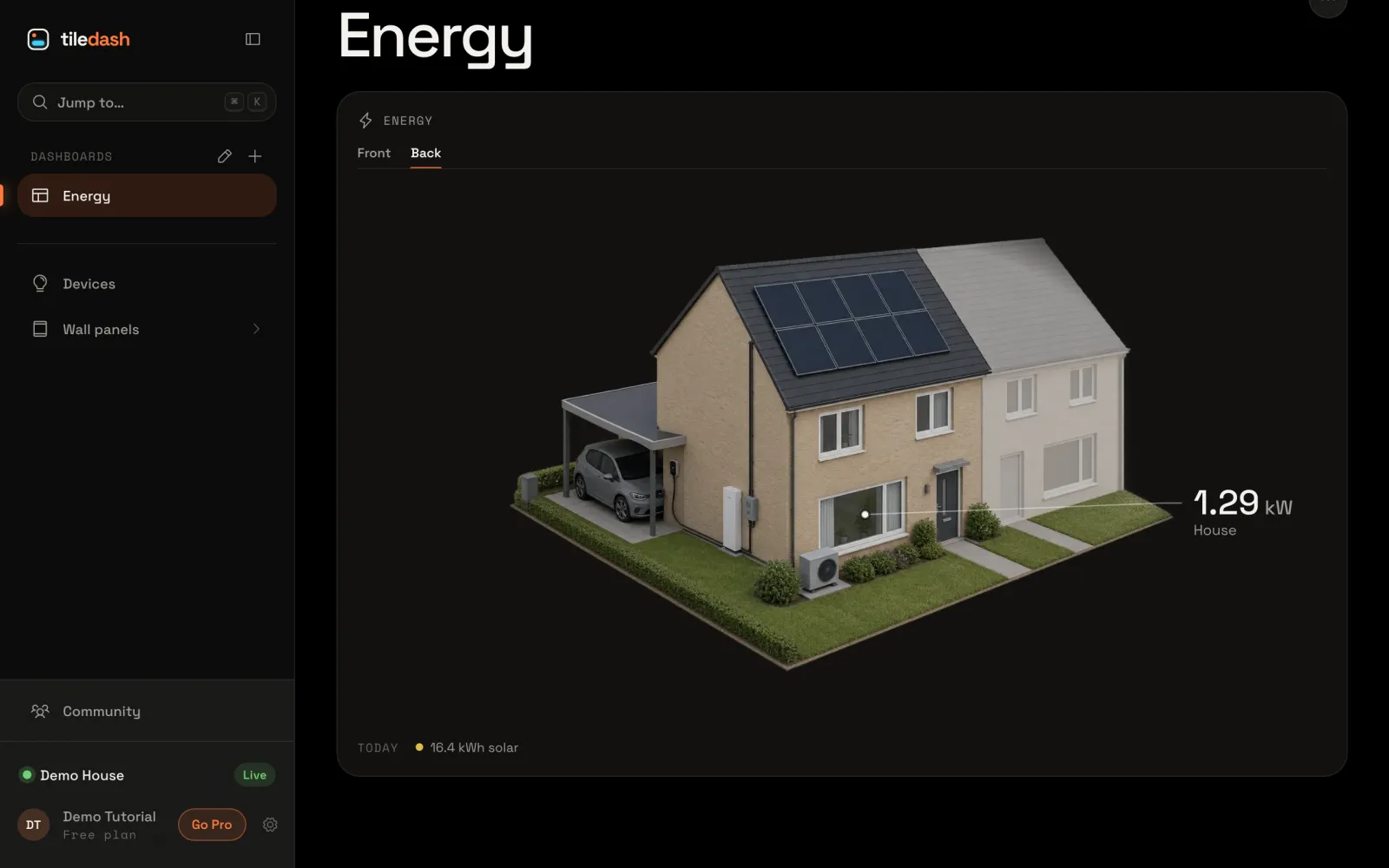
Give your house a second side with its own picture and spots, and move between the sides on the Energy house tile with tabs.
- Takes
- About 4 minutes
- Steps
- 5
What you end up with

Add a side
Choose the gear at the foot of the sidebar to open Settings.
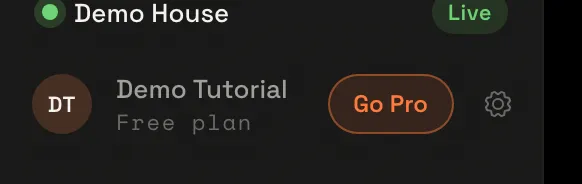
In the Settings menu, choose Houses, then your house.
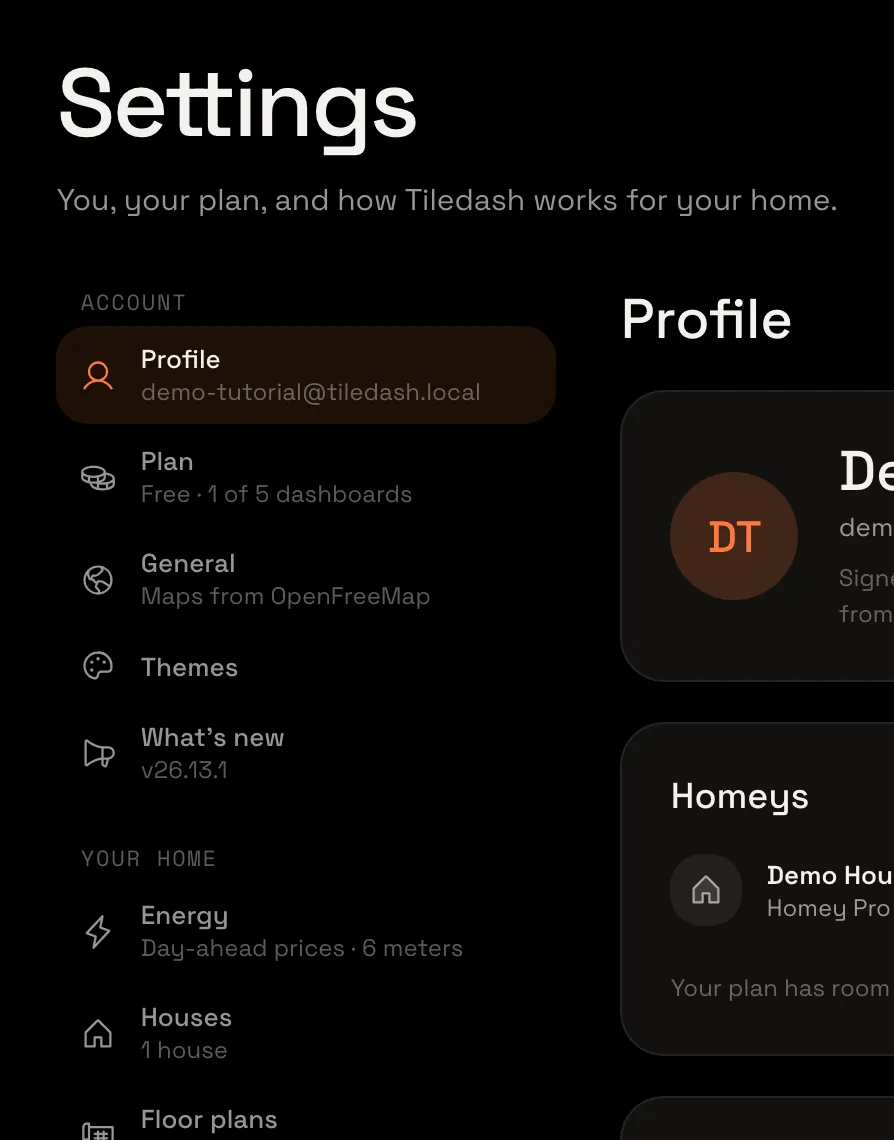
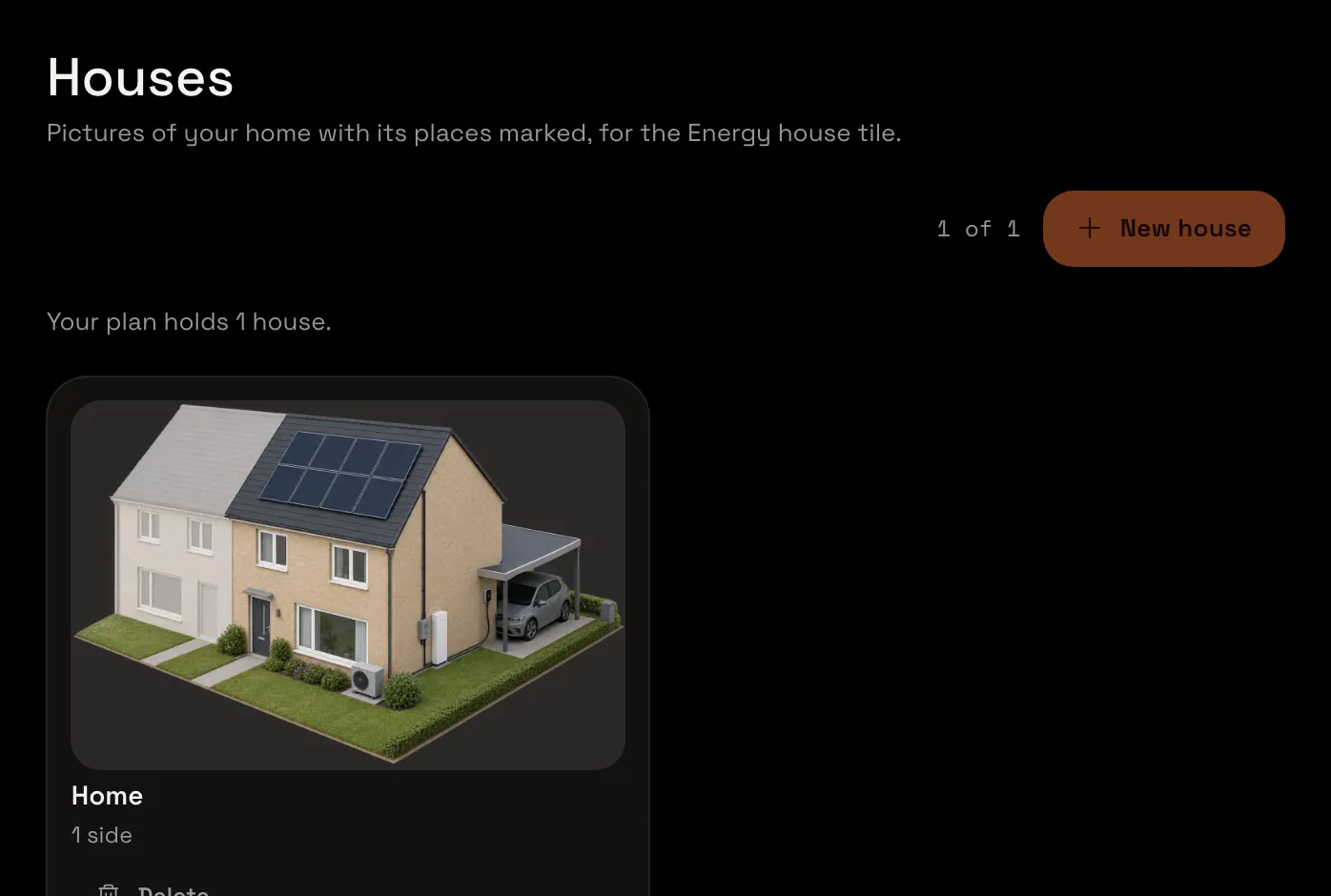
Its sides are along the top. Choose Add a side. A Back comes after the Front, waiting for its picture.

Give it a picture
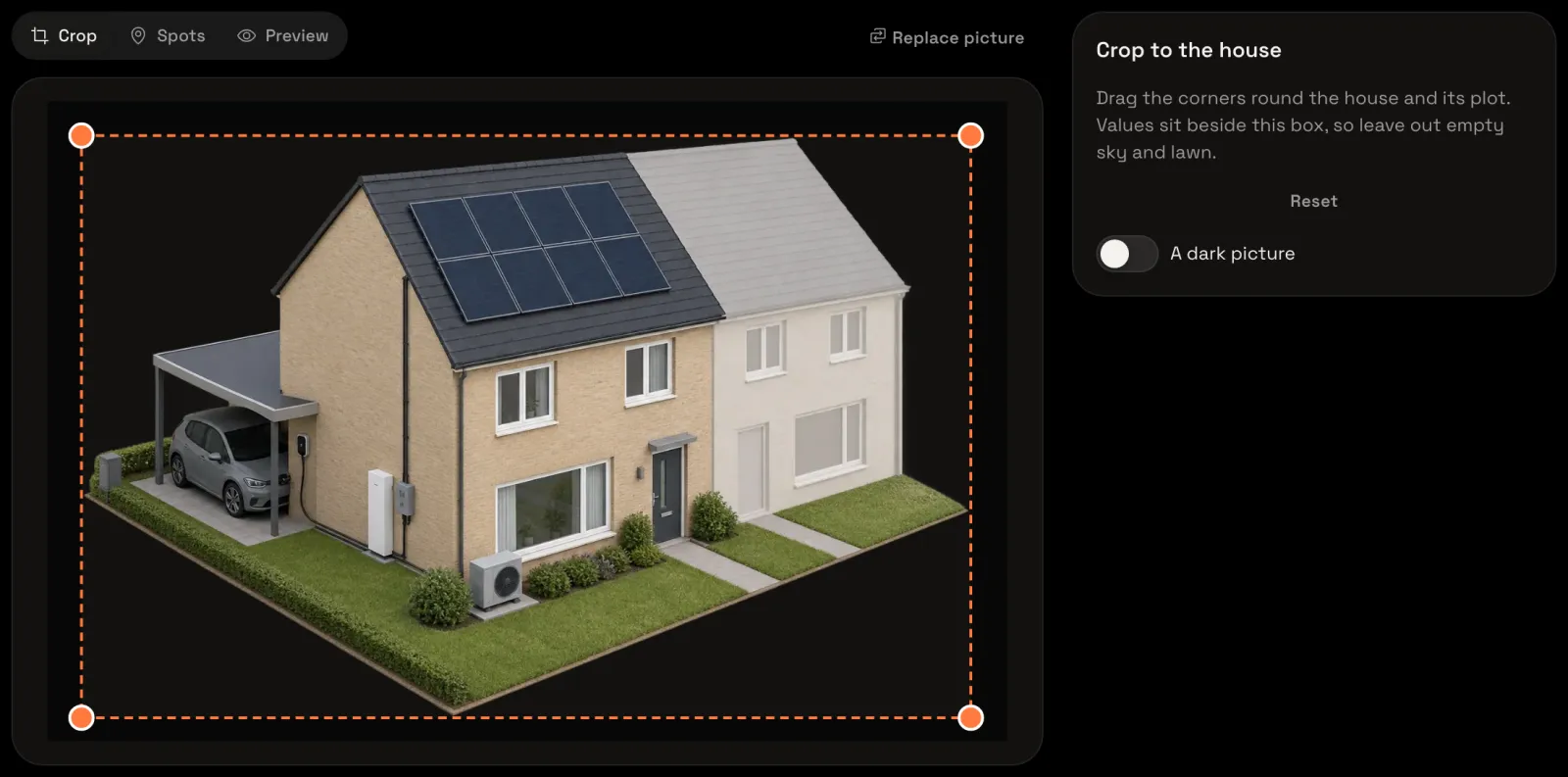
Choose Upload a picture and pick the picture of the back of your house. Crop it to the house as you did the front: drag the box’s corners round the house and its plot.
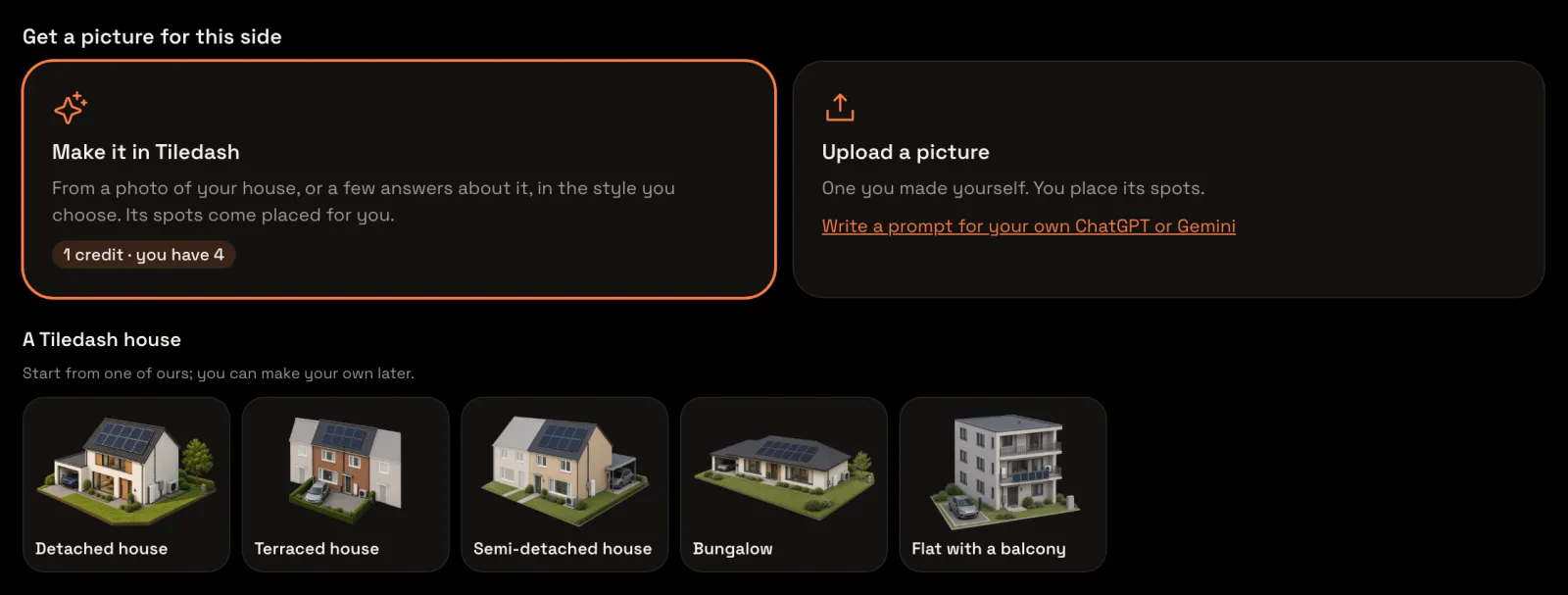
Place its spots
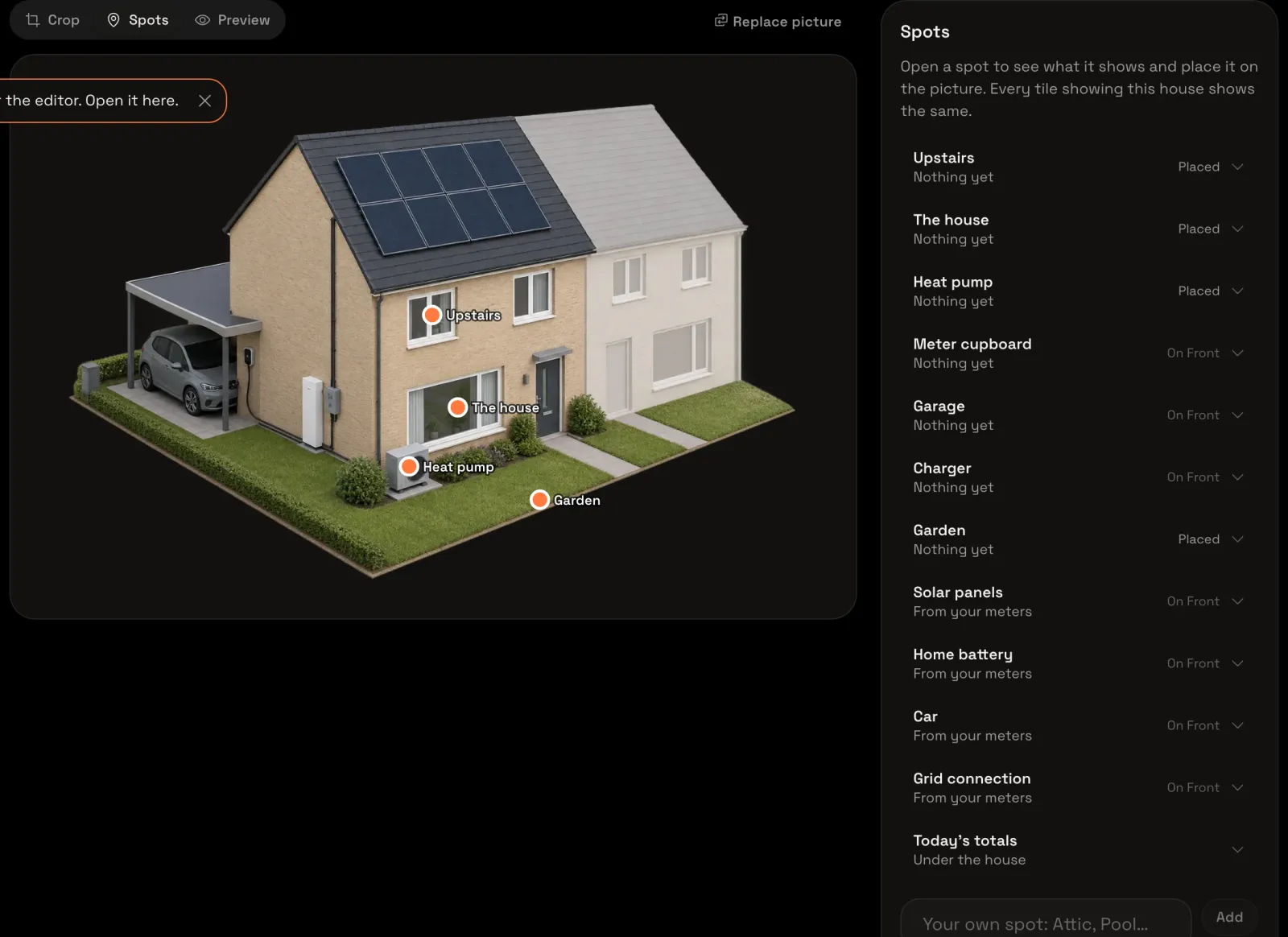
Choose Spots. A spot belongs to one side: the ones you placed on the front say On Front. Place what you see from the back, here the garden, the house, upstairs and the heat pump: choose each in the list, then tap it in the picture.
Open the tile’s settings
Open your Energy dashboard and choose Edit dashboard in its menu. In the Energy house tile’s menu, choose Configure….
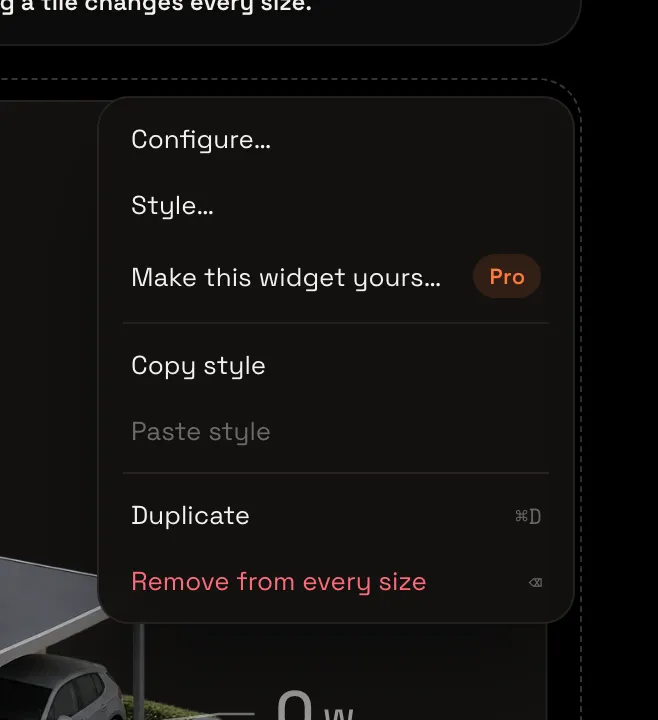
Choose how to move between sides
Under your house, Sides lists Front and Back: the sides the tile shows, in their order. Under Move between sides, choose Tabs: the sides’ names show above the house. Dots puts dots under it, and with Swipe you swipe sideways. Choose Save, then Done to end edit mode.
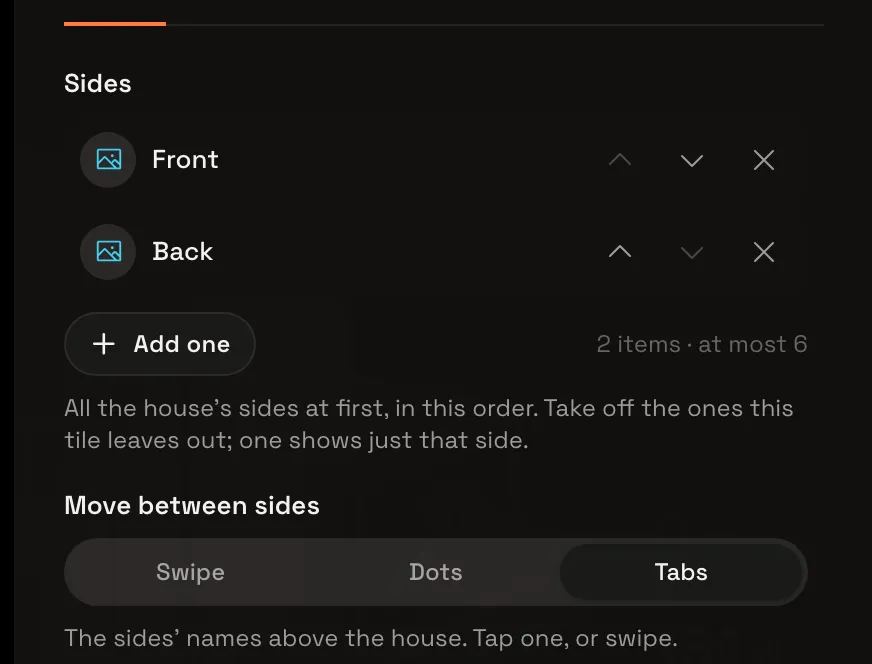
Your house from both sides
The tile has a tab for each side. Choose Back: the back of your house shows, with the values whose spots are on it. On a wall panel nobody touches, Turn by itself in the tile’s settings moves between the sides for you.