Get started
Sign in, connect your Homey, make your first dashboard, and see what Tiledash keeps.
- WelcomeFind what you want to do in Tiledash, or search the docs.
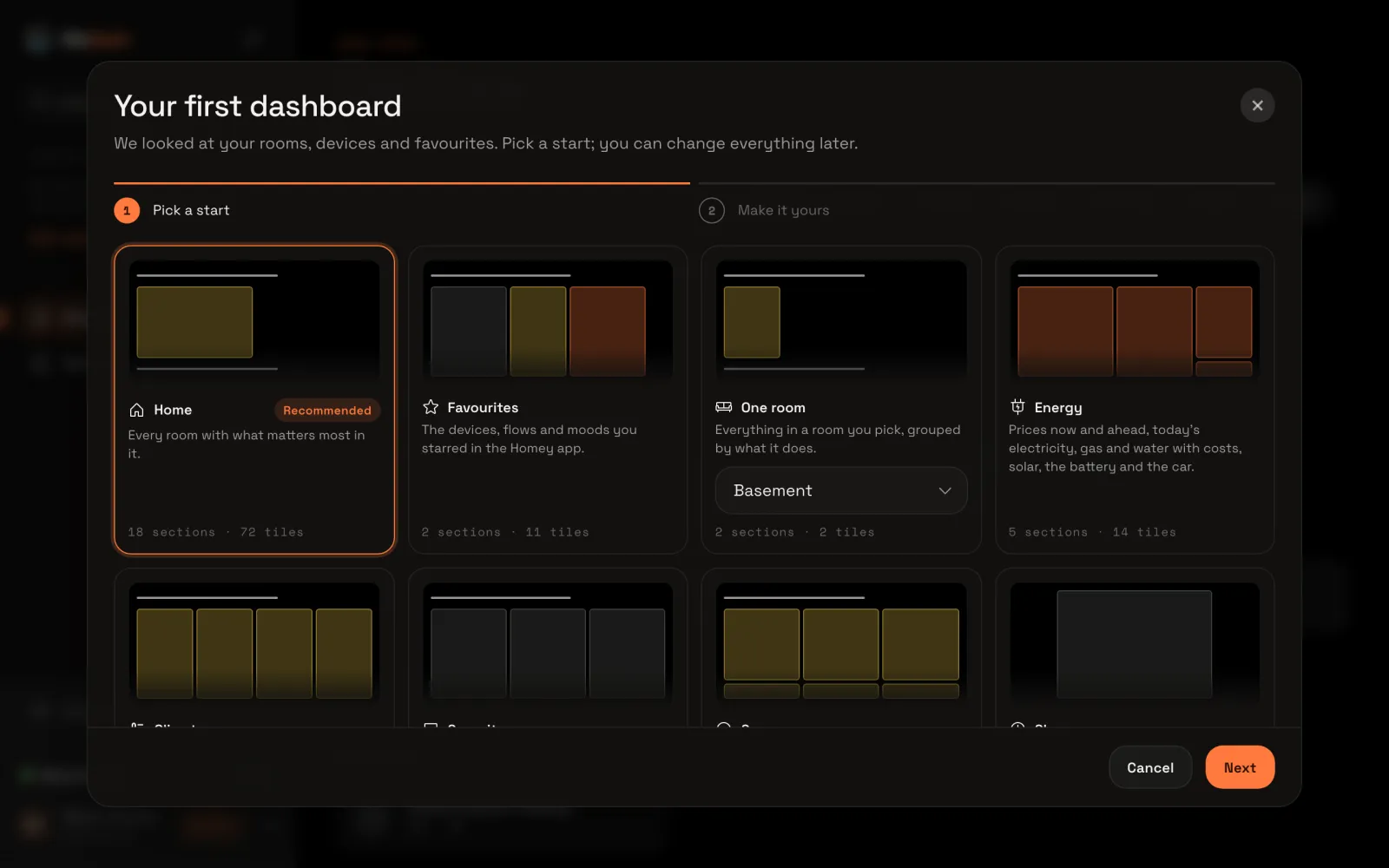
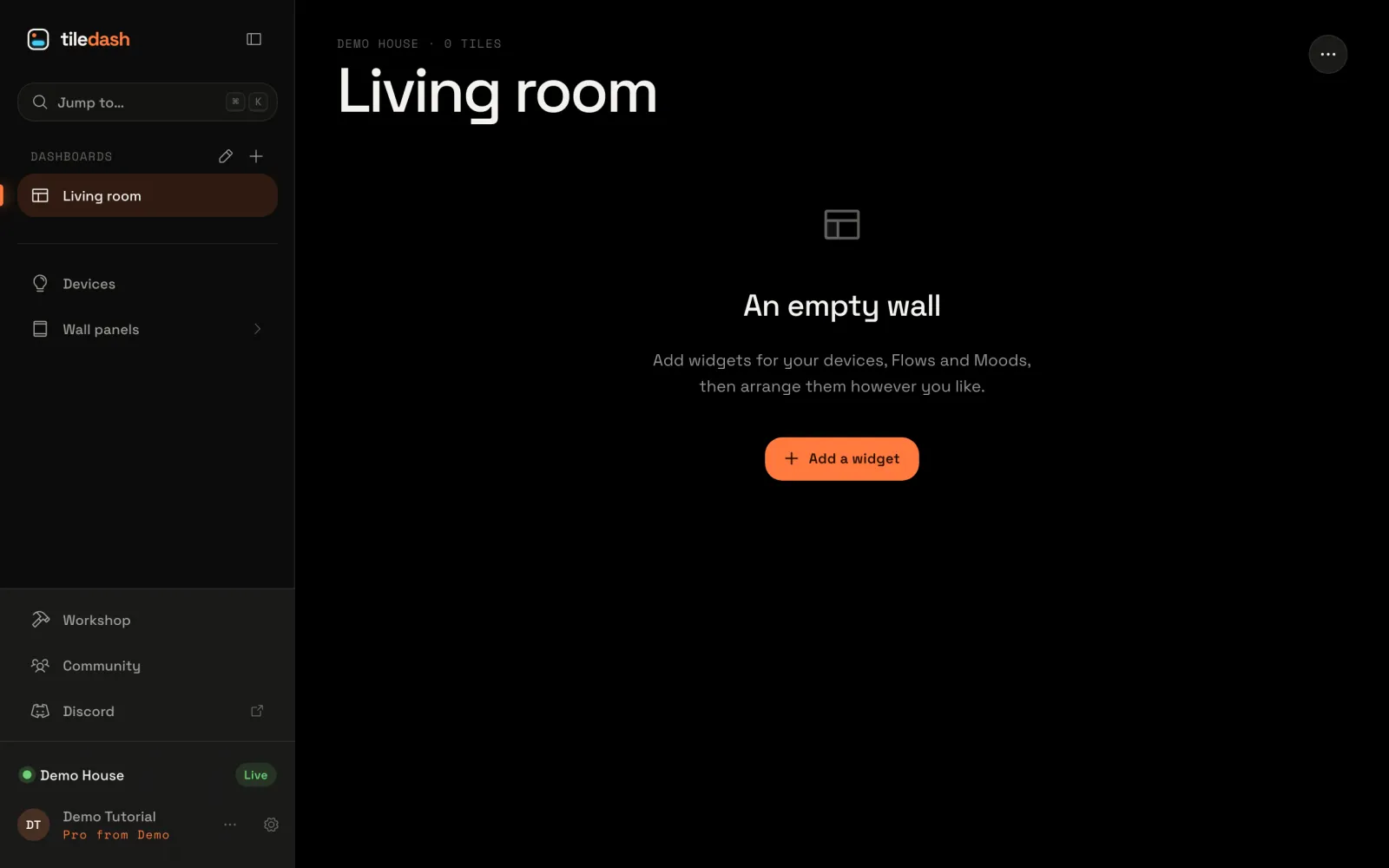
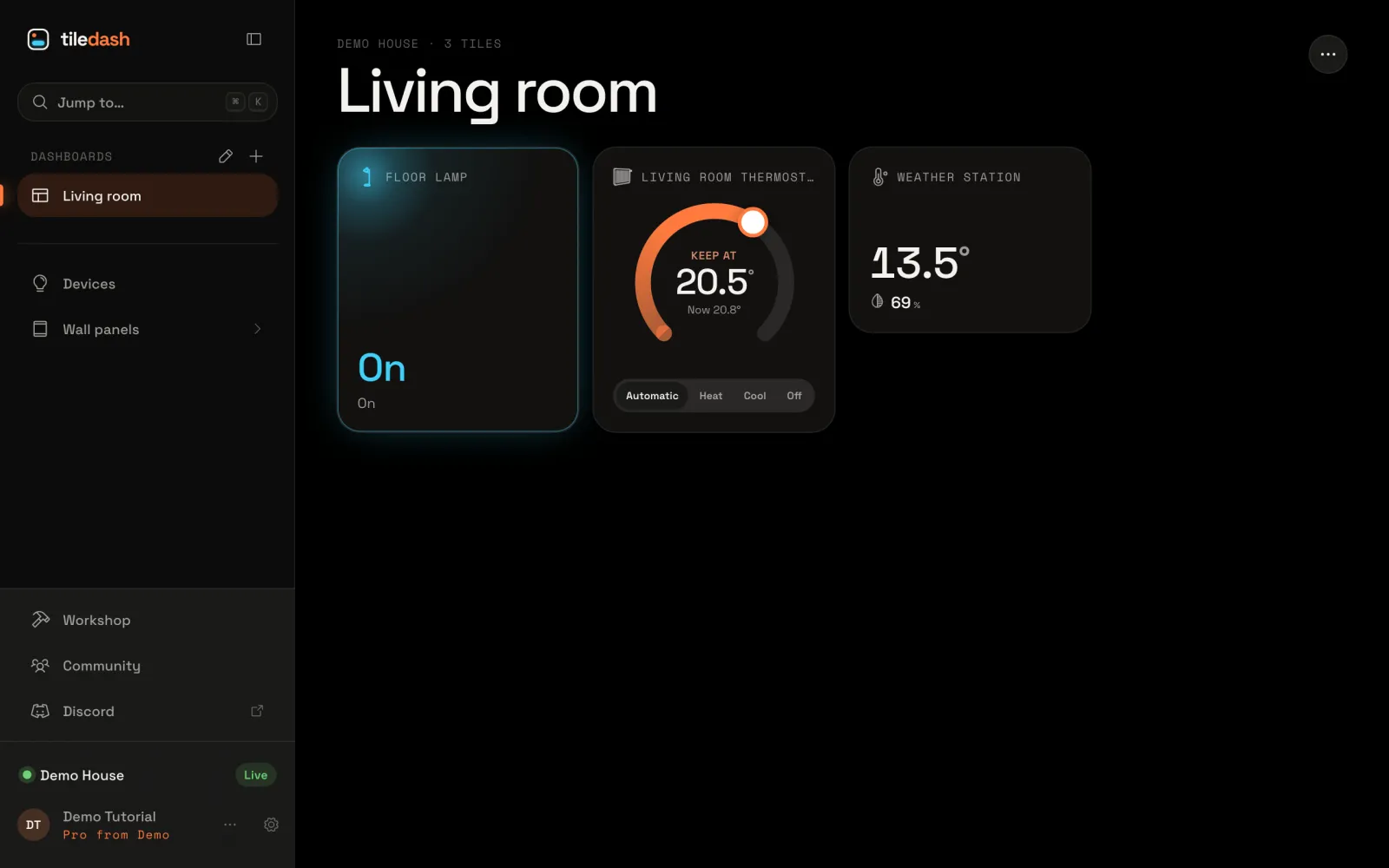
- All tutorialsShort walks through Tiledash, one step at a time, with a picture of each.
- From using to makingSix levels, from tapping tiles to making your own widgets. You never need the last two to have a great dashboard.
- Words in TiledashWhat the words in Tiledash mean, from a tile and a widget to Flows, Moods, summaries and partials.
- Your account and privacyWhat Tiledash can reach on your Homey, how live values travel, what it stores, backups, leaving, and the plan limits.
- Your settingsYour settings: your Homeys, language and region, pictures, calendars, your PIN and Discord.


