Docs

Sharing and household

Let your household in, share with guests, and keep an action behind a PIN.
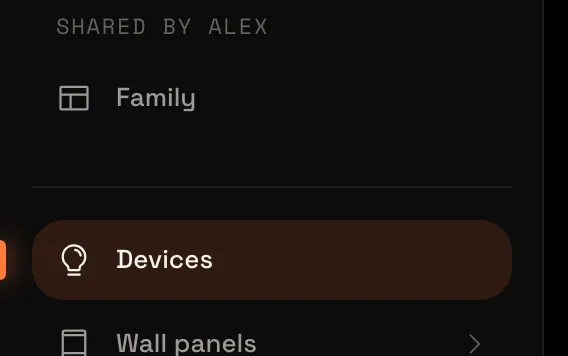
  1. Robin’s sidebar, with Family under Shared by AlexLet your household into your HomeySomeone else who uses your Homey asked to join. Let them in, choose which rooms they may see or switch, and share a dashboard with them.3 min8 steps
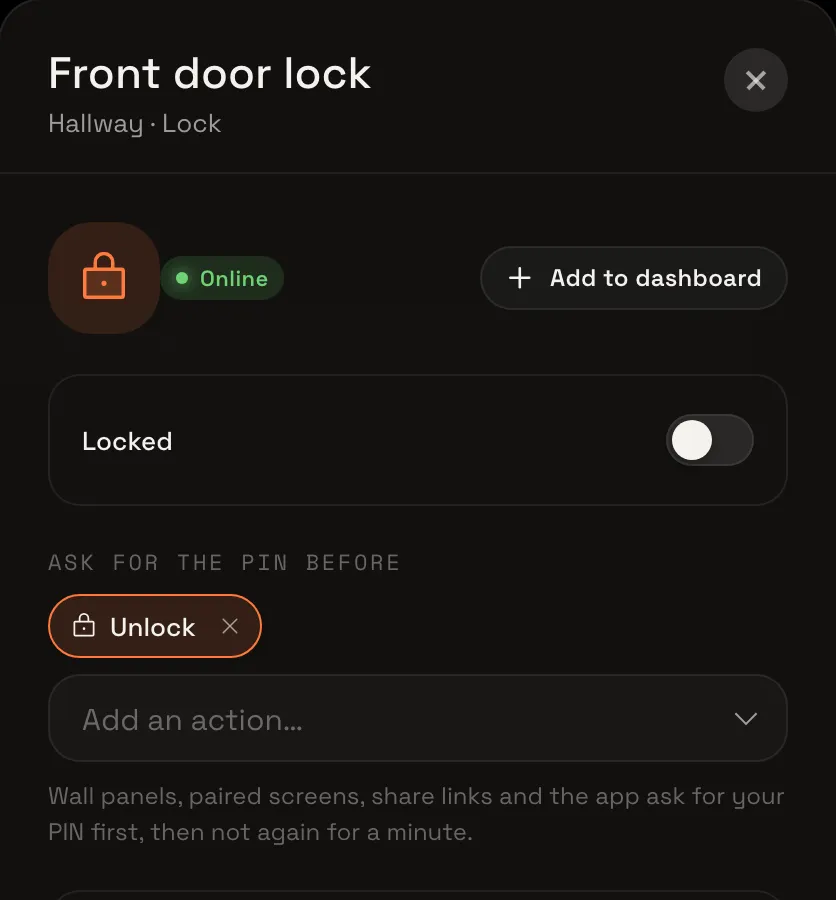
  2. The front door lock after unlocking, with Unlock listed under Ask for the PIN beforeProtect an action with a PINSet your PIN, choose which device action asks for it, and try unlocking your front door.5 min6 steps
  3. Share your Homey with your householdLet the others who use your Homey into Tiledash with accounts of their own, and choose which rooms and devices each may see and switch.
  4. Share links and paired screensShare a dashboard with a link, or pair a tablet to a wall panel with a six-character code, without handing out your login.