Docs

Your house and energy

Your floor plan and its furniture, energy prices and meters, and your house in 3D on the Energy house.

  1. Draw your floor planDraw your house level by level, trace it over a picture of a plan, give it colours, line things up and show it on your dashboards.
  2. Furnish your floor planFurnish your floor plan from the kits, give pieces their colours and finishes, and use 3D models of your own.
  3. Devices and actions on the planPlace your devices on your floor plan, give rooms their devices, moods and flows, and give every object an action.
  4. Pictures of your floor planTurn a level of your floor plan into a picture, true to life or painted, by day and in the evening.
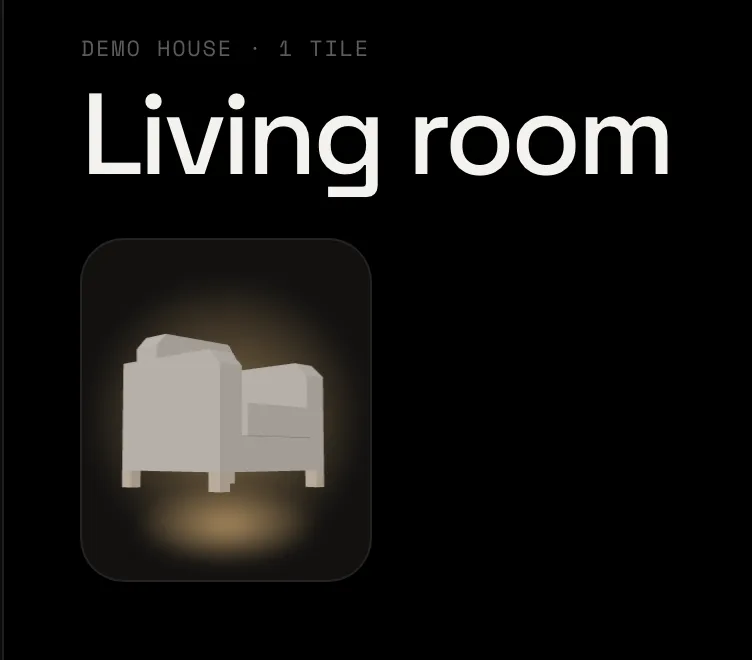
  5. The Living room dashboard with the armchair on its tile, glowing in the lamp’s lightShow a 3D model on a tileAn armchair on your dashboard, turned the way you like in 3D, glowing while the sofa lamp is on.3 min7 steps
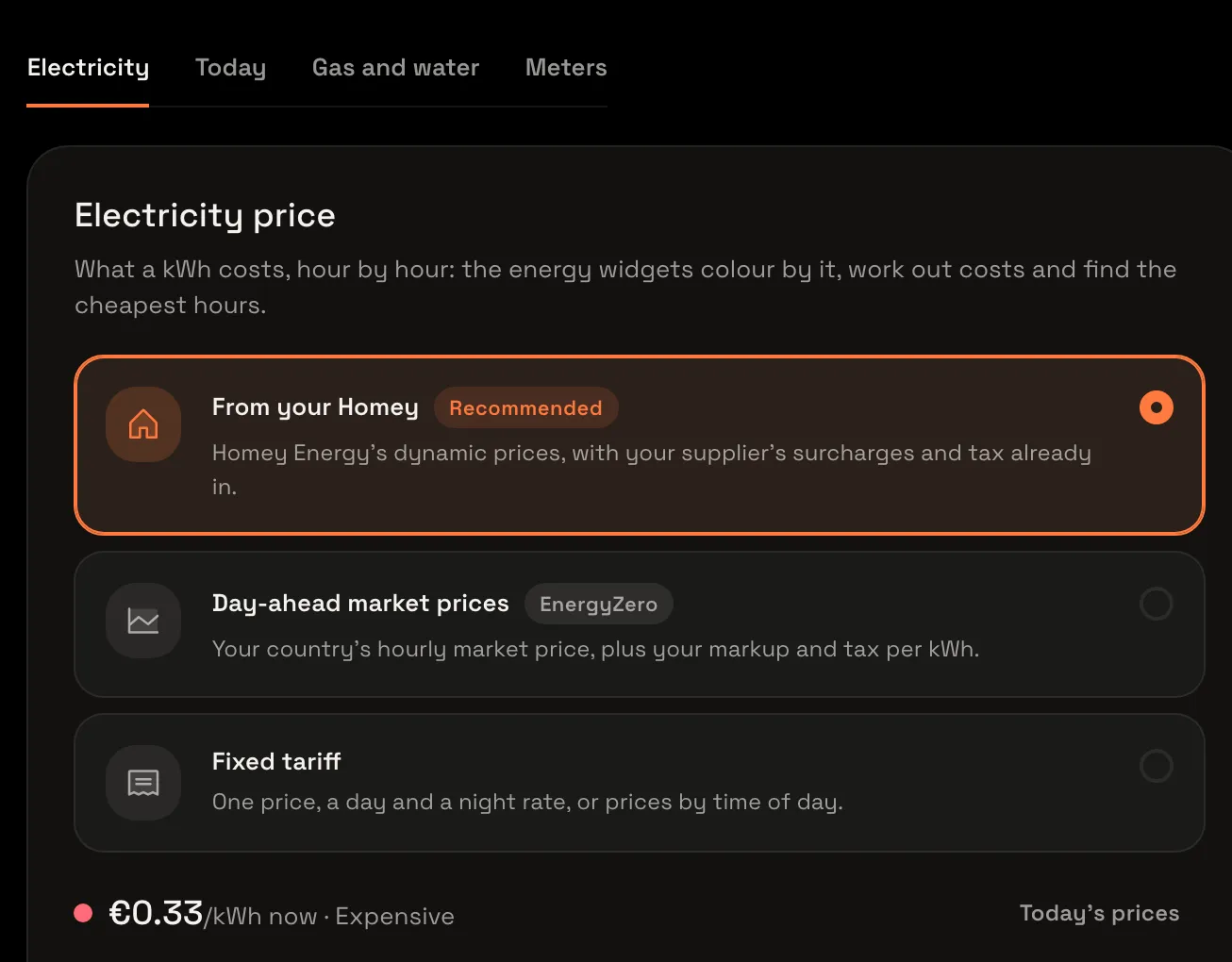
  6. The Electricity tab with From your Homey chosen and the price of a kWh now under itSet up your energy prices and metersCheck where your electricity price comes from, see today’s prices, add gas and water prices, and check the meters the energy widgets count.3 min6 steps
  7. Energy and pricesSet what a kWh, gas and water cost and which meters the energy widgets count, so they can show what today cost, the top users and the cheapest hours ahead.
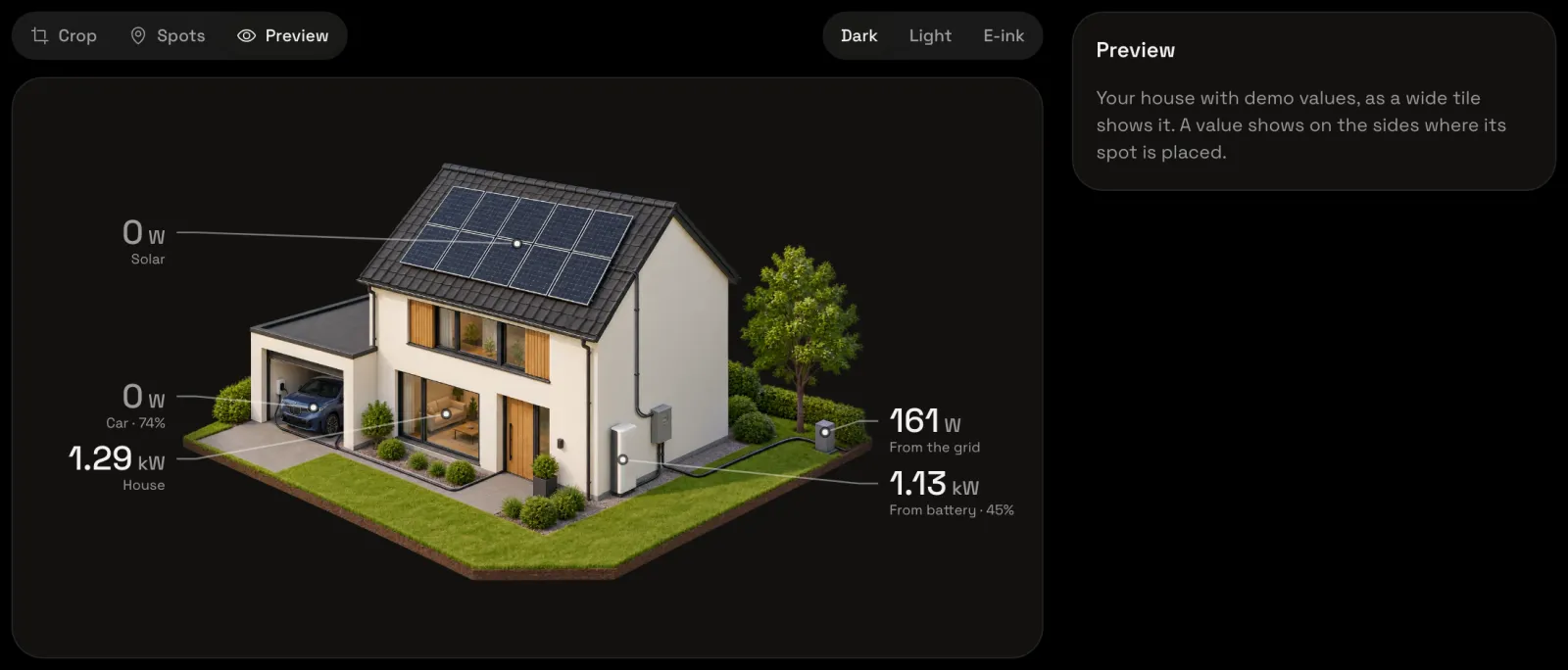
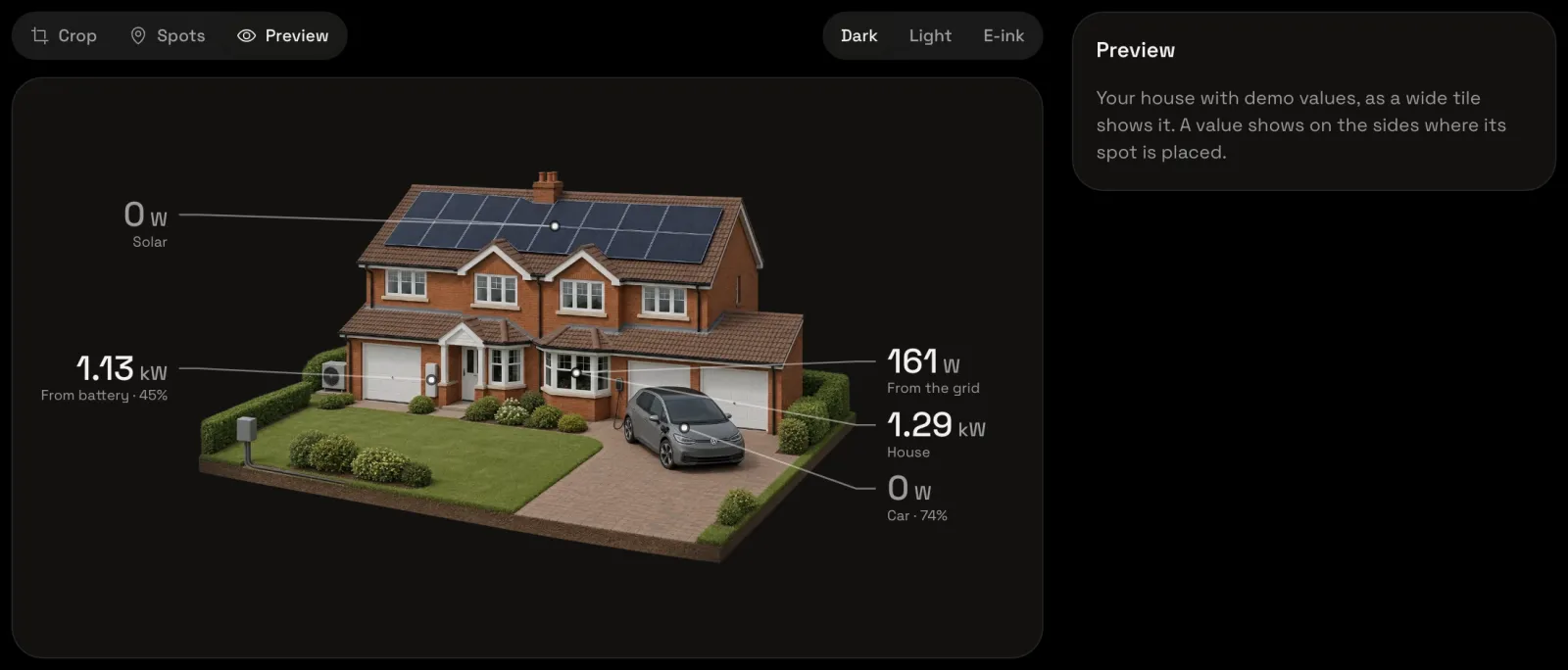
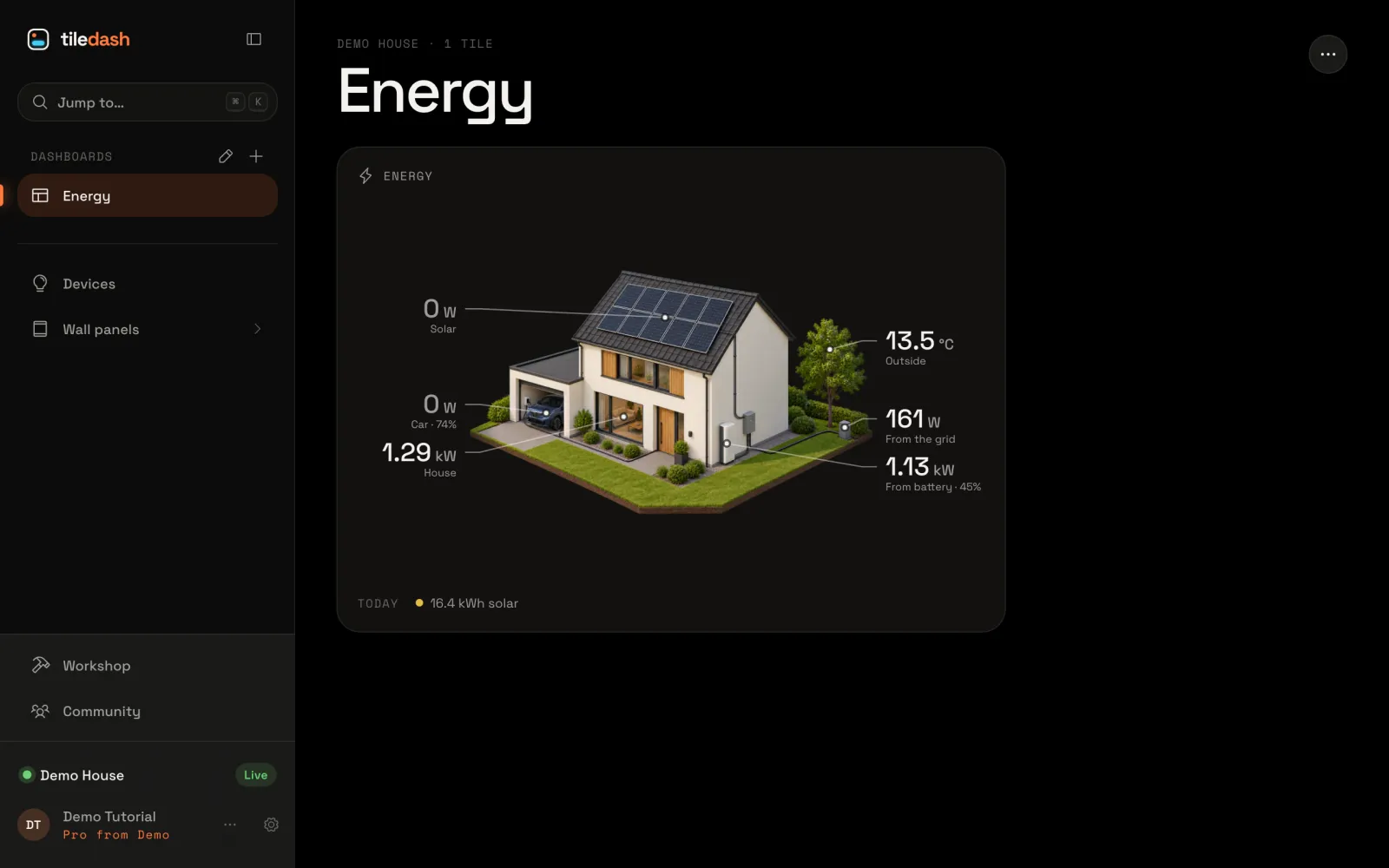
  8. The house editor’s preview, with the detached house showing solar, car, house use, grid and battery valuesStart your house in 3D from a Tiledash housePick one of Tiledash’s ready-made 3D houses, with its solar, battery, car and the rest already marked, and see how your energy shows on it.3 min6 steps
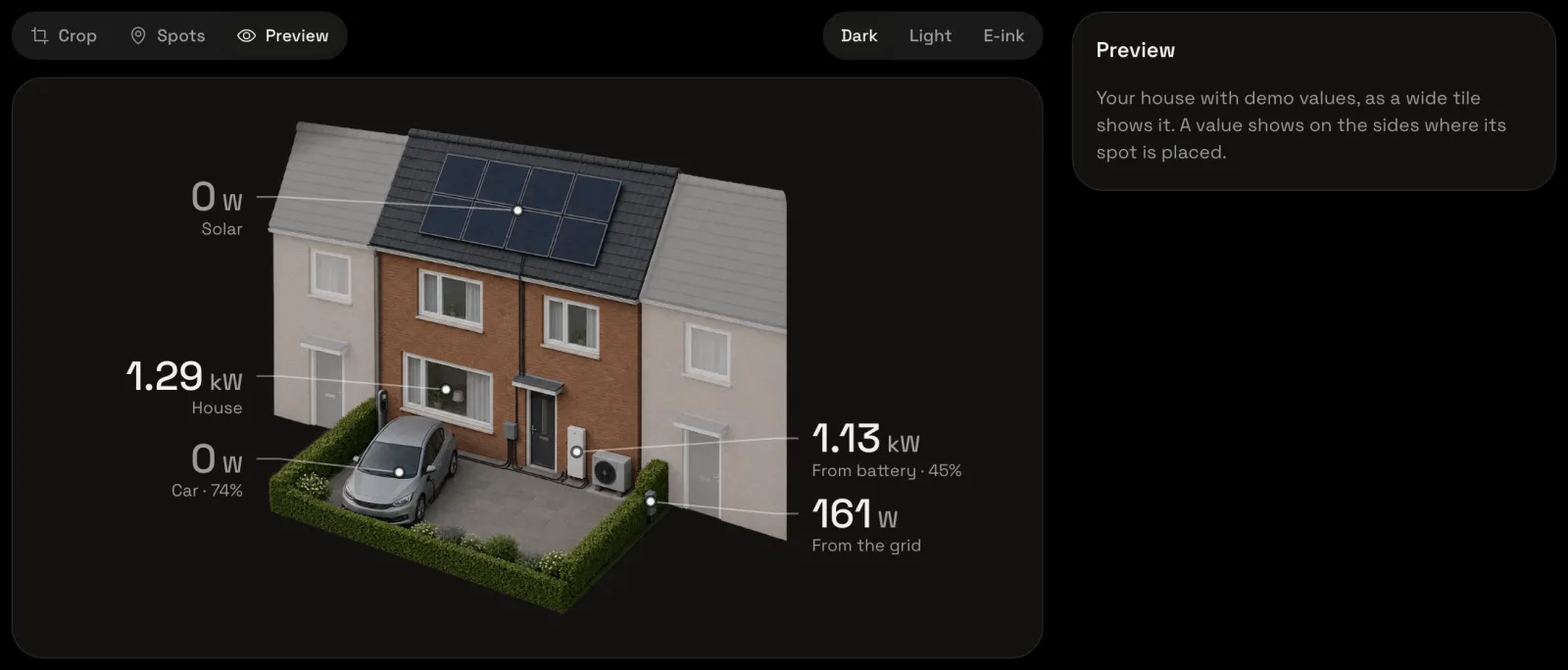
  9. The house editor’s preview of the picture Tiledash made, with solar, house use, car, battery and grid valuesTurn a photo of your house into a 3D pictureUpload a photo of your house, answer a few questions, and let Tiledash make a 3D picture of it with its solar, battery, car and the rest already marked.5 min7 steps
  10. The house editor’s preview of your own picture, with its solar, house use, car, battery and gridUpload your own house picture and place its spotsUpload a 3D picture of your house you already have, crop it to the house, and mark where your solar, battery, car and the rest are, one tap each.5 min6 steps
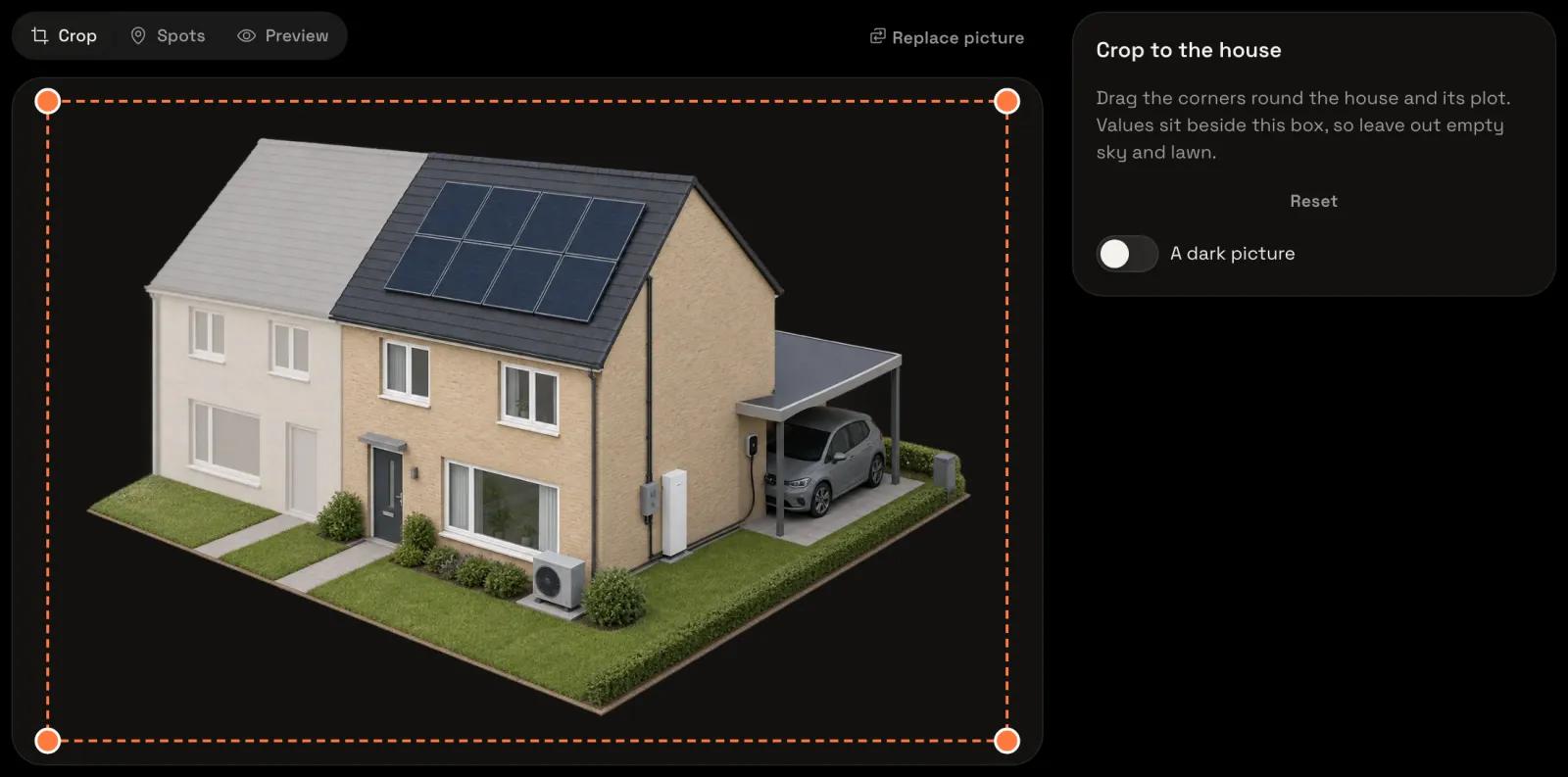
  11. The house editor with the uploaded picture, ready to cropMake a picture of your house in your own chatLet Tiledash write the prompt for a picture of your house, make it in ChatGPT or Gemini, and upload what it makes.5 min6 steps
  12. The Energy dashboard with your house, its solar, car, house use, grid and battery, and Outside by the treeShow your house on a dashboardPut your 3D house on a dashboard with the Energy house widget, choose which house it shows, and give its garden the temperature outside.4 min5 steps
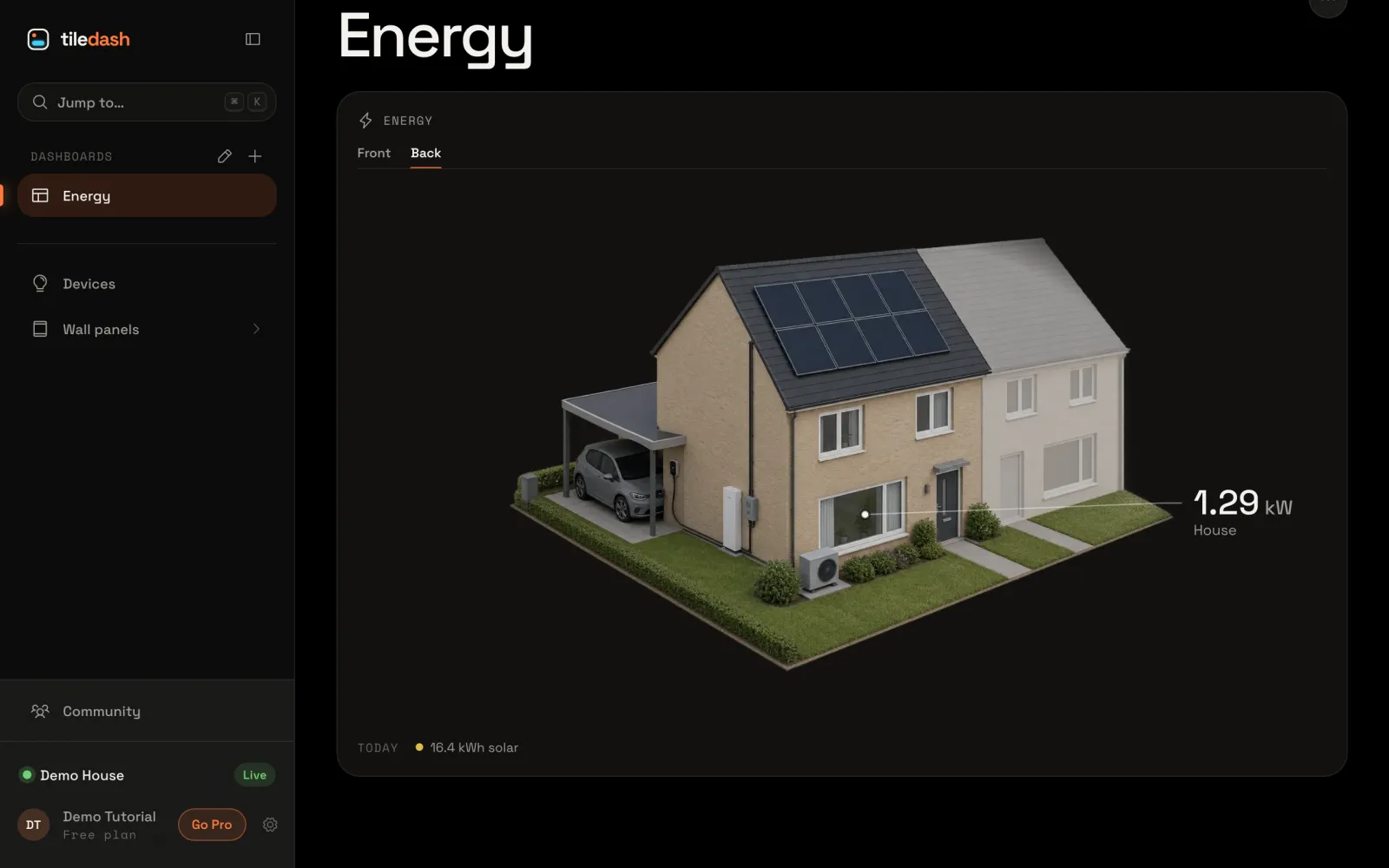
  13. The Energy house tile with Front and Back tabs, showing the back of the houseShow the front and back of your houseGive your house a second side with its own picture and spots, and move between the sides on the Energy house tile with tabs.4 min5 steps
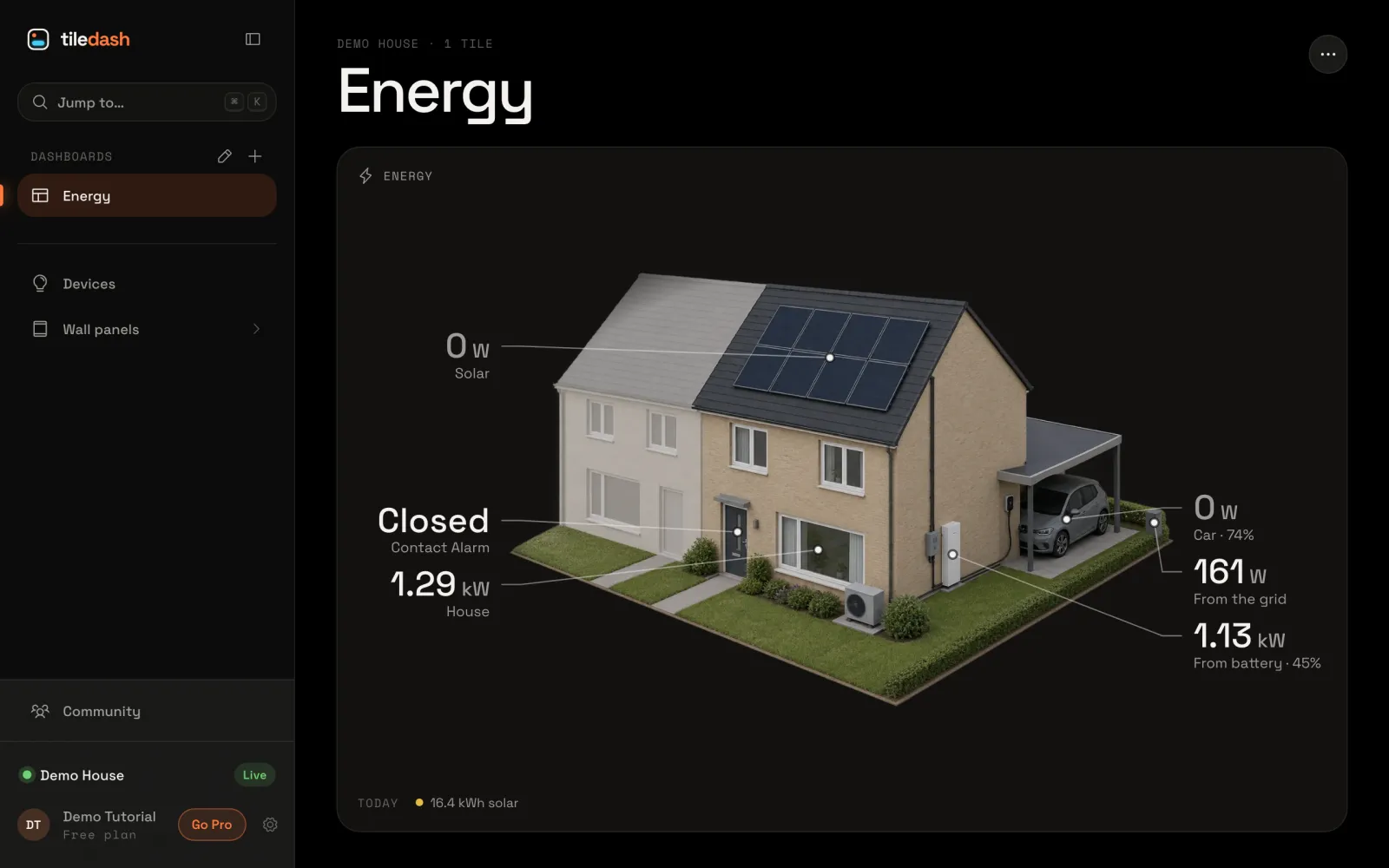
  14. The Energy house tile with Closed pointed at the house’s front doorGive your own spot a valueAdd a spot of your own to your house’s picture, such as the front door, and show a sensor’s reading there on the Energy house tile.4 min2 steps