Docs

Your AI

Connect the assistant you already use, and let it build dashboards, widgets, themes and furniture.
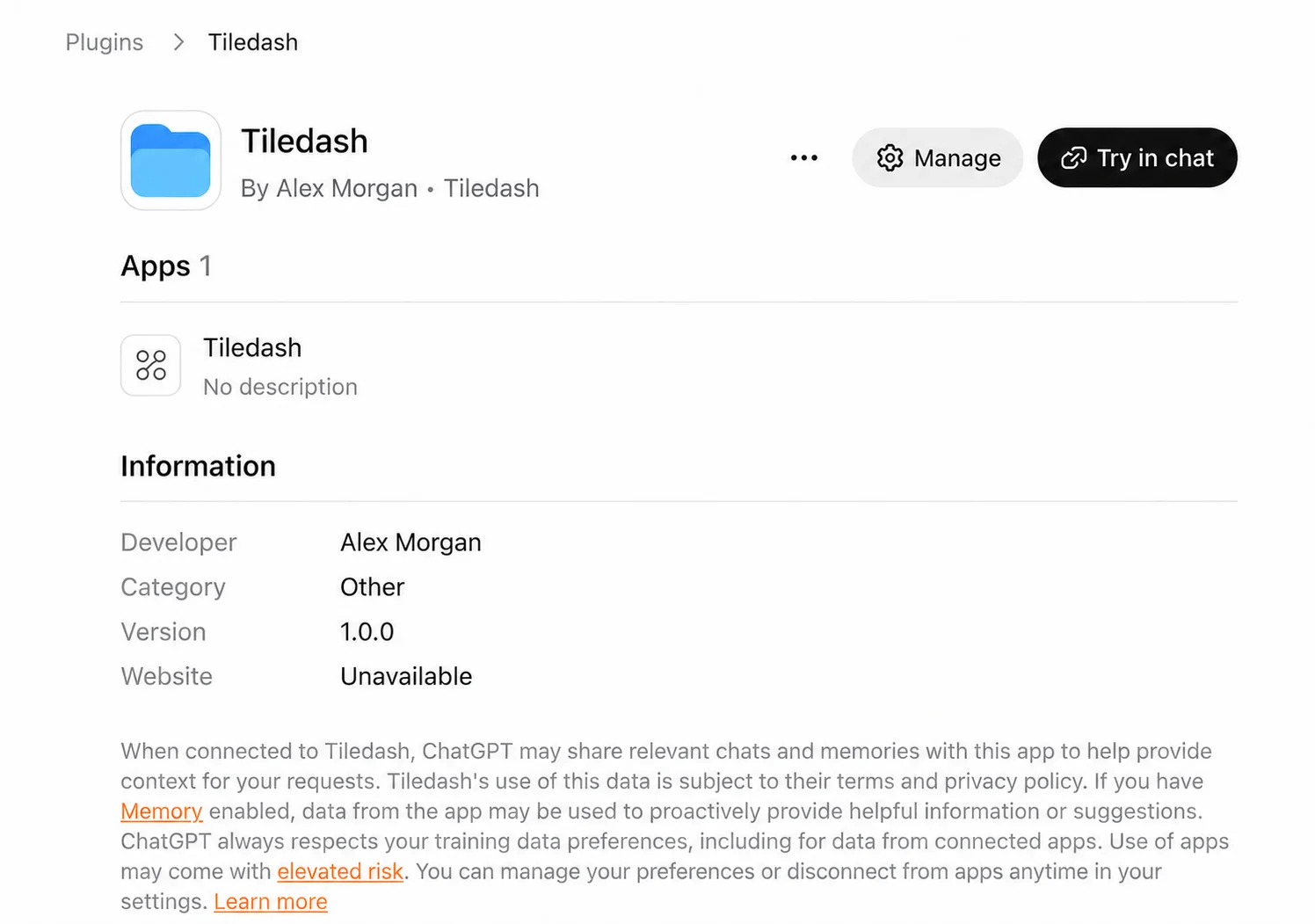
  1. Tiledash installed in ChatGPT, with Try in chat availableConnect Tiledash to your AIAdd Tiledash’s MCP server to your assistant, sign in, and review the access before connecting.5 min4 steps
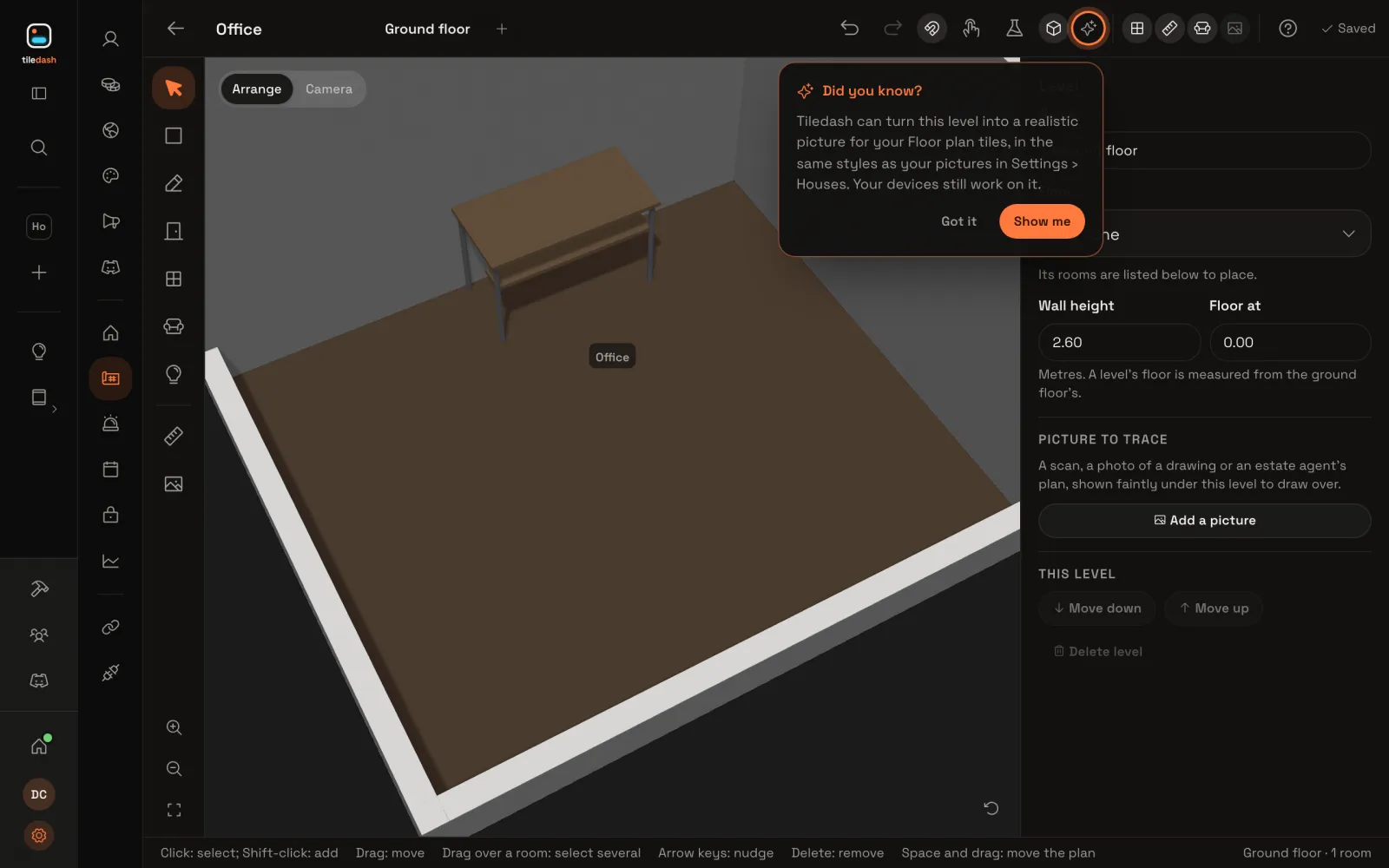
  2. The studio desk in an office, shown in 3DBuild a model with your AIDescribe a desk, refine it in a live preview, and place your new furniture in a floor plan.10 min7 steps
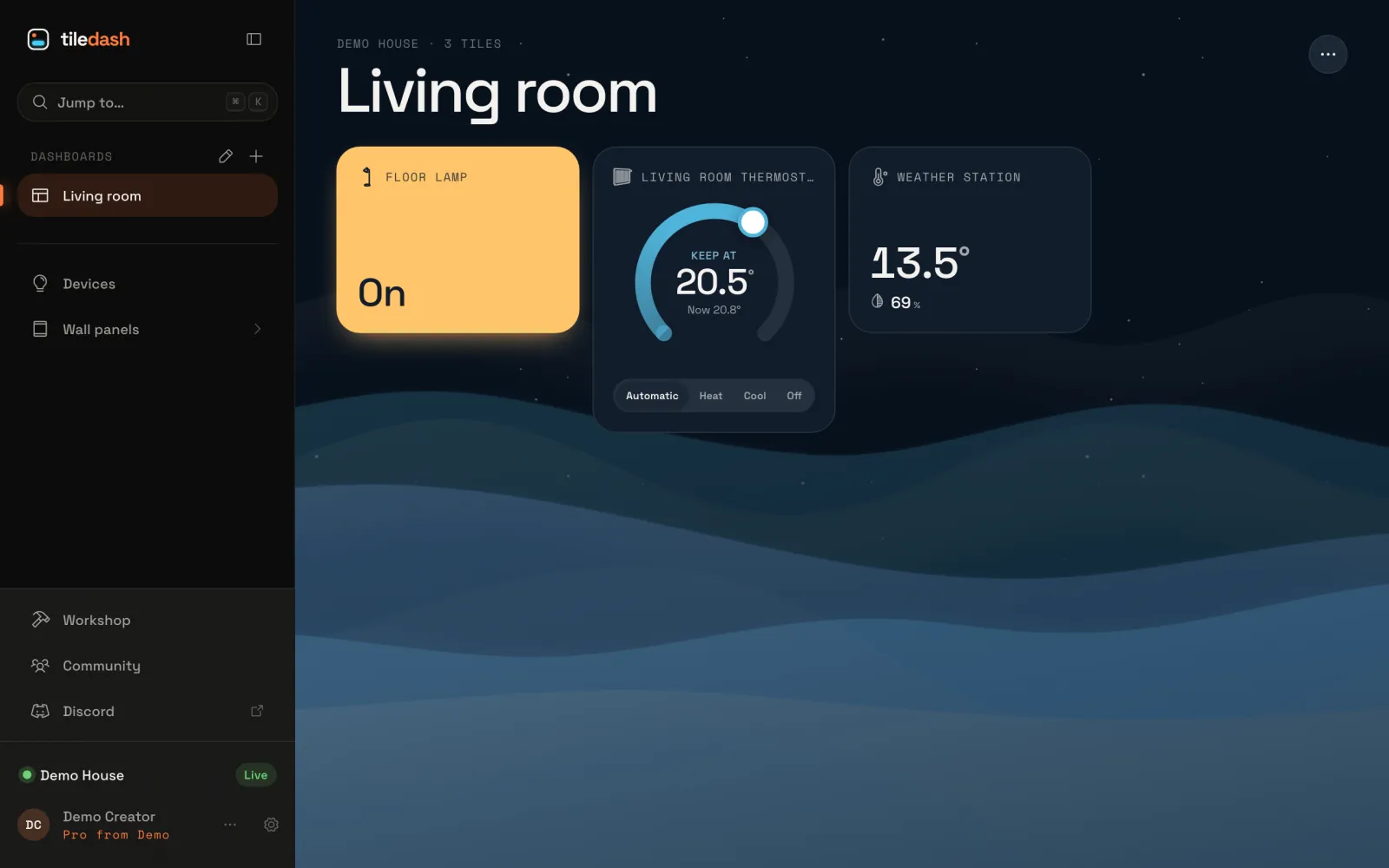
  3. The Living room dashboard in Harbour night, deep blue with waves behind its tiles and the lamp’s tile filled warm yellowMake a theme with your AIDescribe a theme, watch it in a live preview, ask for a change, see each save in History, and put it on a dashboard.5 min5 steps
  4. Connect your AI assistantConnect Claude, ChatGPT, Copilot, Cursor or Claude Code to Tiledash over MCP, and see what the assistant can reach.
  5. What your AI can buildWhat your AI assistant builds in Tiledash: dashboards, widgets, partials, furniture and themes, and things to ask for.

  6. Connected under AI assistants, saying no assistant is connected yetDisconnect an AI assistantTake an AI assistant’s access to your Tiledash away, so its key and preview links stop at once.2 min4 steps