Look and feel
Themes, wallpapers and a theme of your own.
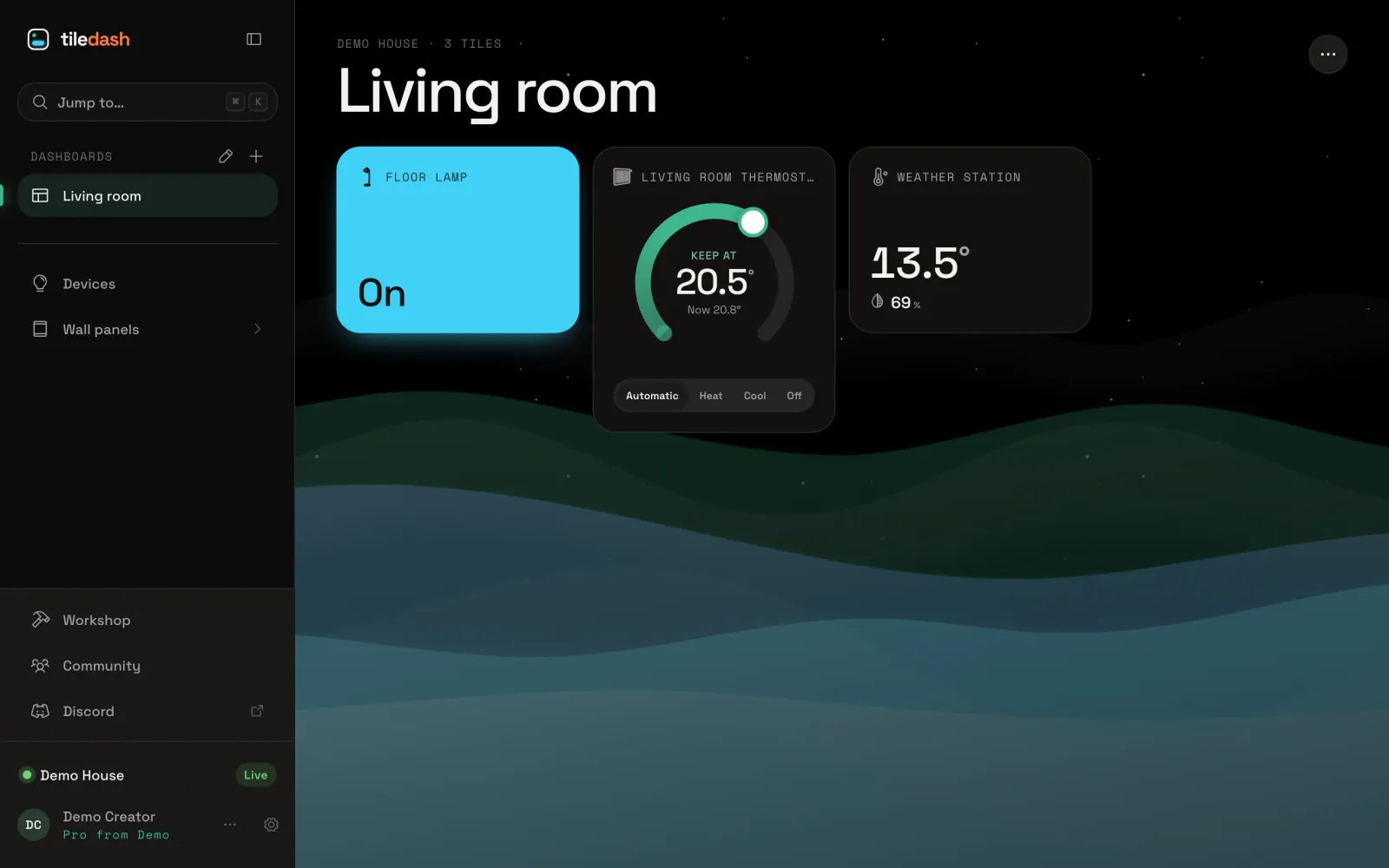
- Themes and stylingChoose from more than twenty built-in themes per screen or per dashboard, restyle a single tile, save looks as presets, and make your own themes and fonts on Pro.
- WallpapersPut a picture of your own, or a living scene with the weather, behind a dashboard’s tiles.
- Make your own themeMake a theme of your own in the theme editor: start from a built-in one, set five key colours, pair light and dark, and save it.
- Theme coloursEvery colour in the theme editor and what it paints, gradients and glows, the background, the "on" look and chart colours.
- Shape, type and motionThe theme editor’s sidebar, shape, icons, depth, type and motion settings, and what each one changes.
- Your own CSS in a themeAdd CSS of your own to a theme, what it can and cannot reach, and what the built-in themes do with theirs.
